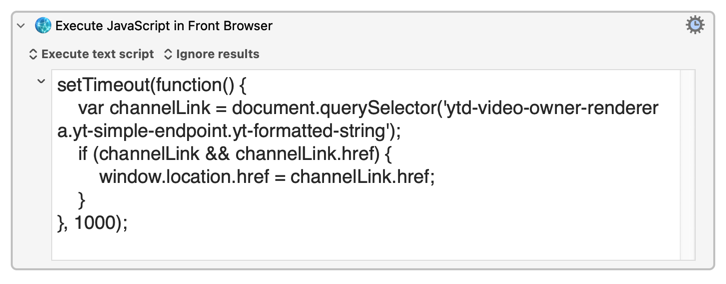
Could someone please give me a run-down of how to properly use JavaScript in Keyboard Maestro to click a button (or any clickable element) in Google Chrome?
Here’s what I currently do:
-
I open Developer Tools → Elements in Chrome.
-
I hover over the button I want to click, then inspect it to get the code.
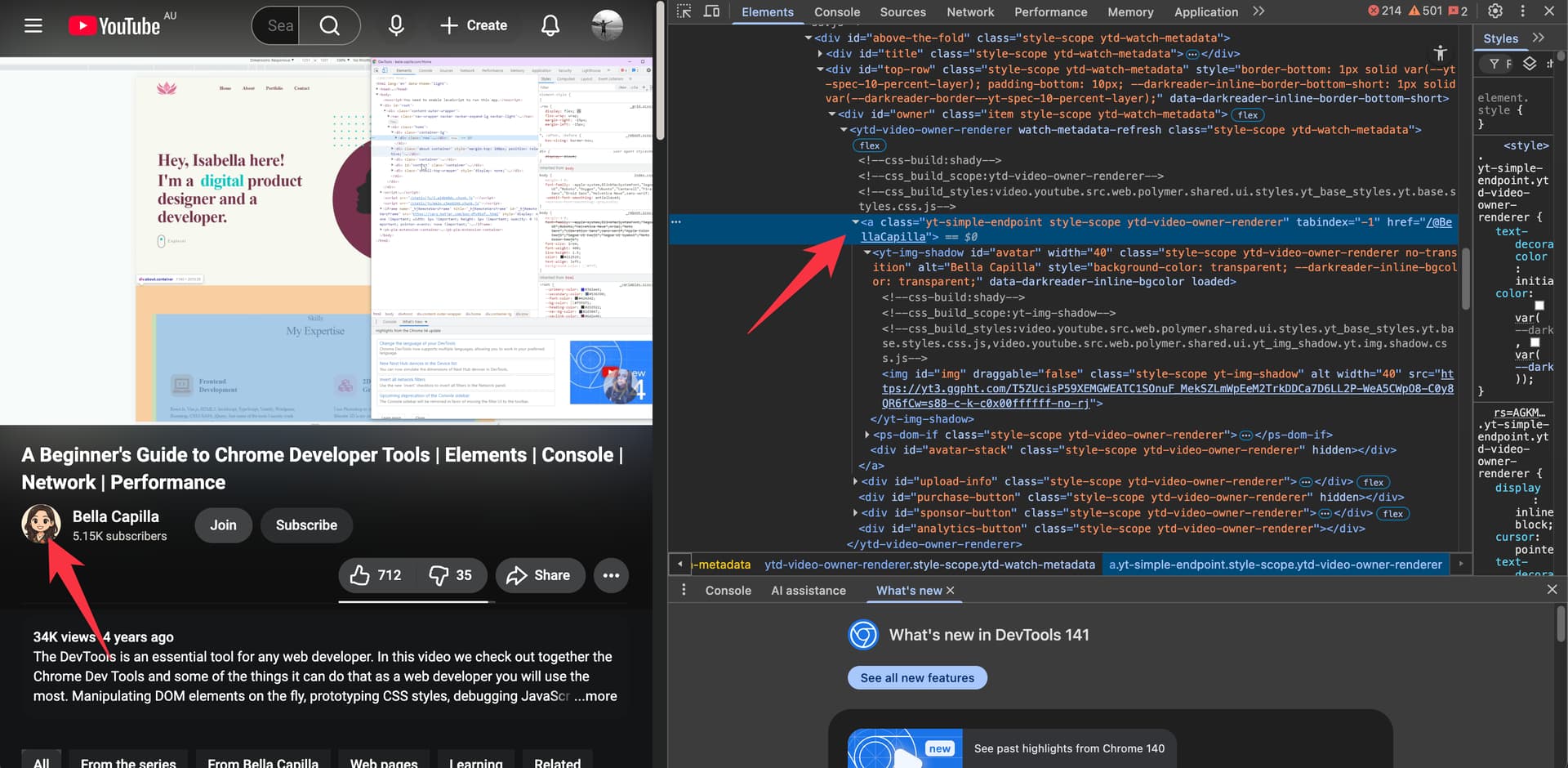
Site: https://www.youtube.com/watch?v=y0ue4ZZlZwg
The element of the YouTube channel icon:
<a class="yt-simple-endpoint style-scope ytd-video-owner-renderer" tabindex="-1" href="/@BellaCapilla"><yt-img-shadow id="avatar" width="40" class="style-scope ytd-video-owner-renderer no-transition" alt="Bella Capilla" style="background-color: transparent; --darkreader-inline-bgcolor: transparent;" data-darkreader-inline-bgcolor="" loaded=""><!--css-build:shady--><!--css_build_scope:yt-img-shadow--><!--css_build_styles:video.youtube.src.web.polymer.shared.ui.styles.yt_base_styles.yt.base.styles.css.js,video.youtube.src.web.polymer.shared.ui.yt_img_shadow.yt.img.shadow.css.js--><img id="img" draggable="false" class="style-scope yt-img-shadow" alt="" width="40" src="https://yt3.ggpht.com/T5ZUcisP59XEMGWEATC1SOnuF_MekSZLmWpEeM2TrkDDCa7D6LL2P-WeA5CWpO8-C0y8QR6fCw=s88-c-k-c0x00ffffff-no-rj"></yt-img-shadow><ps-dom-if class="style-scope ytd-video-owner-renderer"><template is="dom-if"></template></ps-dom-if><div id="avatar-stack" class="style-scope ytd-video-owner-renderer" hidden=""></div></a>
- I look for an ID or class in the HTML.
- Then I try something like this in KM using the “Execute JavaScript in in Front Browser” action:
document.querySelector('id/class').click();
(I replace id/class with what I saw in the code.)
For example, I tried doing this with the YouTube channel icon below a video — I inspected the icon, got its class, and used:
document.querySelector('yt-simple-endpoint style-scope ytd-video-owner-renderer').click();

…but nothing happened.