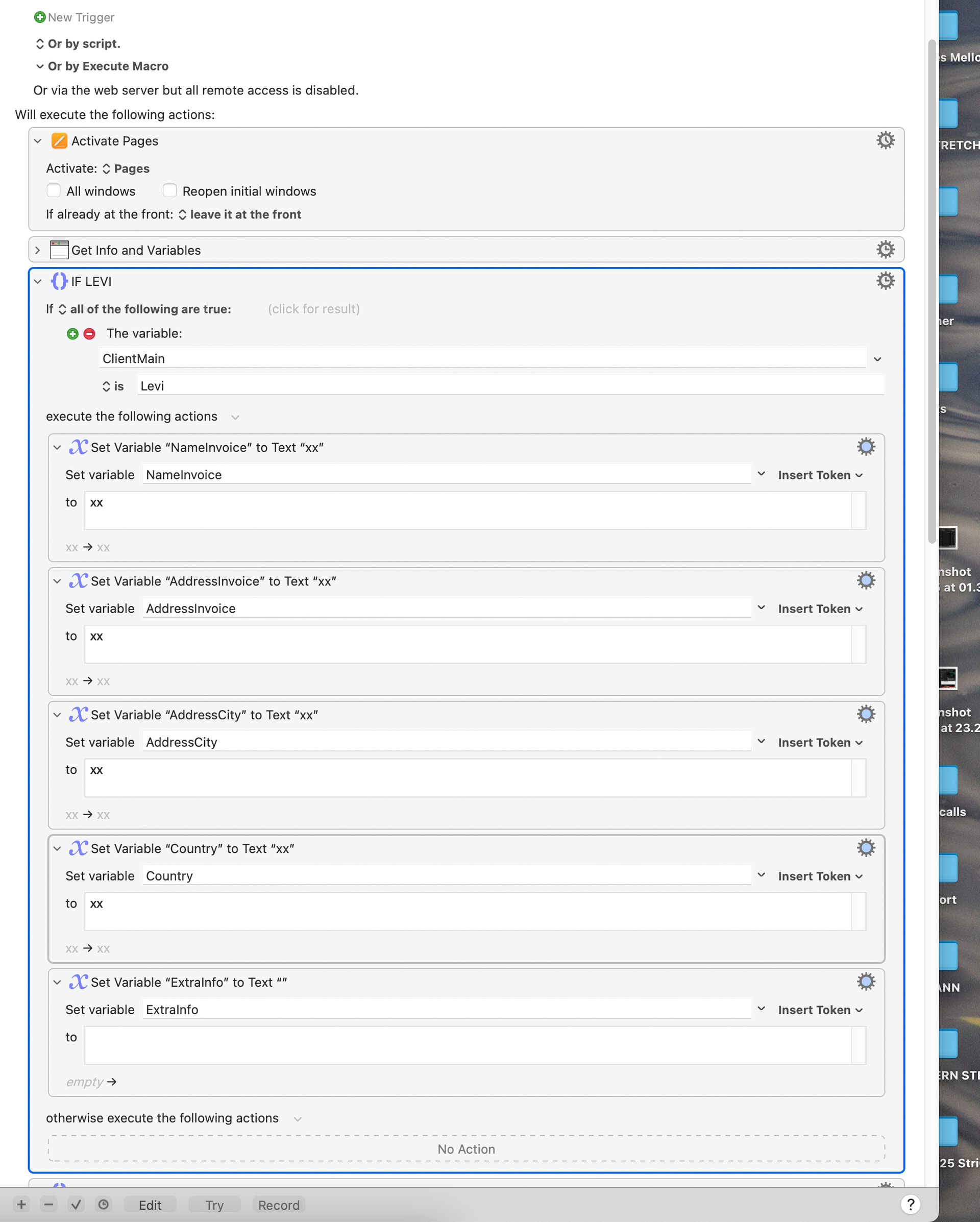
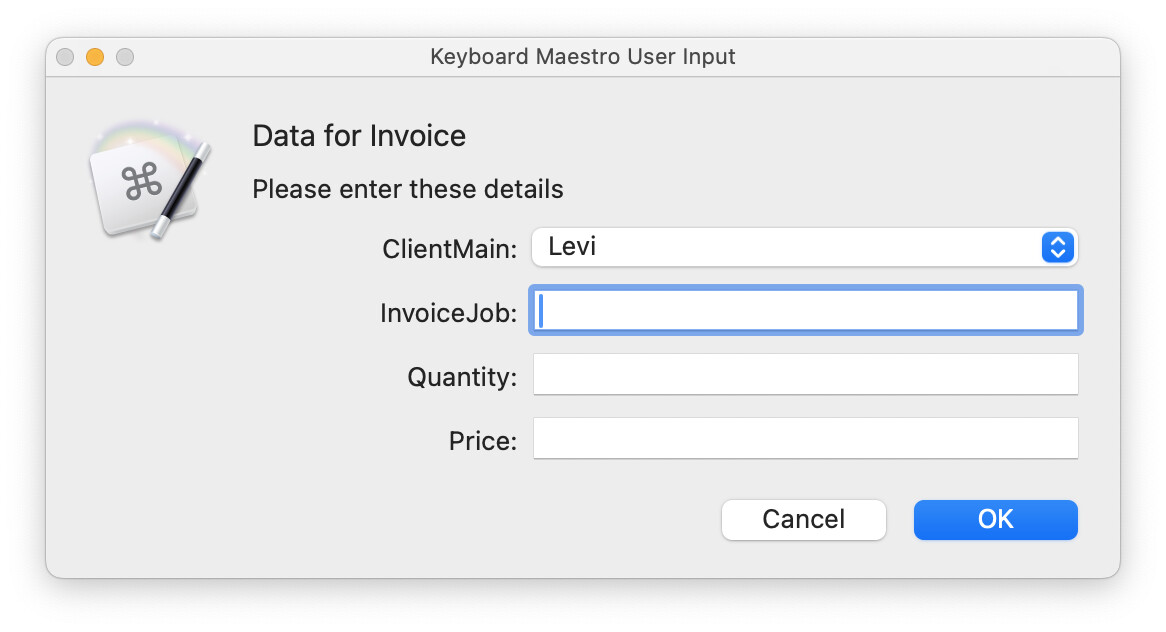
I have made a macro that fills in my invoices in Pages.
It prompts me with user input and has some if loops for clients included into the macro so I don’t have to fill in address info multiple times.
Essentially it just is a find&replace macro for my template in Pages with a lot of variables.
However, this system is pretty inflexible when invoicing for new clients. I’m wondering if there’s a smarter way to do the same thing or log different clients/ create a basic database outside of the macro. Anyone got any ideas? Attached two screenshots for background.
Would love to hear any ideas!
(I have replaced the address for obvious reasons, but this should make the system more clear; the rest of the macro is essentially based around find&replace and pasting in the variables).
I am not completely clear what you are asking so I hope the following applies.
One idea is to create a text file where each line is a client’s information in a set order with each field separated by a delimiter.
When you start your macro you can open the file, search the client name and pull the info. Each line will be an array which is parsed by the chosen delimiter.
When you want to add a new client (i.e., search does not find the client) then you can enter the fields which would then get appended as a new line in the file, with all fields in the required order.
Would that help, is that what you are looking for?
Hey Joel,
Thanks for thinking along!
Yeah that sounds great. Then I can just create one if loop that detects that if the client is not found, I can enter the fields. Is there an easy way to then set variables from the text file if every info point (name, address line one, address line two and country) needs to be a separate variable in the final macro?
Thanks so much!
I don't think that you need a loop in that a macro could be built that prompts you for the name so that you could i) enter the desired name by typing ii) use the arrows to scroll for the name and, if not found (or you know that it is not there, press ⌘+ENTER to add a new person / entry.
I am still at work -- 8:00 PM local time -- so no way to work on tonight but I can / will build a framework fro you over the weekend (though it is entirely possible someone else here will beat me to it).
I am not a Pages user so will have to leave the specifics of moving data into Pages to others (though it appears you know how to do this based on your OP) BUT what I can do is show you an easy way to maintain and manipulate data.
I built the below macro to illustrated how to:
Search a text file for client information
Retrieve client information should that client be in the text file
Add client information should client information not be in the text file
I note -- in case you are not familiar the Prompt With List action -- that a client can be found by either typing the name in the search bar or using the arrows to move up and down further noting (information on the Prompt with List action and how it works can be found here):
Press ⌥ + ENTER at the same time to Add a new client
Press ⌘ + ENTER at the same time to Retrieve a client information
NOTE 1: I built the macro using an array where the delimiter is /n but you can use whatever you wish. If you are not familiar with this you can read about it here.
NOTE 2: I built the macro to work with a variable instead of a file to demonstrate its operation. If the approach works for you, send me the full file path to the text file of client information and I will modify it to work with your actual file. I hope this is helpful.
NOTE 3: I built the macro using sample fields of address, client # and name but you can add / use whatever fields you want or need. The concepts of using a text file, using an array, using Prompt With List, etc. remain unchanged.