Is there a quick way to detect a GIF? (It needs to be detected as I scroll through something)
Here is one example of what i want KM to detect:

Is there a quick way to detect a GIF? (It needs to be detected as I scroll through something)
Here is one example of what i want KM to detect:
"While scrolling through" is going to be tricky, because that means every pixel on the screen will be changing—so you couldn't just use two screenshots of the same area of the screen to compare.
What is the ultimate goal, that is, why do you need to detect the GIF? Maybe there's another way to tackle the problem.
-rob.
OK not feasible then!
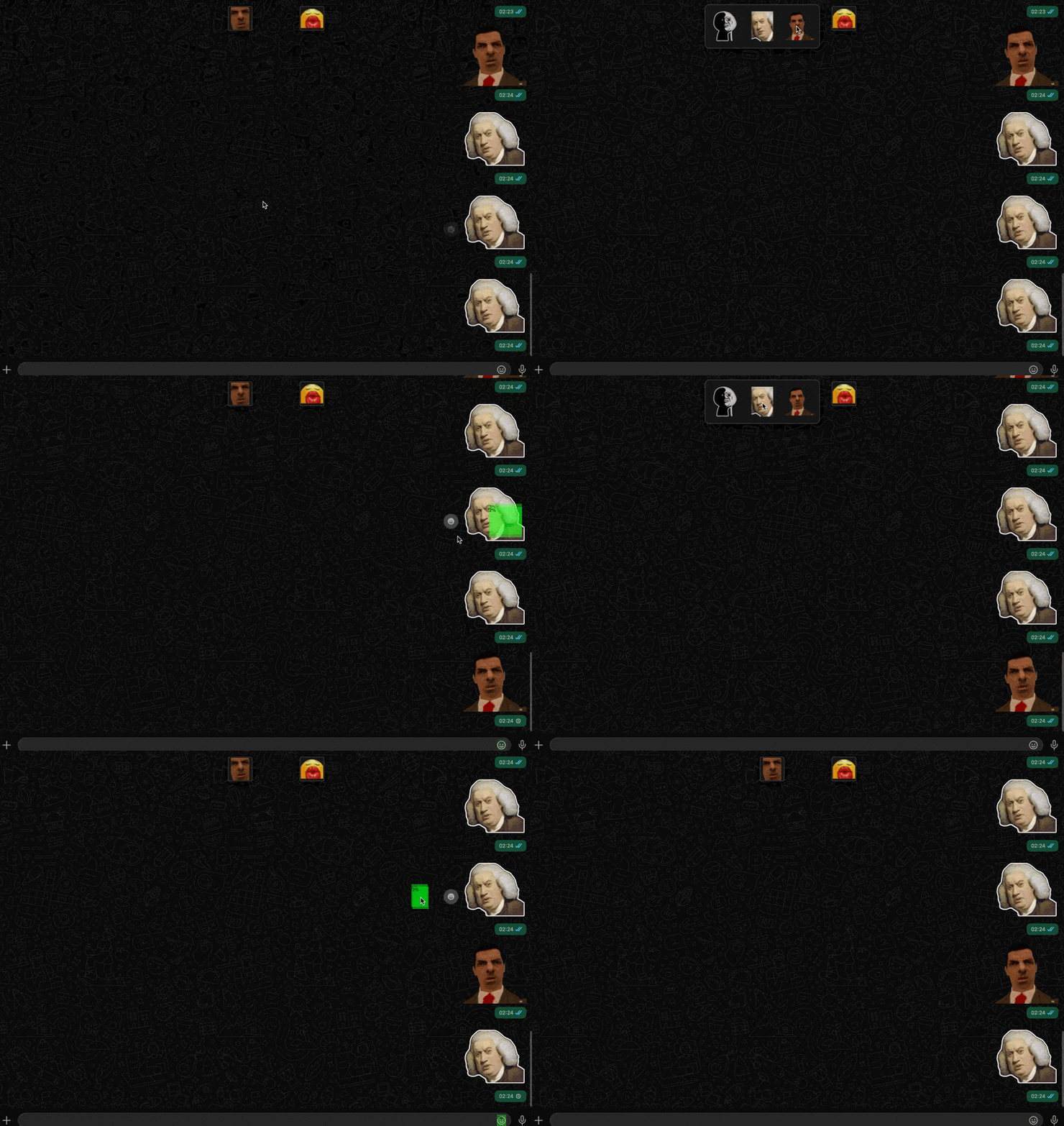
I need this for the whatsapp desktop app. I like to use “stickers”, some of them are static and some are GIF. There’s a whole lot of them and I want a way to quickly select a sticker. I made a macro that open up the sticker pack, then it will scroll through the entire pack until the sticker I want to use appears on the screen, then it will click on it. It works for static sticker but ofc it won’t work for GIF. I don’t really see any way around it haha...
Also, the position of each sticker shifts everytime I use a sticker. So I can’t just have it click on a specific spot in the sticker pad too
Since most GIFs have a static part and a dynamic part, including the one that you are showing above, it should be possible to carefully select the static part. I have actually done this myself and it worked perfectly.
I see two possible solutions in this case.
SOLUTION 1.
Use the top left 20 pixels or so where the white ear meets the black background. Note: if that GIF uses a transparent background behind the ears then you will need your desktop to be a solid colour (which it is!)
SOLUTION 2.
Since the GIF contains a blue bag with a white area above it, if you carefully select a box that includes both blue and white pixels, that should be very reliable. But in addition, since the border between the blue and white changes angle as the bag moves up/down, it may help the reliability if you search for two different images, one with a horizontal blue/white border and one with a diagonal.
The Find Image action is just so fast that you may not believe this approach will work, but I assure you I have done this reliably for many years. It just takes a lot of good judgement and skill (and sometimes a little luck if you have to capture the image while it is being animated) to capture the appropriate area.
Yes this works great for “cat eating chips” sticker! Also great for stickers that have at least some relatively static part(s).
I did this for stickers that are similar with one another, so that its differentiate better between them!
Yeah I didn’t even bother to try using the Find Image action before you said it actually works coz I thought no way that would work. Definitely takes a hell lots of trial and error! Spent hours on this already! Need to do a lot of adjusting with the fuzzyiness and the scrolling speed.
While it works for some GIFs, unfortunately I have a lot of stickers with mostly dynamic parts. And the only way I could think of is have it search for multiple images and use the “if any of the following are true” condition, but so far it still didn’t work. Here’s a few examples of such stickers:
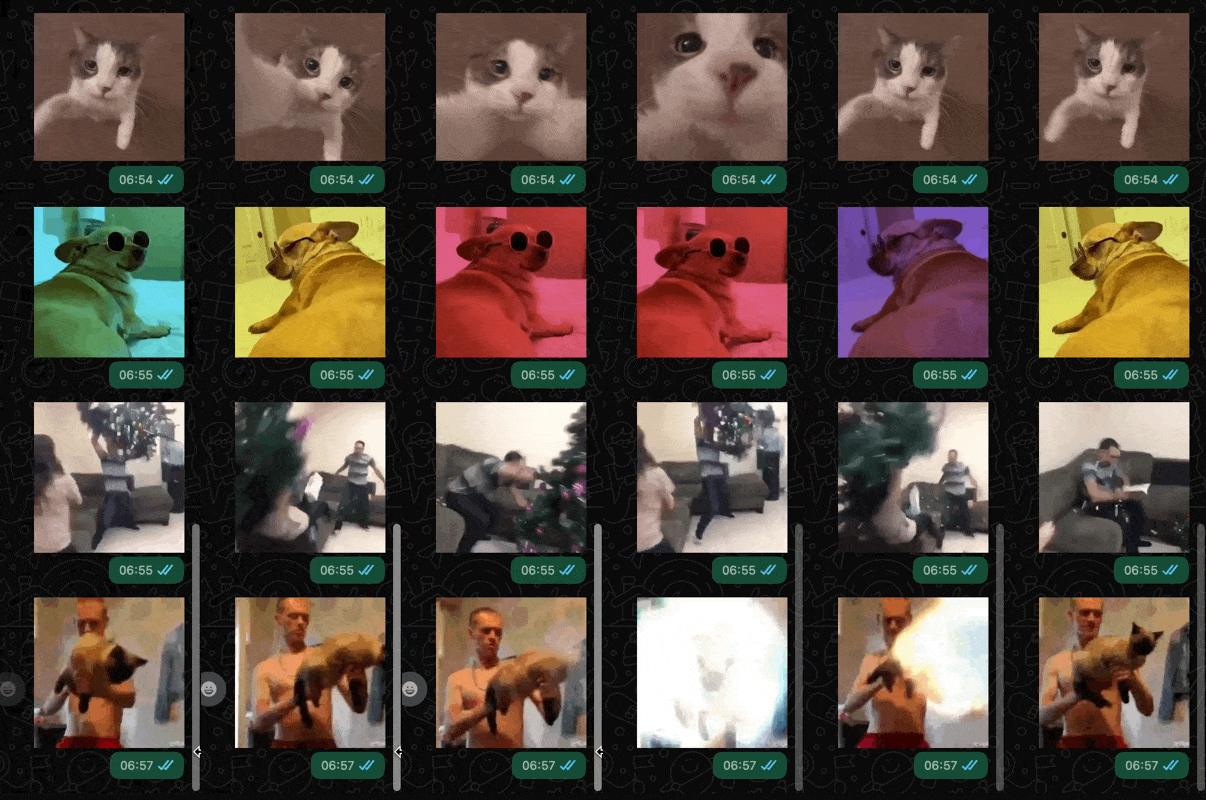
Those are definitely trickier, but I have a lot of experience with this, and I see a lot of potential in some of them. For example, the dog image is mostly static areas, that would match one of about 5 image searches. The Christmas tree has a dark sofa against a white wall, and even though it moves, there is always a black/white edge that is pretty similar. I think I could solve that one too. The bottom cat image has a pair of orange trunks against a skin-coloured background, so it would be solvable.
Nonetheless, this is a very tricky problem. But don't underestimate the speed and flexibility of the Find Image action in KM.
Ok. Thx for the tips! I’m going to play around with that a bit more!
Can you not use the search bar so that only one sticker is found? A single sticker will always be in the same place, so easy to select.
Does your app have a setting that lets you disable the animations? If so, your life will be easier.
Unfortunately, you can only search for emoji but not stickers. We cannot assign names to stickers either.
I constantly add new stickers to my sticker pack. And they shift one position to the right every time I do that. So that won’t work either.
I have looked that up. If you disabled animation then it will stay static when you send it too, not just when it is in the sticker pack. Beside, somehow only andriod phones have that option. I use a iPhone.
Yeah -- that was only for if you could narrow things down to a single sticker choice using search. And since search is a blow-out, the rest is too.
But before going any further...
Previously you said "whatsapp desktop app". Do you want to macro the app, or is this your iPhone via Mirroring?

Sorry, that was unclear. What I meant to say was: it seems like only WhatsApp app in Android phones has the option to disable animation (GIF), but not for WhatsApp app in iPhones or WhatsApp desktop app. I want to macro the WhatsApp desktop app.
OK -- so you can search for stickers, but the search is pretty basic. I suspect you'll be at the mercy of sticker contributors and the metadata they (don't bother to) include -- and finding that metadata is a PITA. Try a search for "
 " (without the quotes), for example -- how would you know to do that?
And as a (spit) Electron app, even AS/JXA using System Events isn't going to help.
Unless @Airy can get you somewhere with image detection it looks like you're out of luck.
Did not know that! Nice to know I can at least search for stickers made by meta. But unforuntately 99.9% of my stickers comes from screenshots of IG comments, rather than being downloaded from WhatsApp or third-party providers. So won’t work for me case.
Yeah I am going to test it out later with his/her method mentioned earlier above.