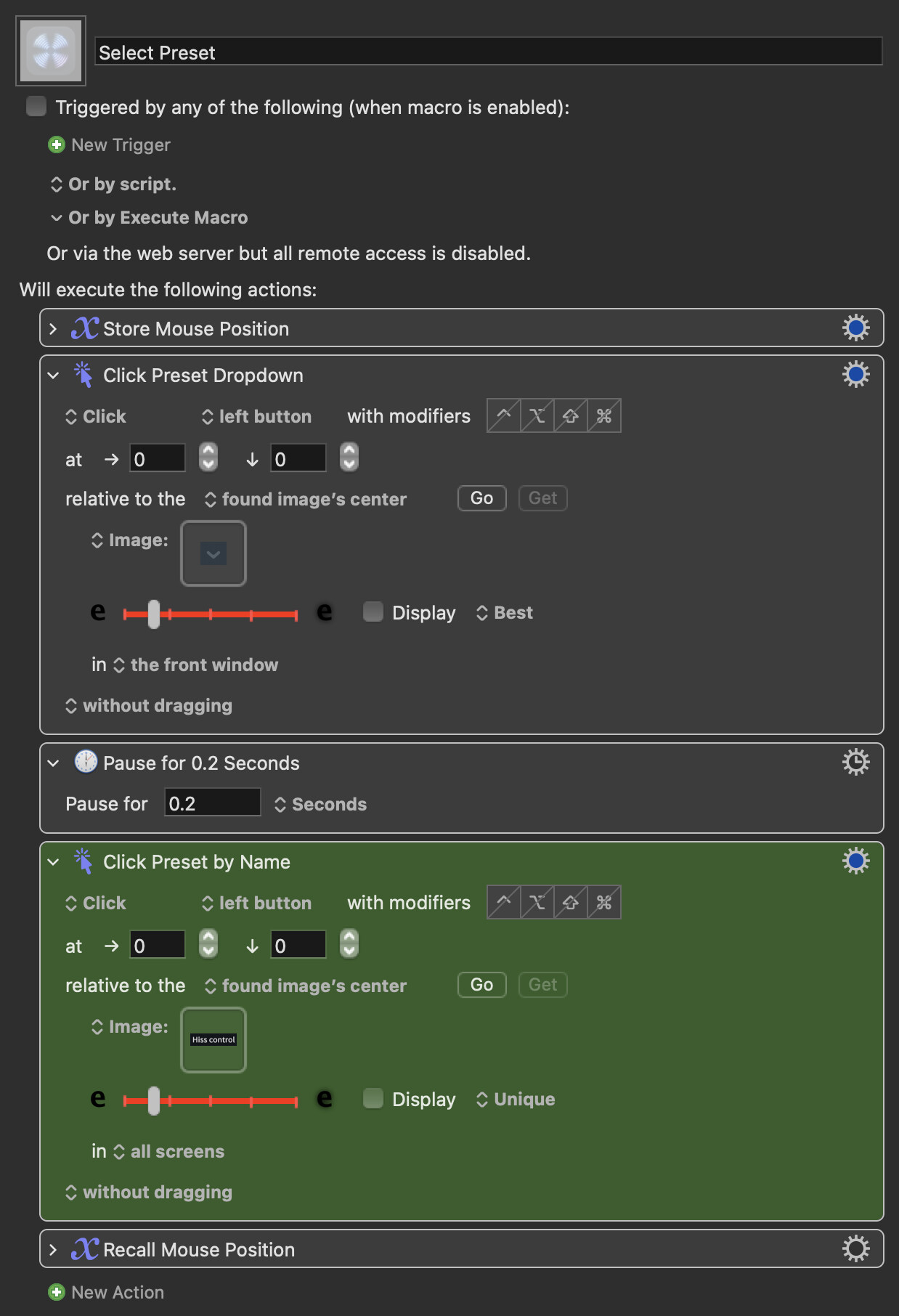
I use a ton of keycommands in Izotope RX 10 and have also turned some of them into keystroke-based macros to trigger on my Streamdeck (mostly opening modules or rendering them).
However the one thing that would be super useful is to have a way to switch module presets in RX based on a streamdeck button. So if in the module Spectral Repair I have 4 typical modes I use it, that I can just have it switch preset and render the module in one Macro based on a Streamdeck Trigger.
Does anyone have any advice on how to approach a macro like that in RX?
Is there a smart way to check if a module is still open?
Also what’s the best way to navigate RX pop-up windows? Would a click first and then click on found image with the name of the preset make most sense? That’s the main thing I can think of, but I think there might be a better way.
Would love any input on this!
Hey, thanks so much!
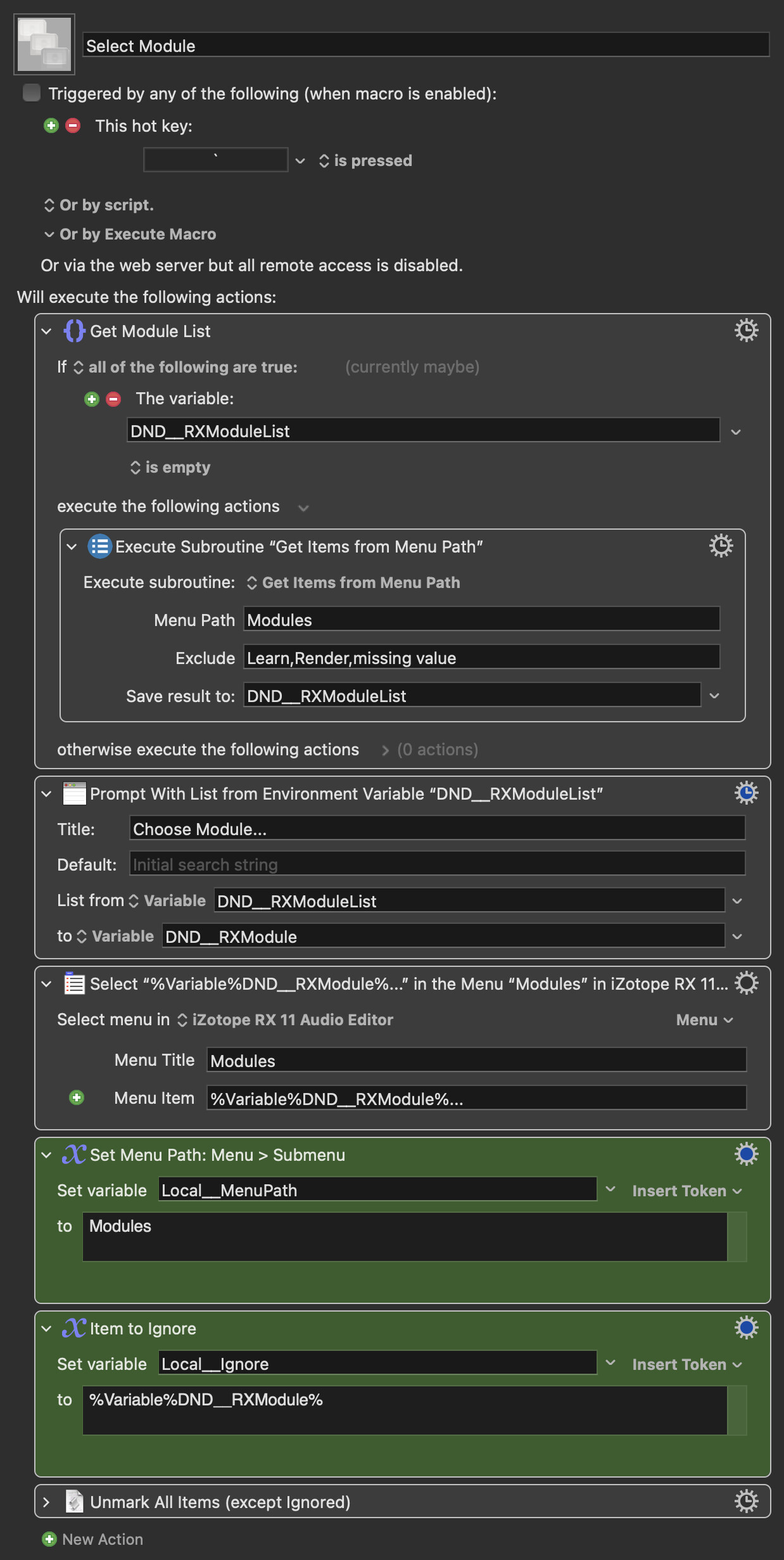
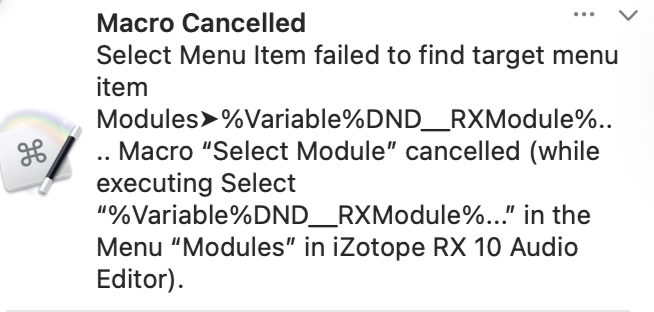
I’m trying to get it to work but keep running into this issue:
I’ve already changed the RX in applications to RX10, but cannot seem to find what’s happening.
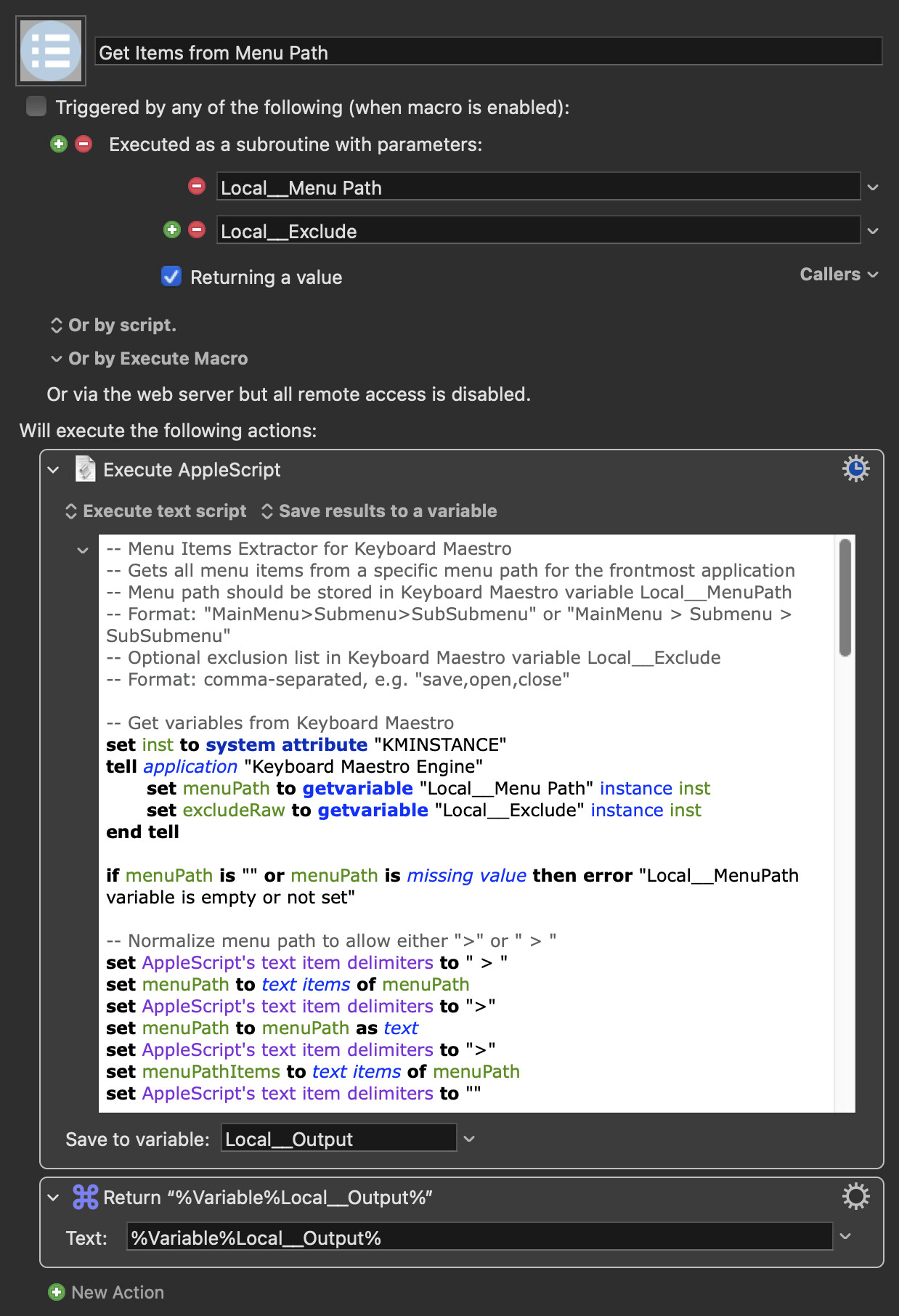
When I look at the variables everything seems to look good, so it’s just in that selection process after.
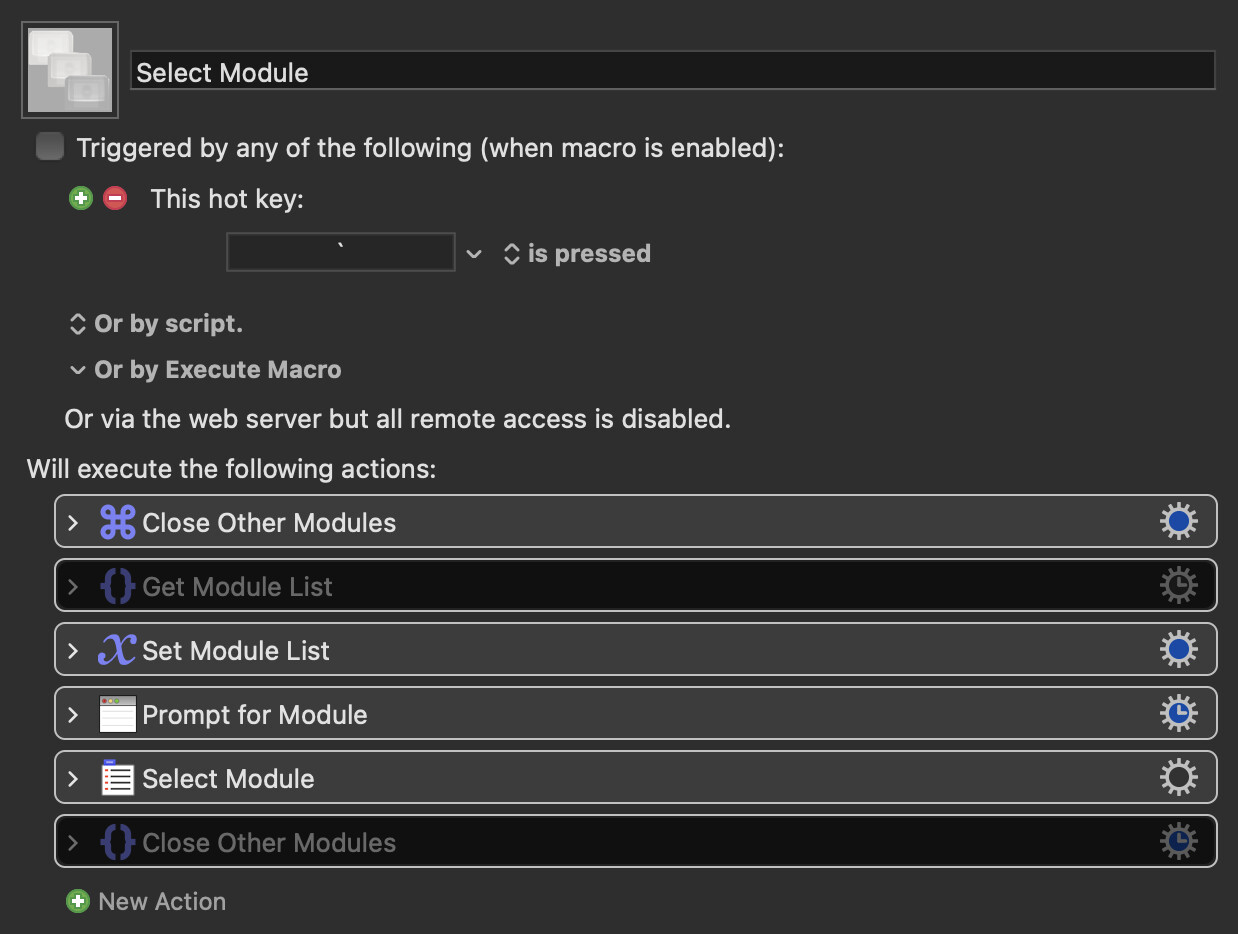
Do you think with this workaround I can just create a click on image type preset switcher? Now that the module opening/closing is automatable? I saw this - and trying to recreate the same thing in KM where possible. https://www.youtube.com/watch?v=14Pt-c4RdL0