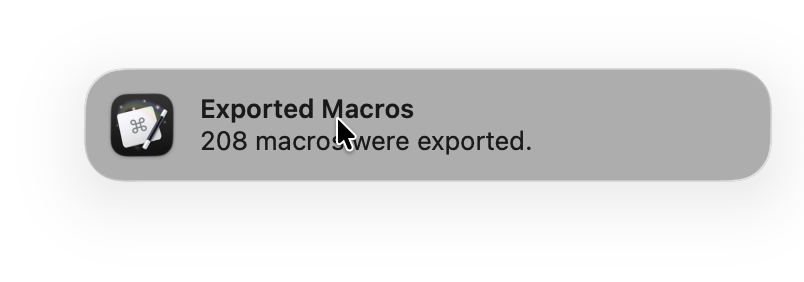
I am using Keyboard Maestro's excellent File > Export > Export All Macros as Folder... functionality and would like to either enhance the message it spawns or suppress its message (and replace it with my own). I do not want two messages.
Is there a way of doing this as neither I nor AI can find one?
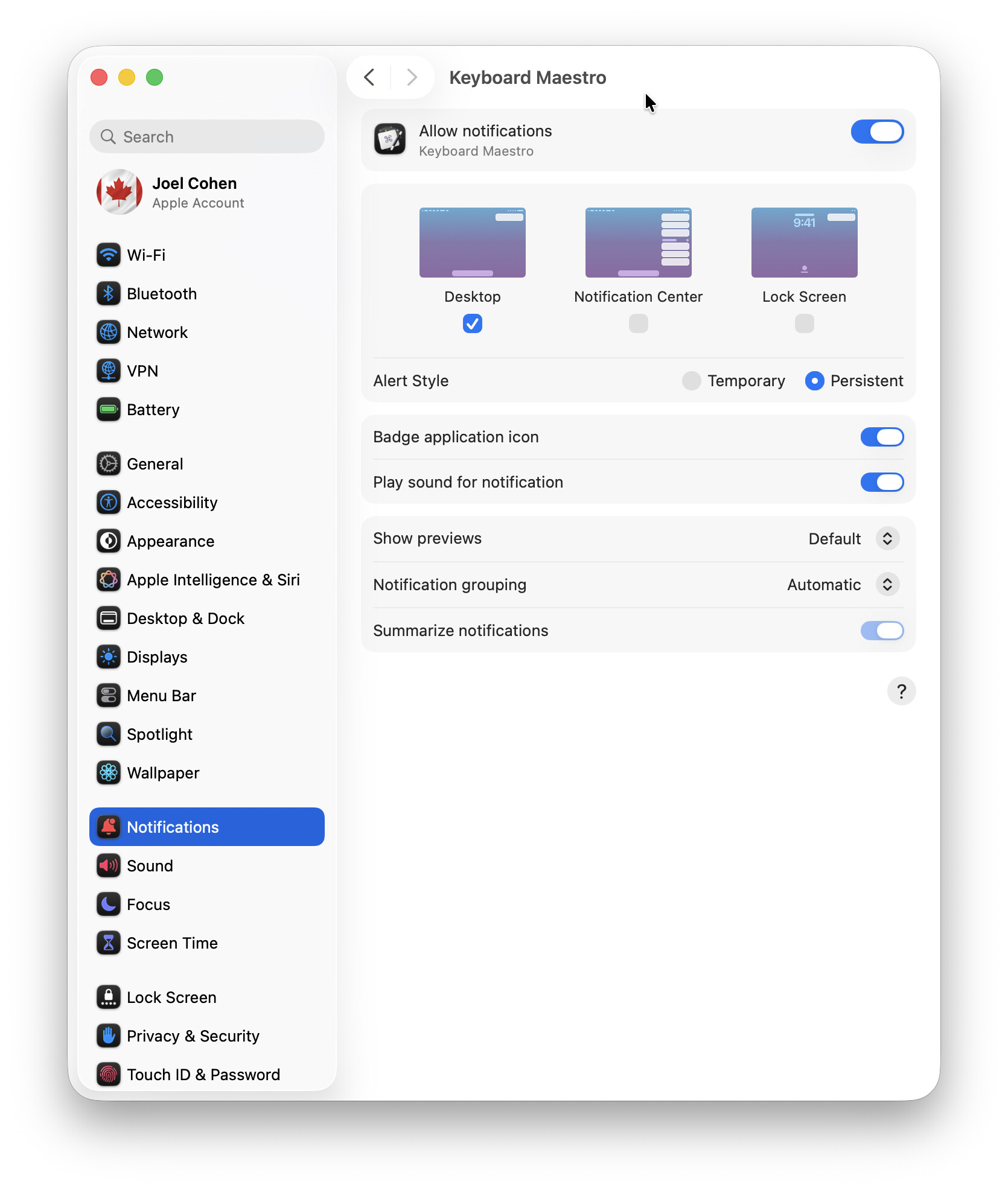
Do you have System Settings > Notifications > Keyboard Maestro > Allow Notifications enabled? I do know that by turning this off, the notification does not spawn but nor do other "built-in" notifications that I want to spawn appear.
And to be clear, based on my testing, this appears to impact Keyboard Maestro internal / system generated notifications but not user generated notifications using the Display Text or Notification actions.
I understand now; thanks for the screenshot. I do have notifications for Keyboard Maestro turned on, but there’s no point in my describing further details because your System Settings look completely different from mine. My Mac is running MacOS 15.7.7 (Sequoia) whereas yours must be running MacOS 26 (Tahoe). I’ll bow out therefore but I hope another Tahoe user will be able to help you.
Assuming that's a standard macOS notification being generated by Keyboard Maestro, I don't think you'll be able to do anything with it at all ... but @peternlewis would have to say for certain.

 I’ll bow out therefore but I hope another Tahoe user will be able to help you.