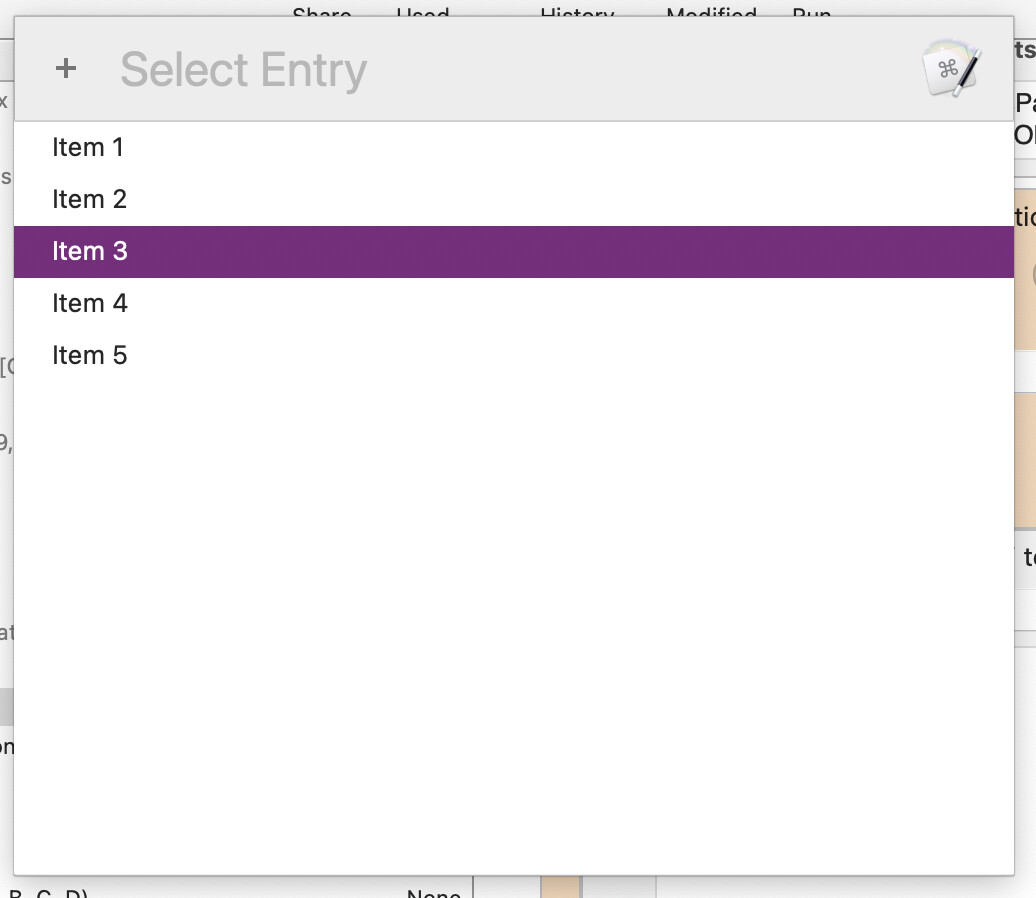
I change the prompt with list action to allow multiple selections. Is there any way to select highlighted items from the list using a keyboard shortcut instead of needing to hold command + click with the mouse?
In other words, is there a keyboard shortcut equivalent for Cmd+Left Mouse Click?
Yep -- but it's an Accessibility option and you'll have to enable Mouse Keys. The I key then acts as left-click.
Probably not the answer you were looking for, but I don't think there's another way. And it's a long-standing gripe of Mac-converting Linux and Windows power users, who are used to this functionality.
Although I'm a heavy user of Accessibility features, I had no idea about that. I will eagerly investigate. There's no mention of that in the System Settings app where this option is available.
I should add that if you have an Extended Keyboard then you can use the numberpad -- 5 is the button-click, the other numbers move the pointer as appropriate i.e. 7 moves it "north-west".
I knew that one. I didn't find that feature very useful. I just didn't know about the "I" trick. That one feels like it could be really handy for my needs.
For clarity, and maybe consistency, what should Cmd+LeftClick do if the item being clicked on is already selected... invert the selection? And do you want Shift+LeftClick to do, a ranged multi-selection?
Now this is strange... the help page for this action says it allows multiple selections, but I couldn't do that. Are you succeeding with that?
I don’t see how I would do this since the selection and the position of what you are trying to select is the same thing. There isn’t any way (outside the Accessibility stuff which is not normal Mac behaviour) to move around the list independent of the selection.
If you have multiple items selected, and then you tried to “move” using the arrow keys, what would happen? Currently (and basically this is normal Mac behaviour in lists), since your position is your selection, if you try to move you will but now you’ll have erased your existing selection and selected a new entry. At which point any kind of “shift-enter” does not make sense.
I understand, but why does the help page say this:
If a single entry is returned, it is returned by itself (no newline character). If multiple entries are returned, they will be returned as multiple lines, each followed by a newline character (v8.1+).
If configured to return multiple selections, you can return multiple values. You just can’t use the keyboard to select an additional, disconnected entry since there is no independent selection.
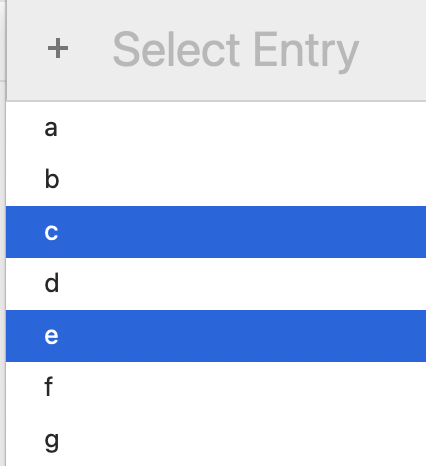
...has a menu selection of {c,e} but the menu position is item c if you then up-arrow (highlight moves to item b only) or item e if you down-arrow (highlight moves to item f only).
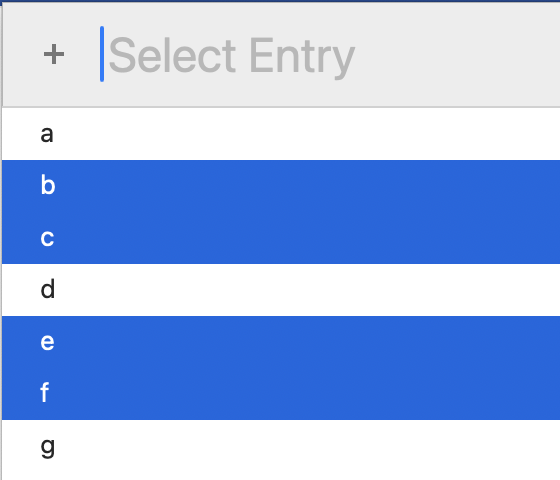
You can extend the selection in either direction using Shift-arrow, so a quick ⇧↑ ⇧↓ changes the above to
...and add the ⌘ key to add "everything from first selected item to the top of the list" or "everything from the last selected item to the end of the list".
But you can't bare-arrow to change position while maintaining selection.
Basically, Apple only allow you to make non-contiguous selections using point-and-click. So the Accessibility method mentioned earlier will work, but will be so painful that you might as well reach for mouse/trackpad.
I got the same results reported on the link for Prompt With List's table object.
This is the one would do the trick, but is BROKEN, at least on Mojave:
tell application id "com.apple.systemevents" to tell application process "Keyboard Maestro Engine"
	set selrows to {}
	tell table 1 of scroll area 2 of window "Prompt With List"
		set end of selrows to row 1
		set end of selrows to row 3
		set end of selrows to row 5
	end tell
	tell attribute "AXSelectedRows" of table 1 of scroll area 2 of window "Prompt With List"
		set value of it to selrows
	end tell
end tell