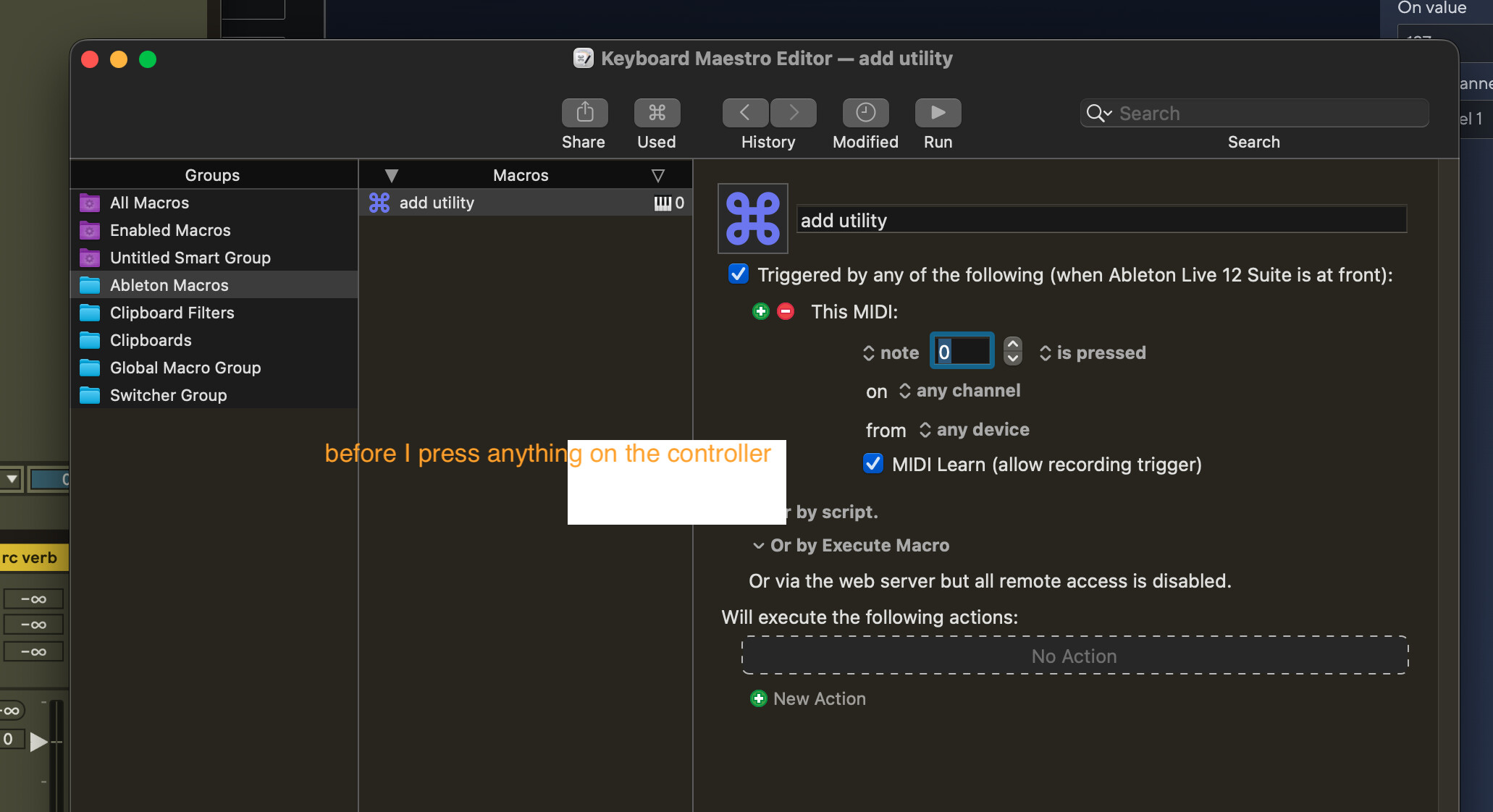
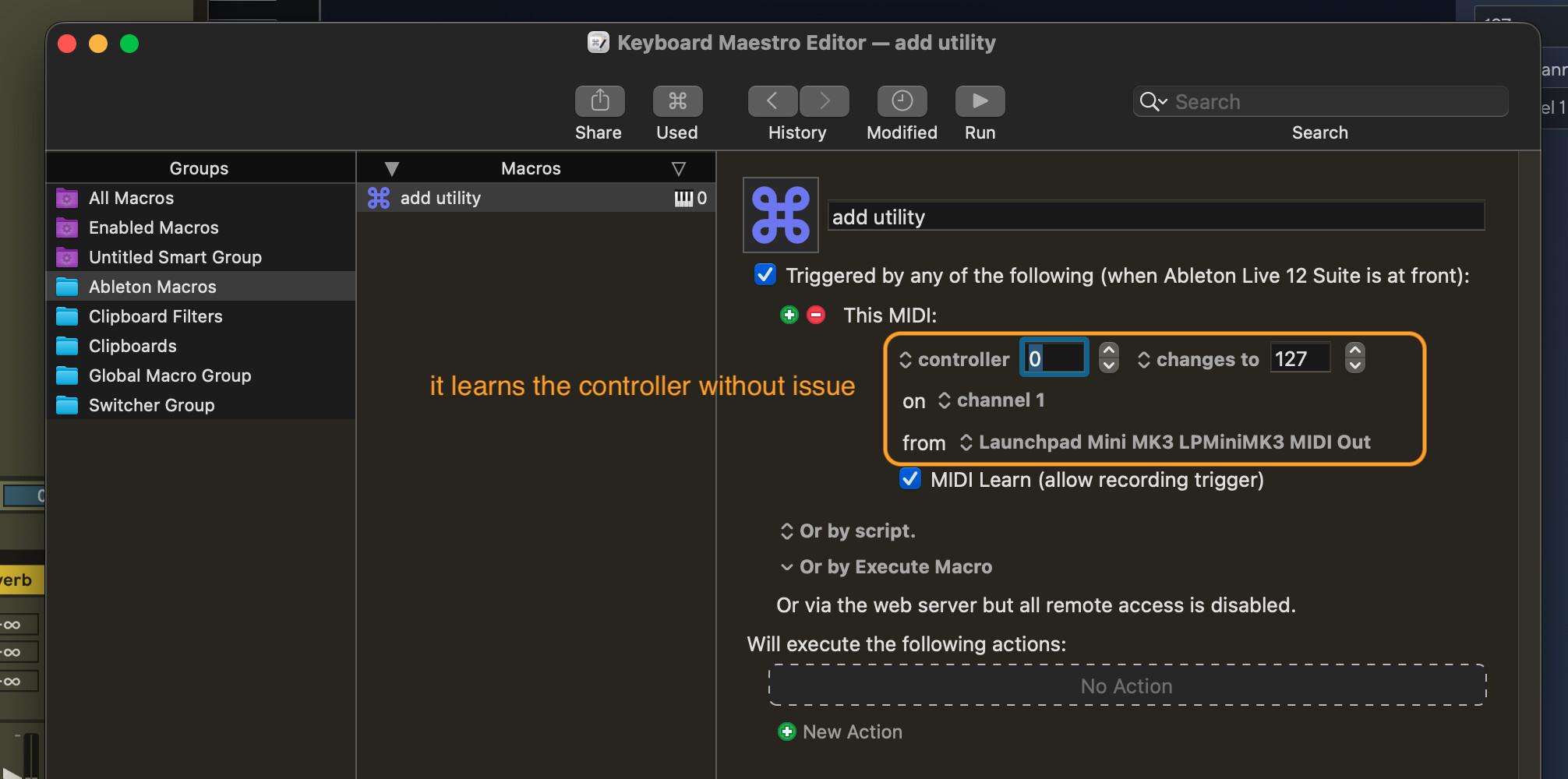
trying out KM demo, and can’t get my MIDI trigger to work. it learns the MIDI just fine when I add a new macro, but as soon as I add an action to it, the MIDI learn stops functioning completely, and of course, the macro doesn’t work in Ableton.
I know it’s not an issue with the controller–Ableton receives MIDI just fine on its own. also, I’ve tried with a different controller, tried restarting KM and the engine, but still getting the same behavior.
what am I doing wrong?
Welcome to the forum, @slow.robot.
Adding an action should not affect whether the trigger works. Post a complete macro (that contains the actions you want to use) and that might give us more clues to work with. See the section “How to Post/Upload Your Macro to the Forum” on this page, which also contains other useful tips: Forum [Keyboard Maestro Wiki]
The explanatory text in the images doesn’t fit in an obvious way with your saying that the problems occur when you add an action. Please explain carefully, setting out the steps of what you are doing and what happens at each step.
Just to make sure there is no misunderstanding over terminology: what the trigger calls a “controller” is a MIDI control change message, and not a reference to the hardware controller that you’re using.
The trigger will only learn the MIDI key while it has focus (ie, while the Note field is where typing would go.
After it learns the key, and you remove focus from that, then pressing the MIDI key will potentially trigger the macro - if the macro is active, which in this case is when Ableton Live 12 Suite is at the front:

thanks @peternlewis - that focus on the typeable field was the issue for MIDI learn (boneheaded that I missed that).
that fixed the initial problem, but I was still getting can’t find macro errors using the hotkey trigger–found another post on here that suggested using the keystroke trigger would work, and swapping that out got me up and running.
appreciate it!