I want to be able to send a bookmark URL to Raindrop (via Raindrop APO) by using KM.
Here it says the API is dandy but no examples of code whatsoever.
If I understand right, the API requires authentication even to send (POST) data... which kind of makes sense.. but it requires a properly formatted script.
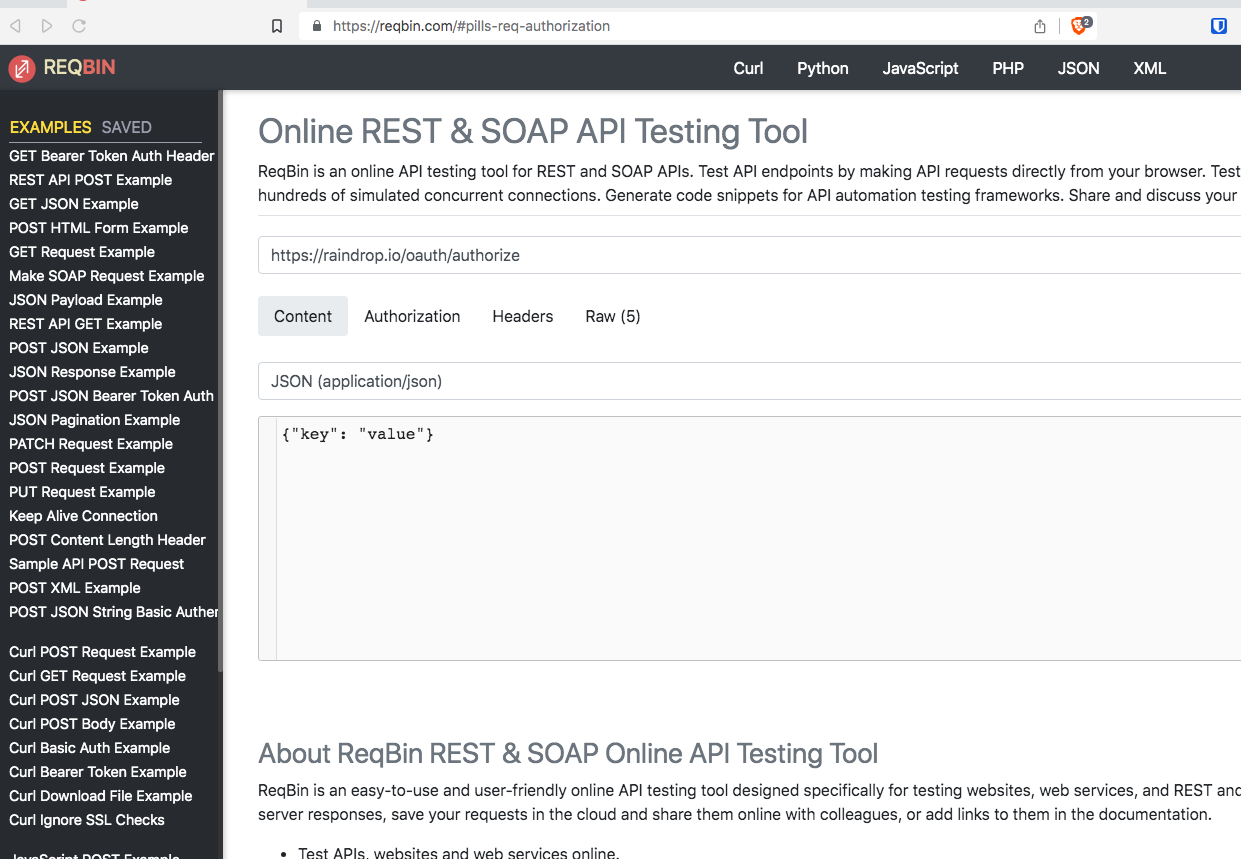
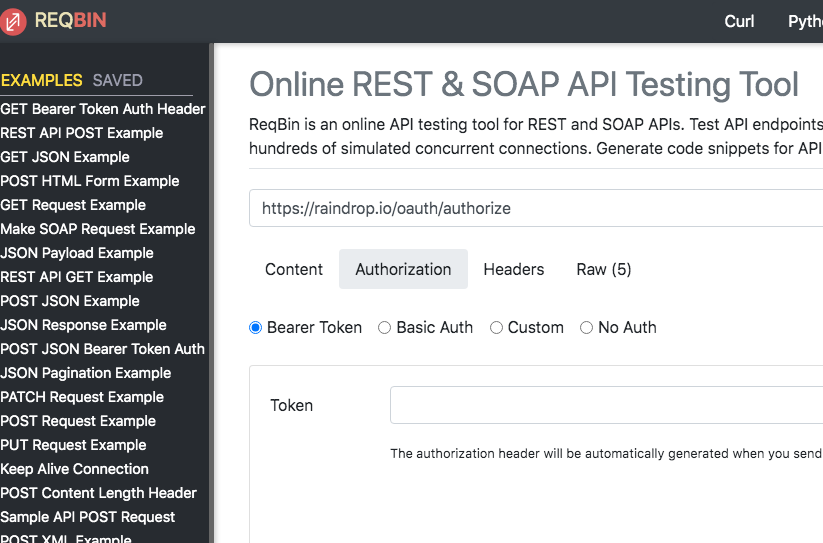
GPT gave this result... (attached).
I looked at the support files in Raindrop but I am not very clear how to structure the JS code.
The Raindrop chrome extension seems to me also fails short here, I don't need to send the whole page, just need to be able to send the URL/Name.
Please note that you must register your application and authenticate with OAuth when making requests. Before doing so, be sure to read our Terms & Guidelines to learn how the API may be used.
FWIW screenshots of approximate retrievals from GPT do use up bandwidth in this forum but don't have a good prospect of shedding light – anyone here in possession of the relevant concepts and experience would, of course, be able to make their own use of search tools.
(As it happens, the snippets composed by approximate retrieval in that screenshot are for Node.js – a bit off-target for Keyboard Maestro, unless you want to start grappling with browserify - npm)
I'm not familiar with raindrop, but if it's like any other web app with an API "registering your app" is usually a fairly easy process done via some developer portal. Typically you would 'create' an app, and then they give you a URL to hit, which then prompts you to authenticate. That exchange usually gets you a 'token' which you can use to authenticate subsequent API requests.
And, as @peternlewis said, those can be simple curl commands.
I have no clue of programming but I looked now what I have for another KM flow from Airtable website, I see yes, now what you mean. Not being a programmer I couldn't even tell it's apples and bananas, ha-ha.
I suggest you create a new folder, create a plain text file using BBEdit with the JSON data as described in the API, including your client id and token stuff, and whatever you are trying to do, and then in the Terminal, cd to that folder and do something like:
I came across a plugin for Alfred launcher. That works nicely for creating bookmarks in Raindrop. This is unexpected so I think I am going drop the KM way of doing it.
It does also require a manual copy past of the URL, but that's okay for me, I don't save too many.
It also allows searching for bookmarks and launching them.