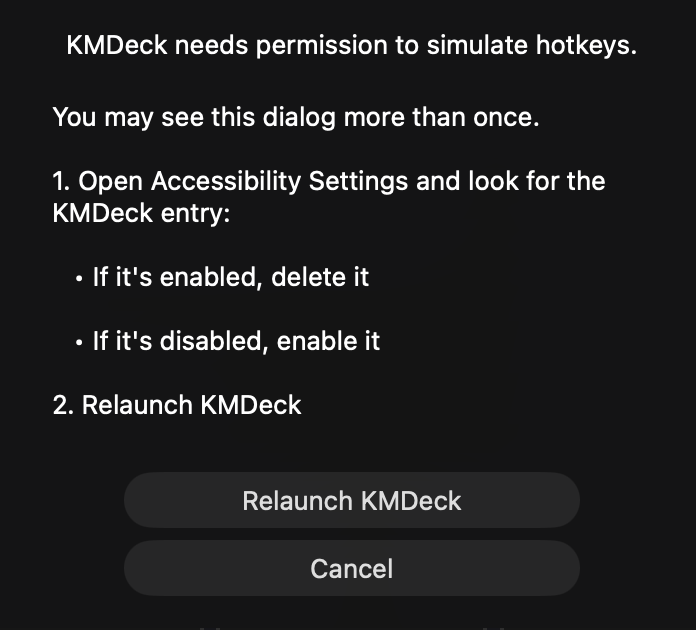
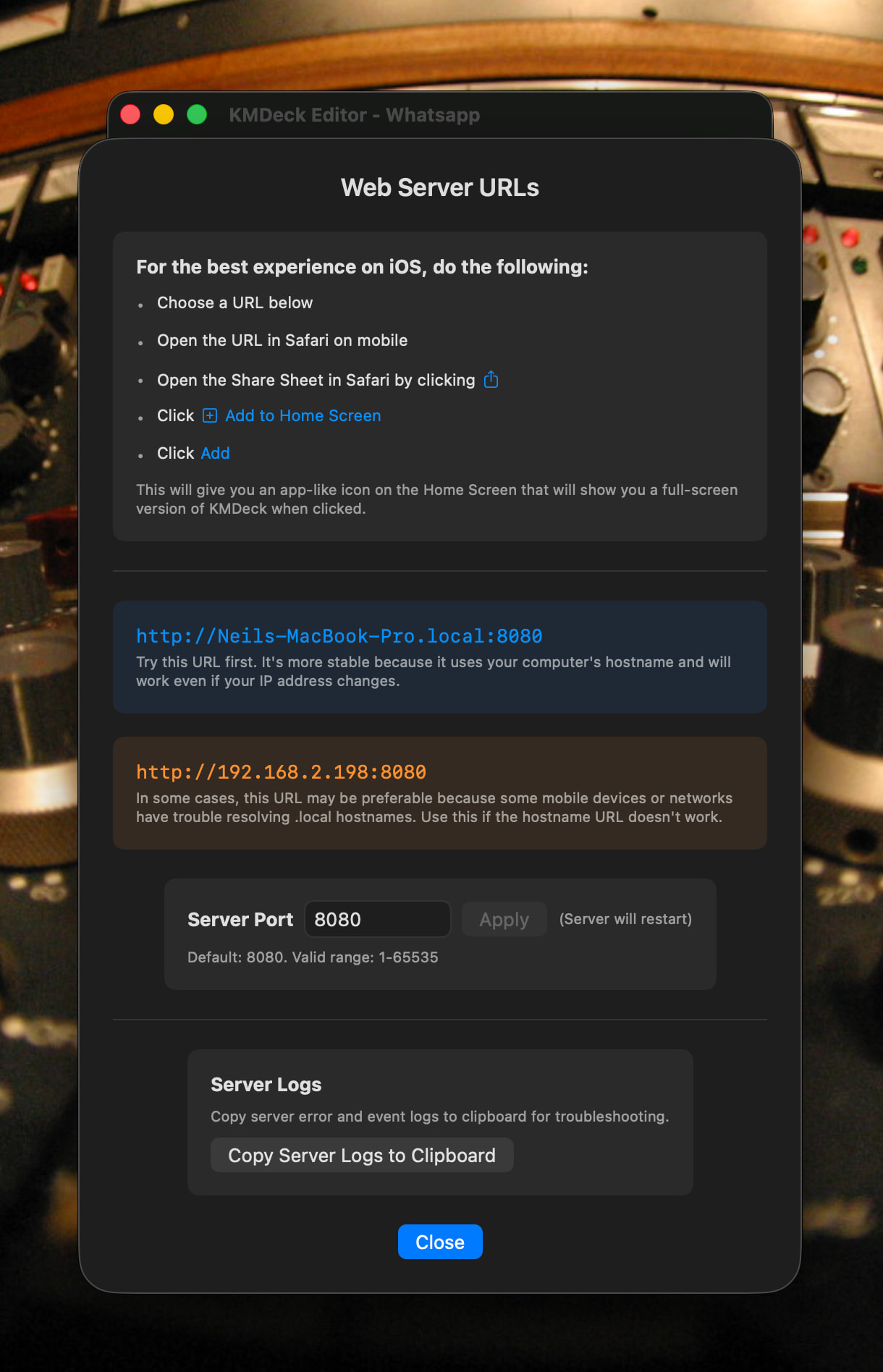
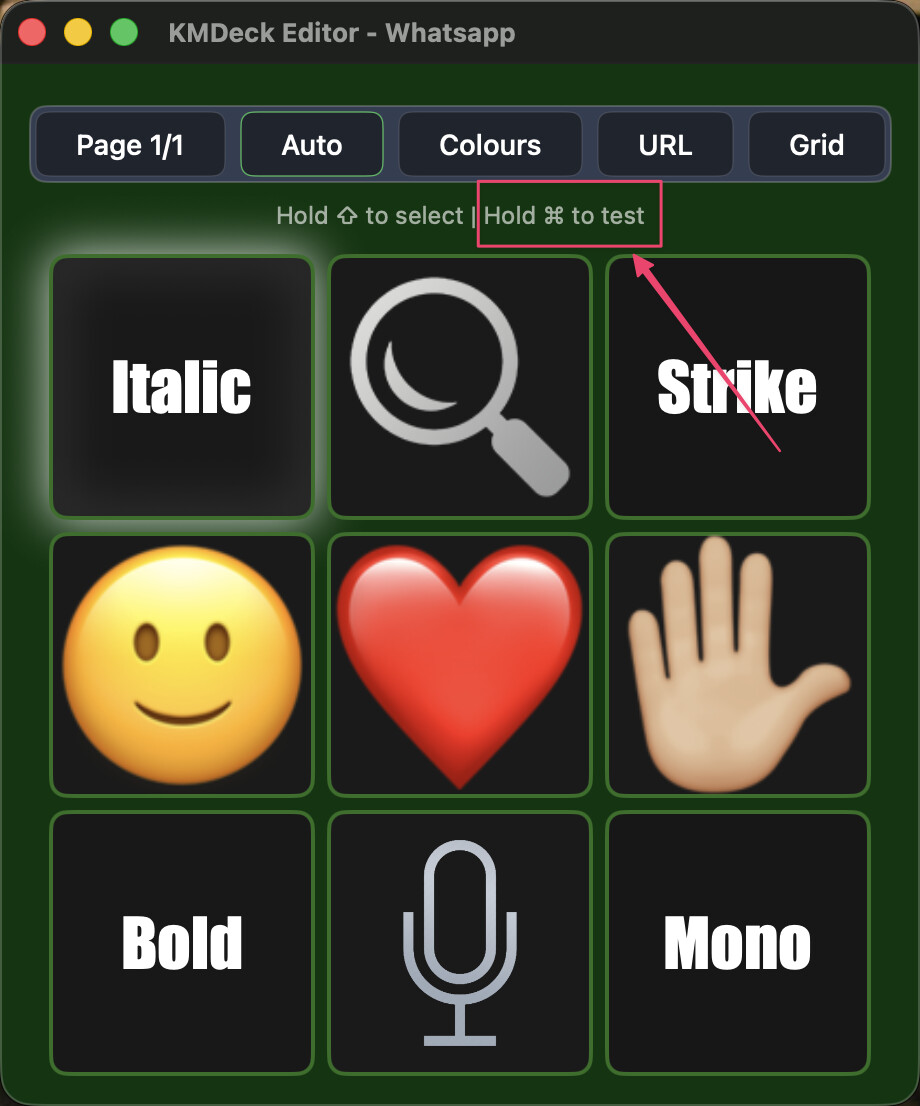
There used to be a readme.txt file in the Dropbox folder, and I appear to have removed it at some point. I've added it to the URL button info instead, and this will appear in the next incremental update. For now, here's a screenshot of the instructions:
I've noticed that the Settings app in Tahoe can be a bit sluggish, taking a while to update its UI once a preference pane is selected. It's possible this could be interfering with things.
This isn't really what KMDeck (or Stream Deck) is intended for. It's primarily a mobile trigger system, so what you're describing is akin to a remote control for a remote control.
Instead, set up a macro in Keyboard Maestro with your chosen hotkey as its trigger, then add a button for this macro to KMDeck. That way, you can use a hotkey or press a button to fire it off.
I’ve gone into System Settings: Accessibility and can see no mention of KMDeck in any of the sub-categories (e.g. Keyboard, Switch Control, Shortcut, etc.). Am I looking in the wrong place? Macos Sequoia 15.3.2
KMDeck was copied to (and appears in) the Applications folder.
On trying to open the app I needed to go into System Settings: Privacy & Security and ‘allow’ access to KMDeck, but that proceeded okay
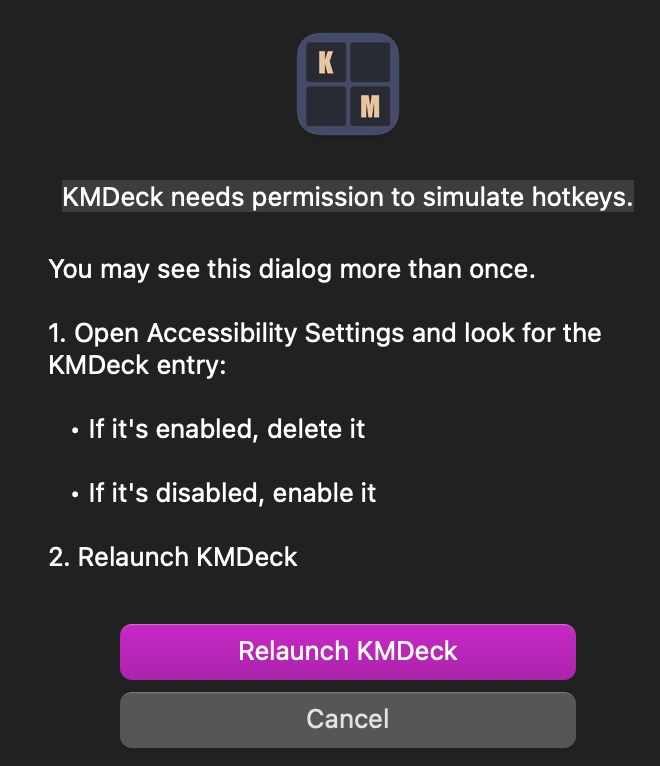
Then KMDeck opened and presented me with the dialog above.
As I said above, I can’t find any KMDeck reference in the Accessibility section of System Settings. Tried clicking Relaunch KMDeck but this just got me to the same spot again.
It's my fault for not writing the full settings pane details in the prompt. It's **only ** the Accessibility page of Privacy & Security you need to look at.
Try going back to that page, deleting the entry and then relaunching KMDeck. Hopefully that might do the trick.
I haven't seen it fail to recognise the entry being added before.
Great, thank you noisneil, it worked! One thing I’d change to your modified dialog would be
Open System Settings → Privacy & Security → Accessibility and look for the KMDeck entry:
I know you have the “Open System Settings” button below which will do it for you but just for clarity (for idiots like me) maybe the full long form in the text as well?
Really looking forward to trying it out now - but have to head off for the afternoon first… ah well.