Here is the first version of a macro I use here to install the next version of KMDeck.
The concepts in this macro could be used with any download link with any disk image with any app.
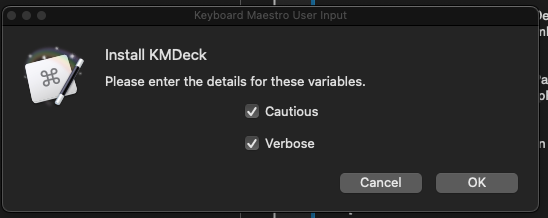
There are two flags.
- Cautious
- Verbose
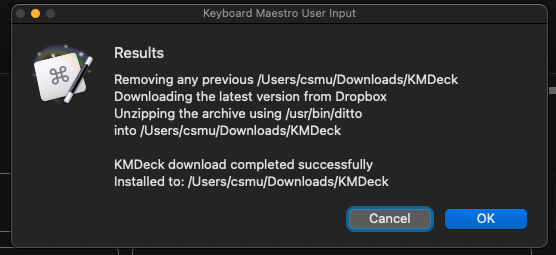
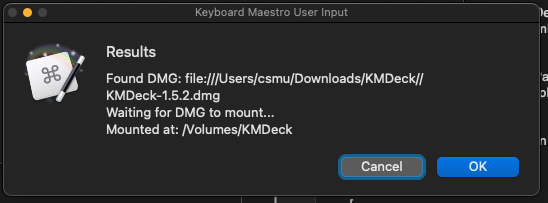
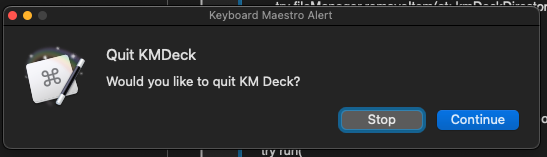
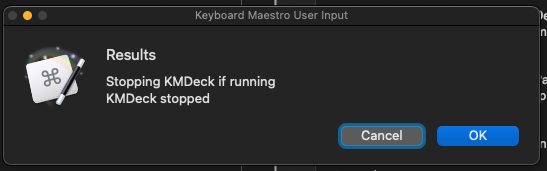
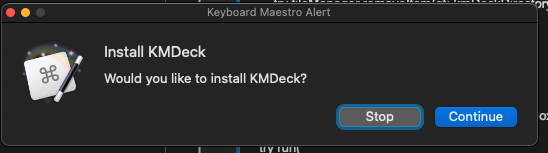
Cautious makes each submacro ask to proceed with the next step. Verbose makes each sub-macro show the results of the Swift script that was executed. Running the macro without flags shows only progress indicators.
Since all the scripts are Swift, it would be simple to add the concepts to a Swift/GUI app.
Caveats
- Has a Control/Option/Command K trigger set on
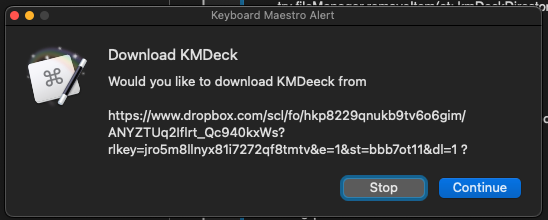
00 Install KM Deck- change if need be - Uses a hard coded download url link
https://www.dropbox.com/scl/fo/hkp8229qnukb9tv6o6gim/ANYZTUq2Iflrt_Qc940kxWs?rlkey=jro5m8llnyx81i7272qf8tmtv&e=1&st=bbb7ot11&dl=1 - Uses a hard coded download directory `~/Downloads/KMDeck
Install KMDeck.kmmacros (60.9 KB)
Video example without ☐ Cautious and ☐ Verbose flags
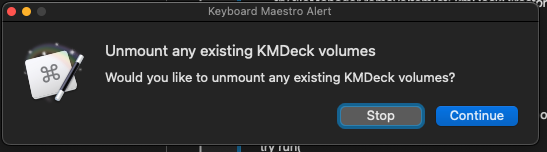
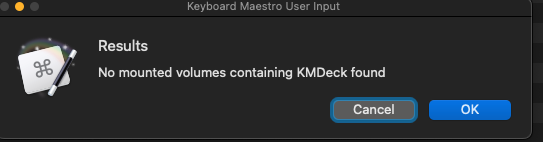
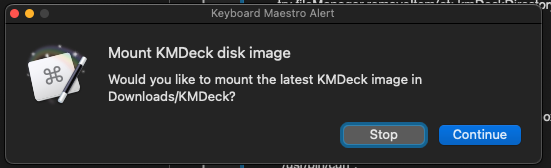
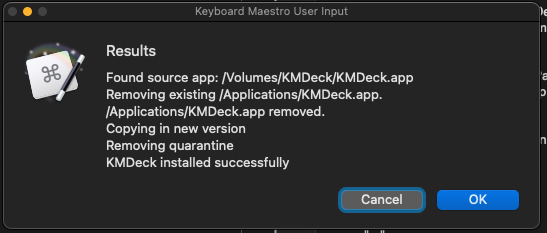
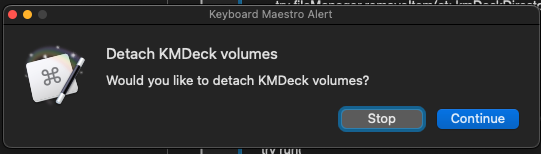
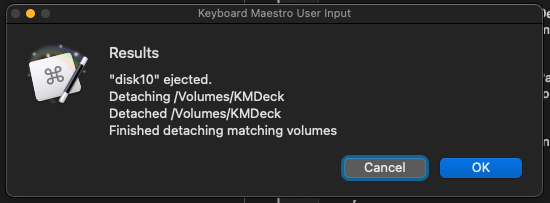
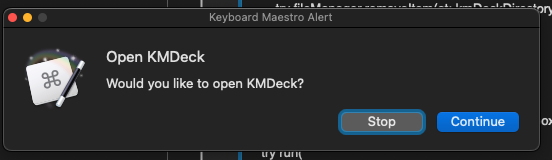
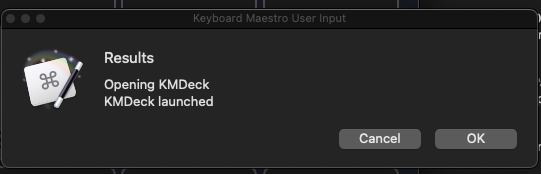
Screen shots example with ☑ Cautious and ☑ Verbose flags
]
This step is required. Having an existing image will cause the second image to load as /Volumes/KMDeck 1.
To do
- Add a flag to install without using disk images
- Add a flag to leave the expanded KMDeck folder as is
- Remove hardcoded paths