
PURPOSE
This macro can be used to assist during the configuration of the Trigger Macro by Name action.
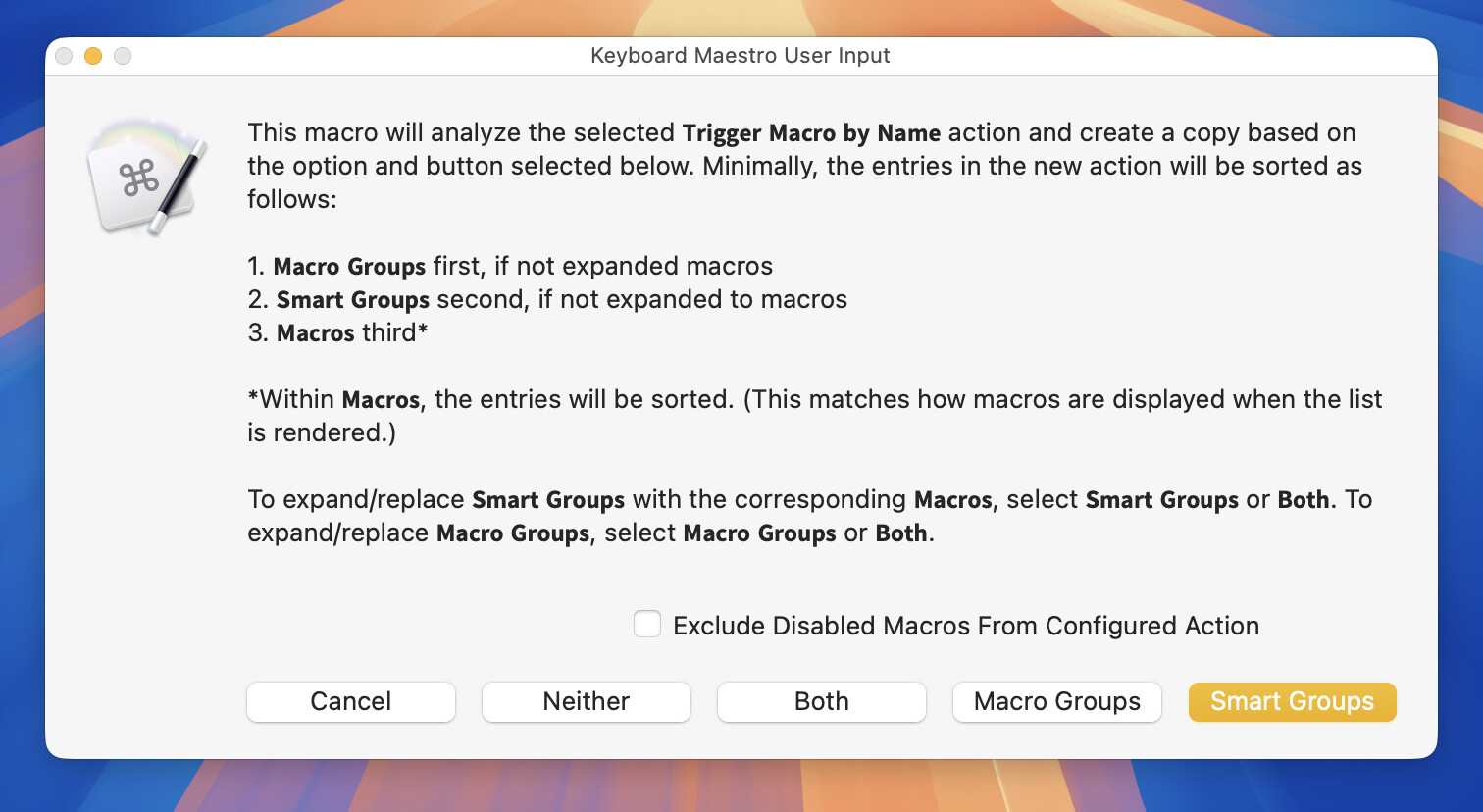
The operation of this macro is like the following macro for the Show Palette of Macros action:
MACRO USE
-
Select a Trigger Macro by Name action and trigger this macro.
-
The dialog displayed above will appear. Once you select an option an expanded Trigger Macro by Name action will appear above the selected action.
-
After confirming that the Trigger Macro by Name action has been properly expanded, delete the original.
-
Optionally modify the new action and rerun this macro as needed.
TESTED WITH
• Keyboard Maestro 11.1.1
• Tahoe 26.6 (25G72)/MacBookPro18,2
VERSION HISTORY
1.0 - Initial version
Download: Expand the Trigger Macro by Name action.kmmacros (59 KB)
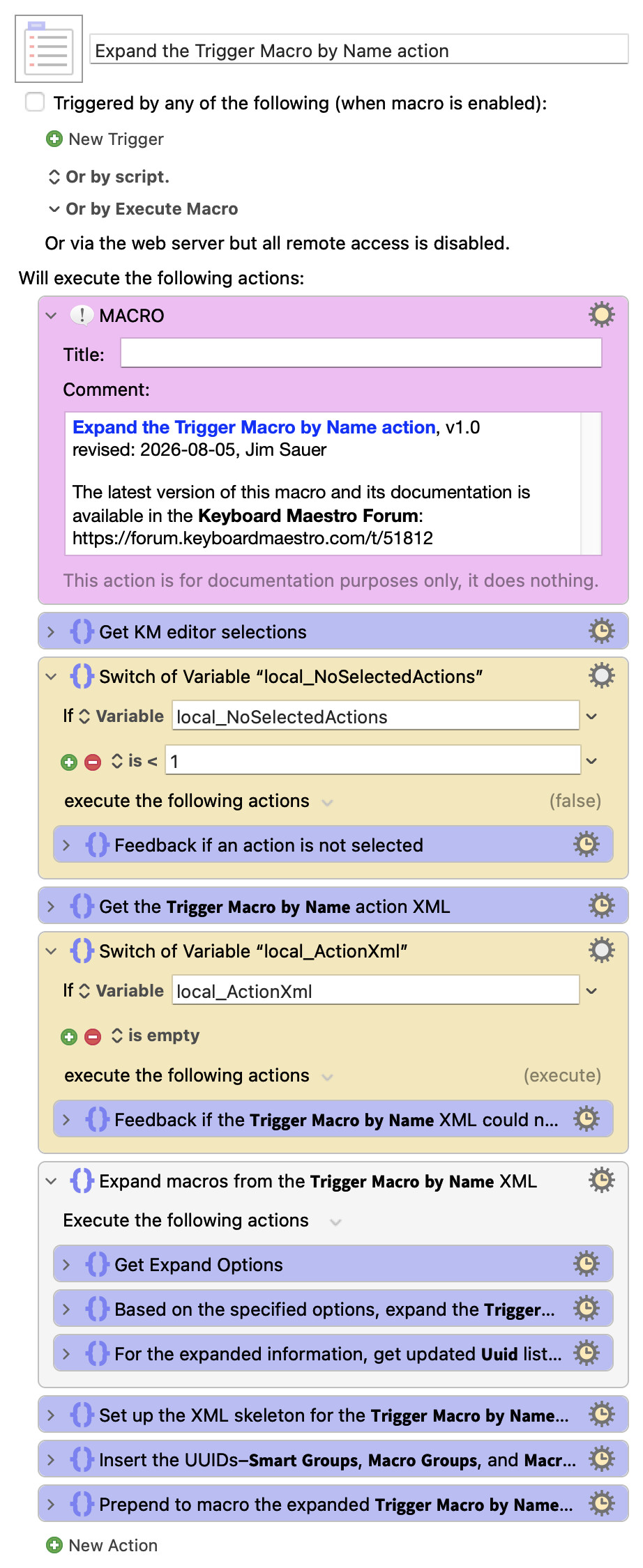
Macro-Notes
- Macros are always disabled when imported into the Keyboard Maestro Editor.
- The user must ensure the macro is enabled.
- The user must also ensure the macro's parent macro-group is enabled.
System Information
- macOS 26.6 (25G72)
- Keyboard Maestro v11.1.1