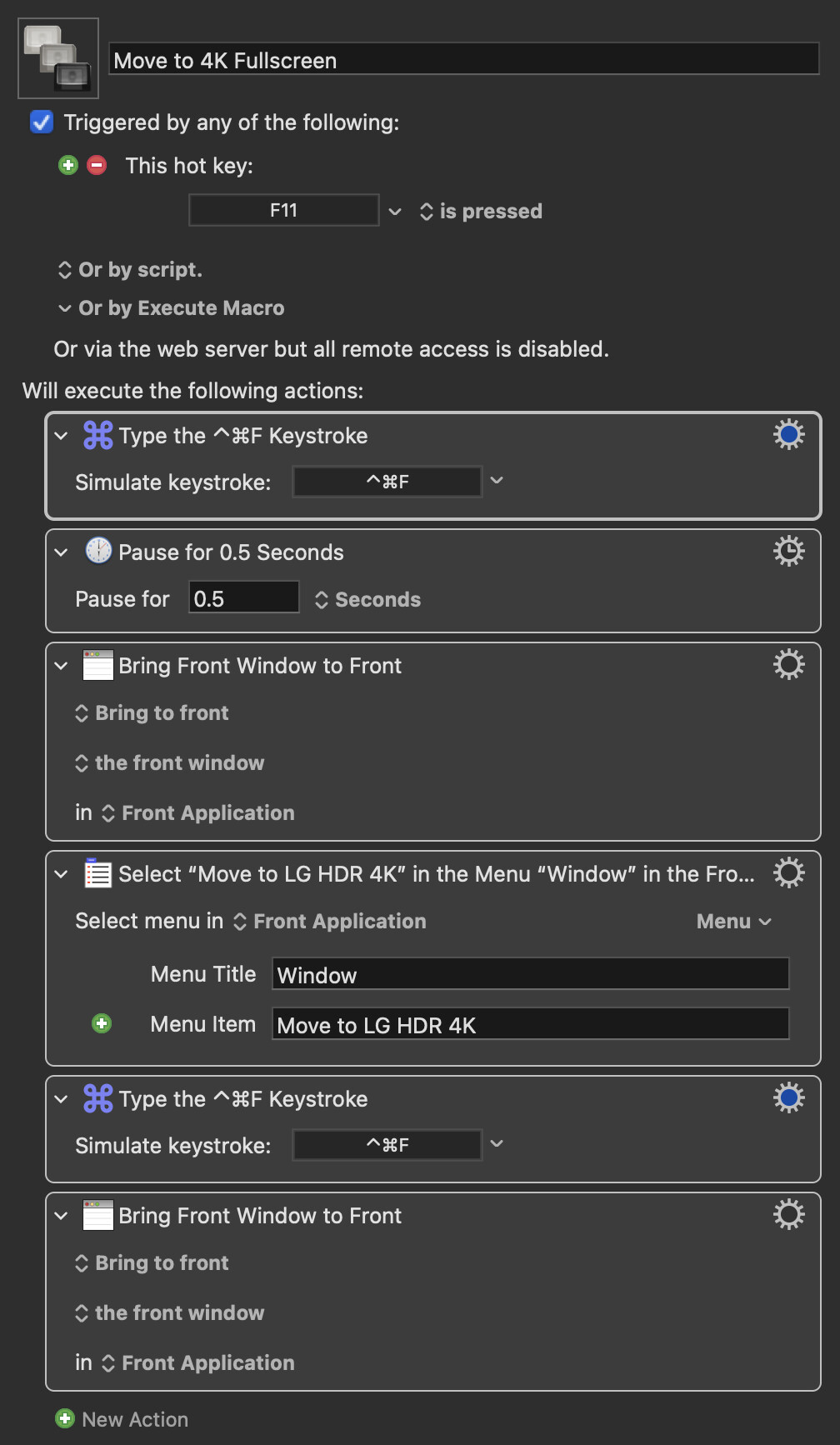
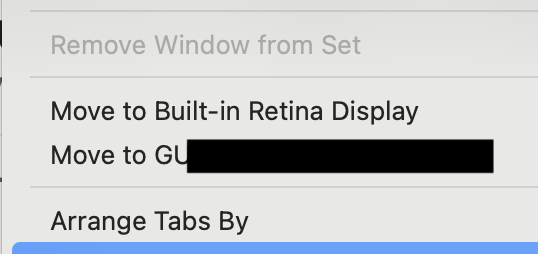
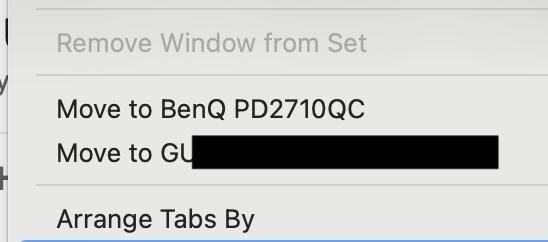
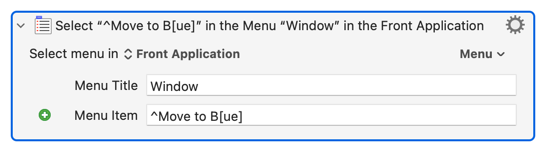
Here is a short macro I wrote to move a full-screen window from my laptop to an external display. It works for me but it does depend on the name of the display. This could be improved on using the SCREENCOUNT and SCREENINDEX variables as is done in A Simple Macro to Move Window to External Display and Back Again but I was just happy to have a quick solution that worked for me.
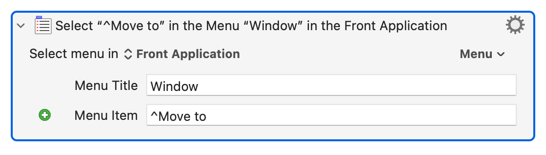
You can get round that, to some extent anyway, by matching the menu item by regular expression -- the first item that matches will be the one chosen. Start the field's text with a ^ to activate "match-mode":