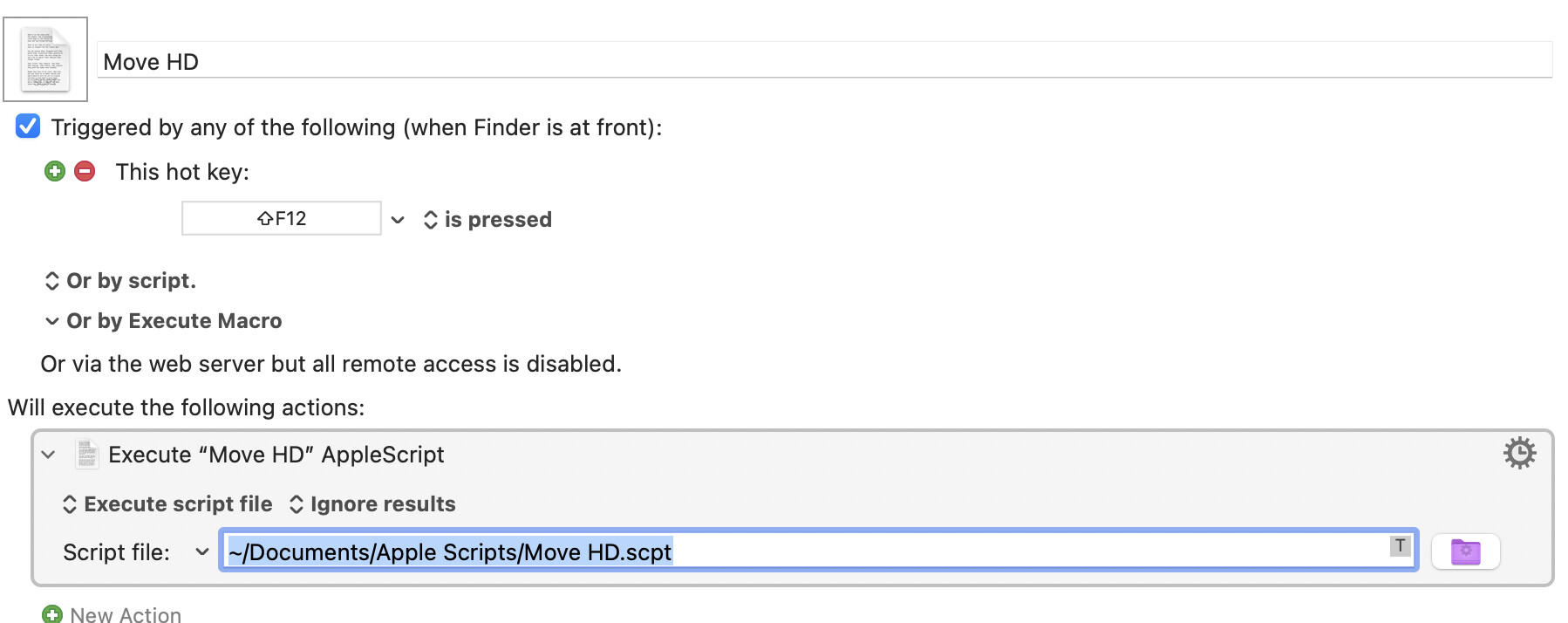
Every time I restart my Mac my Back Up HD is not where I want it on my desktop. I’ve try to create a macro to move it, but no luck. I would like to manually select the HD, then press a keyboard trigger to move it on the desktop. Can someone help with that marco please?
Have you looked into Finder settings > General > Show these items on the desktop ?
/okn
I see the HD, it’s just not locate in the spot I want it on my desktop.
I think you need something like this:
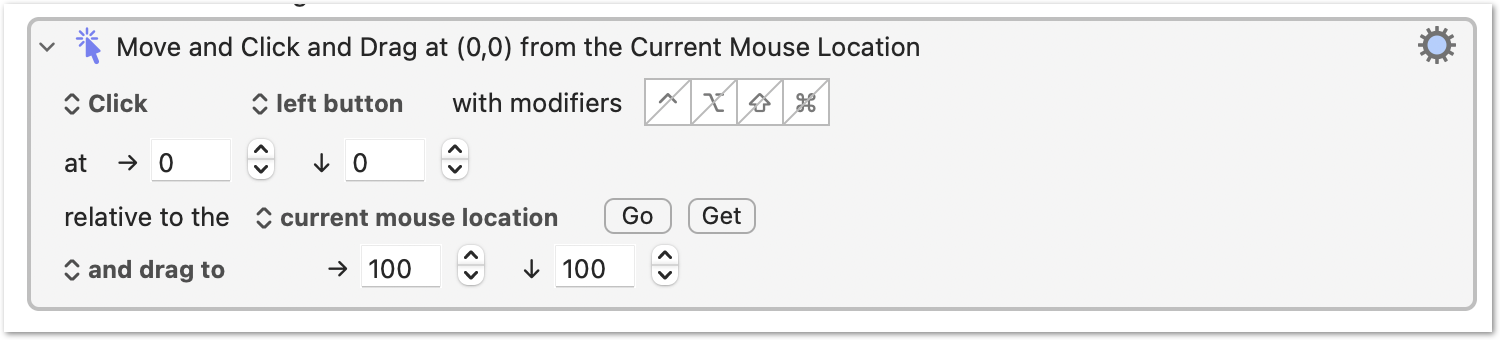
Which requires you to put the mouse over Back Up HD. Just tell the macro how far to move it horizontally and vertically.
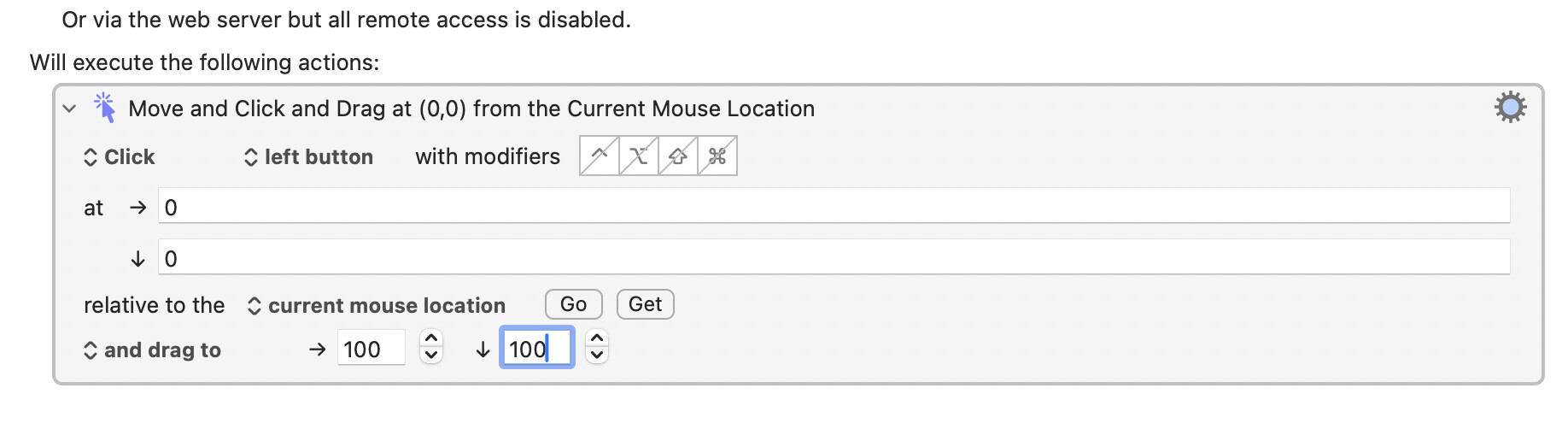
Assign a hot key trigger, put your mouse over the HD icon, press the hot key trigger. Or try the full macro below.
The macro will move the icon 100 pixels down and to the right. Adjust those numbers to your preference.
Dragnet.kmmacros (2.4 KB)
You might find this easier to do with AppleScript -- it'll save you from having to bring Finder to the front, hide everything else, position the pointer, and so on.
tell application "Finder"
	set desktop position of disk "Backup2" to {651, 65}
end tell
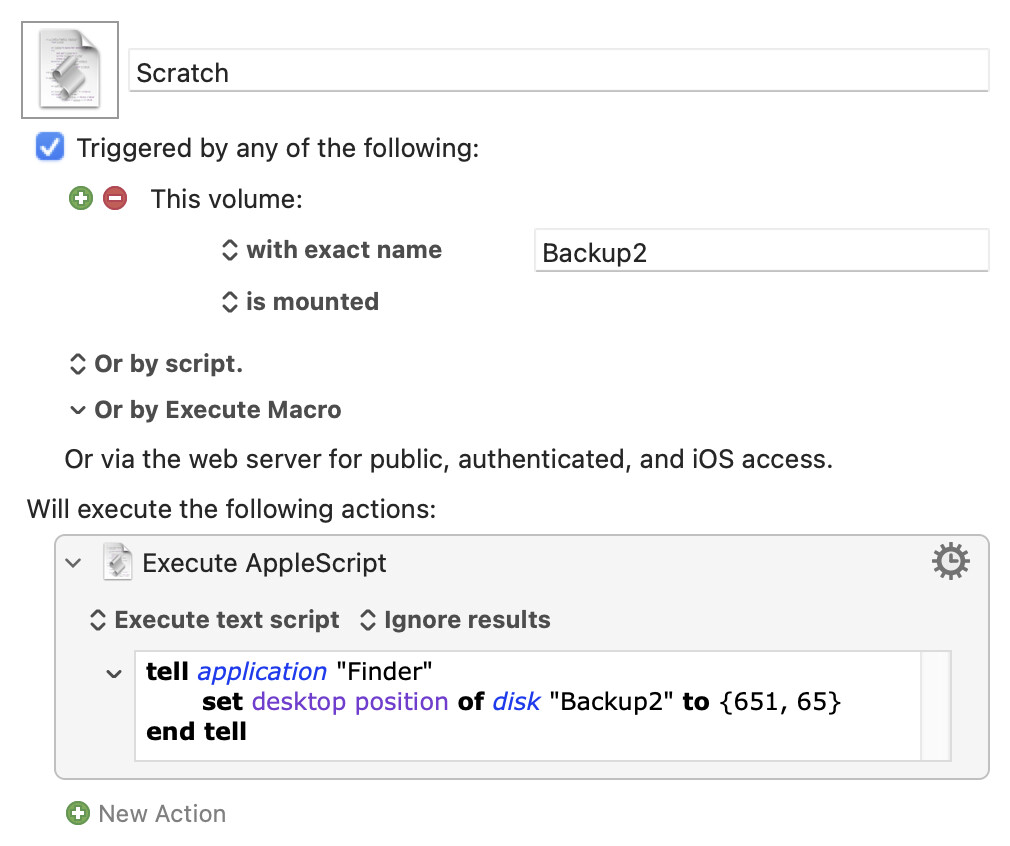
...will put the middle of the icon (not including the label, I think) 651 nominal pixels to the right of the left edge of your main display and 65 pixels from the top. Use KM's "Mouse Display" window (in the Window menu) to get your desired coordinates.
Just pop the script in an "Execute an AppleScript" Action in a macro with the hot key of your choice, or set it to trigger when the disk mounts:
I got it working using an Apple Script. Folks on the Apple Community board helped me. The script is just like @Nige_S shows. Thanks everyone.