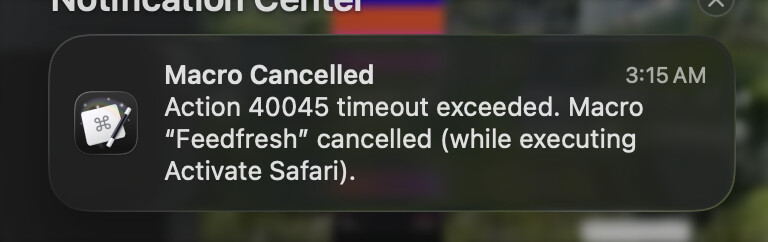
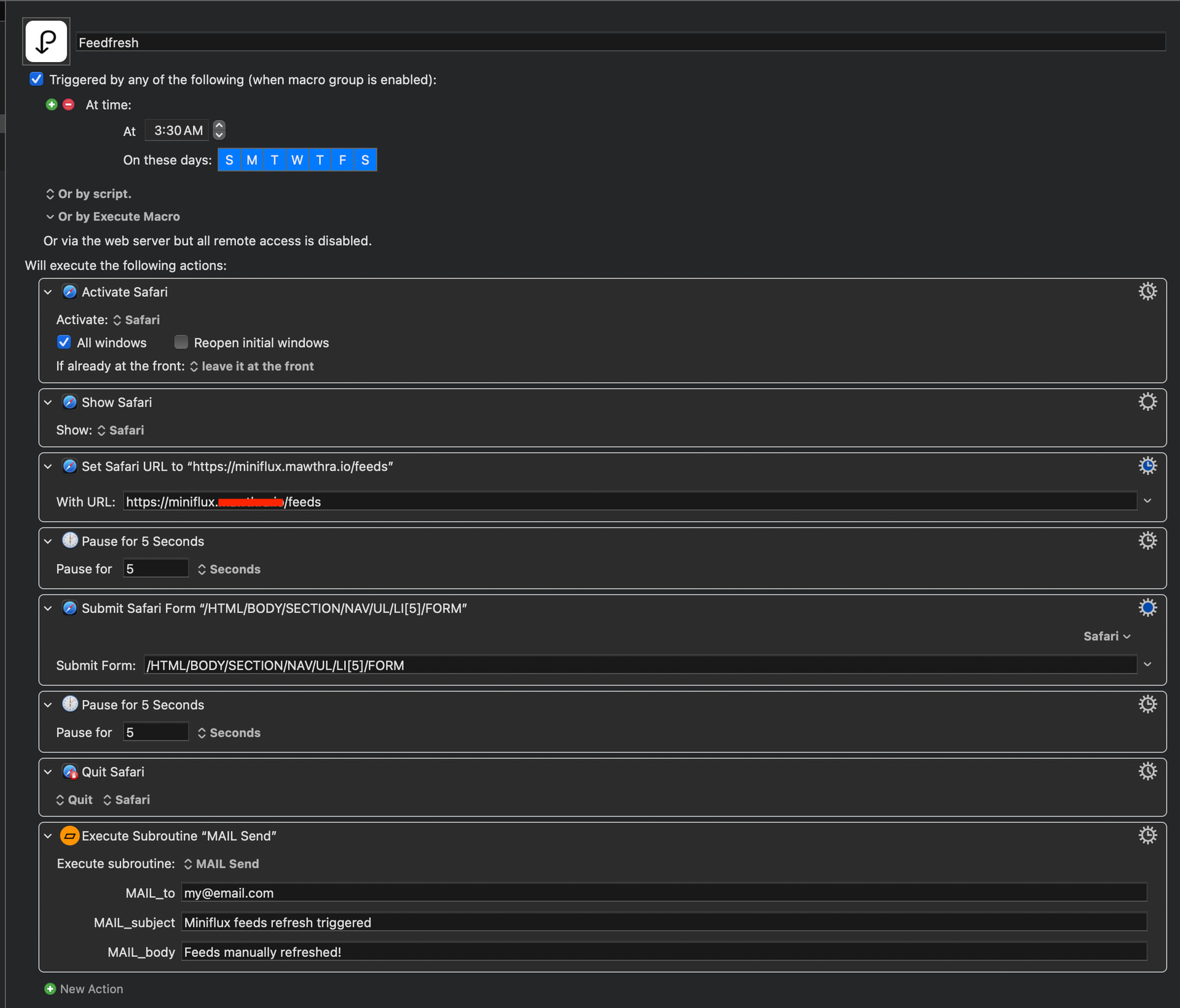
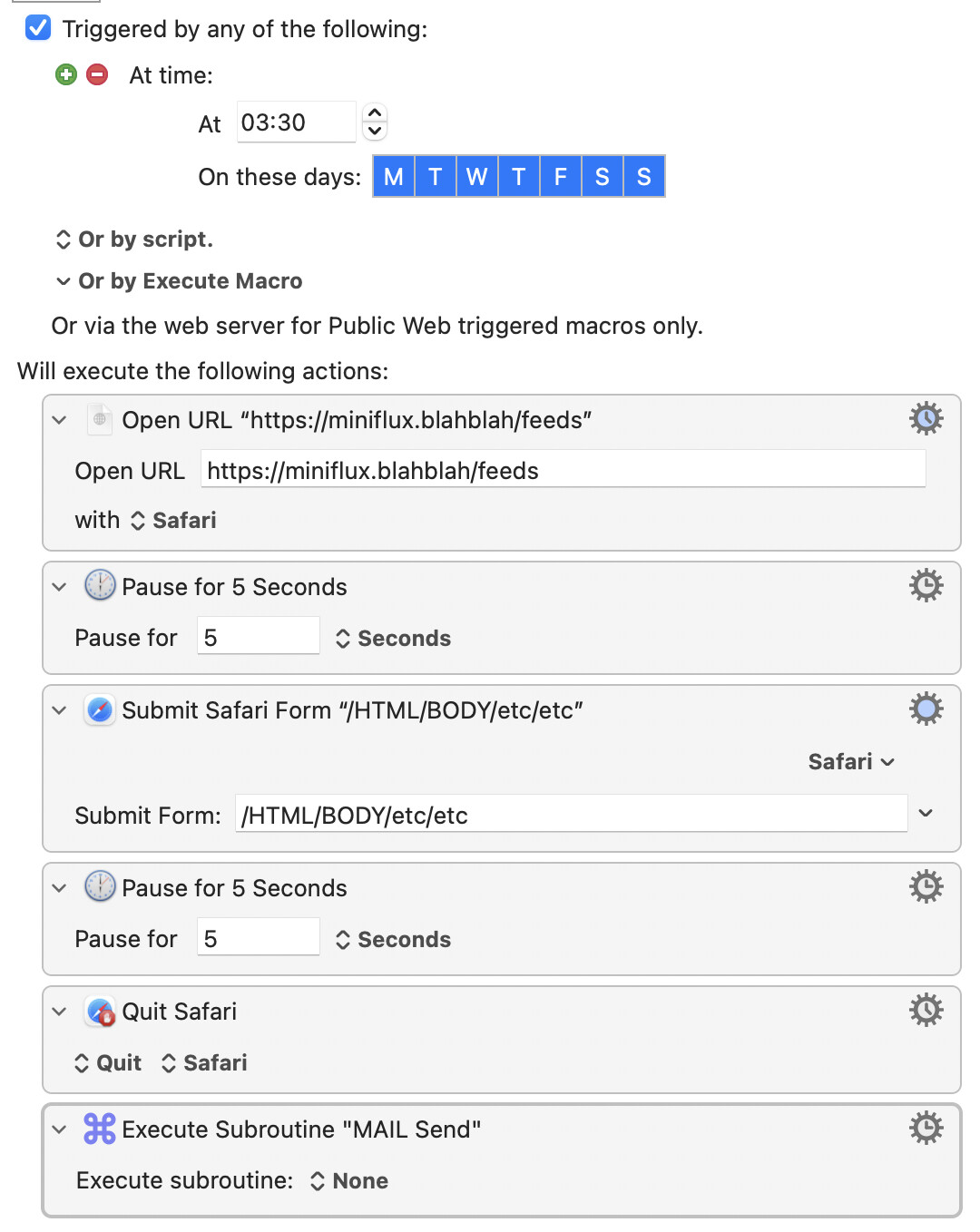
I made this macro (attached as a screenshot) to trigger a page form on my Miniflux server and when I manually trigger it when I’m at the machine, it works perfectly, however when the time trigger happens overnight while the machine is awake but the screen locked, it always fails and I can’t figure out why (log doesn’t give me anything helpful, it’s verbatim of what’s in the notification screenshot).
Would love some help in troubleshooting this from anyone here on the forums! Basically if what I’m trying to do is even possible (with the screen locked), or if there’s even a better, more bulletproof way to achieve this. I’m thinking there should probably be some sort of check or an if/then to determine if it’s successful rather than timing out.
Thanks!
Start with the Action that is timing out. The error message says that's the Action with the ID 40045.
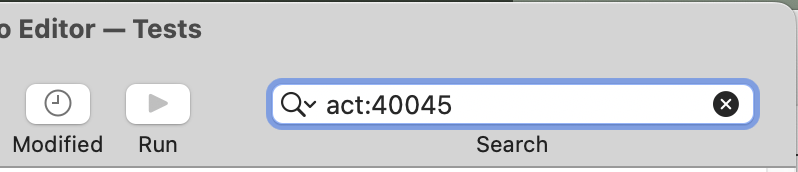
In the KM Editor, select the "All Macros" Smart Group (just in case...) and then type
act:40045
...in the search bar:
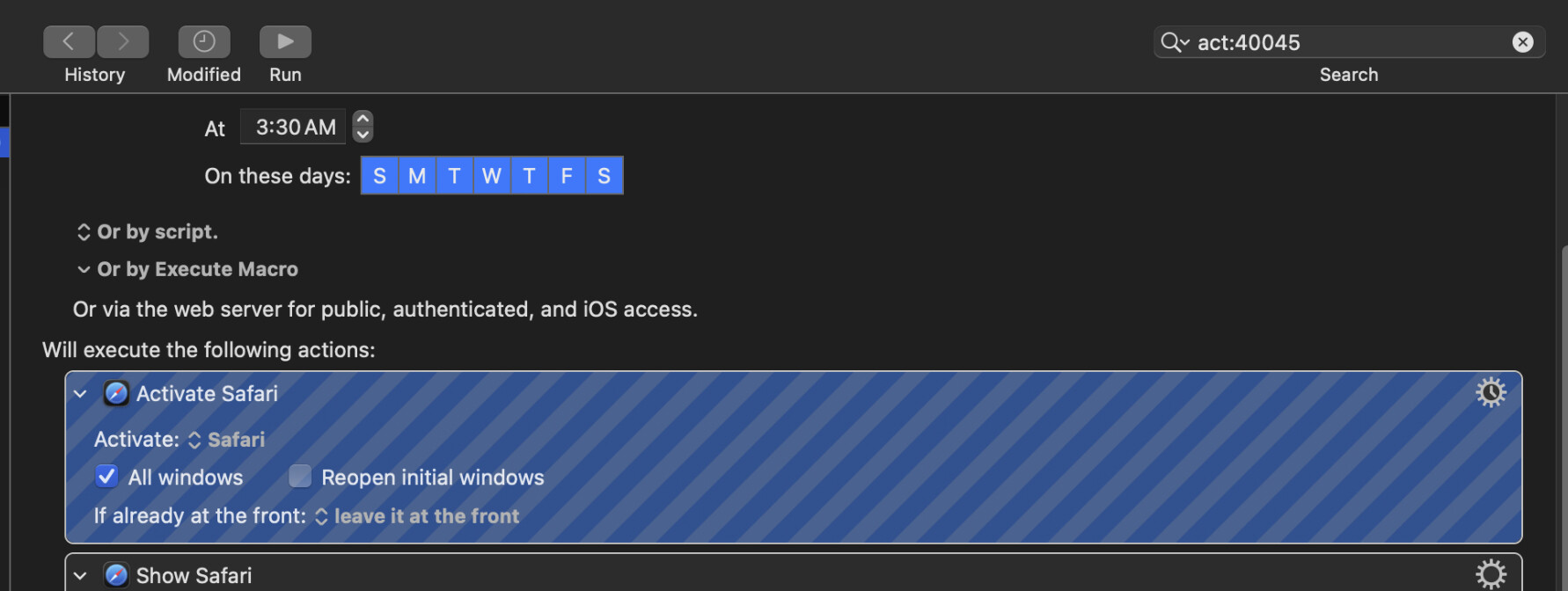
You can then select the only found macro and see the Action highlighted with diagonal stripes. That'll cue you in to what the problem is -- generally a UI interaction that can't be performed when the screen is locked.
2 Likes
Oohhh, that alone was helpful, thanks @Nige_S! Turns out it was the first action, but now I’m not clear on why that would fail? Is what I’m trying to achieve here just not possible while the screen is locked?
We don't know state when your macro triggers -- is Safari not open and it is the launching that fails, or is Safari open but not active and and it's the activation that fails?
You could test -- but to save some time, it's activation that will not work when the screen is locked.
Luckily, for the macro you've posted (the subroutine's Actions on Mail may change things), you don't need to force a frontmost app -- the "Submit Safari Form" Action will target the currently-active Safari window, even if that is in the background. And you can both launch and open a URL in Safari without foregrounding it by using the "Open a URL" Action. So:
...may do what you need. Try it and see.
1 Like
I will give this a shot and report back! Tremendous thanks for the help 
1 Like
@Nige_S Just letting you know, this worked perfectly last night! Thank you again for taking the time to help me through that.