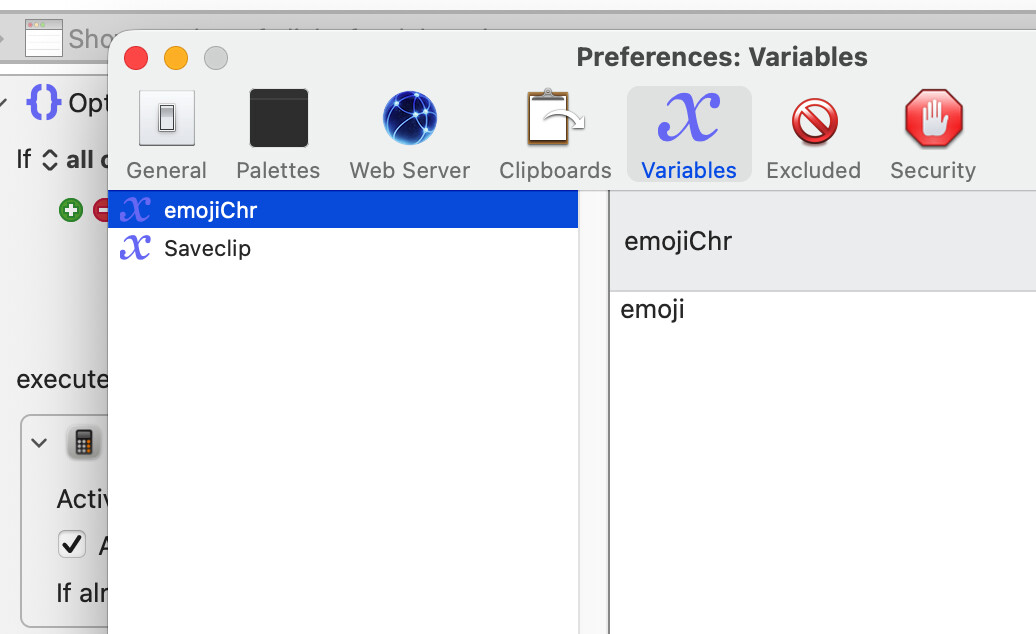
It took many years, but I finally found something I don't think I can do with Keyboard Maestro. The issue was I needed to copy and paste some emoji characters into a stock charting platform I use (TradingView). I am able to copy and paste the emoji characters using the clipboard, but when I try to send them to a Keyboard Maestro variable, they get converted into a generic "emoji" string.
Clearly, the issue is related to Unicode compatibility. If anyone has a suggestion about how I could store one of these characters and paste it (or at least put it in the clipboard), please let me know.
I’m not sure what you mean by that. Could you post an example macro please? For now, I can only say that Unicode characters, including emojis, appear to be handled correctly to me.
If the problem is just that the emojis look different in style, that will be due to how different platforms render them… but I don’t think you mean that.
And yet…
If you are happy with how the clipboard handles the emojis, had you considered using a named clipboard?
Good suggestion. I tried copying the rocket emoji from TradingView and pasting it but it renders as ‘emoji’ again. But if I use an emoji finder website I can paste the rocket emoji just fine. So it must be something wonky with TradingView. Here are the two rocket, TradingView on top and standard on bottom. So maybe I can use the standard emojis.