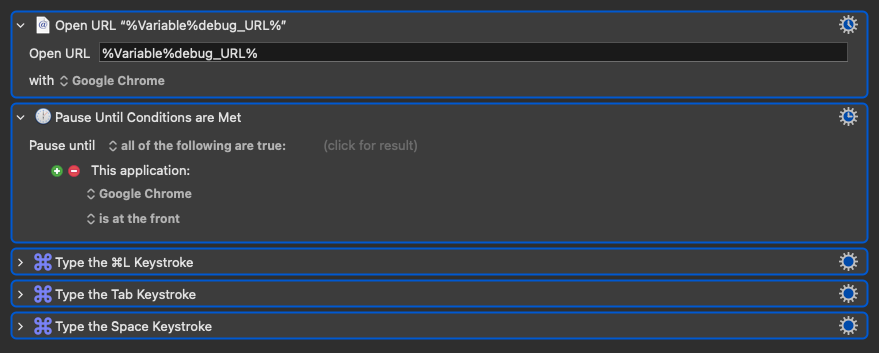
I'm trying to make a macro to open the appropriate Google Chat space for the current project folder i'm in in finder. Having issues opening the chat space URL in the google Chat App, which is a chrome "wrapper" of sorts.
Clicking on one of these URLS from inside the app opens the appropriate space.
The best I've been able to do is use a found image to click this little button in the URL bar of chrome once the window opens, but I'd like to use this macro on multiple chrome profiles, and the transparency and color differences will prevent me from getting consistent results with a found image click.

I've tried the Open URL action, but all it does it activate the app.

I've also tried this applescript, which does the same, just activates the app.
tell application "Keyboard Maestro Engine" to set theURL to getvariable "URLtoOpen"

tell application "Google Chat"
	open location theURL
end tell
Any other ideas of what to try? I'll probably end up trying to script a click on that button, but there's so many variables with the chrome window i'd prefer something else