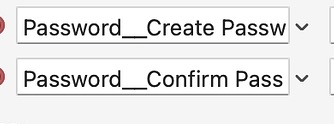
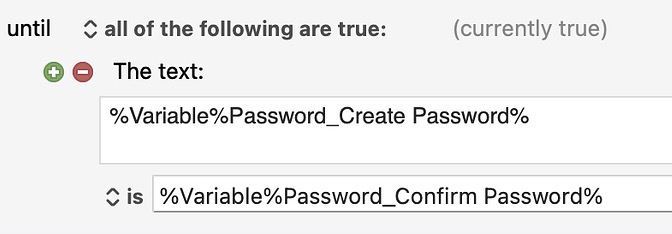
I am creating a macro that uses passwords and am using an Until Loop to confirm the passwords match.
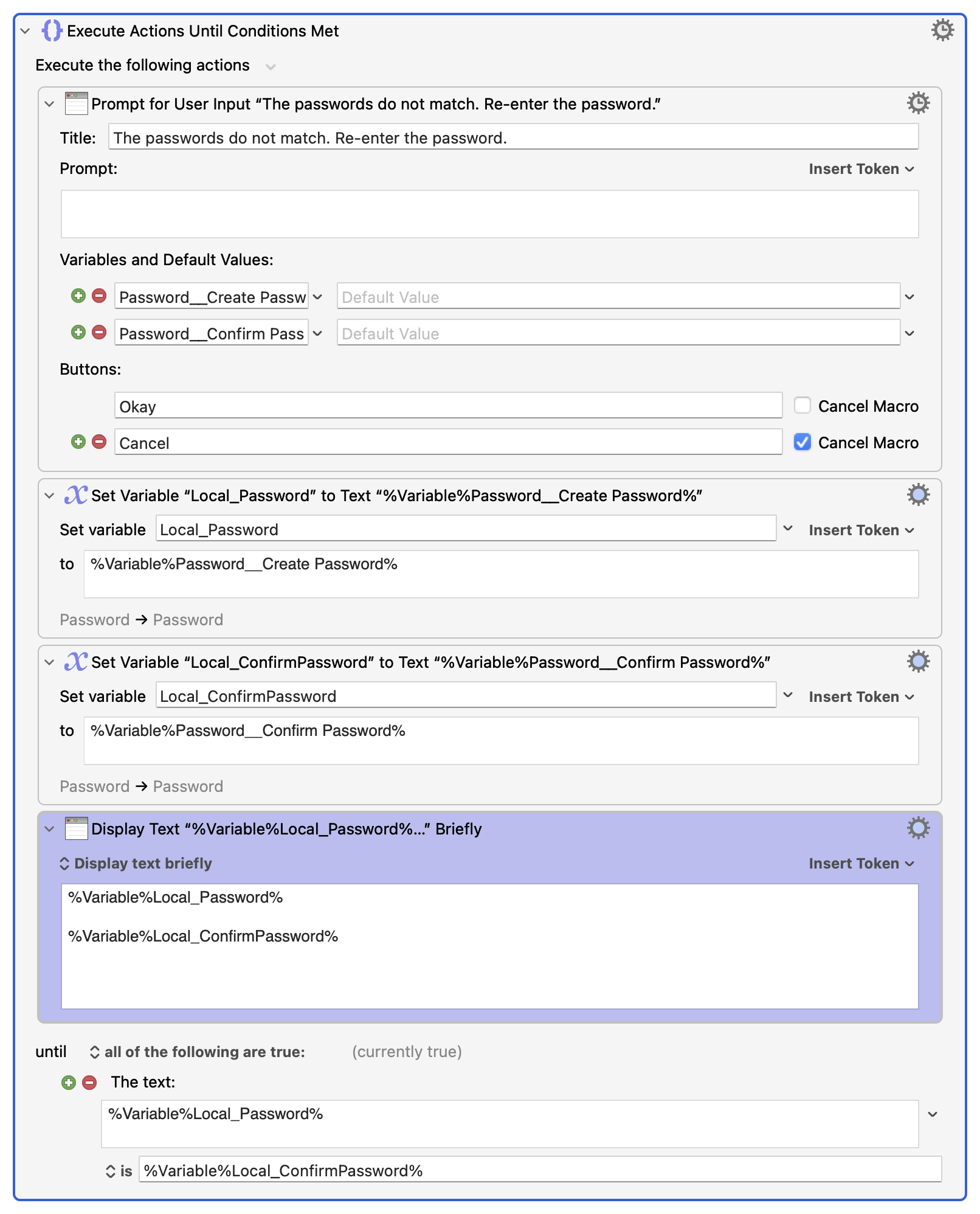
The first loop I built does work; that is, it reports FALSE when the passwords do not match and is TRUE when the passwords do match. The loop is:
The second loop I built was in the interest of shortening the macro and it does not work; that is, it always reports TRUE, even when the passwords do not match. The loop is:
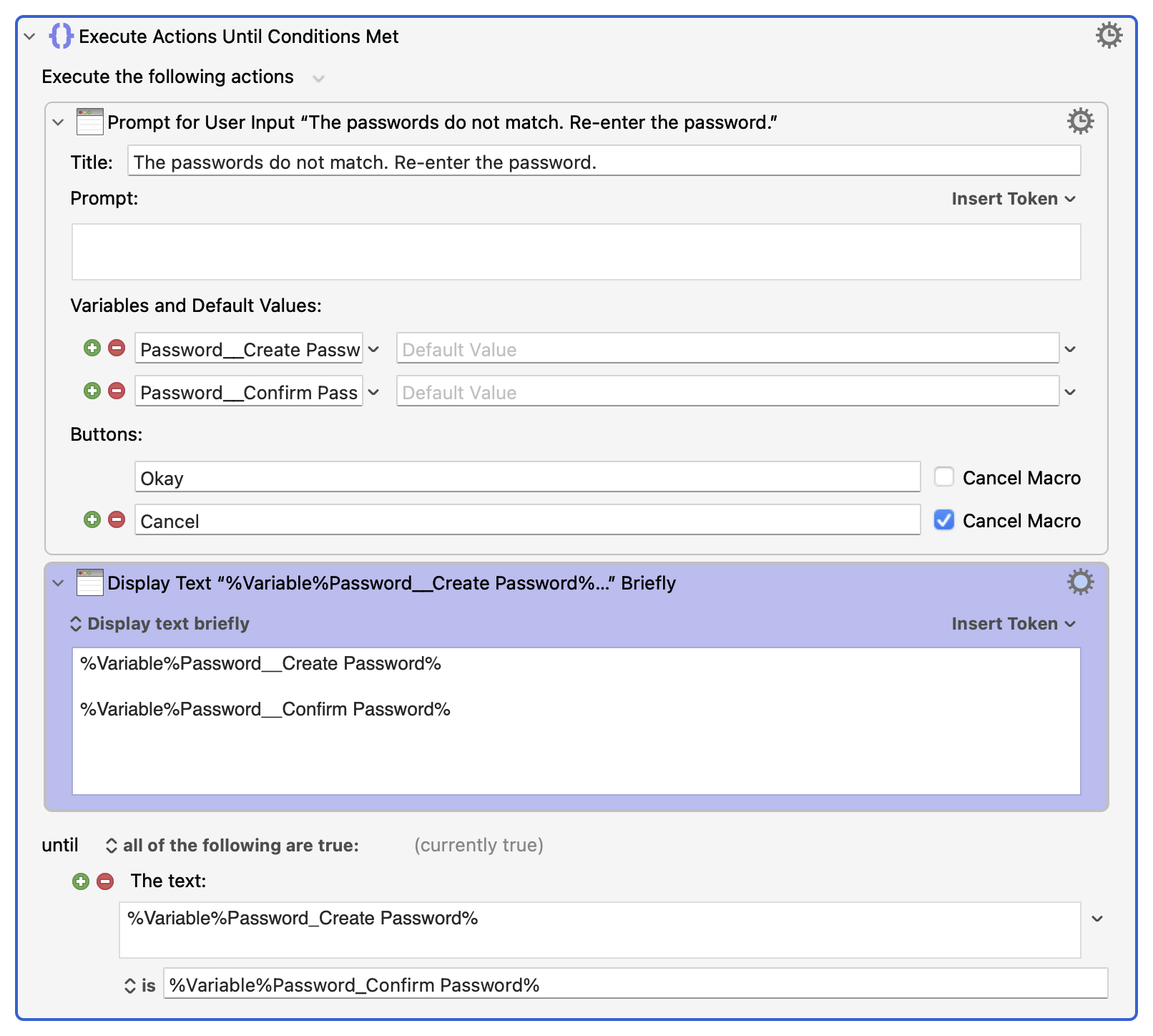
Worth noting, in trying to figure this out I added the purple Display Text boxes and found:
-
It is not because of the space in the variables "Password_Create Password" or "Password_Confirm Password" because in both loops the values are properly being displayed by the Display Text window.
-
It has to do with the test conditions which are the same in both loops other than the first loop uses Local variables while the second loop uses Password variables. What really confuses me is that other than the the first loop's assignment to Local variables the two loops are identical!
Would very much like to know why teh first loop works and the second loop fails!
Thank you!
Why does the first image work (i.e., is FALSE when passwords do not match and is TRUE when teh passwords match) while the second image is always true, even the password do not match?