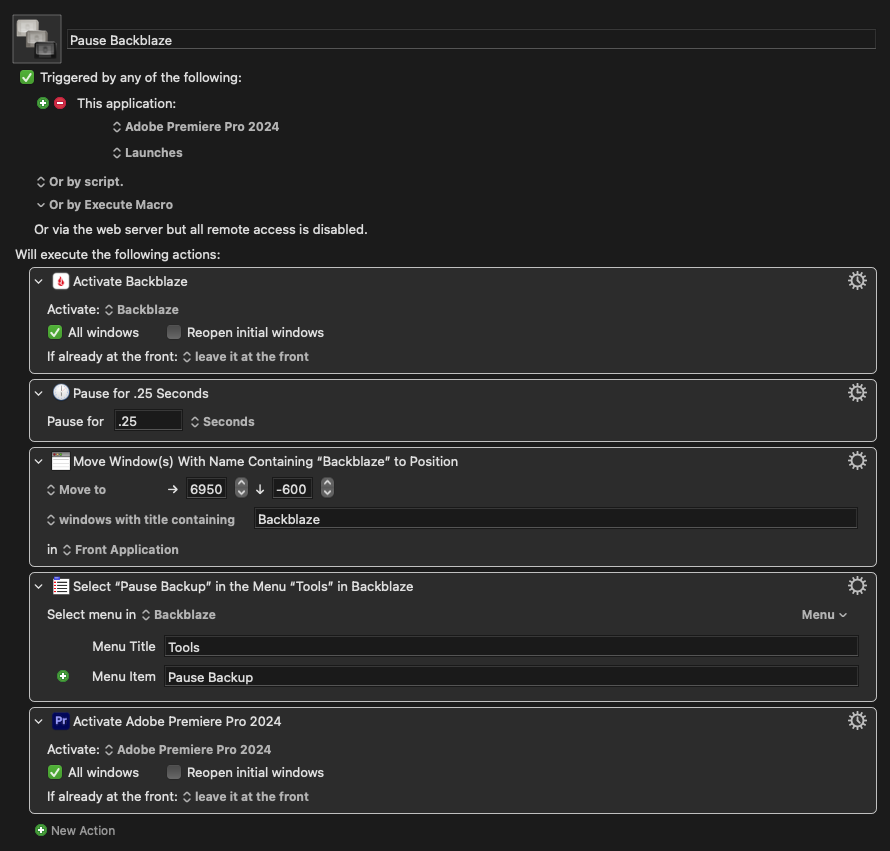
When editing in premiere while backblaze is actively backing up, I discovered that Keyboard Maestro takes a performance hit and the macros stop working consistently. I tried creating a macro that is triggered each time Premiere opens to pause backblaze, but it seems like the backblaze setting’s window needs to be open in order for the KM “select menu” command to work. Is there a way around this or should I just tuck the backblaze settings menu off into an unused monitor?
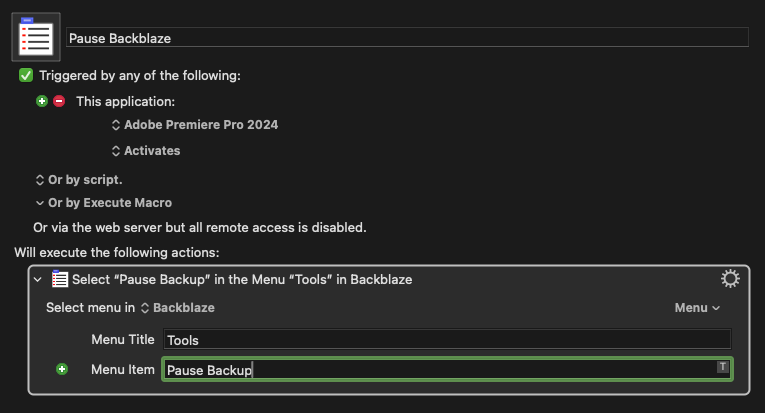
Nitpick -- the macro triggers every time Premiere activates, which includes on launch but also every other time you bring Premiere to the front.
If you launch Premiere, work in it for a while, then Quit it you may find that changing the trigger to "Application: Launches" (with another for "Application: Quits" to turn Backblaze back on again) does enough -- you'll only get the settings popping up when you launch or quit Premiere.
For truly invisible pause/resume, you could do it via launchctl or the Backblaze CLI tool. This MPU Forum thread covers the options well -- the launchctl methods need a bit more messing around in the OS to set up while the CLI client is easier but requires you to install homebrew.