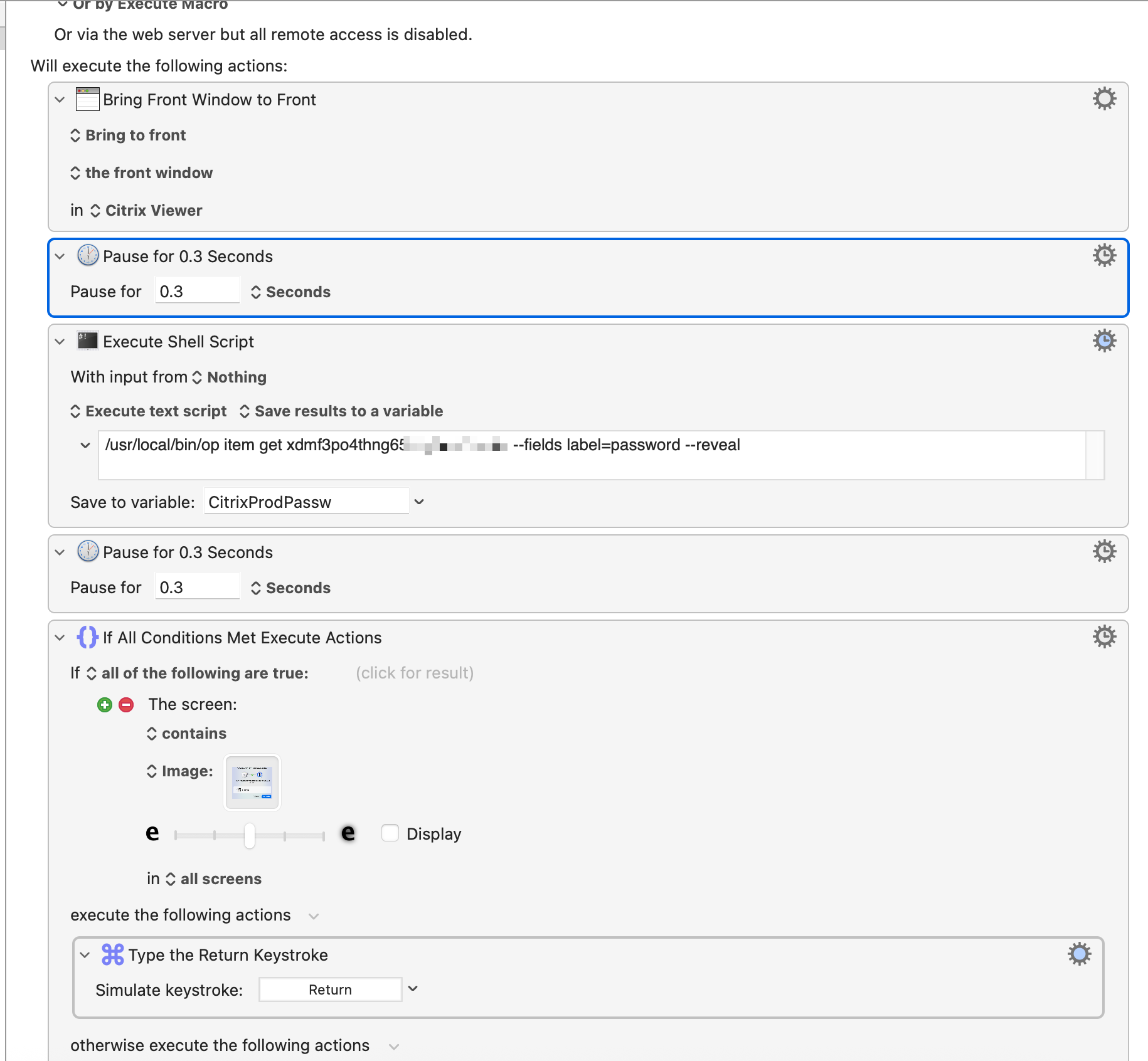
I created a macro to logs me in my Citrix session when the session is locked. So it types my password when trigger a hotkey macro only for the Citrix Viewer Window when it exists.
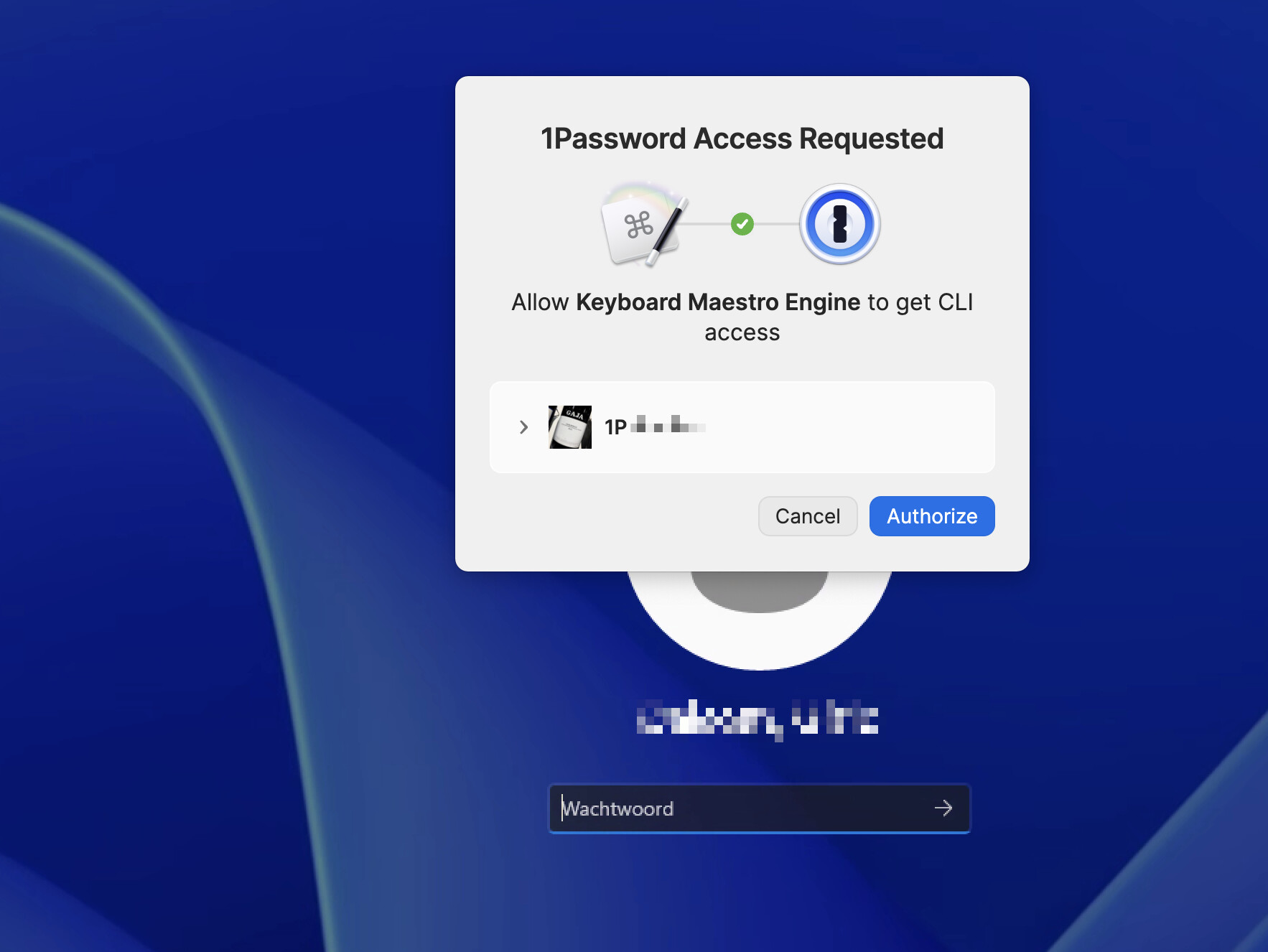
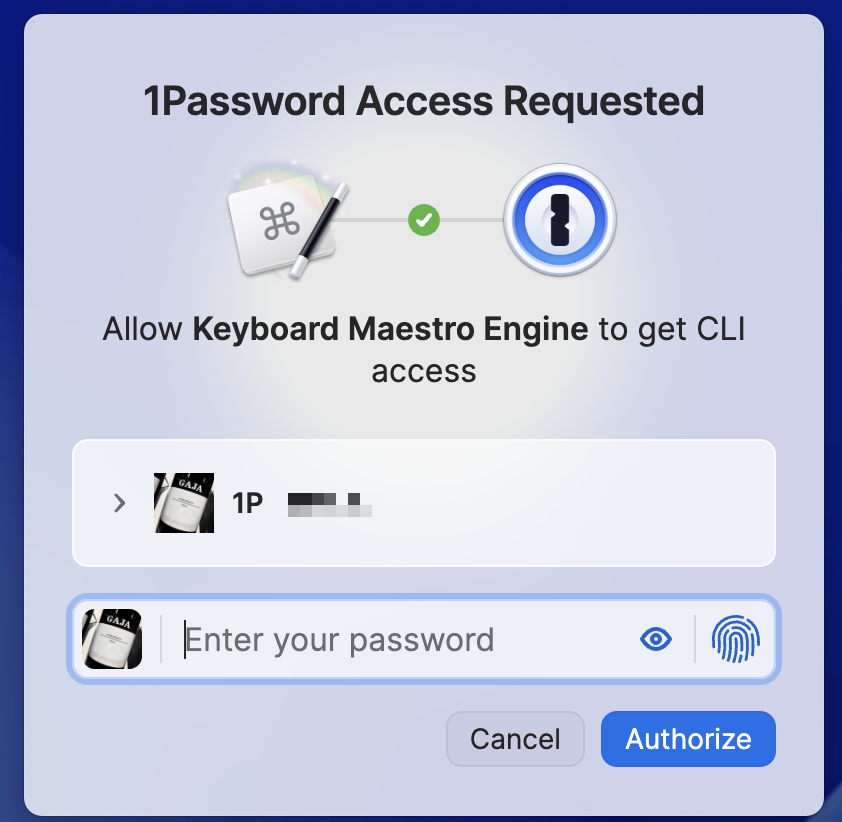
But after a time 1Password ask me to Authorize the 1Password CLI for Keyboard Maestro again, i have to click or press enter for the marco to continue. But it doesn't find this Front Window for this 1Password Access Requested.
So tried a if this then macro so when it finds the Window of the 1Password question with the Authorize button it should press Enter.
So if the 1Password question appears it should press enter and continue and when the 1Password question is not shown it also must continue.
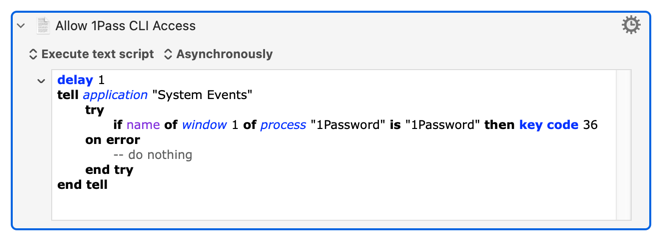
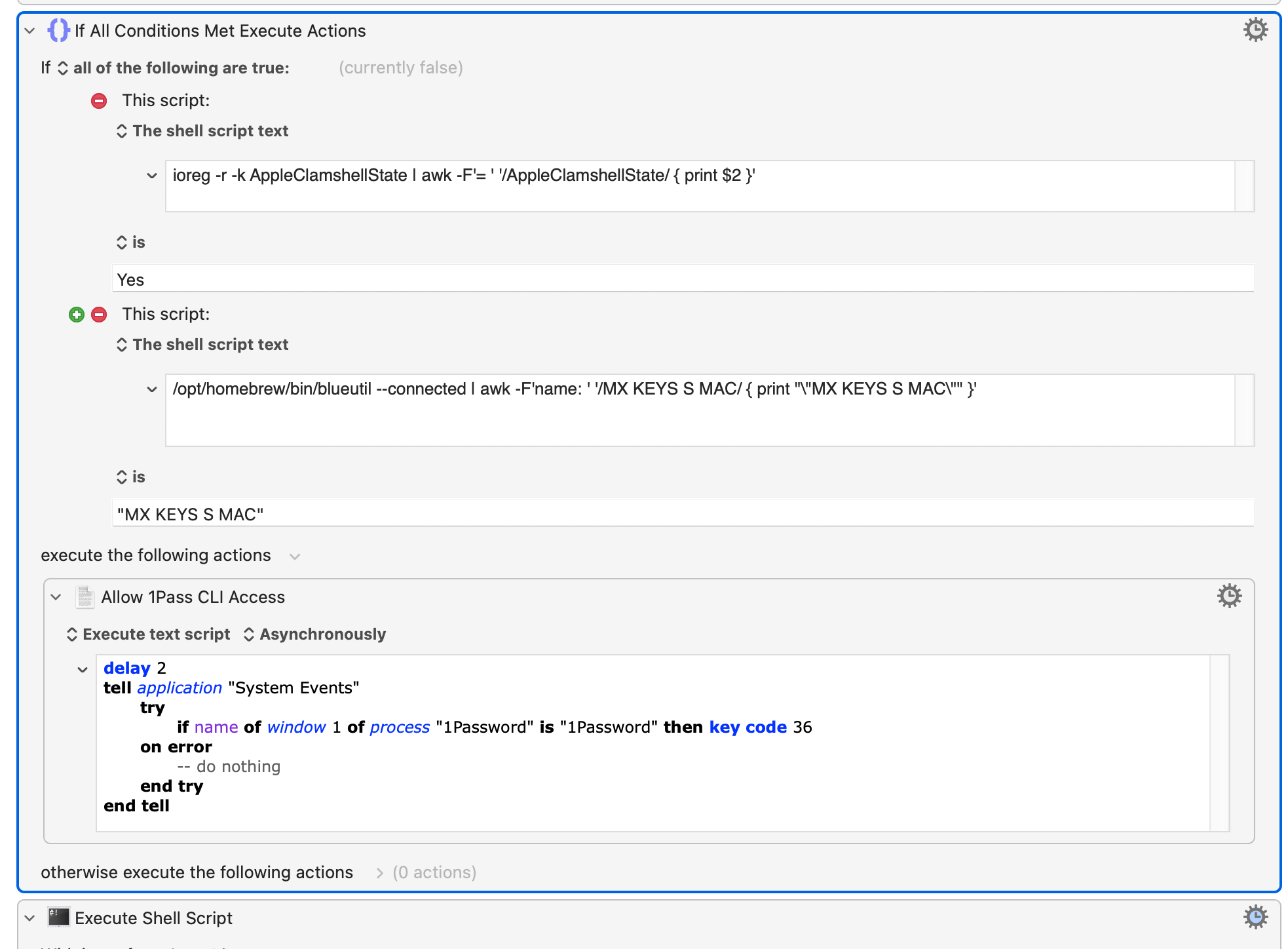
It runs asynchronously, so your macro immediately moves on to the CLI action without waiting for the AppleScript to finish. The AS itself waits for 1 second to give the access request time to appear, and if it does (the 1Password process has a window called "1Password") it simulates pressing the Return key (key code 36) to "Authorize" access.
Put it between the "Pause" and "Execute Shell Script" actions.
That doesn't matter -- all the AppleScript does is wait a beat in case the 1Pass "Allow" dialog appears, and if it does it simulates you pressing the Return key. If the dialog doesn't appear the script exits without doing anything.
Meanwhile your shell script is trying to get the password. If 1Pass CLI requires you to "Allow" it waits for you to do so -- at which point the AS "presses" the button for you.
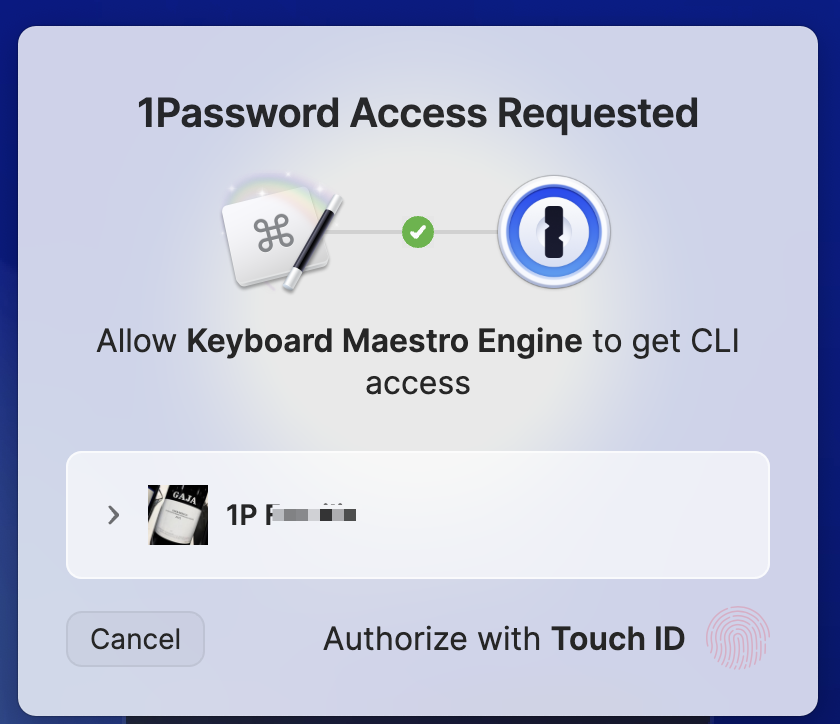
@Nige_S The script runs great on my external monitor and my macbook in clamshell mode with external keyboard , then the touch id is disabled and get the authorize button.
But working on my macbook without clamshell mode it get an the touch id option and the script press enter then i have to give in me password.
Is there a detection option so that your script checks to run when in clamshell mode or detect if touch id available?
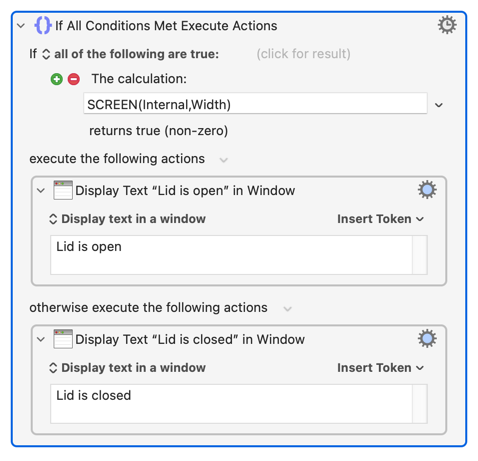
i can detect clamshell mode using if this then.. ioreg -r -k AppleClamshellState | awk -F'= ' '/AppleClamshellState/ { print $2 }' which output yes or no
The thing is when at work i have a Keyboard with touch is, then when i detect the clamshell mode is enabled it still triggers the script and give and gives the enter.