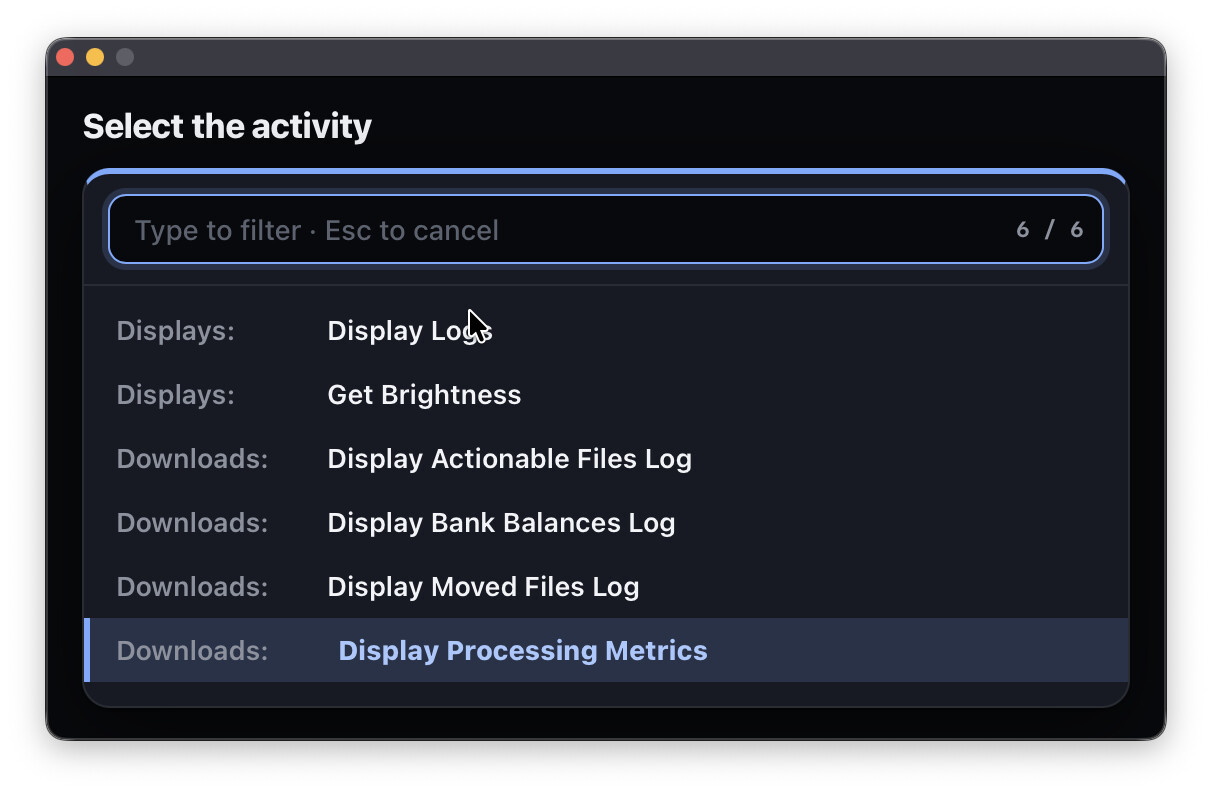
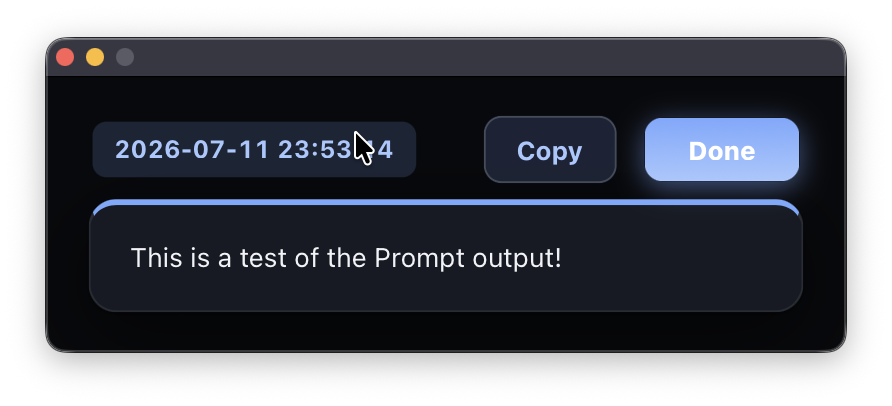
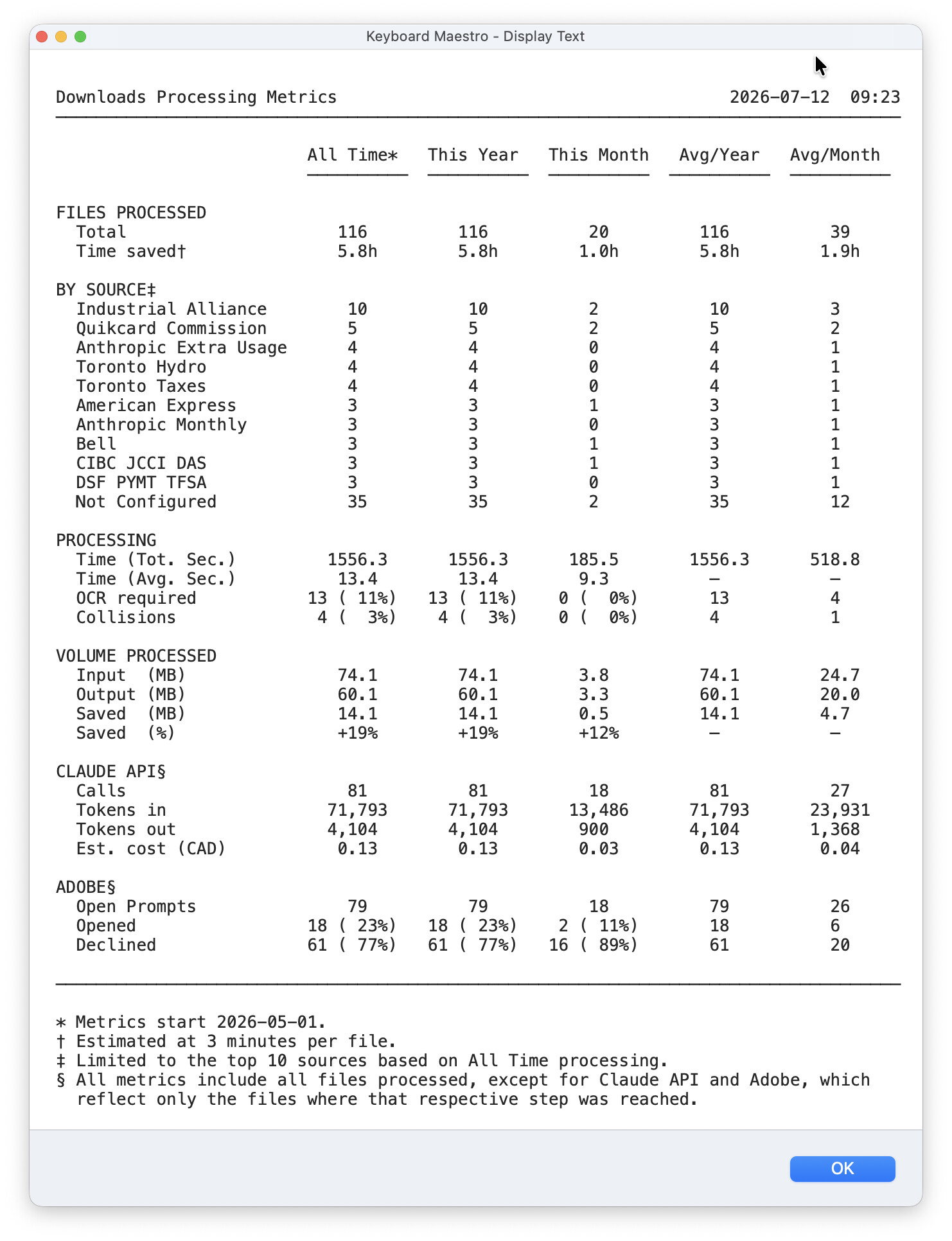
I have a Custom HTML Prompt that renders a formatted report (a styled HTML table with a print stylesheet). I want the user to be able to print what they're looking at.
window.print() does not work — and it fails silently. I tested it to be sure, and this is what the prompt reports at runtime:
typeof window.print    = function      (the method exists)
KeyboardMaestro bridge = present
ProcessAppleScript     = AVAILABLE
calling window.print() ...
window.print() RETURNED without error
No dialog, no output, no exception. It exists, it's callable, it returns cleanly, and it does nothing.
I assume the cause is that the prompt runs in a WKWebView, which on macOS has no printing implementation — Apple's own developer forums state there is no method of printing a WKWebView on macOS, and that its print: produces blank pages.
My questions:
- Has anyone actually succeeded in printing the contents of a Custom HTML Prompt?
- Is there any KM-native route — an action, a token, or a
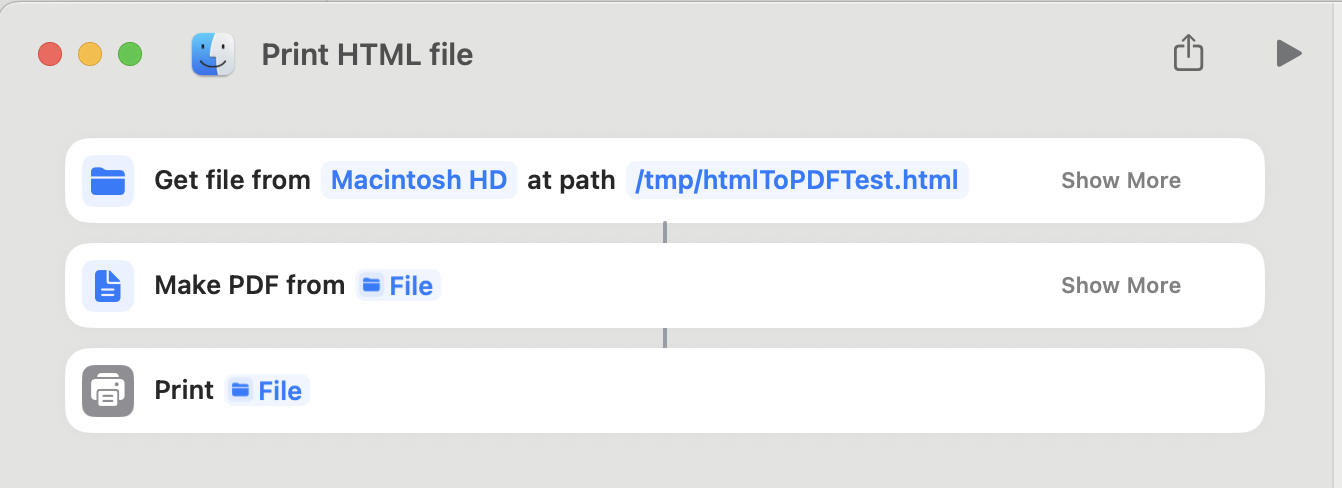
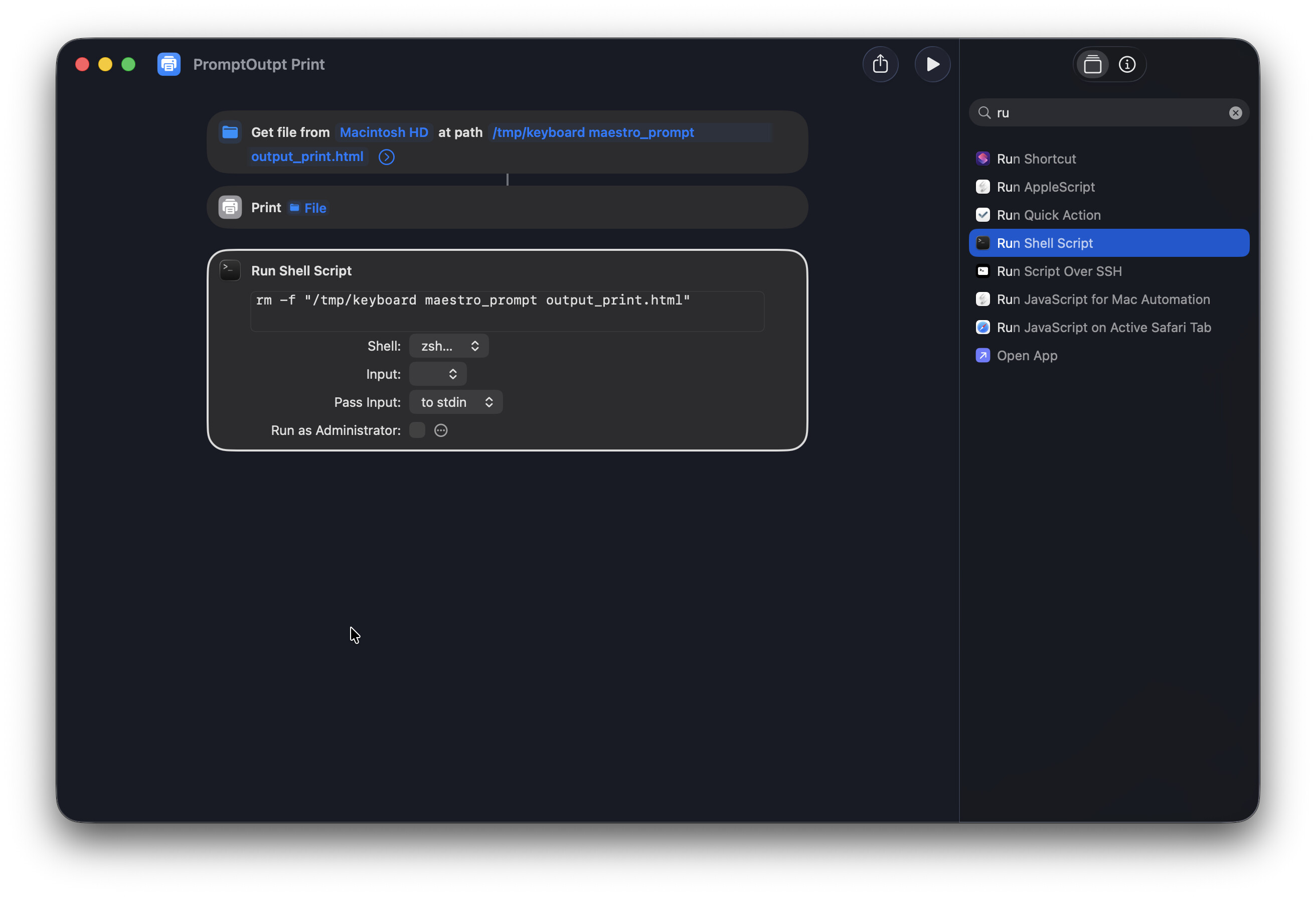
ProcessAppleScripttrick — that renders the prompt's HTML to a printer or to a PDF, without activating a GUI browser? - The obvious workaround is to write the HTML to a temp file and hand it to Safari. But Safari must be unhidden and brought to the front to receive the print dialog, which hijacks the user's browser session every time. Is there any way to get a print dialog (or a silent print) without activating a GUI app, and without installing a third-party renderer (wkhtmltopdf / WeasyPrint / headless Chrome)?
ProcessAppleScript is confirmed available inside the prompt, so I can reach out to the system — I just can't find a way to render the HTML that doesn't involve fronting an app or adding a dependency.
Keyboard Maestro 11.0.4, macOS 26.5.2.