TL;TR:
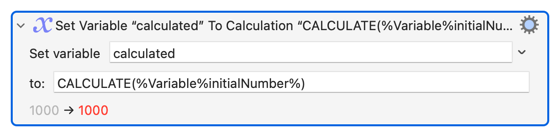
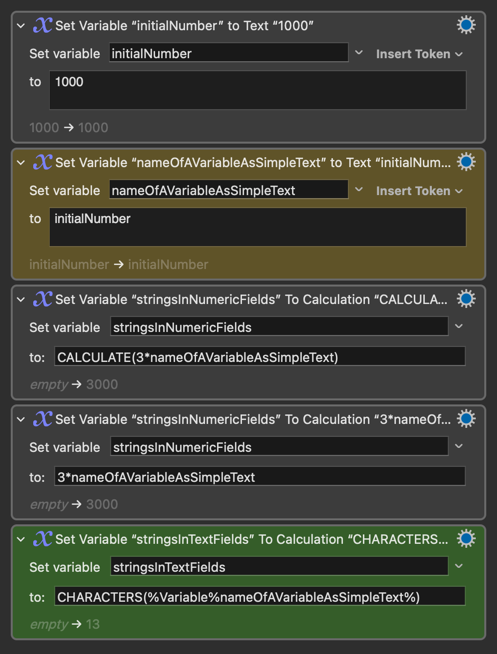
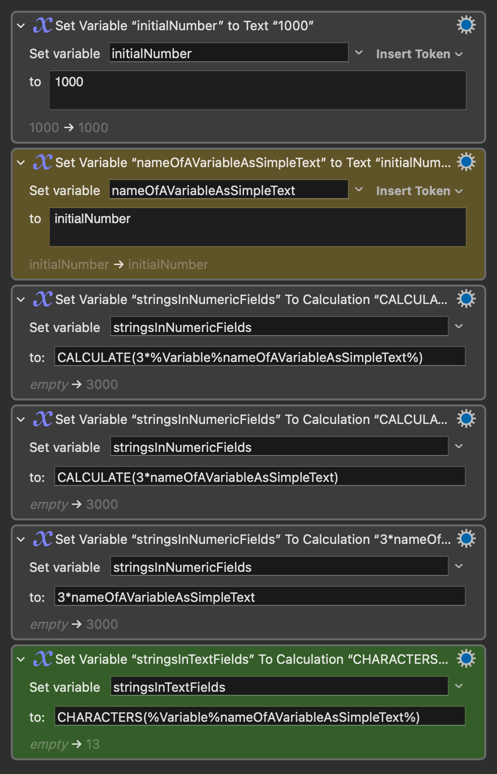
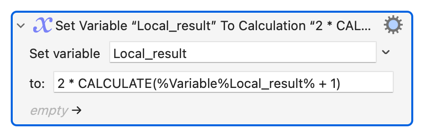
When passing a VARIABLE as a parameter to FUNCTION that take text (LINES(), CHARACTERS() and WORDS()), you MUST use the % Notation to reference variables: LINES(%Variable%MyText%)
Hi everyone,
I wanted to share a quick tip that might save you some troubleshooting headaches. While working on a client's macro, I ran into a common point of confusion regarding how variables are handled inside some text functions (even if you are inside calculations).
THE COMMON RULE WE ALL FOLLOW:
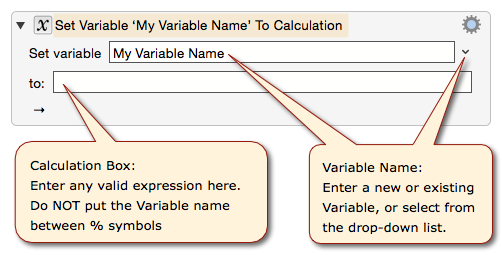
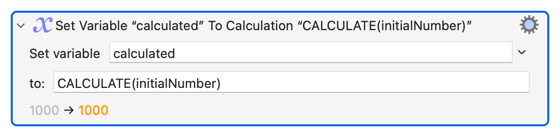
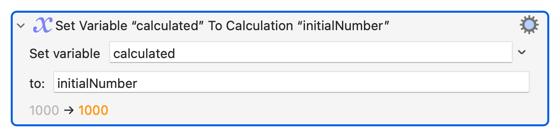
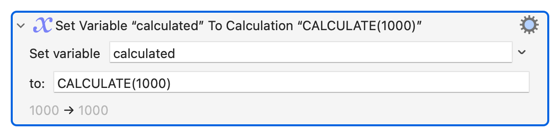
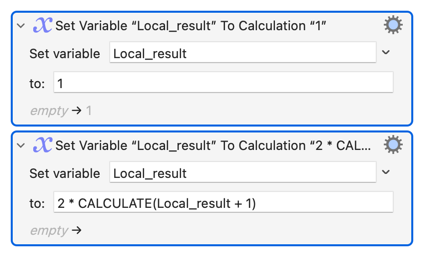
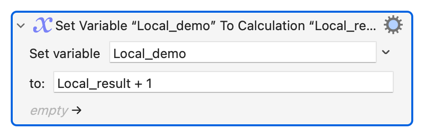
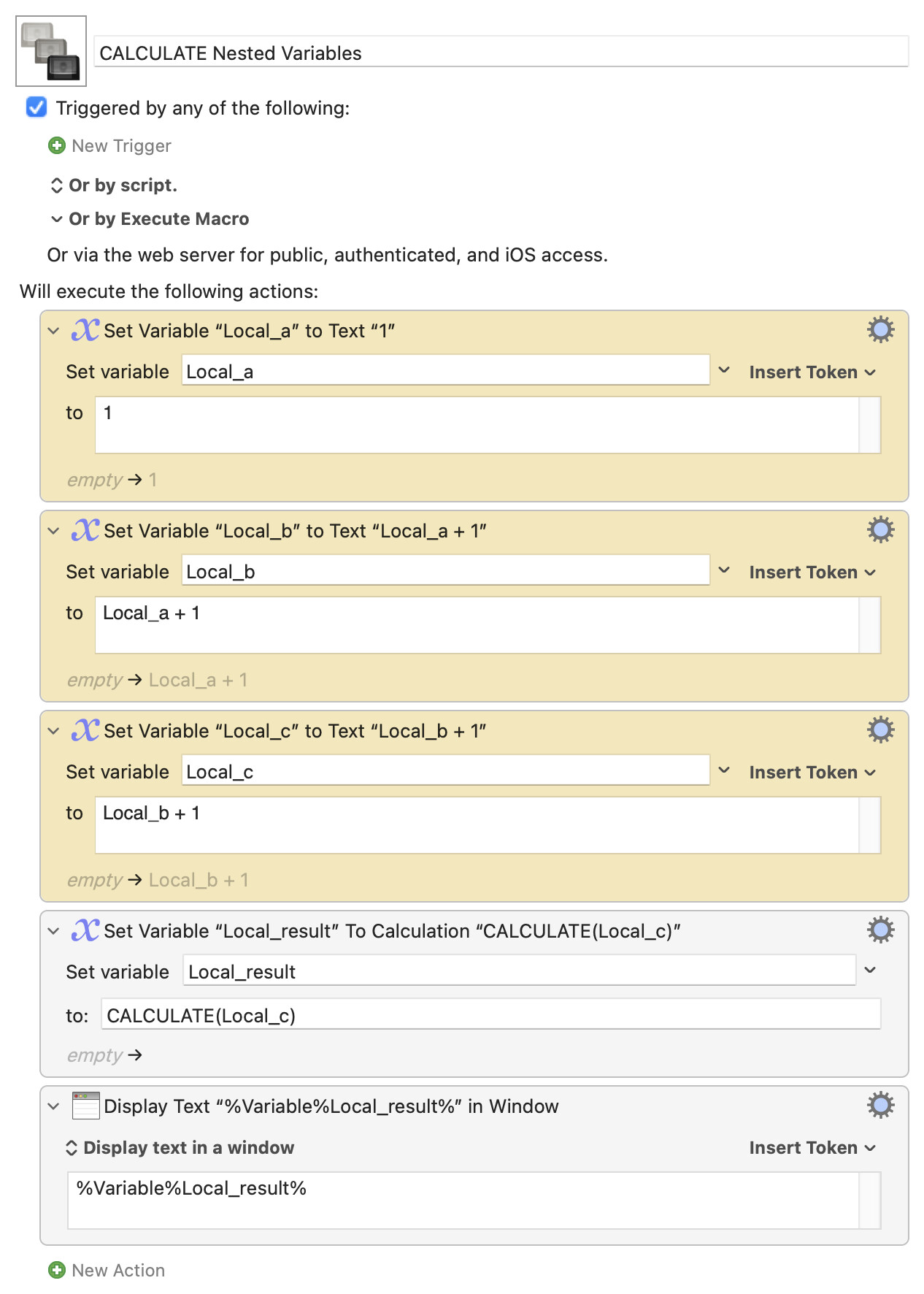
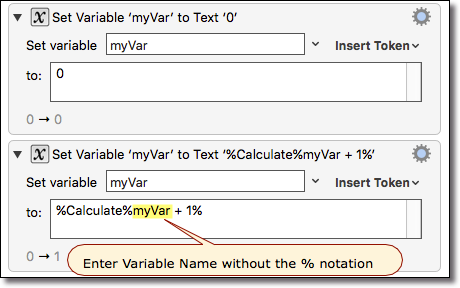
The Keyboard Maestro documentation tell us that when using a variable in a calculation, we should enter its name without the %Variable% token syntax.
For example, we use MyVariable * 10, not %Variable%MyVariable% * 10
THE CRITICAL EXCEPTION:
However, when working inside the some text FUNCTIONS (LINES, CHARACTERS, WORDS), you must use the % NOTATION to reference variables, NOT just the variable name itself.
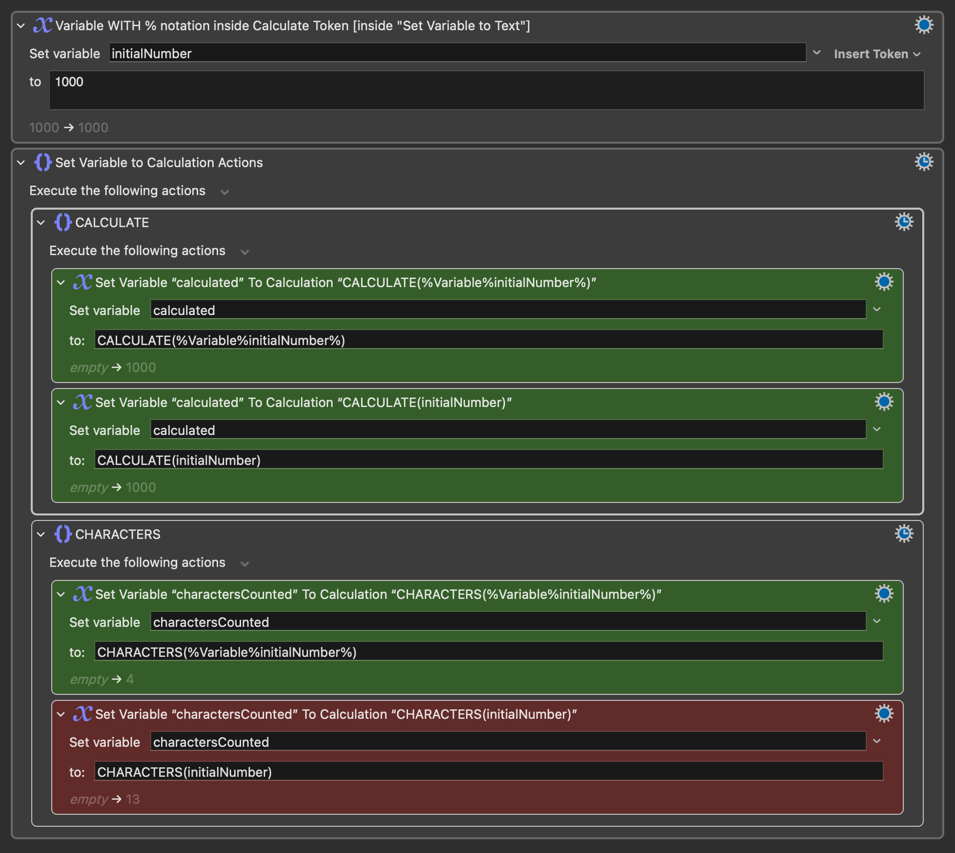
To make this crystal clear, I've put together a demonstration (see screenshot and attached macro below).
Reference Variables inside Functions.kmmacros (3.7 KB)
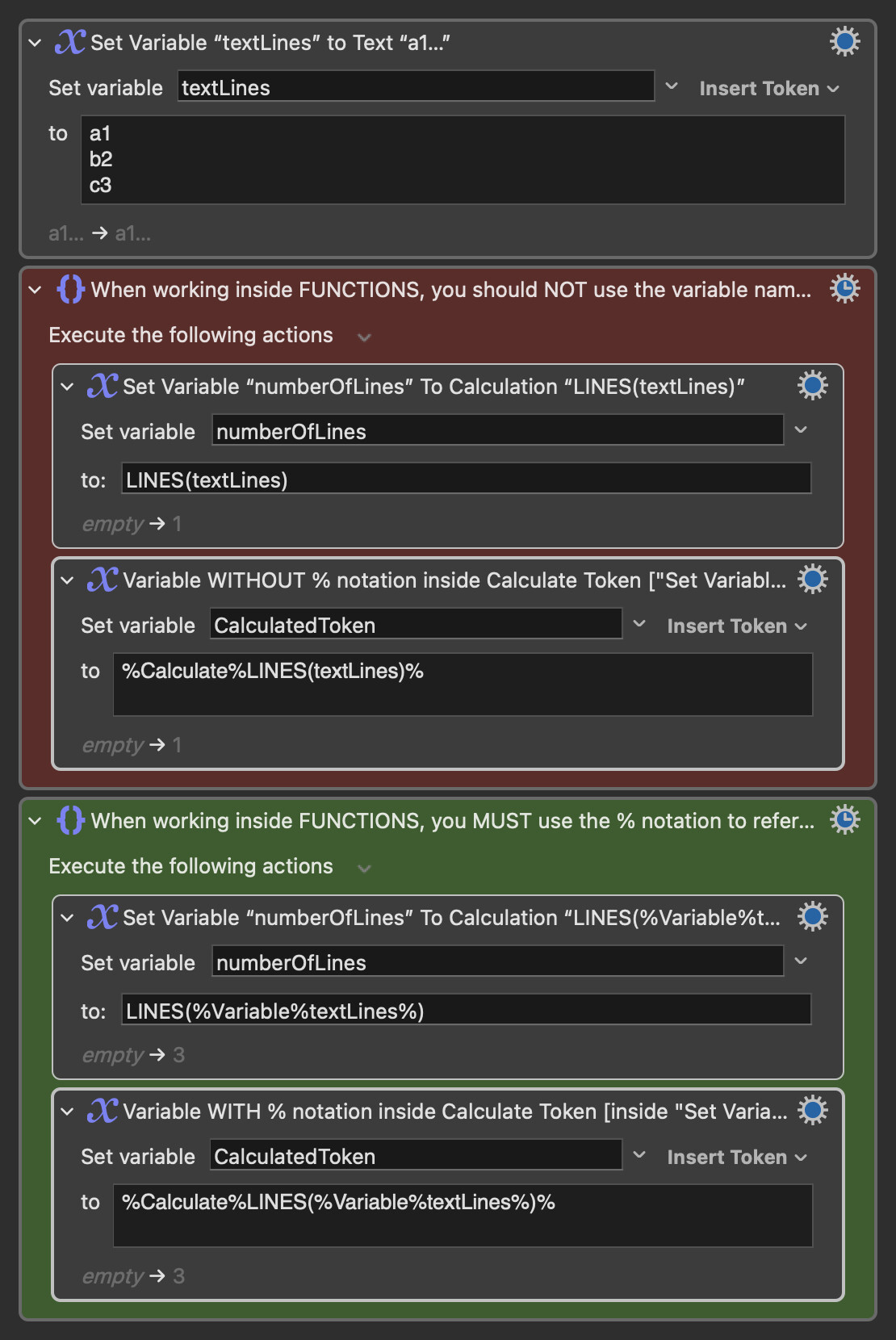
Let's break down what's happening in the screenshot:
-
The SETUP: We start by creating a variable called textLines containing three lines of text.
-
The INCORRECT METHOD (Red Section) [Test Case 1]:
-
We try to count the lines using LINES(textLines).
-
Result: 1 . This is wrong. Keyboard Maestro doesn't recognize "textLines" as a variable here. It likely treats it as a literal string "textLines", which has only one line.
-
This happens in both the Set Variable to Calculation action and when using the %Calculate% token.
- The CORRECT METHOD (Green Section) [Test Case 2]:
-
We try again, but this time we use the full token syntax: LINES(
%Variable%textLines%). BTW, if your variable name isn't a reserved word, you can simply use its abbreviation: LINES(%textLines%). But I suggest you use the full syntax. -
Result: 3 . This is correct!
-
The reason this works is that Keyboard Maestro processes the %Variable%textLines% token first, replacing it with its actual multi-line content. Then, the LINES() function receives the correct data to work on.
I hope this clarification saves you time!