Bonjour,
J'aurai besoin d'un conseil:
Je recherche la possibilité de rechercher un texte précis à l'écran, puis de cliquer sur celui-ci.
J'ai essayé plusieurs méthode, mais sans succès.
Merci pour votre aide.
The text is in a particular application ?
Also probably worth stepping back to tell us what problem you are trying to solve,
just in case there are other approaches.
( Pixel image searches are fragile and expensive, so seldom first choice )
( as in https://xyproblem.info )
Soit une fenêtre ouverte à l'écran, dans cette fenêtre je veux rechercher un texte précis et cliquer dessus, quelque soit la position de la fenêtre.
J'ai fait un "OCR Front Window" option Screen. Je stock bien l'OCR dans un variable, puis je recherche mon texte dans cette variable. Aucun problème, mais en suite je souhaite cliquer à la position de mon texte.
And the front window can be a document in various different applications,
or always in the same app ?
Very hard to reconstruct a mapping between text strings and pixel positions, given the variability of fonts, the specific metrics of which are further mutated by variants like bold, italic, link-formatting etc etc.
In this workflow, more context about the source application, and the practical function of the click,
might lead to quite different approaches.
Toujours dans la même application
You might be able to make use of this:
J'ai essayé, mais je n'arrive pas à la parametrer.
Although I can't offer further help I suggest you tell the forum what you tried - in other words post the macro you used for testing so that someone else has a better chance of working out where you're going wrong.
Which one ?
(Identifying it might suggest an alternative approach)
Affinity
What "text" are you trying to click in Affinity? If it is an UI element you should be able to use "Found Image" instead or, if the text changes, base the click-point on an UI element you can find as a static image.
A screenshot of what you are trying to click would really help here.
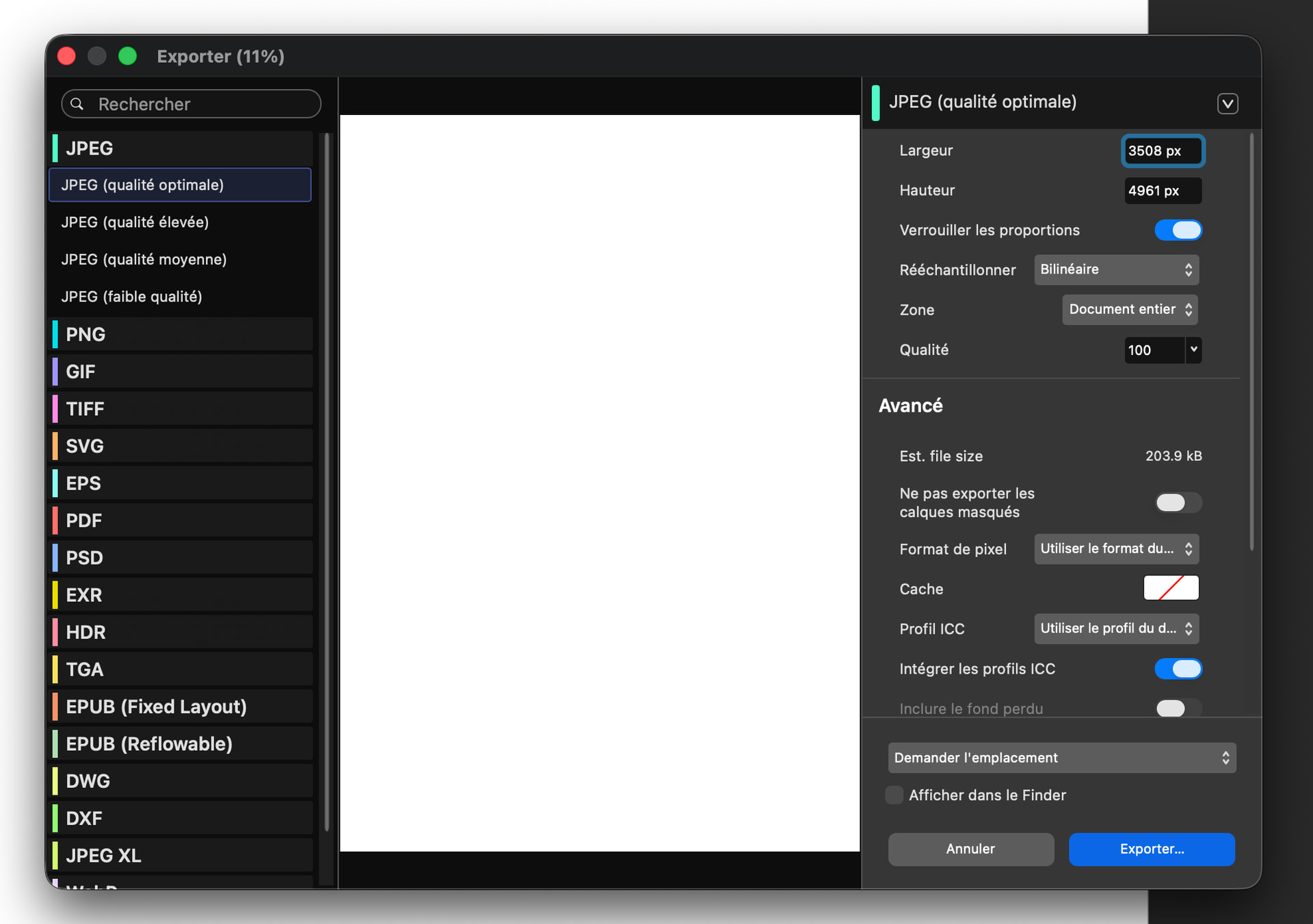
Your Affinity is different to mine, so I can't test -- but you should be able to use a "Click at Found Image" Action.
Use ⌃⇧⌘4 to trigger the selection, drag over the item's before and after "SVG" so "SVG" is in the middle:
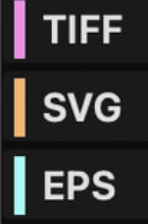
...then Paste into the Action's image well so you get something like:
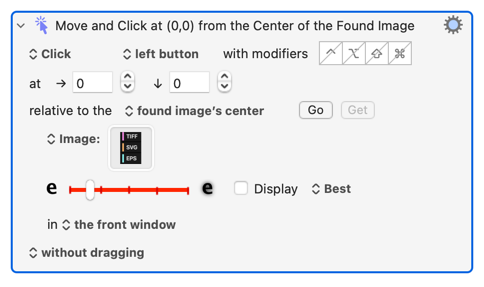
I think Affinity will present that dialog as the "the front window" -- try it and see.
J'ai fait ceci, cela fonctionne bien avec mon streamdeck
Exportation SVG.kmmacros (6.1 KB)
1 Like