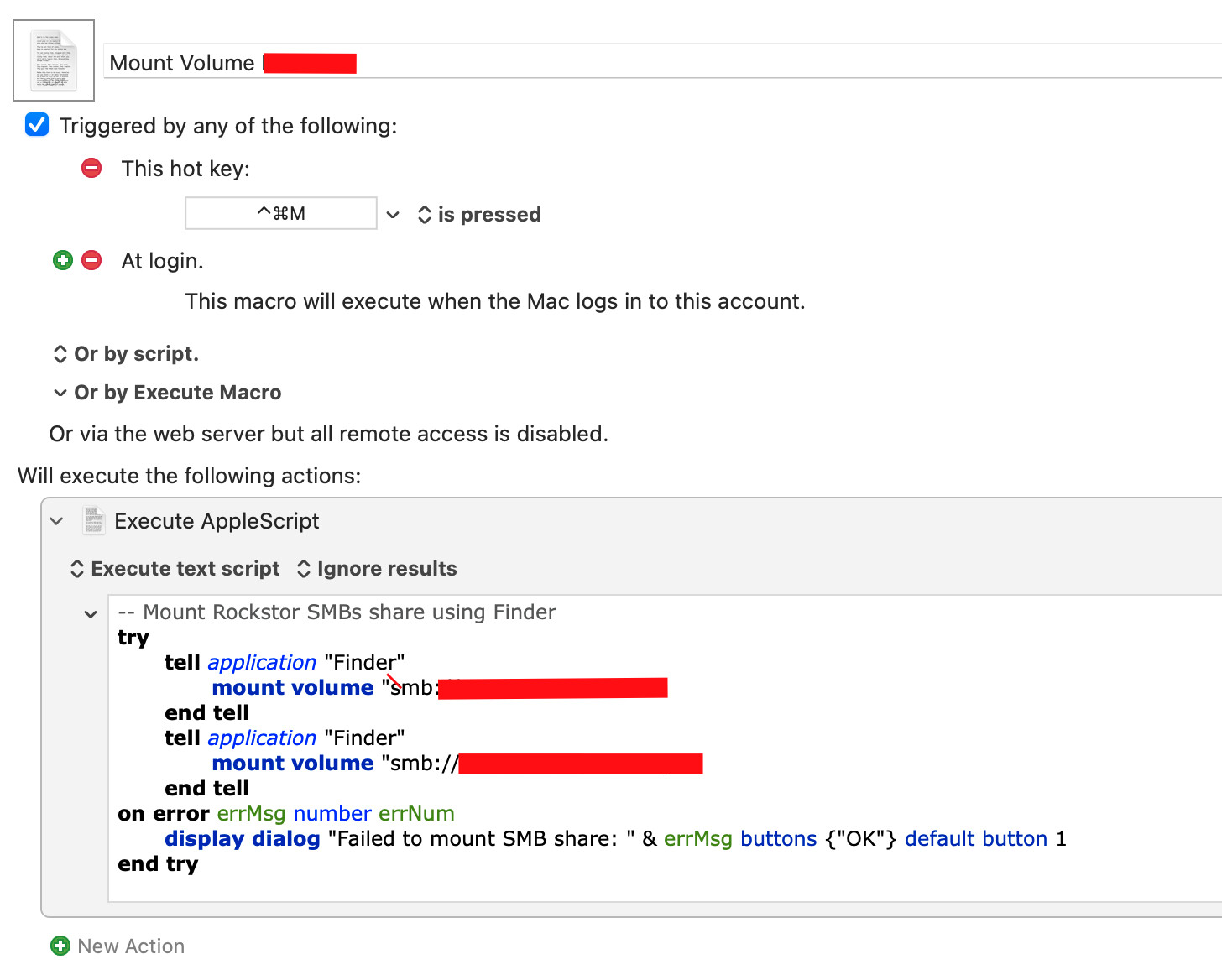
Occasionally, my NAS SMB will drop and I have to go into finder and add the server name. Is there a way to automate this? Tax
tell application "Finder"
	try
		mount volume "smb://user:pass@server/share"
	end try
end tell
is the applescript i use to mount a share.
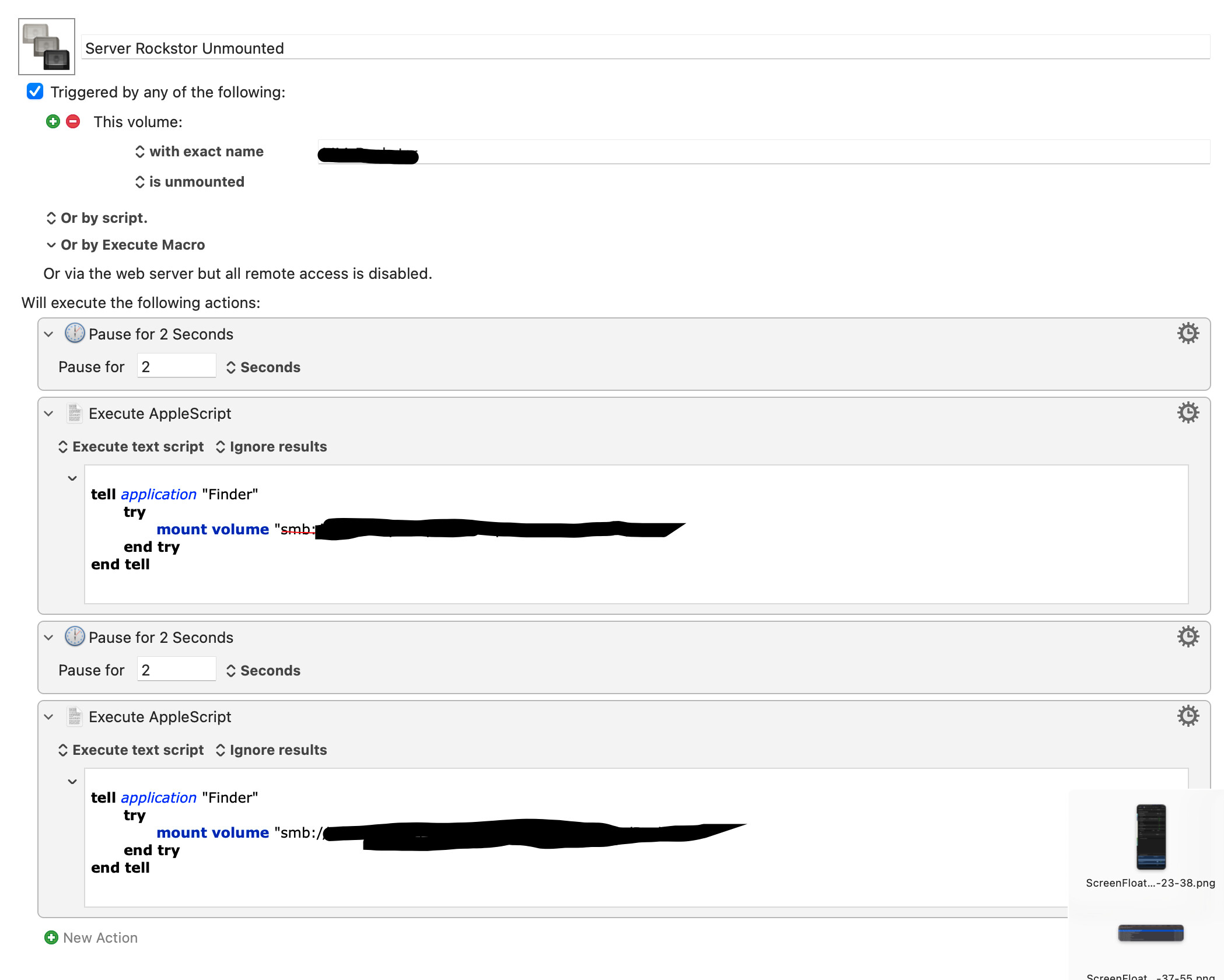
For my “Server Unmounted” macro, i trigger the macro with the “Volume unmounted” trigger, but add a pause before running the applescript, since i had found that it would often not reliably remount if it triggered instantly.
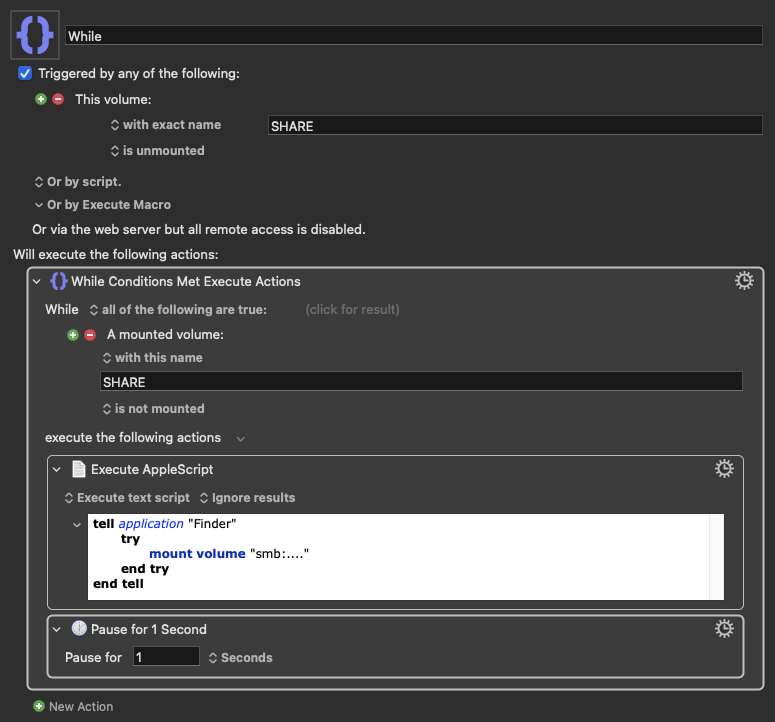
So the first question is "Does the macro trigger?" -- an easy way to answer that is to put a "Display text" action at the top of your macro:
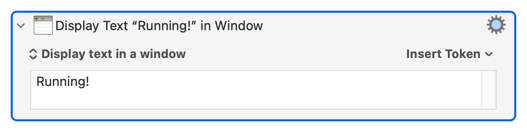
If that pops up on screen you know the macro ran.
If it didn't then check the volume name carefully against the text in your trigger's field.
You could also try changing that to "with name matching" and preceding the name with a ^ -- so for the volume "Fileserver":
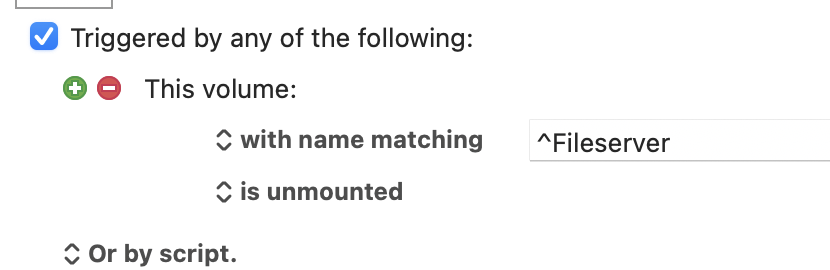
That'll match "any volume whose name starts with Fileserver". If you are having ungraceful disconnects from the server then any remounts will have a number appended ("Fileserver-1", "Fileserver-2", etc) which won't appear in Finder but can be seen in Terminal with ls /Volumes -- I can't remember if the "Volume" trigger uses the Finder name or the name seen in /Volumes
LS /Volumes revealed that I had multiple Data-1 Data-2 Data-3 etc entries that were not visible in Finder.
Thanks so much for your helpful replies.
A further indication that you're suffering "ungraceful" disconnects.
You might be able to work round this with a macro -- but you might find that an "ungraceful" disconnect doesn't fire the "volume is unmounted" trigger. After all, it wasn't properly unmounted!
Instead of dealing with the symptoms, try to treat the cause -- find out why the disconnects are happening and stop them! Using KM to auto-remount won't help if you've just had a file corrupted by a disconnect during a write operation...