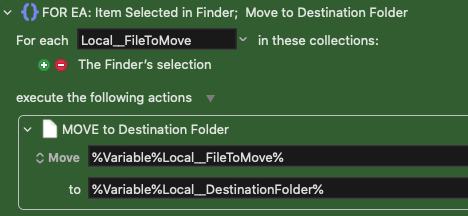
If I have a file in that destination with the same name, it shows me an error and it doesn't move the file. Is there a way to check if there's a file with the same name in the destination folder and rename the file I'm about to move, but adding a number at the end by incrementing it? So if the file is file.jpg, the new one is file1.jpg. If it's file1.jpg, it becomes file2.jpg, etc
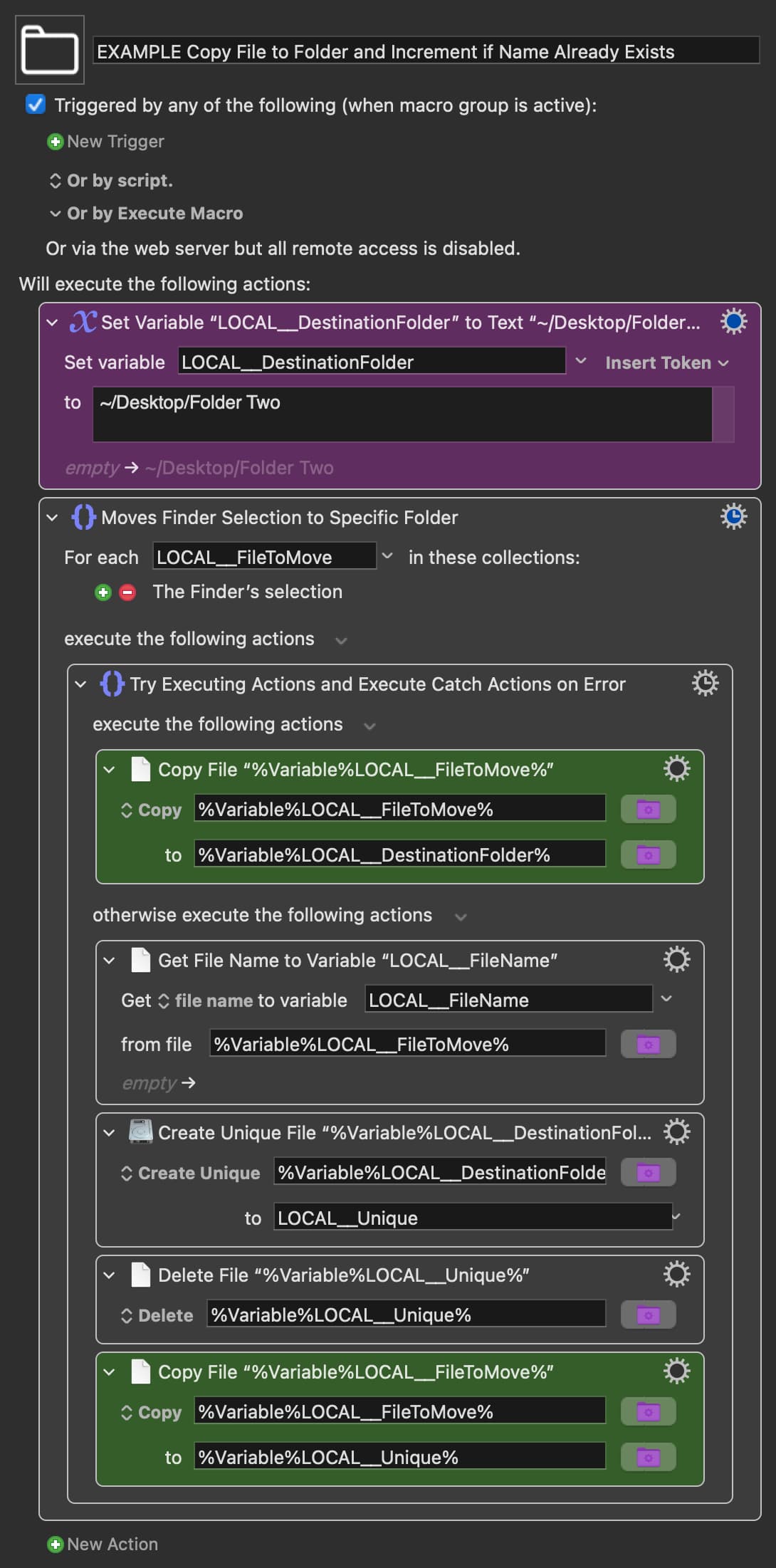
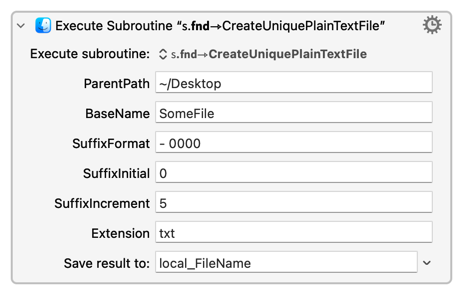
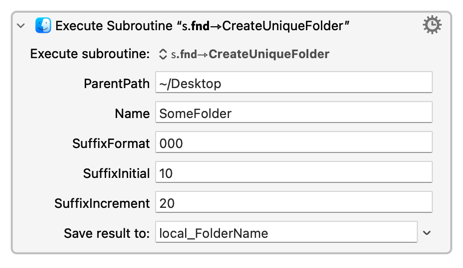
Keyboard Maestro 10 has a new additional feature "Create Unique" which creates a new incremental file and name if a file already exists. This can be used to do what you want.
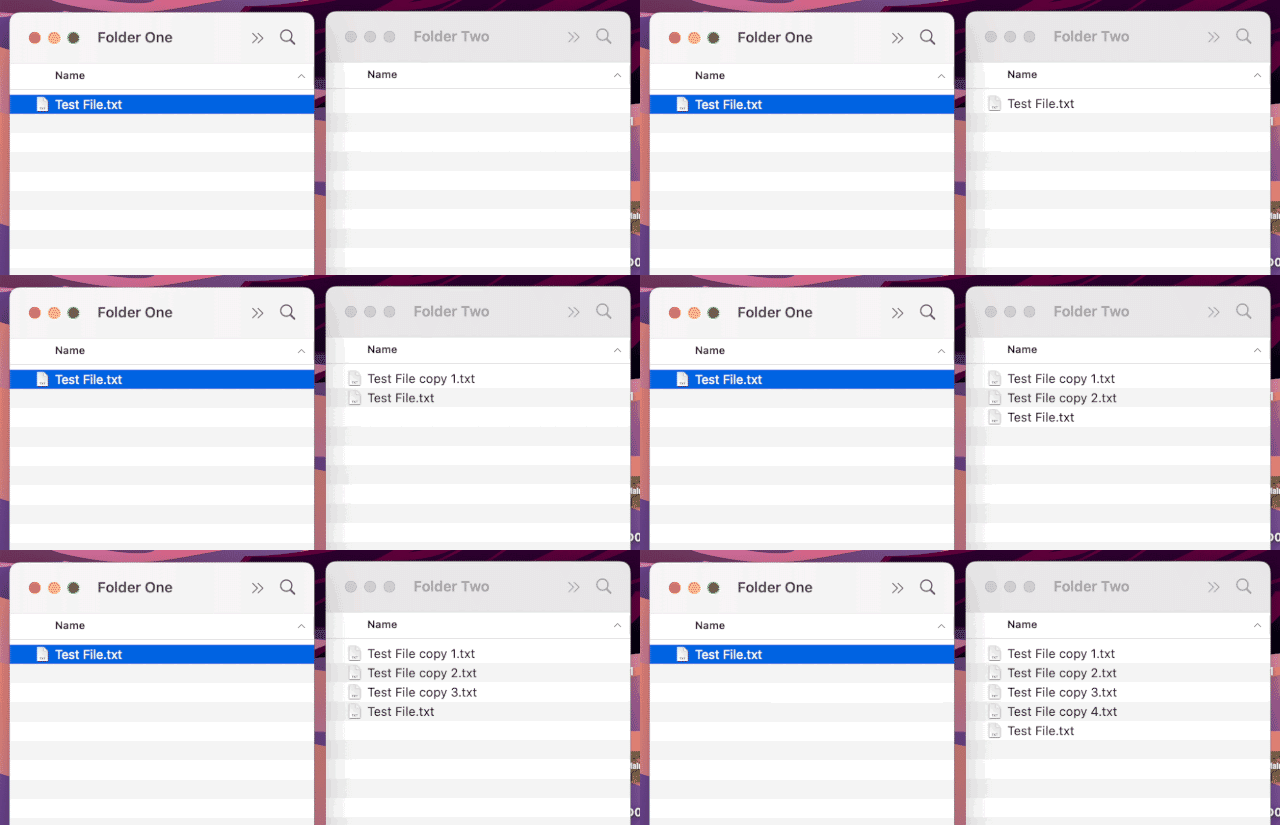
"Create Unique" doesn't work the way I imagined it would but it still achieves the task with a minimum of Keyboard Maestro Actions.
For testing, the below Macro is set to "copy" rather than to "move". To adapt it to move selected files change "copy" to "move" in the two green Actions.
"Create Unique" looks in the destination folder and if a file with the name already exists it makes a new blank file in the destination folder with a unique incremental name. It also copies that new file's complete path to a Variable. We only want this Variable - we do not want to keep the file that Keyboard Maestro has just made (as this file is an empty file rather than a copy of the source file).
So, we delete this file but use the very useful Variable that "Create Unique" has made, to move/copy the file in the source folder to the destination folder...
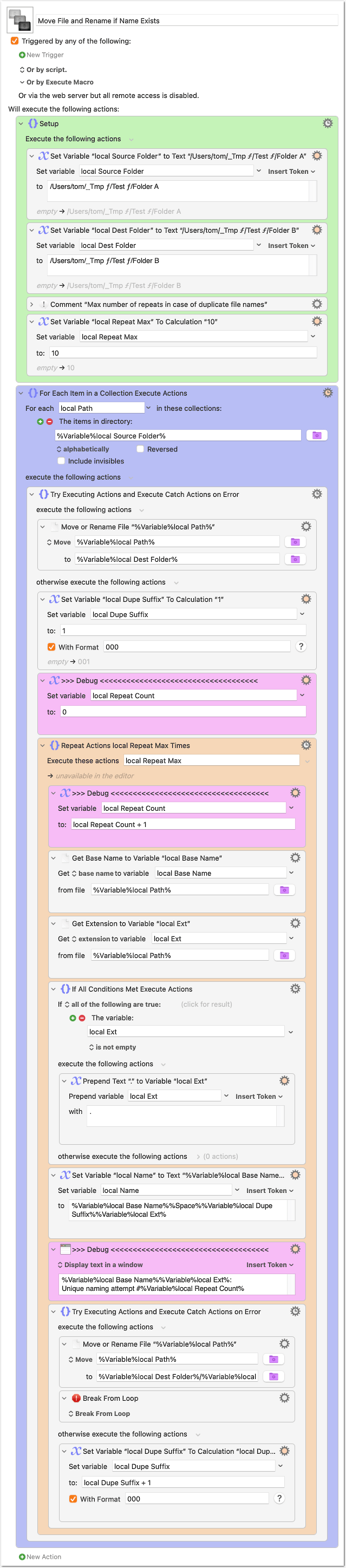
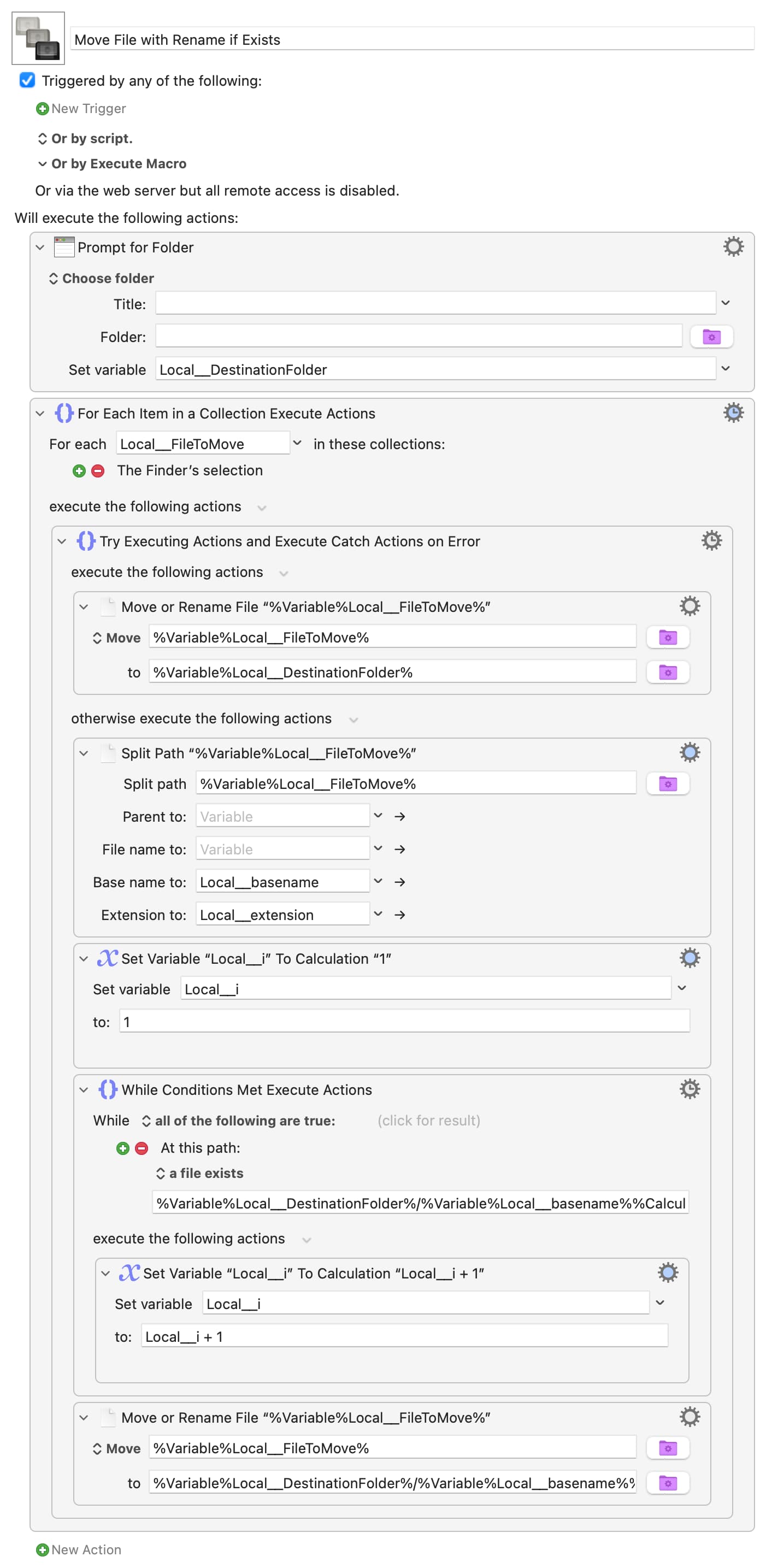
Here an approach without the Create Unique File action. This has the advantage that you can freely choose your unique naming scheme (e.g. <name> 001.<ext>, <name>---01.<ext>, <name> (01).<ext> or <name>1.<ext>, etc.).
Please treat this macro as experimental! I tested it only briefly.
To run the macro you have to set your source and destination folders in the (green) "Setup" group to something that exists on your volume.
Set a trigger in the macro header or run it from within KM.
Moving/Renaming files can be destructive! So, try it first with two test folders, filled with test files. Double-check that the paths in the first two actions correspond to your test folders!
The macro should do this:
It moves the file to the destination folder, if there is no naming conflict.
If there is a conflict, then the Repeat loop (orange) comes in:
With the given setup, it appends <space>001 to the filename and tries again.
If this fails too, it tries with <space>002, and so on.
The Repeat loop ends if…
the file was successfully moved, or…
the max number of repeats (last action in the green group) is reached. In this case the file will not be moved or copied, it just remains in the source folder.
It should also work with files that do not have an extension.
The magenta-colored actions are for debugging. You can safely remove them, if you think the macro works correctly.
Example:
Before (where "Folder A" is source and "B" is destination):
After:
Instead of a repeat loop, you could probably implement the Try/Catch block as subroutine and use it as a truly recursive function. This would perhaps be a bit more elegant, but would result in 2 separate macros, so I decided for the Repeat solution.
You could change it to use @Tom's final "Try/Catch" method rather than my "test until safe name found", then you'd only have the nastily-long destination calculation in there once.
Apologies for picking up on a post that +/- 4 years old.
I tested the above macro (which is very helpful by the way) and noticed the following:
If I drop one file in the source folder everything works fine.
If I drop two or more files in the source folder at the same time then:
a) the files do move properly (i.e., the ones that should not be renamed are not renamed and the files that should be renamed are renamed); BUT
b) there are multiple instances of the macro (one for each file) which results in a lot of unnecessary looping which I noticed from the debug action Display Text messages (in magenta). While I am no expert, It appears as though the macro is trying to process files that have already been moved.
The Ask: Would appreciate assistance in stopping the unnecessary looping (as I don't know how) and I am not familiar with Try / Catch (though I will be by the end of the weekend).
Help people to help you by explaining what you are doing -- "drop" can mean many things, even when limited to KM's trigger context.
Luckily for you the various "drop" triggers behave in a similar way -- the trigger fires for each "top level" item dropped. One file, one trigger event. One folder, one trigger event (nothing for the folder's contents). Three files and two folders -- five trigger events and so five instances executed.
@Tom's macro is not meant for "drop" triggers -- you're supposed to load up the source folder then run the macro by hot key, palette command, or similar. If you want to "drop" files as well you should change it so that a) it tests the trigger and b) if that is a "drop" trigger it operates only on the trigger value -- the path to the file/folder dropped -- instead of processing the source folder's contents with a "For Each".
In case anyone is interested, below is the revised macro adjusted as @Nige_S notes to automatically move files when they are added to the source folder!
Here's another approach: This AppleScript appends a random sequence to the end of the selected file’s name, thereby making it unique.
tell application "Finder"
set selectedItems to selection
  if (count of selectedItems) = 0 then
      display dialog "No files selected in Finder." buttons {"OK"} default button "OK"
      return
  end if

  -- Characters to use for random sequence (alphanumeric)
  set chars to "ABCDEFGHIJKLMNOPQRSTUVWXYZabcdefghijklmnopqrstuvwxyz0123456789"
  set usedSequences to {}

  repeat with anItem in selectedItems
      -- Generate unique 4-character sequence
      set isUnique to false
      repeat while not isUnique
          set randomSeq to ""
          repeat 4 times
              set randomNum to (random number from 1 to (length of chars))
              set randomSeq to randomSeq & character randomNum of chars
          end repeat
          if randomSeq is not in usedSequences then
              set end of usedSequences to randomSeq
              set isUnique to true
          end if
      end repeat

      -- Get the name and extension
      set fileName to name of anItem
      set nameExtension to name extension of anItem

      if nameExtension is not "" then
          -- Has extension: remove it, add sequence, restore extension
          set baseName to text 1 thru ((length of fileName) - (length of nameExtension) - 1) of fileName
          set newName to baseName & "\_" & randomSeq & "." & nameExtension
      else
          -- No extension
          set newName to fileName & "\_" & randomSeq
      end if

      set name of anItem to newName
  end repeat