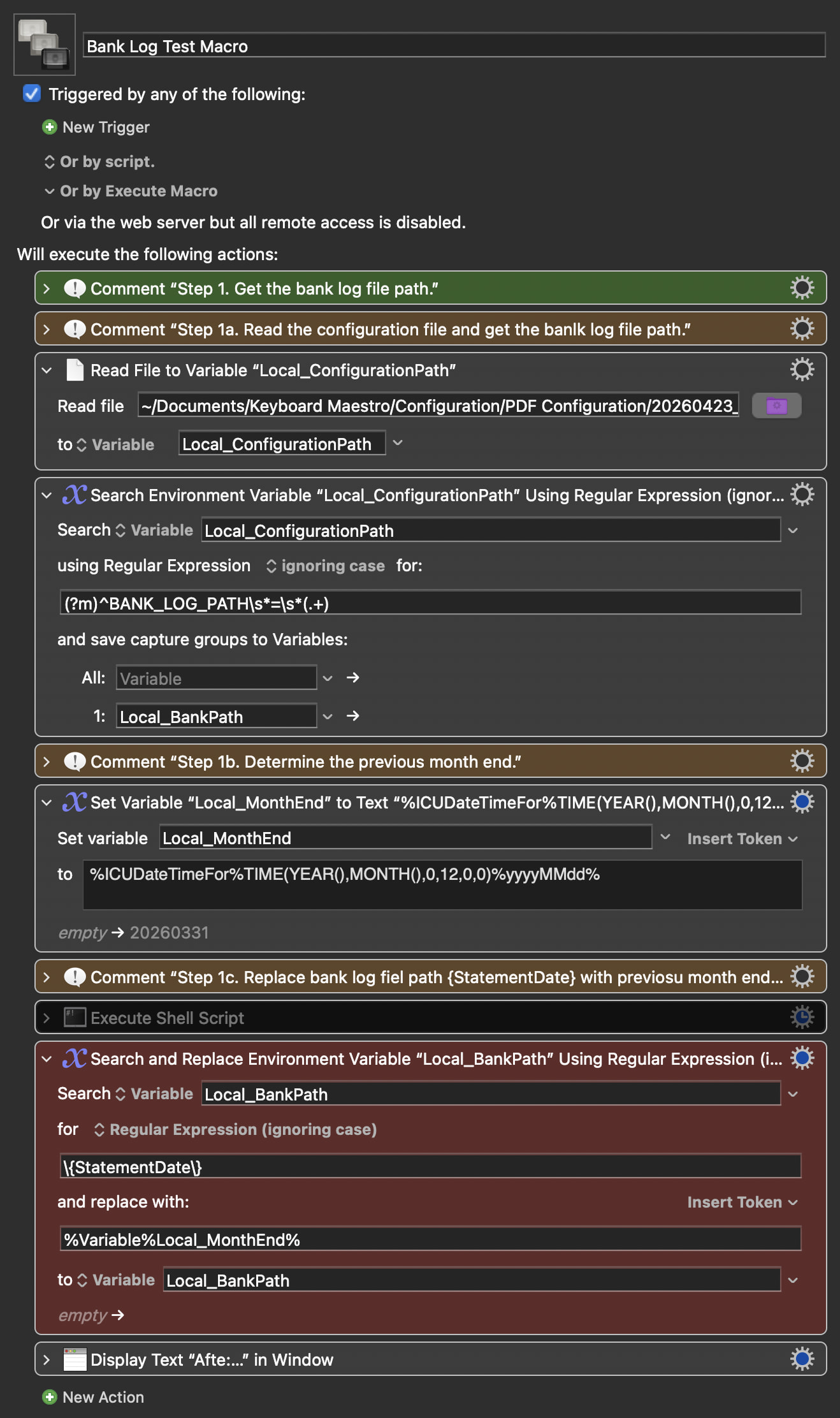
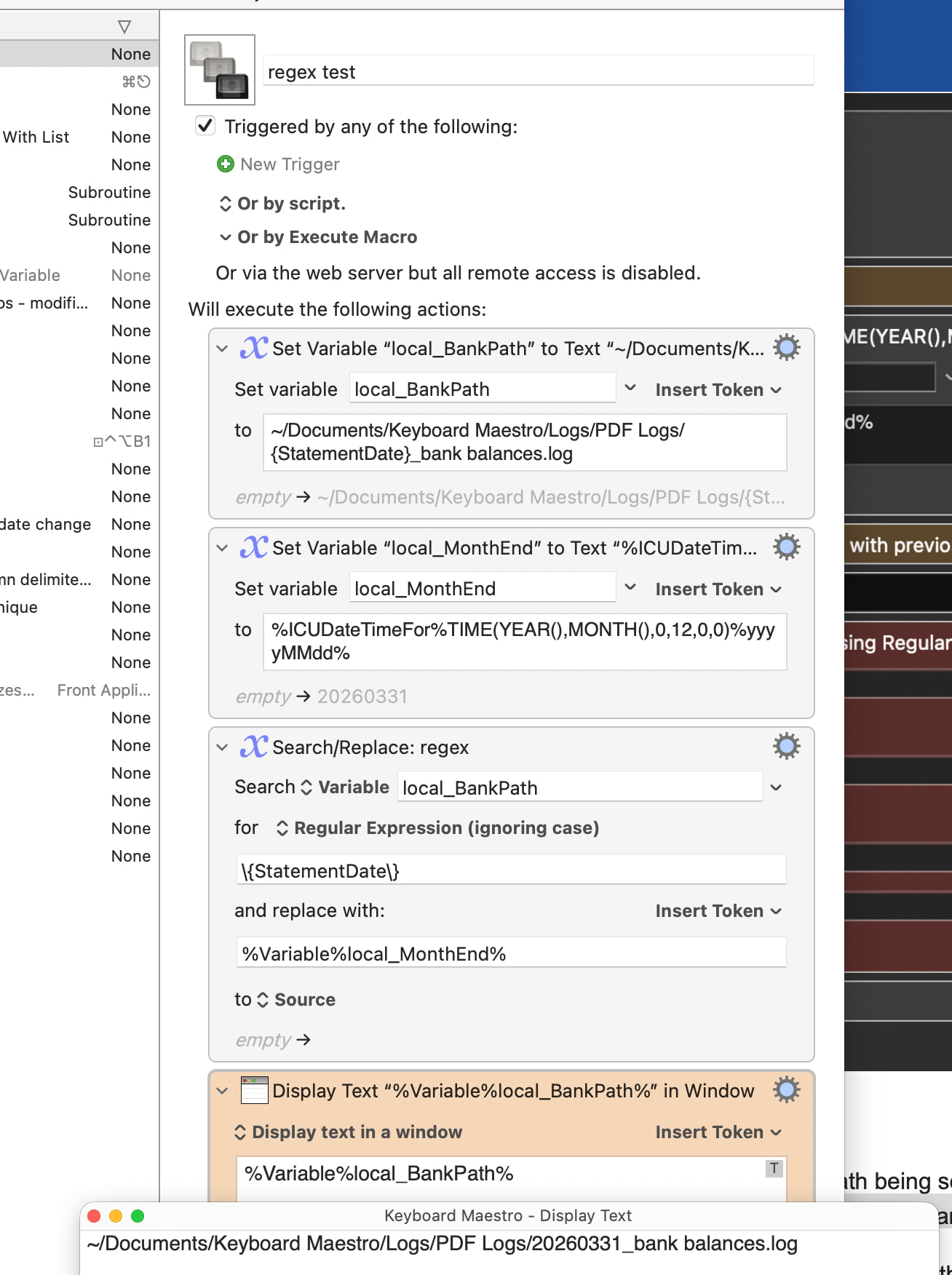
The first RegEx works as it should and results in the Local_BankPath being set to ~/Documents/Keyboard Maestro/Logs/PDF Logs/{StatementDate}_bank balances.log
The second RegEx is supposed to replace {StatementDate} with Local_MonthEnd which is 20260331 but consistently fails (i.e., does nothing).
Would appreciate help in getting this to work as well as understanding why it does not work particularly given that I tested teh regular expression in RegExr and it worked perfectly!
I know that's not a lot of help, but it indicates to me that maybe the first regex isn't doing exactly what you expect, so the string isn't correct for the second regex. If you display it with surrounding text, i.e....
###%Variable%local_BankPath%###
...do you see any extra blank lines between the delimiters?
@griffman , appreciate you testing it and confirming it was properly designed.
I tried starting it where you did (after the first RegEx) and still no joy! I even typed in the file path to make sure there were no extra characters.
I then decided to delete the Search and Replace by Regex and reinstall it and bingo it startedt o work. I have no idea how / why but it is now working and I will monitor it.
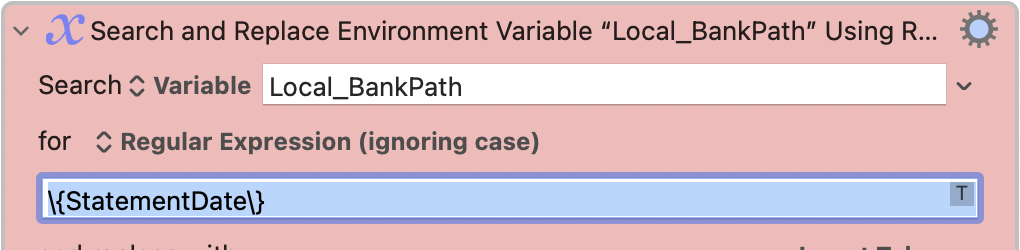
It's always a good check to put the insertion point in your search text and then ⌘A -- if you've more than one line in there the entire field will highlight:
The best practice which I will adopt will be to always ⌘A → ⌘C → ⌘V and check the clipboard to make sure the expression is correct, I wasted 1 hour on this last night.
This little glitch has bitten a lot of us (repeatedly) over the years. We have asked Peter to include some kind of indicator to show that a text field has more than one line, but it's unclear at this point if that feature will appear or not.