Ah, I didn't realise that. I don't typically AirPlay to HomePods from the Mac.
It was inconceivable to me that there isn't a way to do this without having to open System Settings, and I fell down a bit of a rabbit hole. There used to be a way, but for whatever reason Apple stripped any and all scripting access to AirPlay devices. I even checked Shortcuts because that sometimes gives access to functionality there's no API for, but no dice. So irksome.
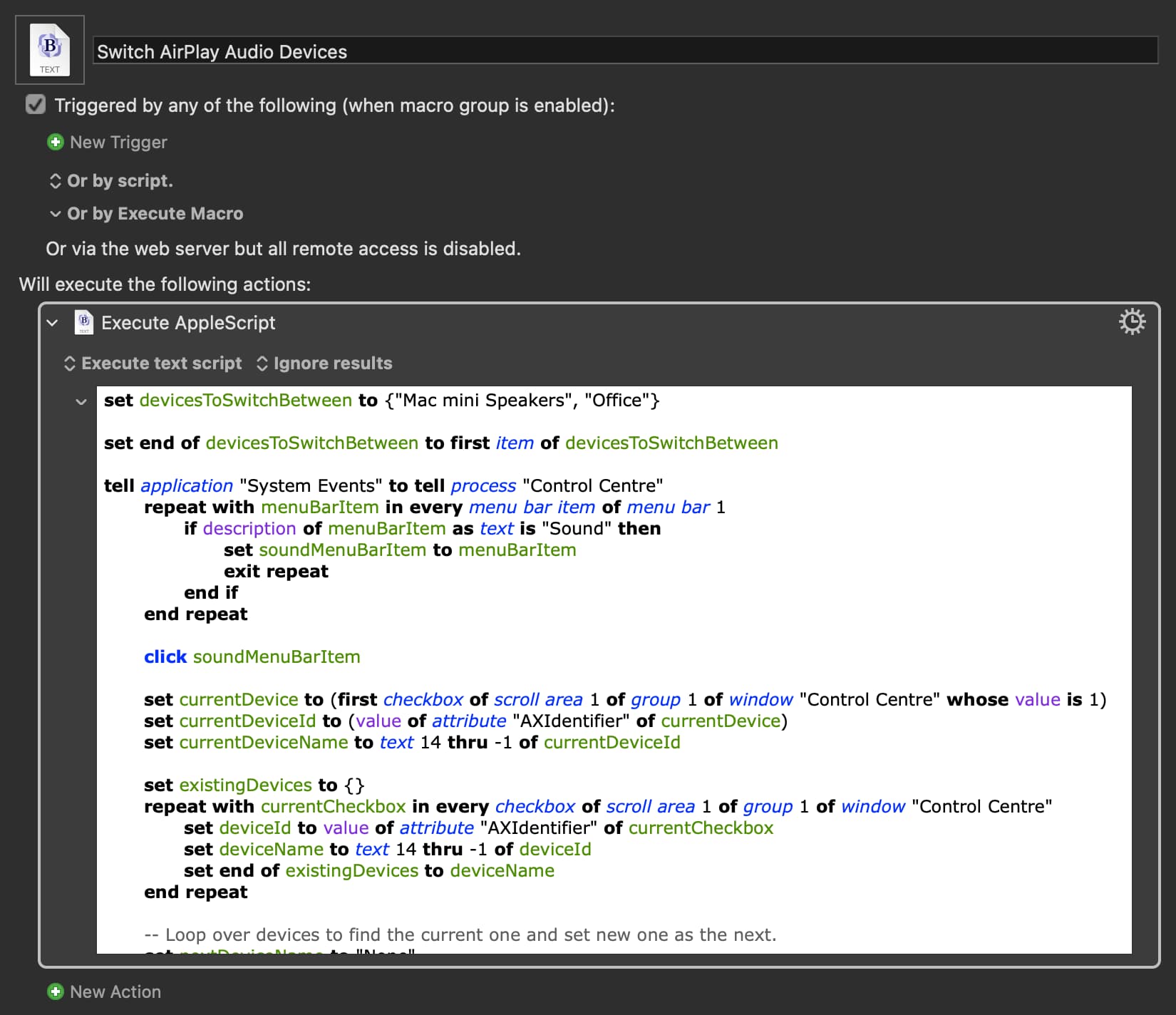
However, I kept digging and found this! Still requires a little bit of UI, but only the Control Centre instead of having to open System Settings every time.
@KBM give this a try. You can add more AirPlay devices in the top line, but it cycles through them. So if you're switching between more than one non-AirPlay output, you could instead have only the one Office HomePod (or whichever you use regularly), and use SwitchAudioSource for the others.