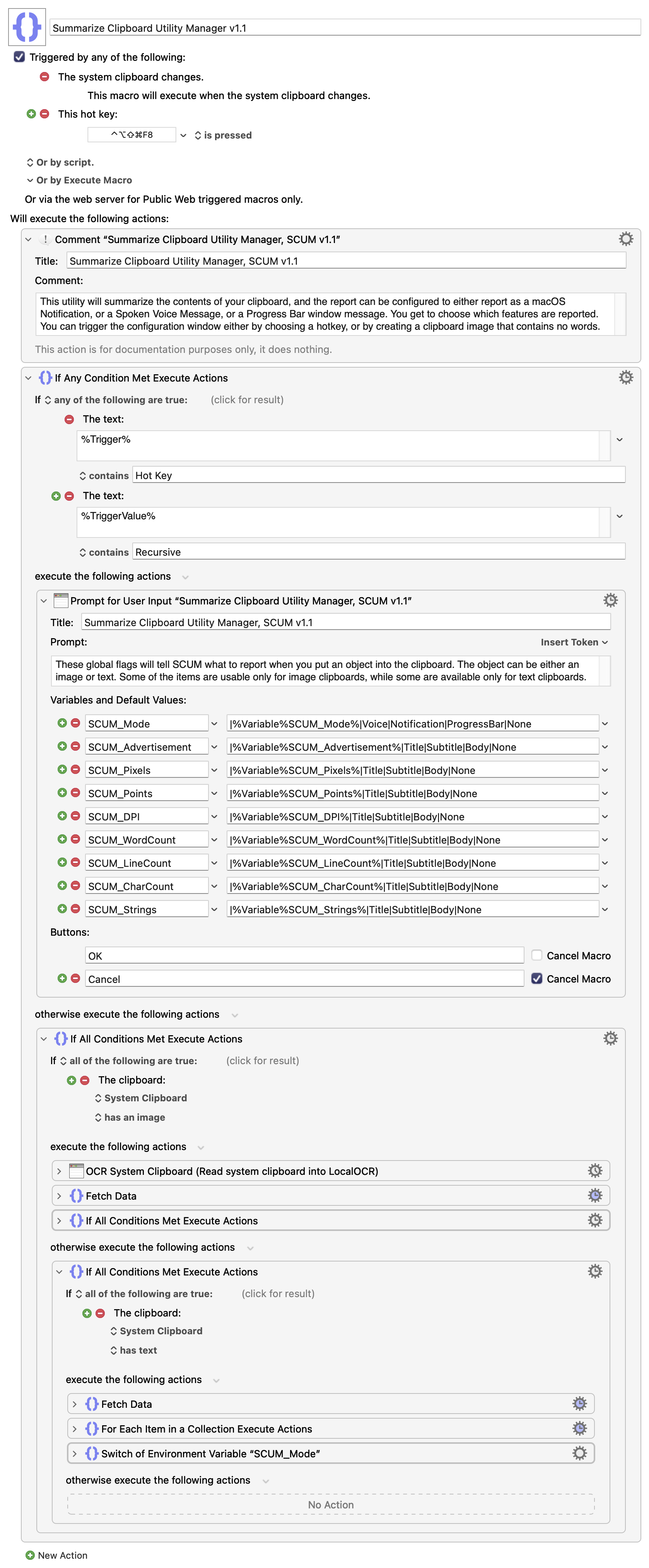
I have created a macro that summarizes whatever you put into the clipboard, whether it be text or an image, and then reports to you what is in there, either by a macOS Notification, or a spoken voice, or a Progress Bar window. Let me start be showing what you see when you start it for the first time (either by a Hot Key or by capturing a blank image into the clipboard).
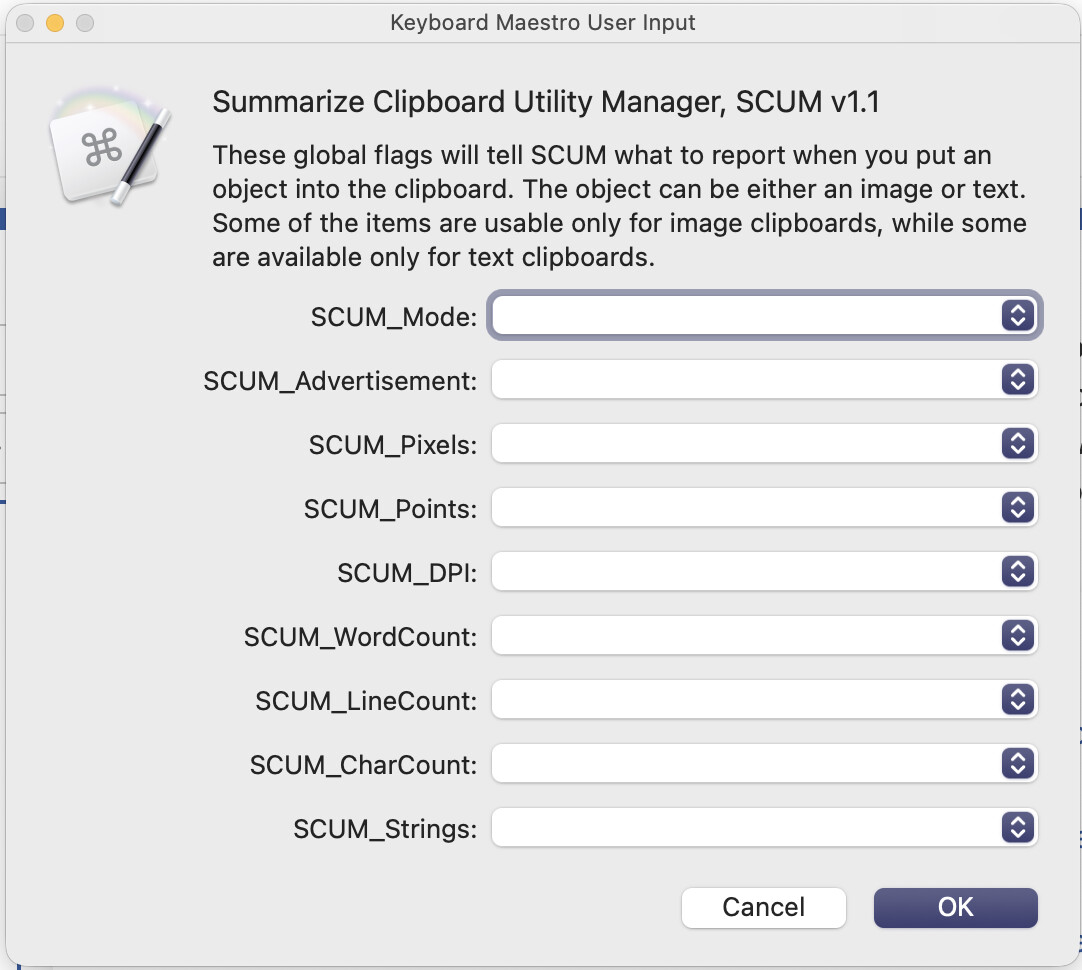
The first thing you should decide is whether you want the Mode to be a Notification, or Spoken Text, or a Progress Bar window.
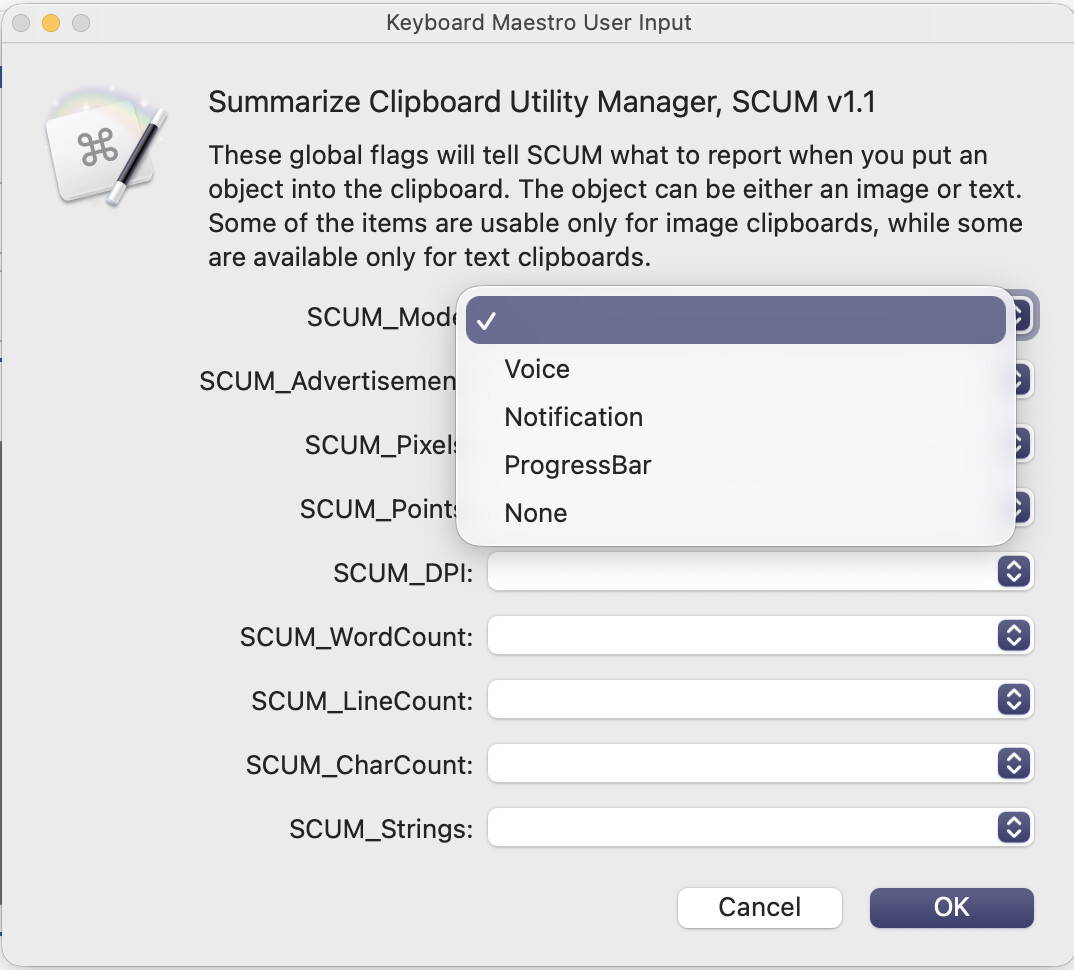
If you pick Voice, then whenever you capture a clipboard, all the reporting will be done in a spoken voice. If you pick Notification, the reports will be done using macOS notification windows. And if you pick ProgressBar, then the reports will be in the single line of a Progress Bar window. Here are some examples of what you could see:
Example 1: if you pick Mode=Notification, Advertisement=Title, and Pixels=Subtitle, then you will see something like this when you capture an image:

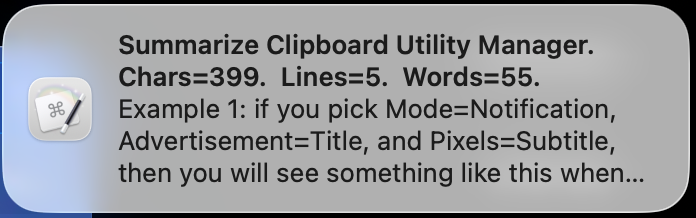
Example 2: if you pick Mode=Notification, Advertisement=Title, WordCount=Subtitle, LineCount=Subtitle, CharCount=Subtitle, then when you capture some text, you will see something like this:
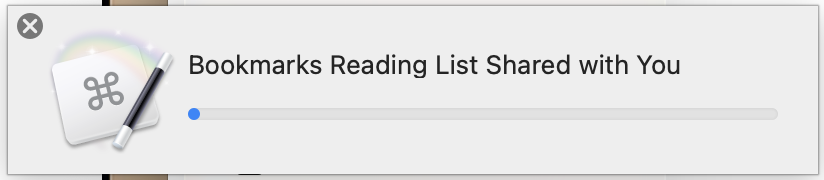
Example 3: if you pick Mode=ProgressBar, Strings=Title, then when you capture an image you will see something like this: (the macro uses OCR to convert the image to strings)
There are about 512 possible combinations you can pick from, so that's too many to document here. Of course, a few of the combinations may not be valid. For example, there's only so much data that you can display in a Progress Bar window. And there are a few items that don't always apply (for example, you can't display the DPI for a text clipboard.)
There's a good chance you may find a bug. I did some testing, but this is a lot of code to write in a single session.
I will upload the macro itself in a few seconds.... ok here it is....
Summarize Clipboard Utility Manager v1.1 Macro (v11.0.4)
 for the macro name alone...