I am 82 years now and uses KM as my supertool. It is great and the forum has given me tons of useful inputs.
My “problem now” is that I do most of the jobs on my MacStudio running 15.7.3 and typing on a fullsize satechi keyboard. Now I also have a MacBook Pro which I use for travel / or for splendid ideas when the office Mac is closed, but in reality the 2 Macs function in harmony.
somehow I have gotten the same macros on the MacBook as on the studio, but cant remember how I did it, and before venturing into sync, I need som clarification on a very basic situation:
say on the studio I have a macro that uses Ctrl F16 to execute macro
on the MacBook “same action/ macro” will need to use a different hotkey (Ctrl F12) because there are no F16 key.
How do I avoid syncing problems by using “same macro” but different hotkeys???
Macro syncing is enabled/disabled in Preferences > General.
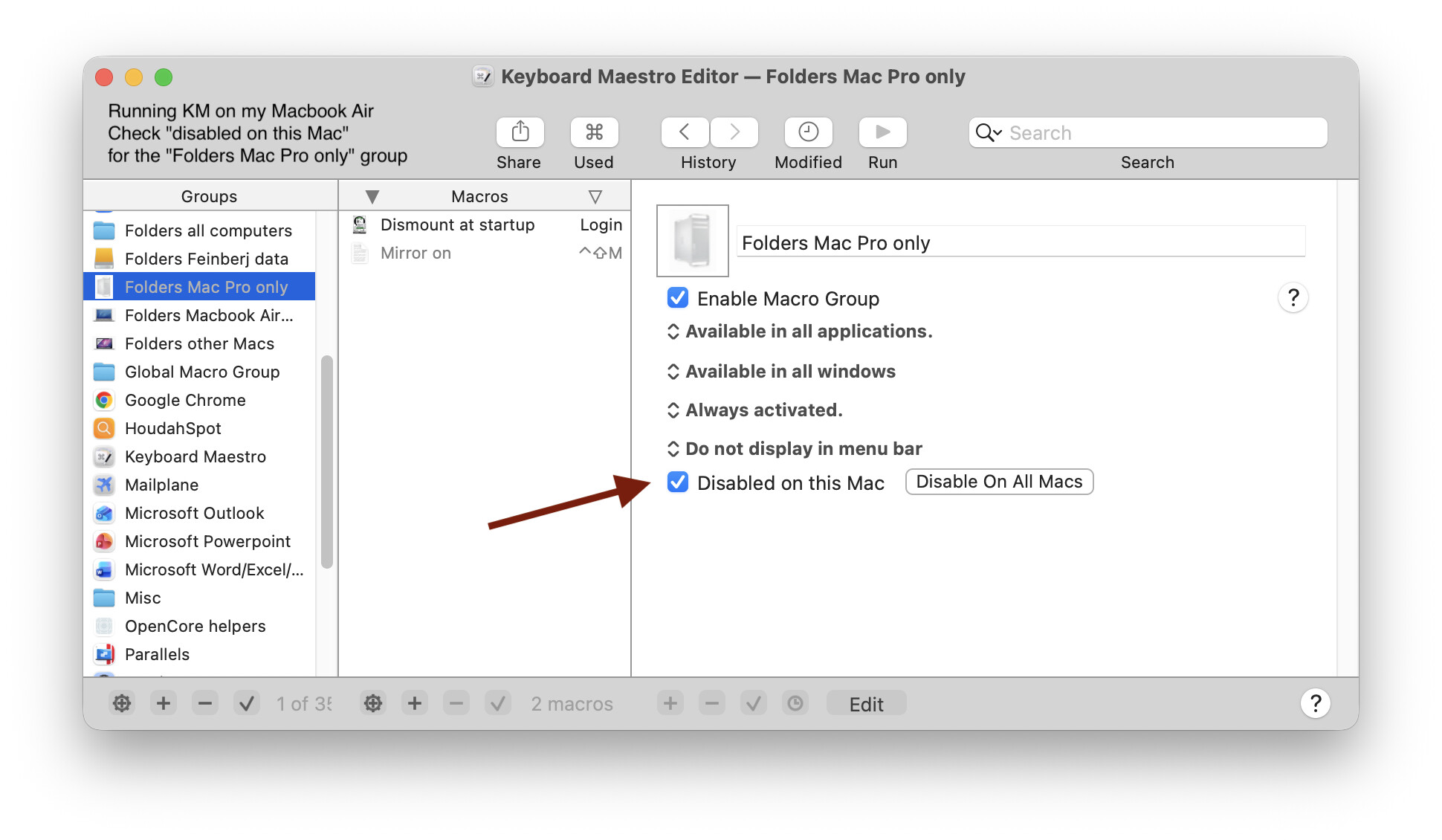
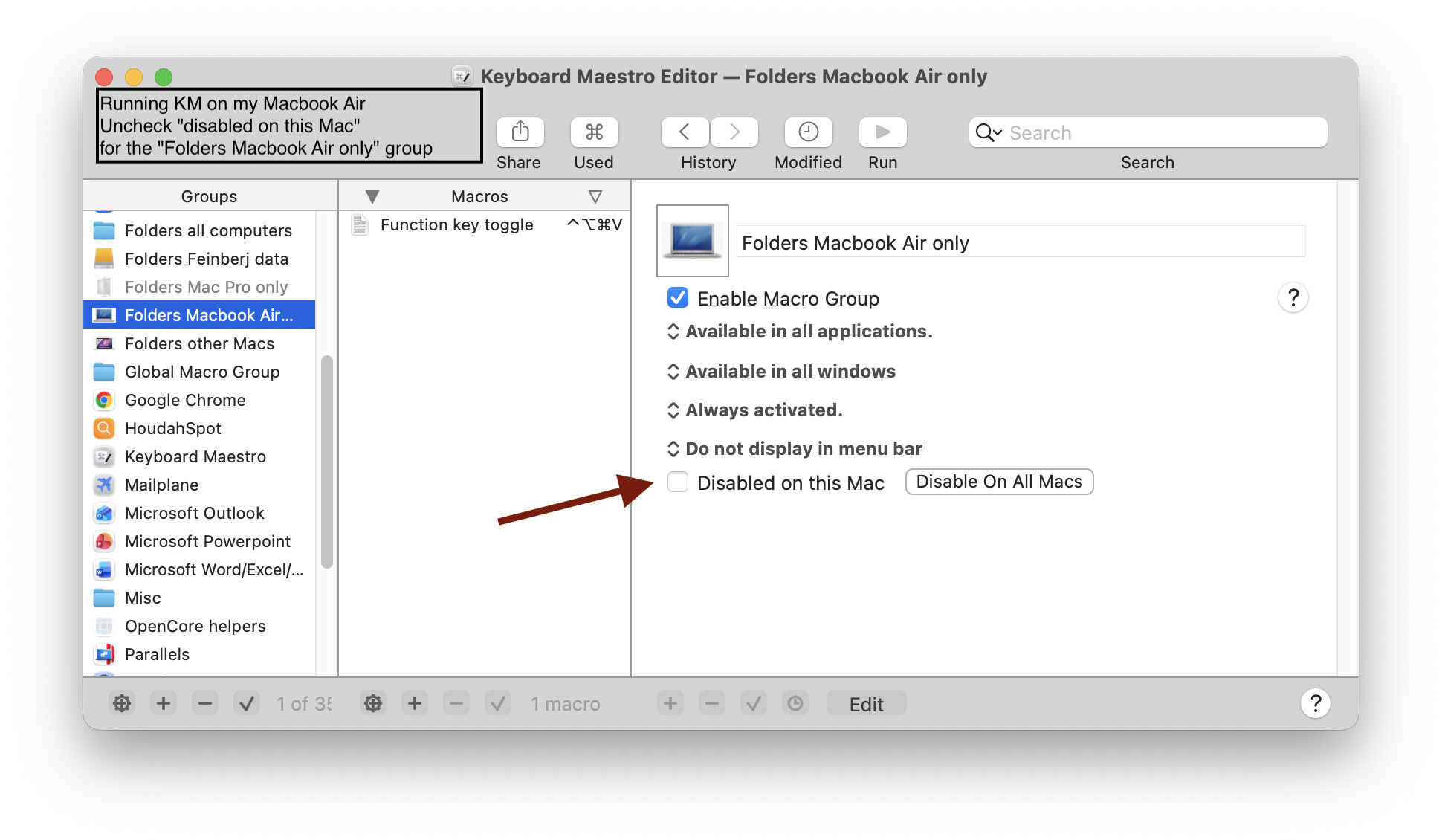
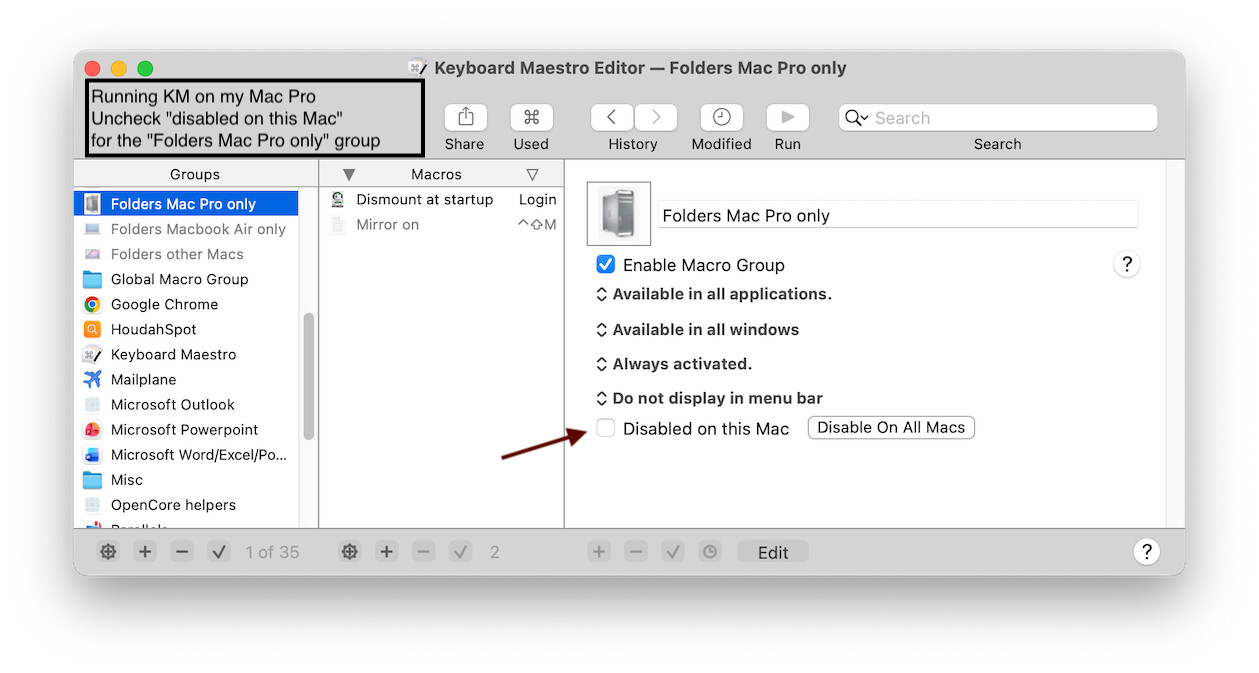
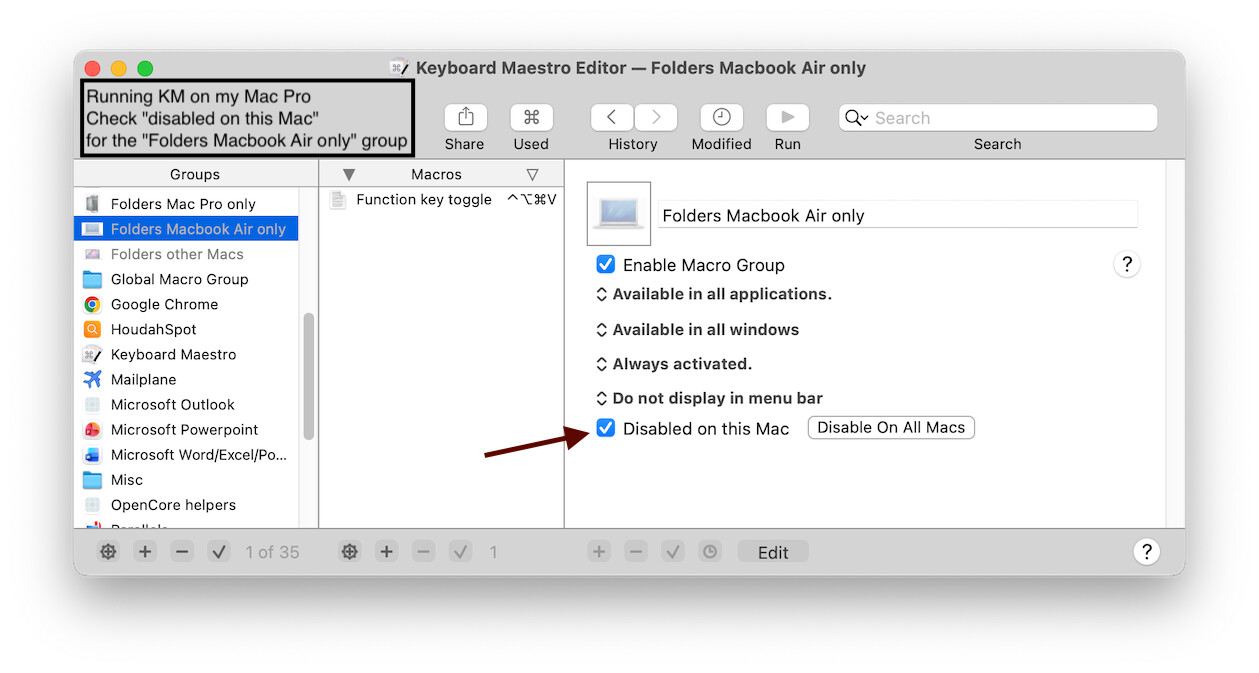
As for wanting different Hot Keys available on different Macs, a macro can have multiple Hot Keys, thus enabling macros that can activated on both machines. Alternatively, if syncing macros between Macs, there is an option to disable a Macro Group (a Group, not individual macros) on a Mac.
As @NaOH suggests, adjust your macros so they work on both Macs - adjust the triggers or use multiple triggers or use multiple macros, and/or adjust the actions.
In my experience, iCloud Drive is not always a well behaved as far as syncing goes. I generally have recommended either DropBox or OneDrive, although I had started to hear less complaints about iCloud - until recently.
So I used Dropbox, which went better… and it gave me the insight that running “same” macro on each mac, but with different hotkeys (due to fewer keys on the macbook) is not a practical way of working for me, so I aim at using the mac studio for basic and refinement work, and the macbook for basic only.
I run Scrivener on both, and save the macbook project i iCloud. As I need it I then copy to project… on the mac studio. Here iCloud works exellent