Since version 7 of StreamDeck software there is possibility to run Virtual StreamDeck device (emulation as popup on screen). Unfortunately it is not USB device (of course) and KM cannot detect it. When I select trigger “USB device key” and “press” virtual key, I see error message “Try again”.
What is interesting - the actions “Show alert” and “Show OK” works, but “Show Text” don’t.
I’m wondering how KM plugin for StreamDeck is constructed? Maybe it should be updated with new libraries from current SDK for StreamDeck (if it use them).
That's on macOS Sequoia 15.4 on Intel, KM 11.0.4, Stream Deck 7.3.1 (22604) (the latest) and the Keyboard Maestro v9.0.4 Plugin. And can confirm that all Actions work as expected on a hardware Stream Deck.
The reason for this is because Keyboard Maestro is getting two events: The mouse click and the StreamDeck button.
I don't see any way you can click on the virtual icon without causing an event, so I don't really see any way around this issue other than carefully editing the macro XML file to configure the trigger.
Here is an empty macro, which you can edit using BBEdit to adjust the XML
The Row is configured as 601, the column as 602. Adjust the locations of those number to match your row and column numbers (keep the 600 range to distinguish between any non-virtual StreamDecks, or you can use different ranges for different panels).
then import the macro and build your macro from it (it's not easy to copy triggers except via AppleScript, so you basically have to import this and then name it, move it to the correct group, add whatever other triggers or actions are appropriate).
That seems to be an issue to report to Elgato. I don't know why that part is not working.
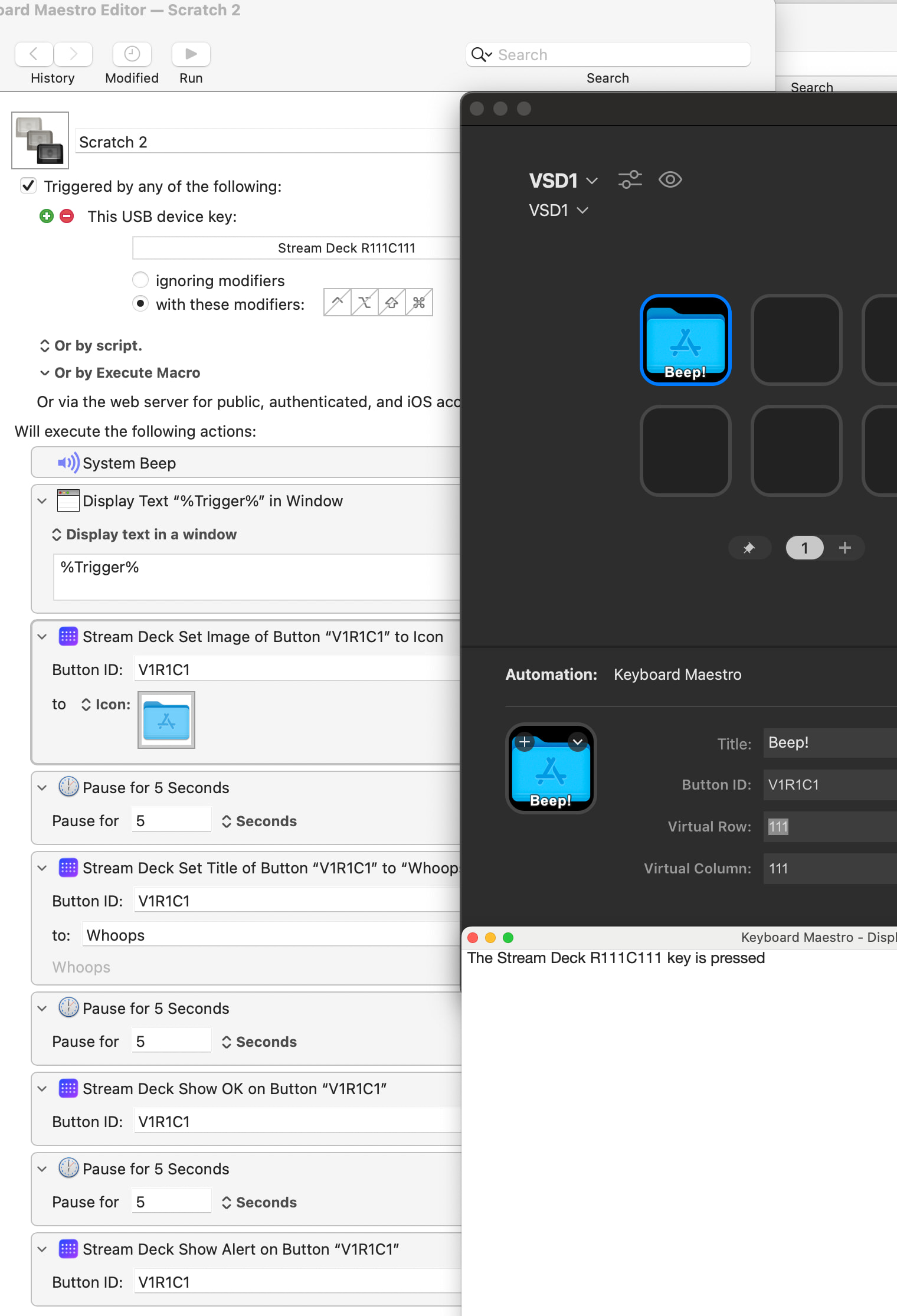
 but now I have working example (and know something more about XML plist than before).