The Search & Replace action has a very handy warning when you've entered a Regular Expression pattern while in String search mode:
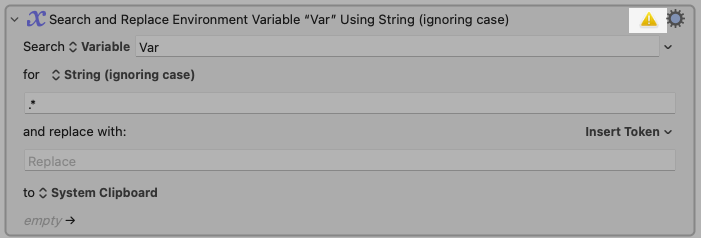
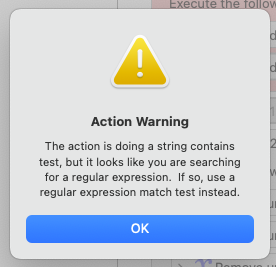
The action is doing a string contains test, but it looks like you are searching for a regular expression. If so, use a regular expression match test instead.
But the wording really tripped me up:
"The action is doing a string contains test [...]"
I think it was the "action is doing" that got me the most.
Also bolding and/or italicizing some words would have helped but I don't know if that's possible in alerts like this.
ex:
"The action is doing a string contains test, but it looks like you are searching for a regular expression. If so, use a regular expression match test instead."
But even that is a little unwieldy.
Do you think something like this reads a little better?
(Capitalizing in lieu of bold/italic)
Option 1:
"The action is set to search for a Plain String, but you have entered a Regular Expression. Switch to one of the Regular Expression modes if that is how you would like to search."
Option 2:
"You have entered a Regular Expression pattern but the action is set to search via a Plain String. Switch to one of the Regular Expression modes if that is how you would like to search."
I know wording things like this can be tricky. It's just a thought.