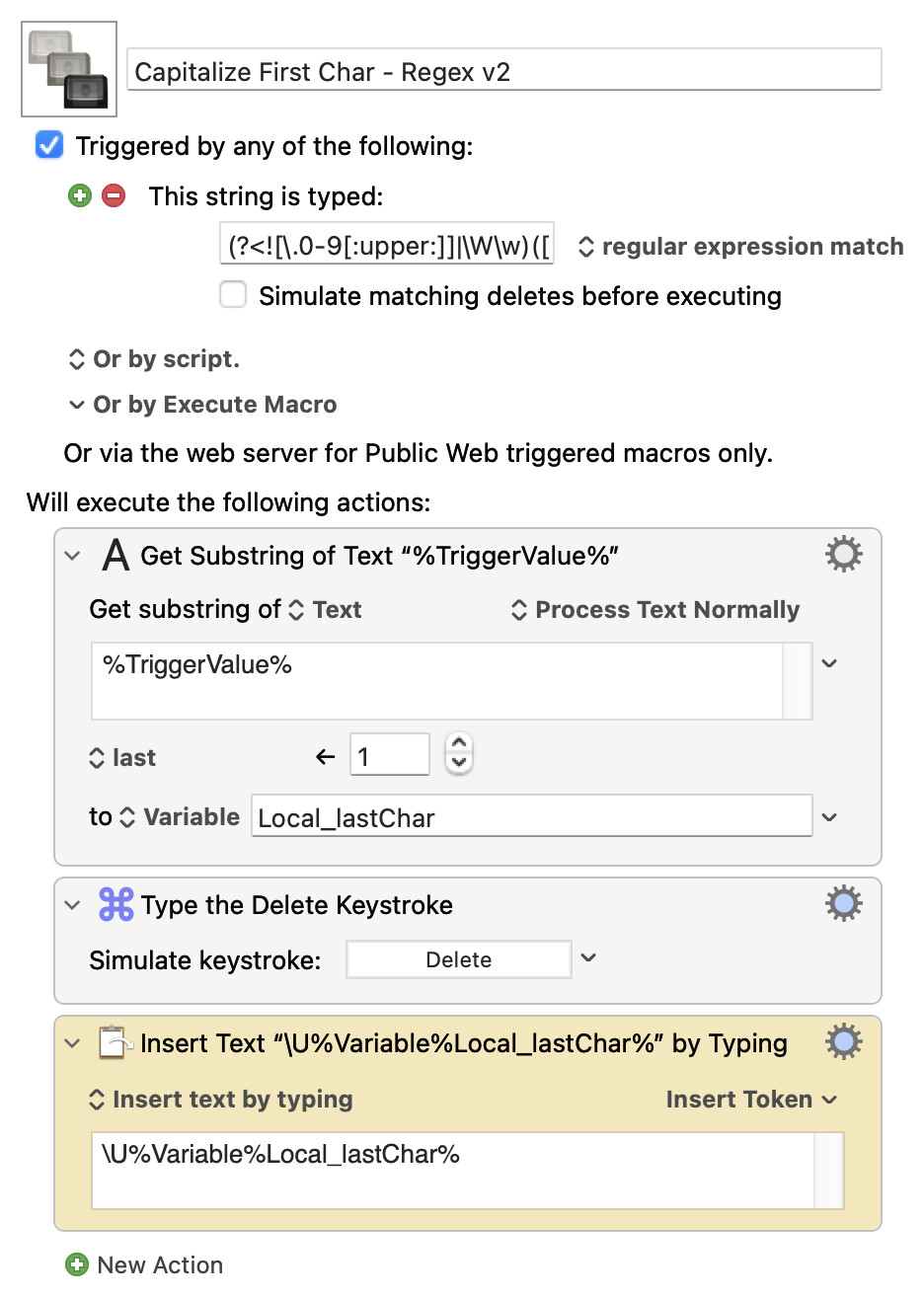
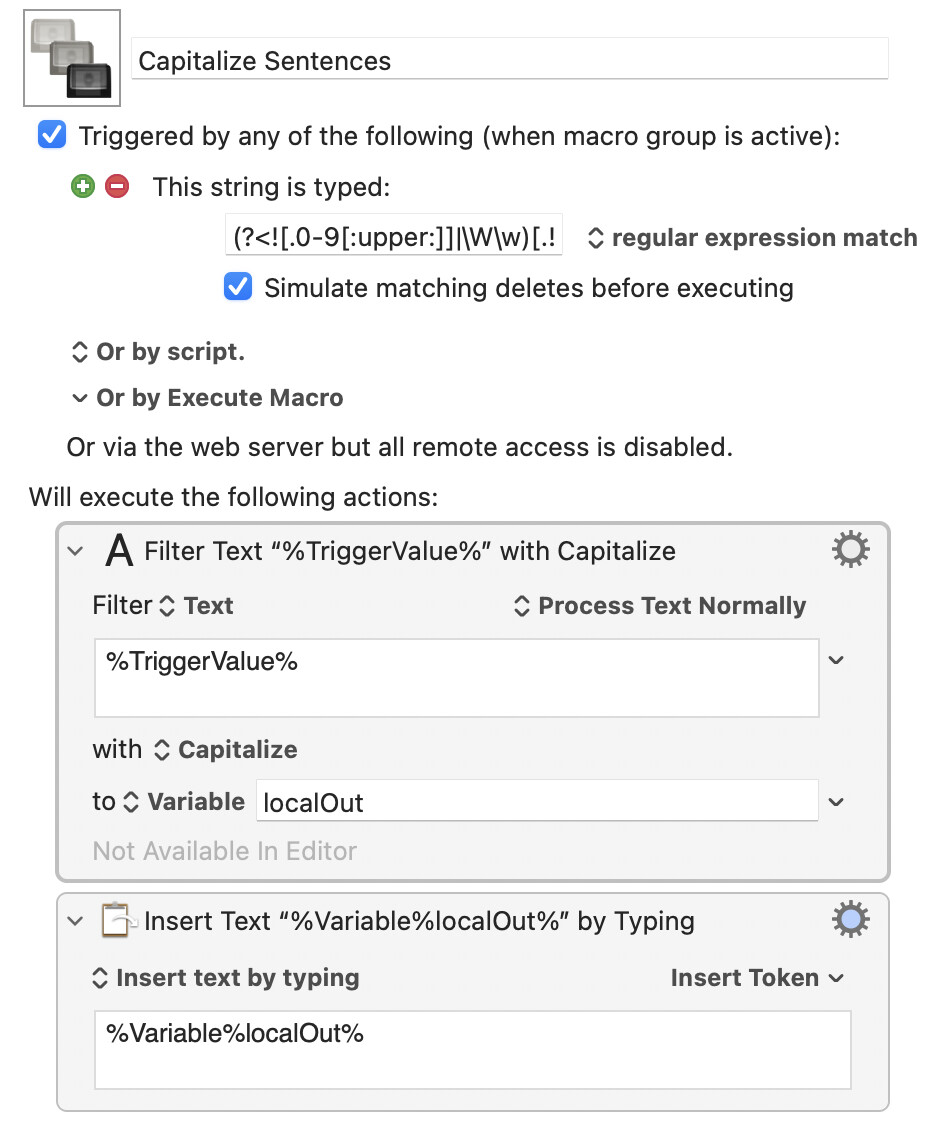
Hi, I'm trying to move all of my snippets from Typinator to Keyboard Maestro. I think one of my primary functionalities of Typinator is basically capitalizing the first character of any sentence. I created this macro, but it runs fine 80% of the time; in certain cases, it repeats the period .. (two periods) and sometimes adds an extra character after the period for some reason. Can anybody please help me figure out what the issue is or if there's a simpler way to do this?
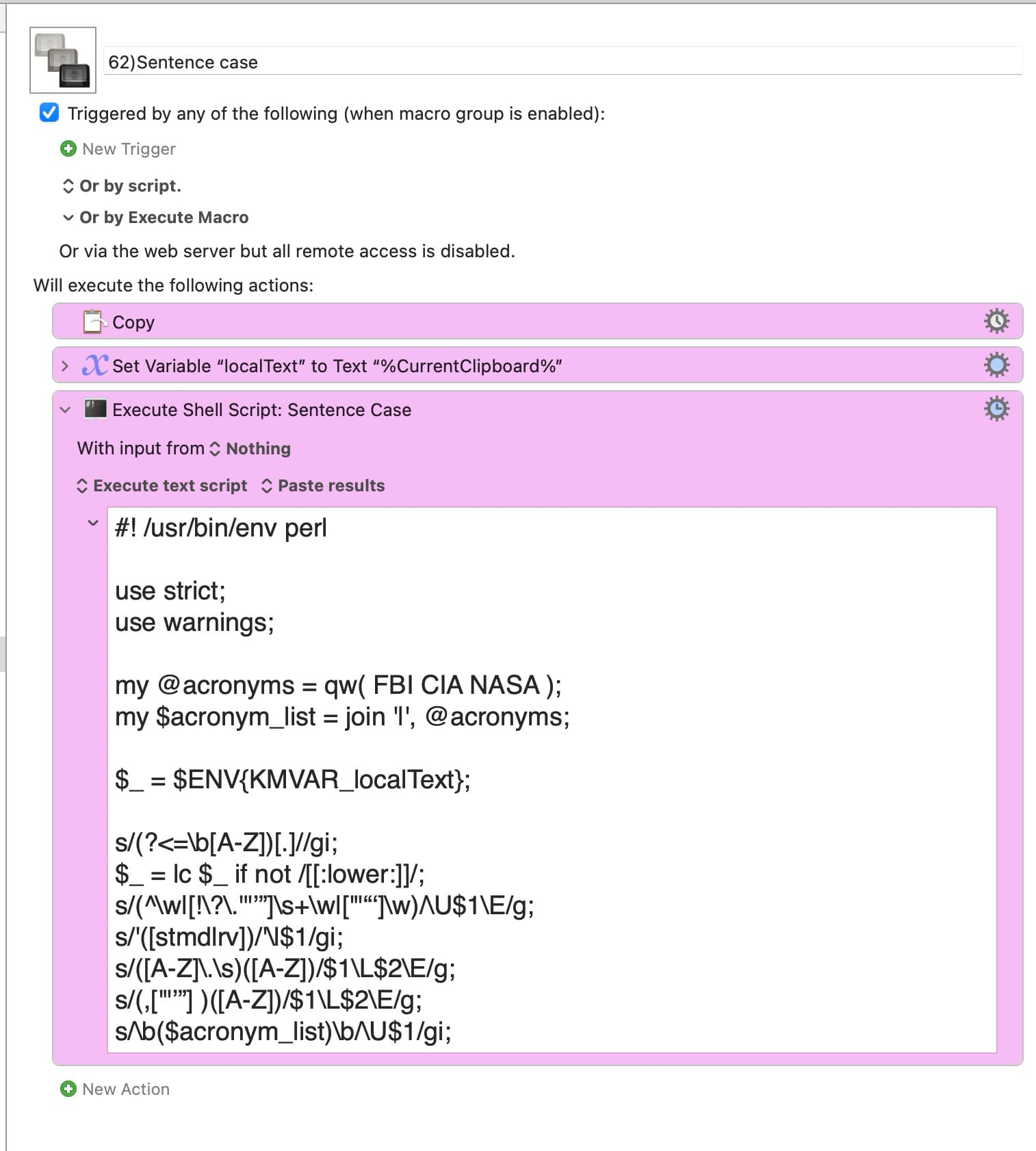
See Sentence case in the Text Toolbox II set of macros:
I just ran your text through it:
hi, I'm trying to move all of my snippets from typinator to keyboard maestro. i think one of my primary functionalities of typinator is basically capitalizing the first character of any sentence. i created this macro, but it runs fine 80% of the time; in certain cases, it repeats the period .. (two periods) and sometimes adds an extra character after the period for some reason. can anybody please help me figure out what the issue is or if there's a simpler way to do this?
to get this:
Hi, I'm trying to move all of my snippets from typinator to keyboard maestro. I think one of my primary functionalities of typinator is basically capitalizing the first character of any sentence. I created this macro, but it runs fine 80% of the time; in certain cases, it repeats the period .. (two periods) and sometimes adds an extra character after the period for some reason. Can anybody please help me figure out what the issue is or if there's a simpler way to do this?
Thanks @mrpasini . I looked at the sentence case macro. That is not what I'm trying to achieve. I think in that sentence case macro we have to explicitly trigger that macro by selecting the text to apply sentence case. What I'm trying to do here is different.
My use case is that whenever I start new sentence it automatically capitalizes my first character. There is no explicit trigger in this case. It automatically triggers based on the regular expression.
I figured out that most of the time that issue happens when I'm typing really fast after the period, which is the next sentence. In usual cases it works fine, but only when I type really fast does it add a double period, and the first character isn't capitalized; rather, the second character is. I think this is because Keyboard Maestro takes a second to process the macro, and that latency causes this. I have tried to optimize this as much as I could, but do people have any other suggestions for how to optimize it further? Or is there a setting in Keyboard Maestro that makes it instant to execute the macro and text replacement?
I think the expansion is not the problem here. I'm able to do the expansion. I think the issue is most likely the speed of expansion.
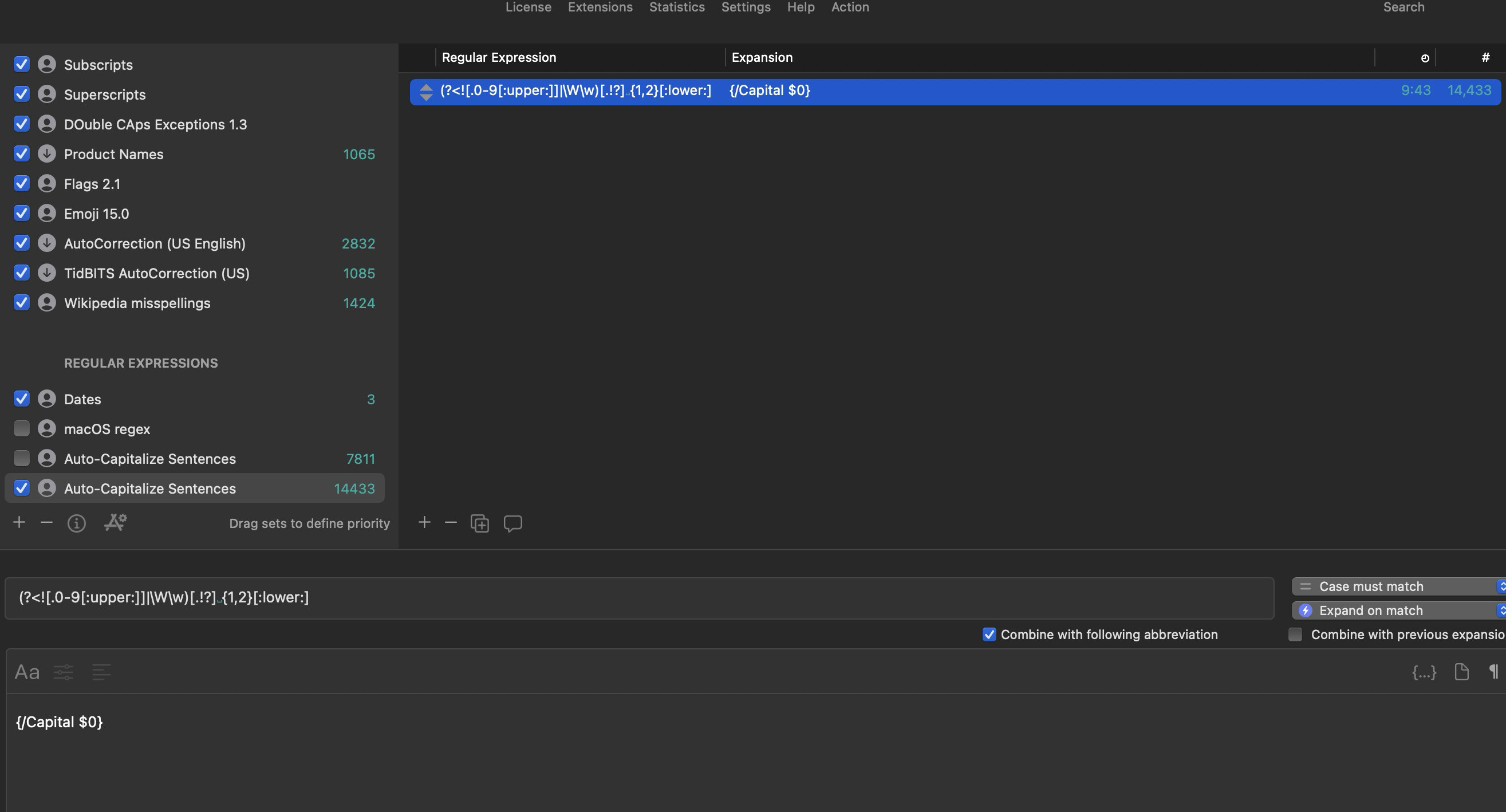
I also use BTT but not sure its as reliable as KM. Im not sure how would it trigger the expansion automatically. I frequently find the UI/functionality uneasy and less polished. its still very powerful though
It looks quite complicated -- and the more complicated a macro the slower it is likely to run.
I'm not going to even try to understand the regex. But why do you need it twice? From a brief skim, all you're doing is replacing the last character typed before the macro triggers with its uppercase equivalent.
Not extensively tested, but this should be quicker:
Yes, I thought I could add a second trigger to handle that but the night was shorter than I realized. There is not much of a trigger when it's the first thing you type, although checking for a newline tempted me.
You'd have to come up with some rules as to when to, and when to not, capitalise after a newline.
But you could build on OP's original trigger by changing it to "stuff followed by one of .!? followed by (either one or two spaces or one or more newlines) followed by a lowercase character":
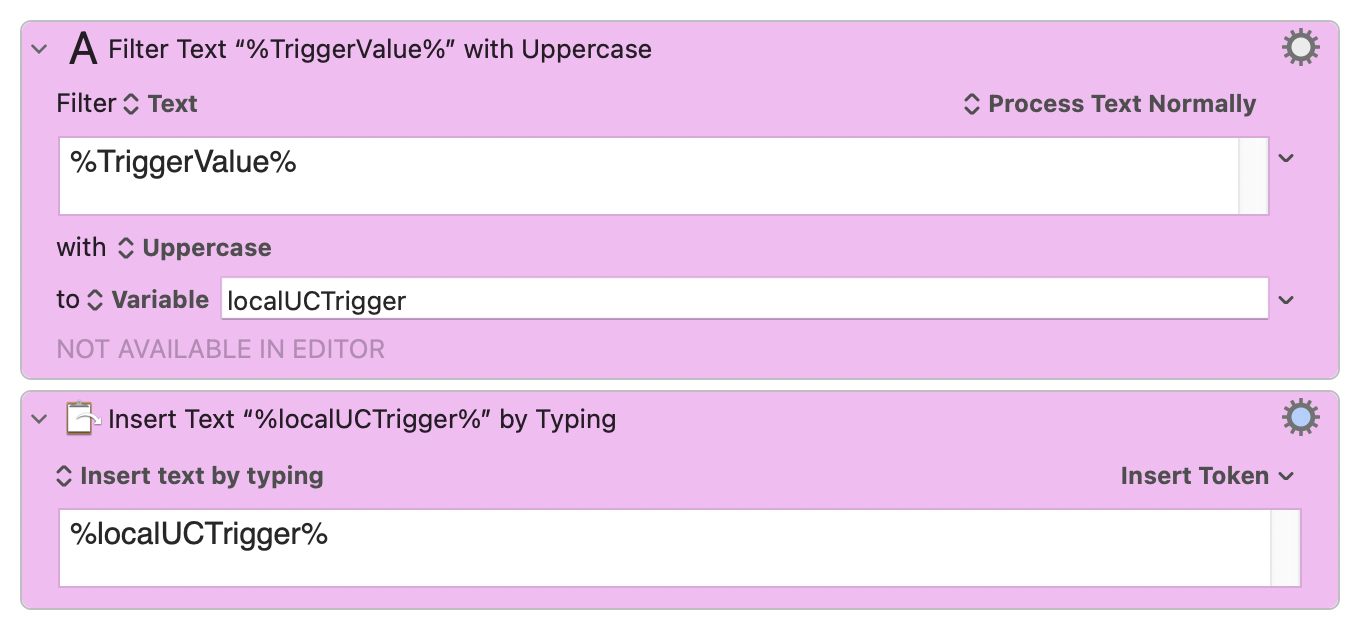
I’m doing pretty much the same thing: (?<![.0-9[:upper:]]|\W\w)[.!?] {1,2}[:lower:] and then I use the Text Filter “Capitalize” on the %TriggerValue% and type it.
I don’t want to capitalize on newlines but then it would be(?<![.0-9[:upper:]]|\W\w)[.!?]( {1,2}|\R+)[:lower:] (like Nige_S did)