Chrome Tab Switcher · Launcher v1.0
A Universal KM Link Macro for Stream Deck + Google Chrome
I recently wanted my Stream Deck buttons to behave a little smarter than simply opening a website.
My goal was:
-
If the website is already open in a Chrome tab, switch to it.
-
If it isn't open, launch it in Chrome.
-
Use one Keyboard Maestro macro for every website.
Instead of creating separate KM macros for ChatGPT, Amazon, Gmail, Pirate Ship, PayPal, etc., I built a single universal macro that receives the website as a KM Link parameter.
The only thing that changes from one Stream Deck button to the next is the Parameter field.
For example:
| Button | Parameter |
|---|---|
| ChatGPT | chatgpt.com |
| Amazon | amazon.com |
| Gmail | mail.google.com |
The Stream Deck button always points to the same Keyboard Maestro macro.
Features
-
Switches to an existing Chrome tab
-
Opens the website if no matching tab exists
-
One universal Keyboard Maestro macro
-
Works with KM Link
-
Easy to add unlimited websites
How it works
-
The macro:
-
Receives the website parameter from KM Link.
-
Stores it in a Keyboard Maestro variable.
-
Searches every Chrome window and every Chrome tab.
-
If a matching URL is found:
-
activates that tab
-
brings its window to the front
-
-
Otherwise:
- opens the requested website in Chrome.
So pressing the button repeatedly never creates duplicate tabs.
-
Why I built it this way
-
I wanted to avoid maintaining multiple nearly-identical Keyboard Maestro macros.
Adding another website now takes about 30 seconds:
-
Duplicate a Stream Deck button.
-
Change the icon.
-
Change the title.
-
Change the Parameter.
Done.
No Keyboard Maestro changes are required.
-
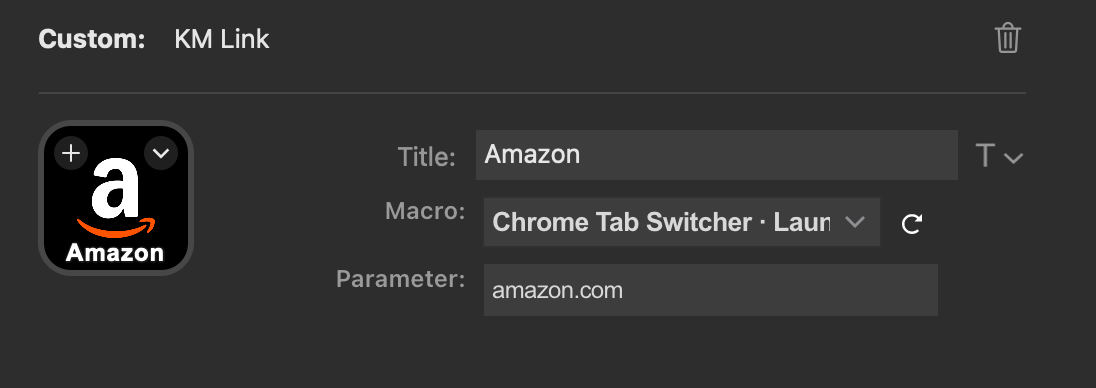
Every Stream Deck button uses the same Keyboard Maestro macro. Only the Parameter changes.
For anyone interested, here's the AppleScript used by the macro:
-- Chrome Tab Switcher · Launcher v1.0
-- Searches all Chrome tabs for the requested website
-- Returns FOUND or NOT FOUND

tell application "Keyboard Maestro Engine"
	set targetText to getvariable "CTSL_Website"
end tell

if targetText is "" then
	return "ERROR: CTSL_Website is empty"
end if
-- Search every Chrome window
tell application "Google Chrome"
	activate

	repeat with windowNumber from 1 to count of windows
		repeat with tabNumber from 1 to count of tabs of window windowNumber

			set tabURL to URL of tab tabNumber of window windowNumber as text

			if tabURL contains targetText then
				set active tab index of window windowNumber to tabNumber
				set index of window windowNumber to 1
				activate
				return "FOUND"
			end if

		end repeat
	end repeat
end tell
-- No matching tab exists
return "NOT FOUND"
Requirements
-
Keyboard Maestro 11
-
KM Link plugin
-
Google Chrome
-
Stream Deck
Setup:
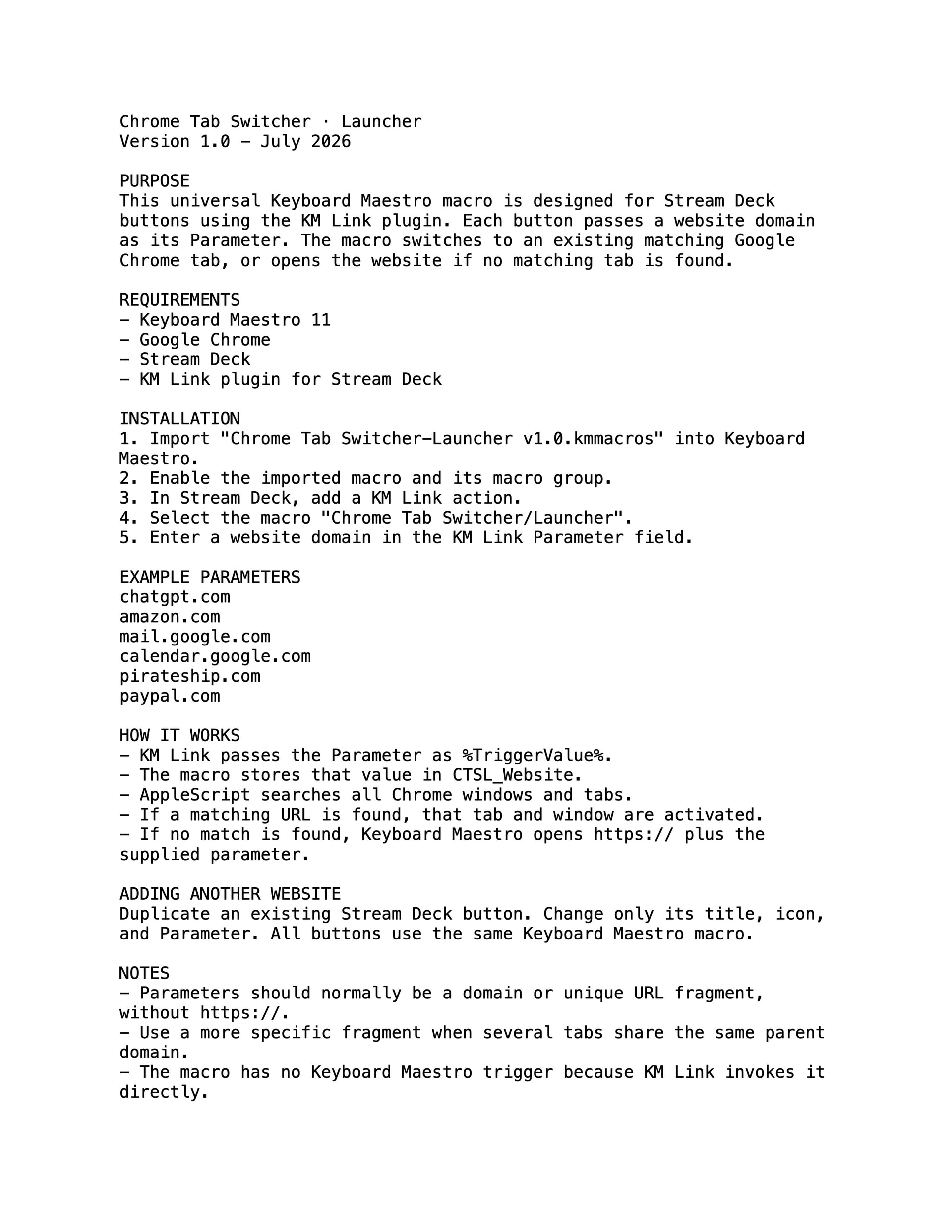
- Import the attached macro and enable it.
- Add a KM Link action to a Stream Deck key.
- Select "Chrome Tab Switcher · Launcher".
- Put the desired domain in the Parameter field.
- Duplicate the button for other sites, changing only its title, icon, and Parameter.
A useful implementation detail: the KM Link value is stored in the global variable CTSL_Website because the AppleScript needs to retrieve it through Keyboard Maestro Engine. The search result is stored locally in Local__TabResult. AppleScript handles only the search and tab activation; Keyboard Maestro's native Open URL action handles launching a missing site.
Downloads
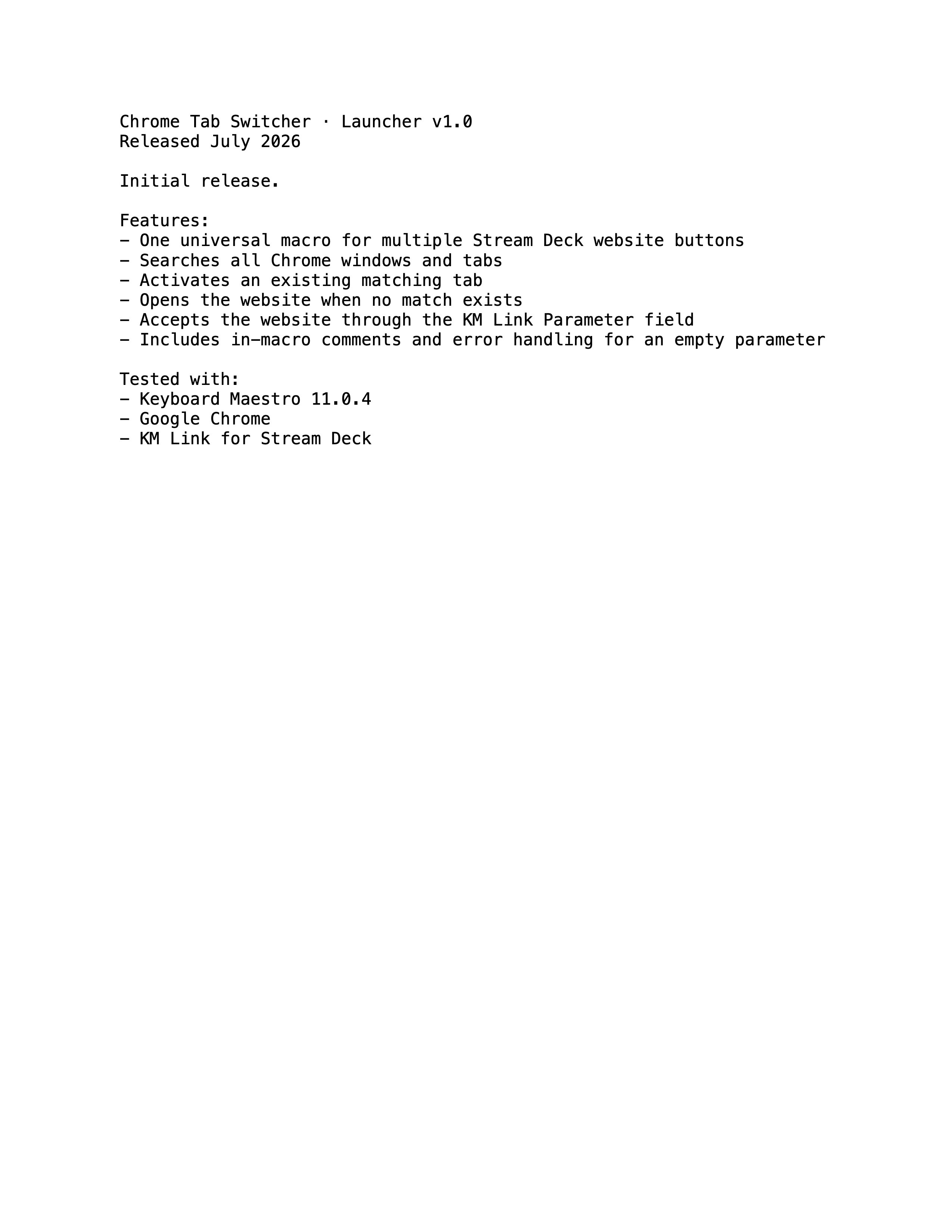
Chrome Tab Switcher · Launcher.kmmacros (13.4 KB)
This macro was developed over several rounds of testing and refinement with ChatGPT. The overall design, debugging, and documentation were collaborative, while all implementation and real-world testing were performed on a production macOS/Keyboard Maestro/Stream Deck setup.