Hello, I am fairly new to KM scripting, although I have been using it for years in a basic way.
I am using Capture One to post-process my photos, and Capture One allows one to define styles: a style saves all the settings that have been applied to a photo, to be reused later for other photos. The problem is that the style list can only be accessed through menus/submenus, i.e. not in a very efficient manner. It would be marvelous to have a palette listing all the styles I have defined.
In practical terms:
The styles live as files with a .costyle extension, located in a specific subfolder of the Application Support/Capture One folder. I can list these files with KM. The name of the file can be the same as the name of the style (plus the .costyle extension).
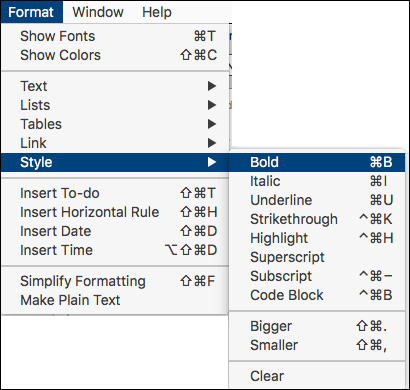
Then, to apply a style, one would have to invoke a menu item of the same name (a sub/sub/submenu actually).
How could I make a palette presenting a clickable list of the styles?
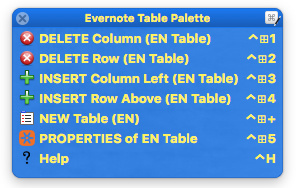
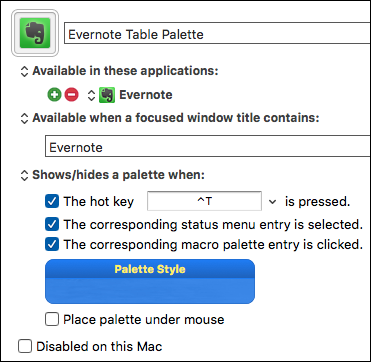
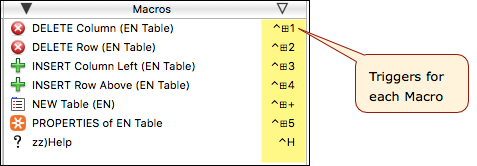
Then, create one macro for each style you want, and assign a simple trigger, preferably one character (with or without a modifier key).
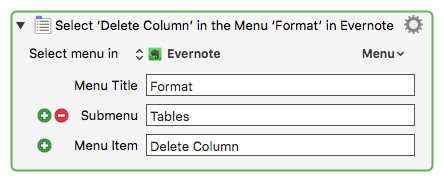
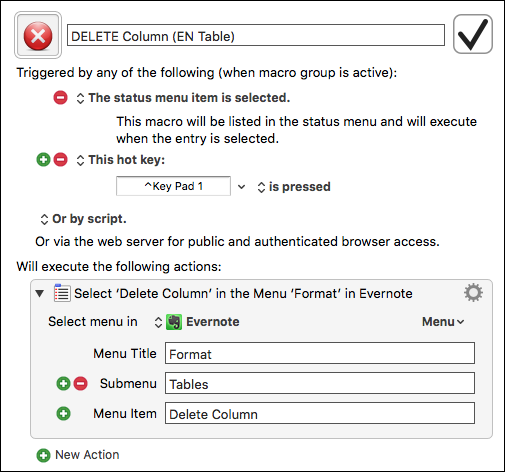
Each macro will use the "Select Menu" Action, set for the specific menu tree you need for the style:
The drawback is that I would need to define a macro myself for each style. Whereas what I would like to do is:
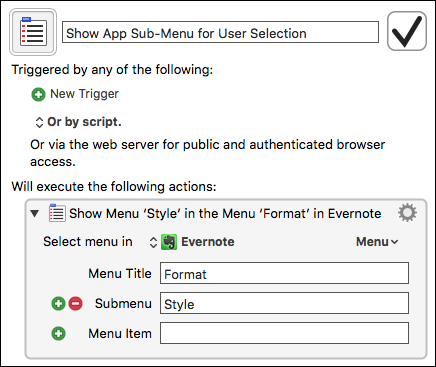
to show a palette listing the styles, as found in the styles folder of Capture One (each file there corresponds to a style), - and then when clicking on a style in the palette, call the menu item of the same name in Capture One.
All this without explicitely creating a macro for each style. Otherwise, if I create a new style (or delete one), I would have to create/delete the corresponding macro each time.
Is there a way to automatically create a macro corresponding to each of the files listed in the folder? All macros would be built in the same manner, simply call a menu item of the same name as the file.
I think I am on the right track now. Using code inspired by Create Text Expansion From Selection Macro’ “Create Text Expansion From Selection Macro” (Peter Lewis), I think I can now create macros “on the fly” based on the files I find in the styles folder of Capture One.