@peternlewisIt would be super handy to be able to paste above a selected action by holding another modifier, as you can when adding a Favourite. Particularly useful when you want to paste something at the very start of a macro.
Off-topic, but while you're here:
I think the (great) new Press Button When Enabled action might have a small Timeout bug. Perhaps it's just me, but it doesn't seem to accept 0.x decimals when Seconds is selected.
This is exactly what I tried to do. But it is not working for me. I can copy it with command-C just fine and I confirmed it's there in my clipboard history. When I paste it with command-V, however, it lets out a system beep, and nothing is being pasted (after I select the action I want to paste after). What should I do?
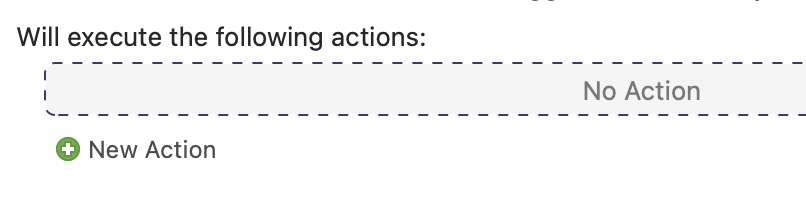
Sometimes you have to click an extra time in the box that says "No action" before it will accept a paste command. Try that first, then let us know if that fixed it. (If the macro is not empty, you may have to click on an existing action so that the Editor knows where to paste the copied actions.)
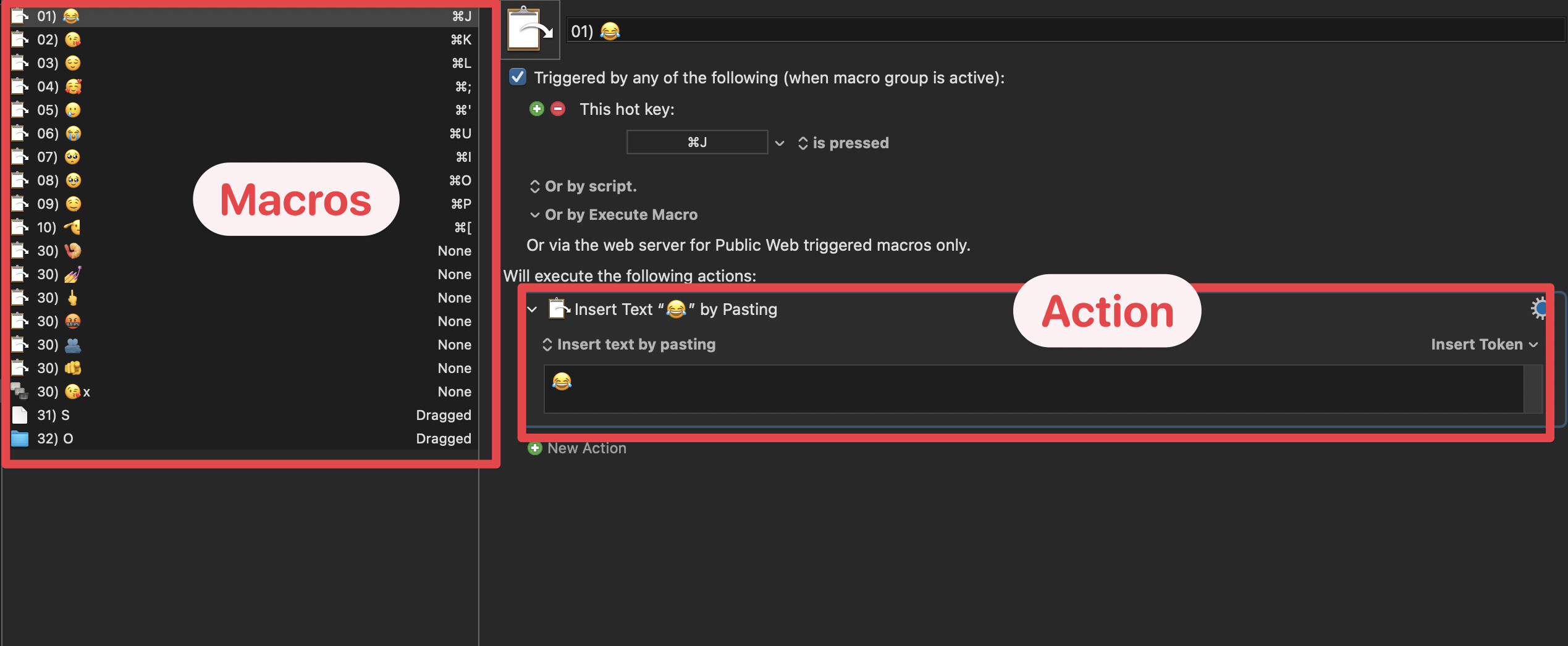
In that case, I have a new theory. I suspect you are copying a macro, not an action. It's easy to confuse the two things. Actions can be copied that way, but macros can't. In tiffle's instructions he told us to copy actions, but I am theorizing that you pressed CMD-C after clicking on a macro, not on an action. This would give you your symptom. Can you tell me if I'm right or wrong?
As far as I know, I do believe I copied an action rather than the macro. I clicked on the action → CMD-C → I went to another macro → Clicked on an action that I want to paste after → CMD-V → FAIL
I'm running out of ideas. You said "I do believe I copies an action rather than a macro"... ok, since you sound uncertain, try a simple test.... try copying the action that you highlighted in red and then pasting it right after itself. Select the action, then press CMD-C, then press CMD-V.
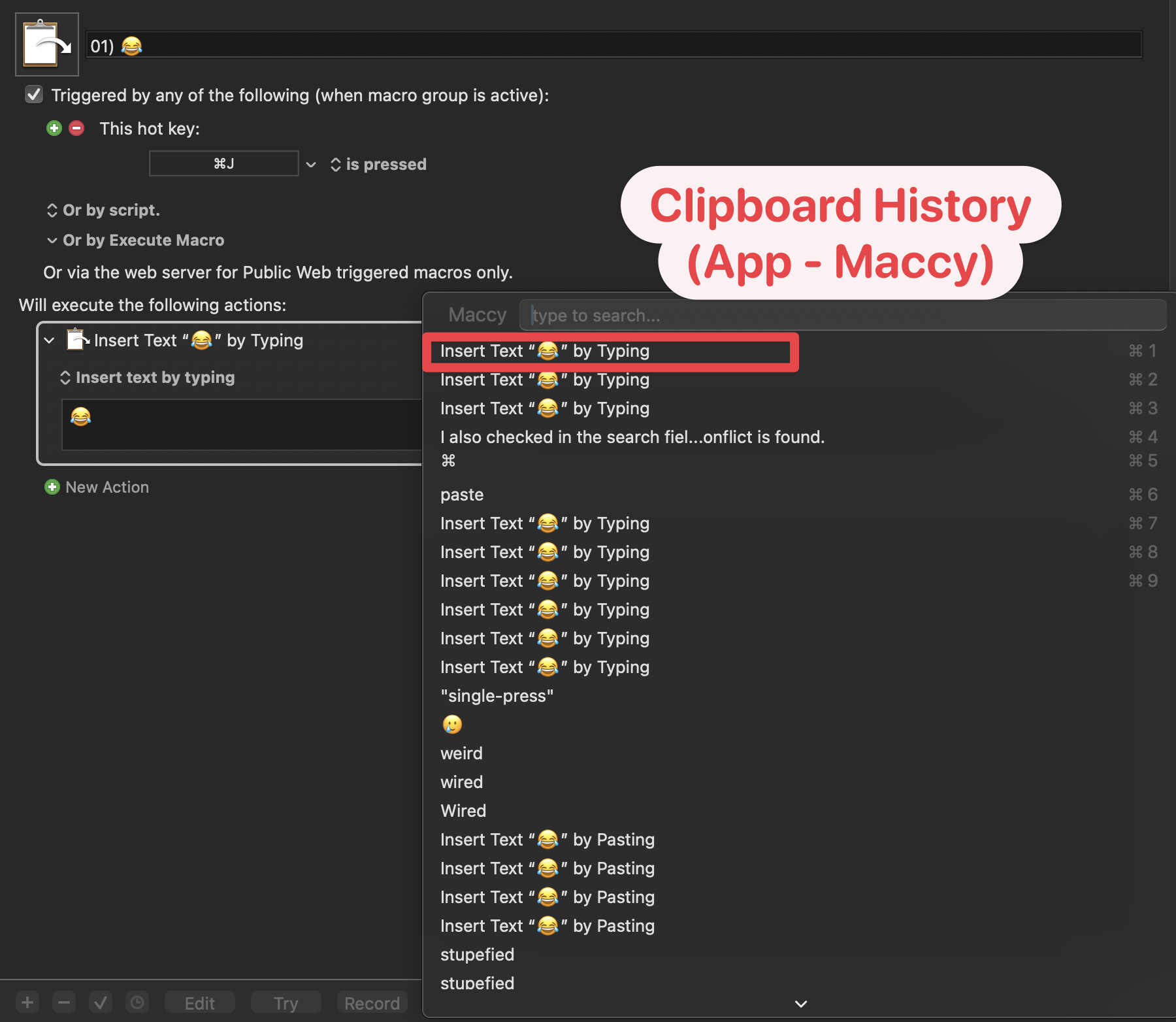
I should note that I use another software called "Better Touch Tool" and I use a "single-press" command hotkey to copy and a "single-press" Control hotkey to paste. But the command and control key works exactly the same way otherwise (can use other shortcuts involving command and control as normal). I have no problem copying and pasting in any other applications. Only KM. But just in case, I also disabled (quit) BTT entirely and see if that works, but nope!
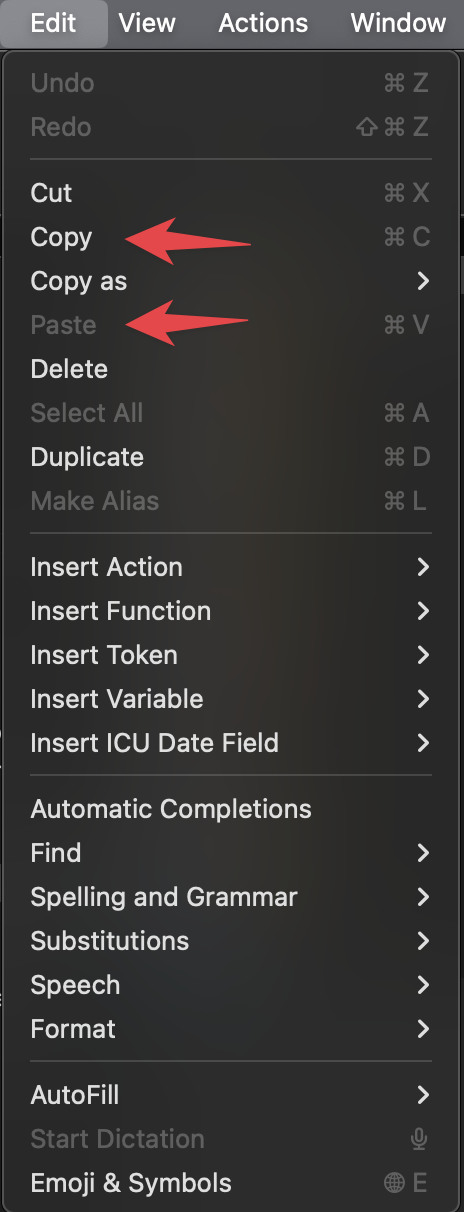
Have you by any chance possibly assigned the ⌘V hotkey to something else inside the KM editor? You could test to see if there's a hotkey conflict by trying to copy/paste the action as before but exclusively via the application menu.
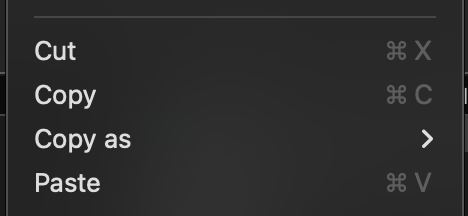
Wait sorry, the "paste" menu item cannot even be selected, but the "copy" menu item can tho.
I also checked in the search field of KM, literally typing out "⌘v", no conflict is found.
You must first copy the action, then the paste menu item will be active. Perhaps your copying hasn't been successful? That would explain the system beep trying to paste nothing.
 well slap me sideways...
 .
.