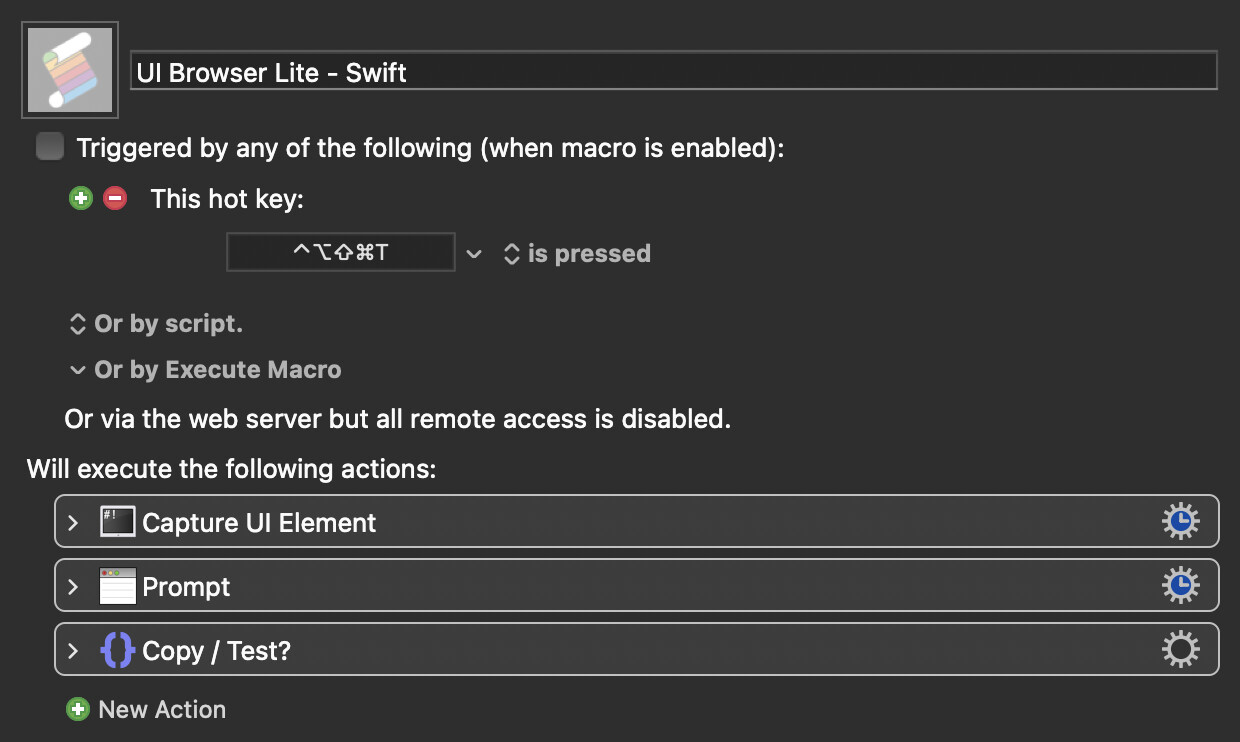
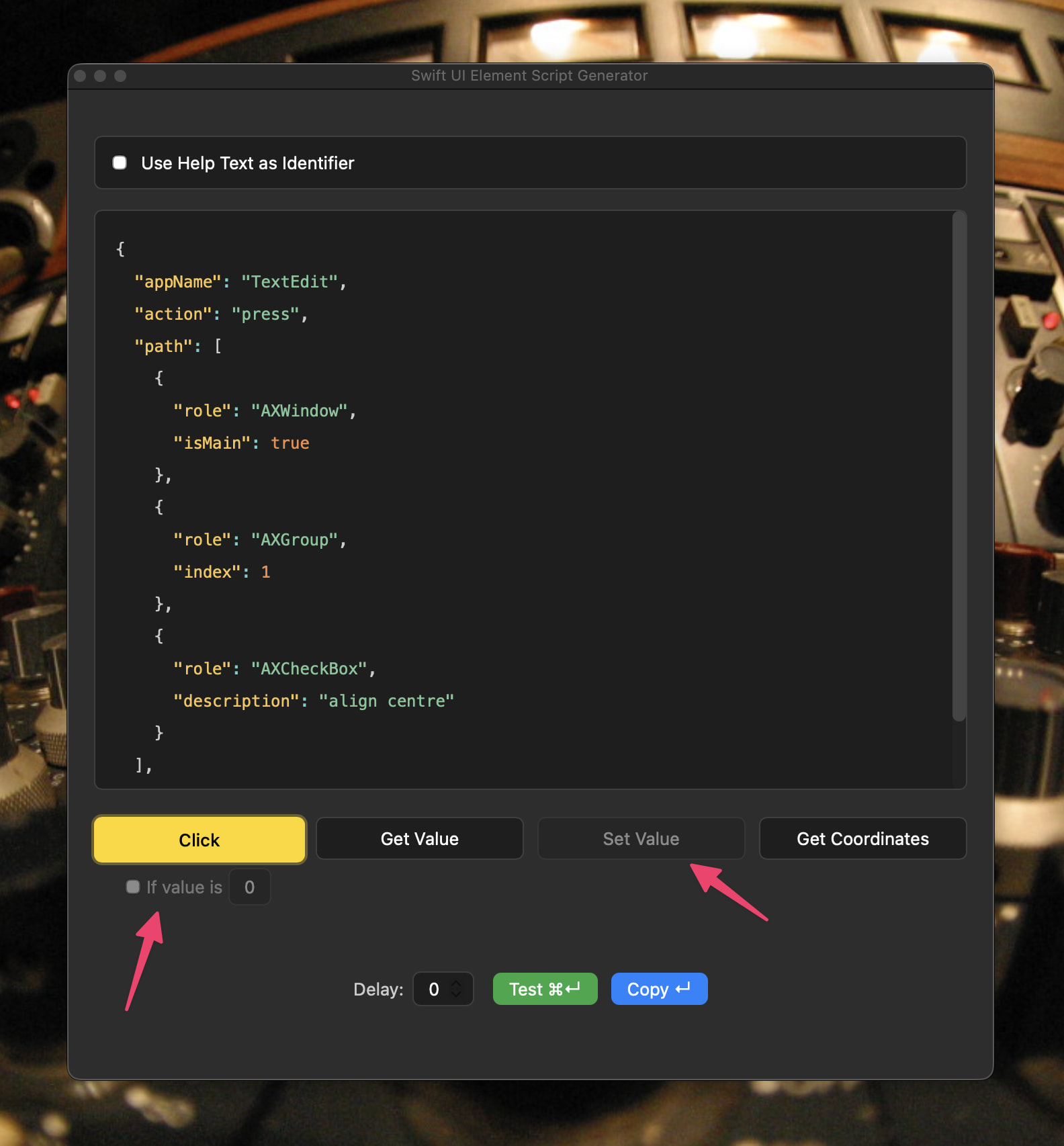
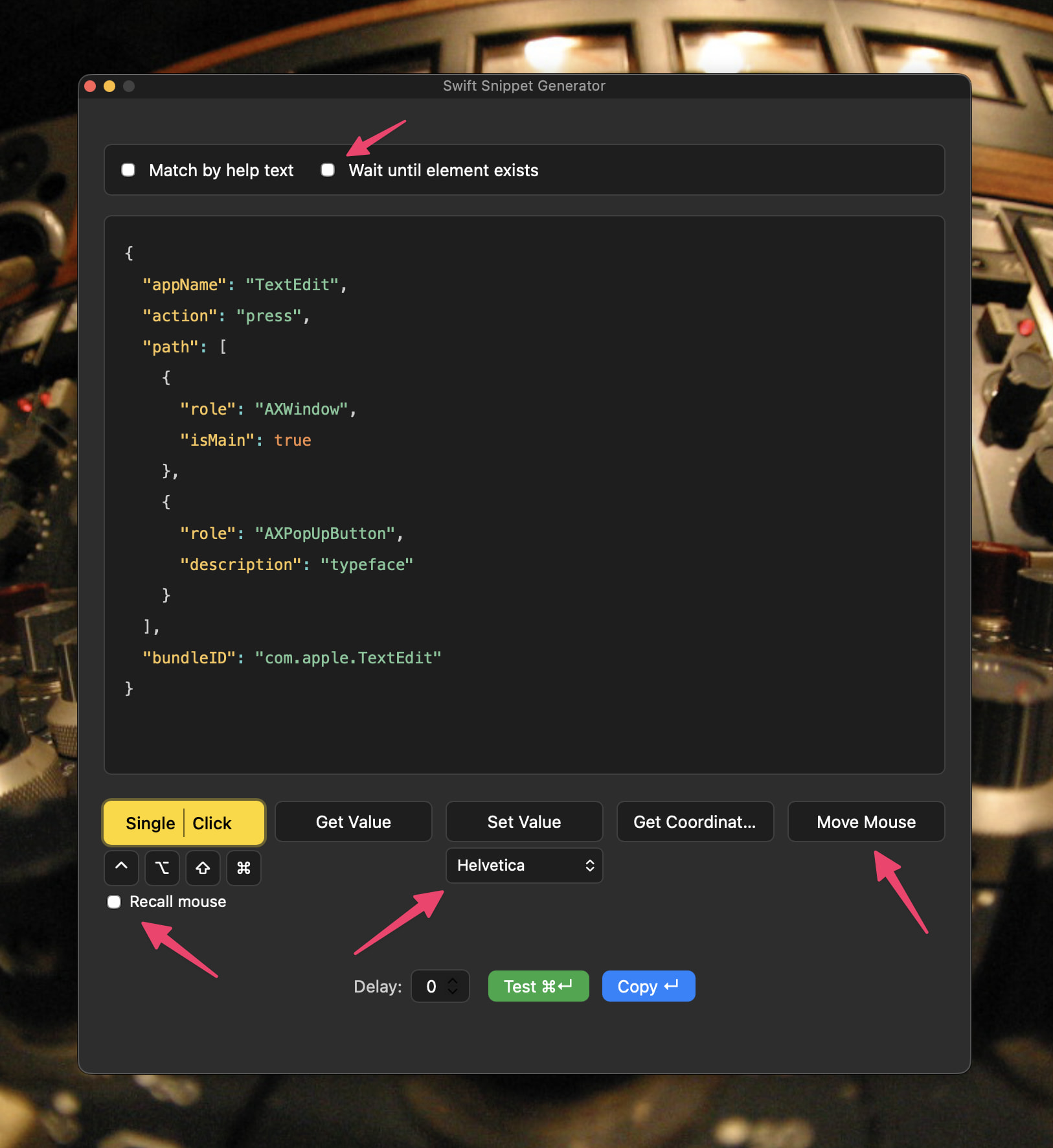
Here's a version of my UI Browser Lite macro that uses Swift instead of AppleScript, as it's very handy for interacting with UI Elements whose position in an element tree may change.
It uses a Keyboard Maestro plugin to run the Swift scripts as this is much faster than running a verbose script in KM's dedicated Swift script action.
Hover your mouse pointer over the target UI element and trigger the macro.
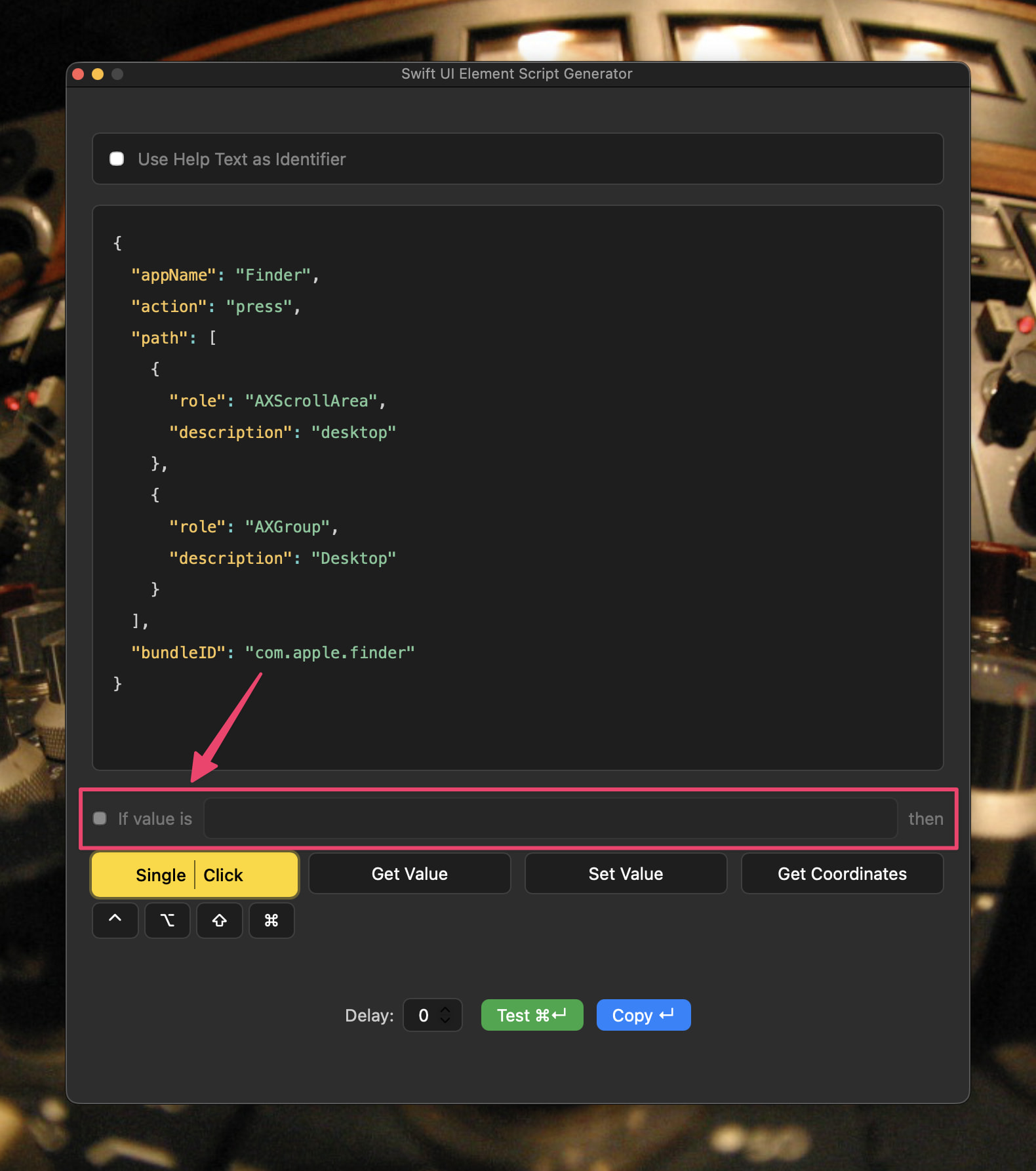
Choose what you want to do with the element using the yellow buttons.
You can test the script (with an optional timer) or just copy it for use.
Add an instance of the plugin to a macro and paste the copied Swift Snippet right into it.
Bonus tool:
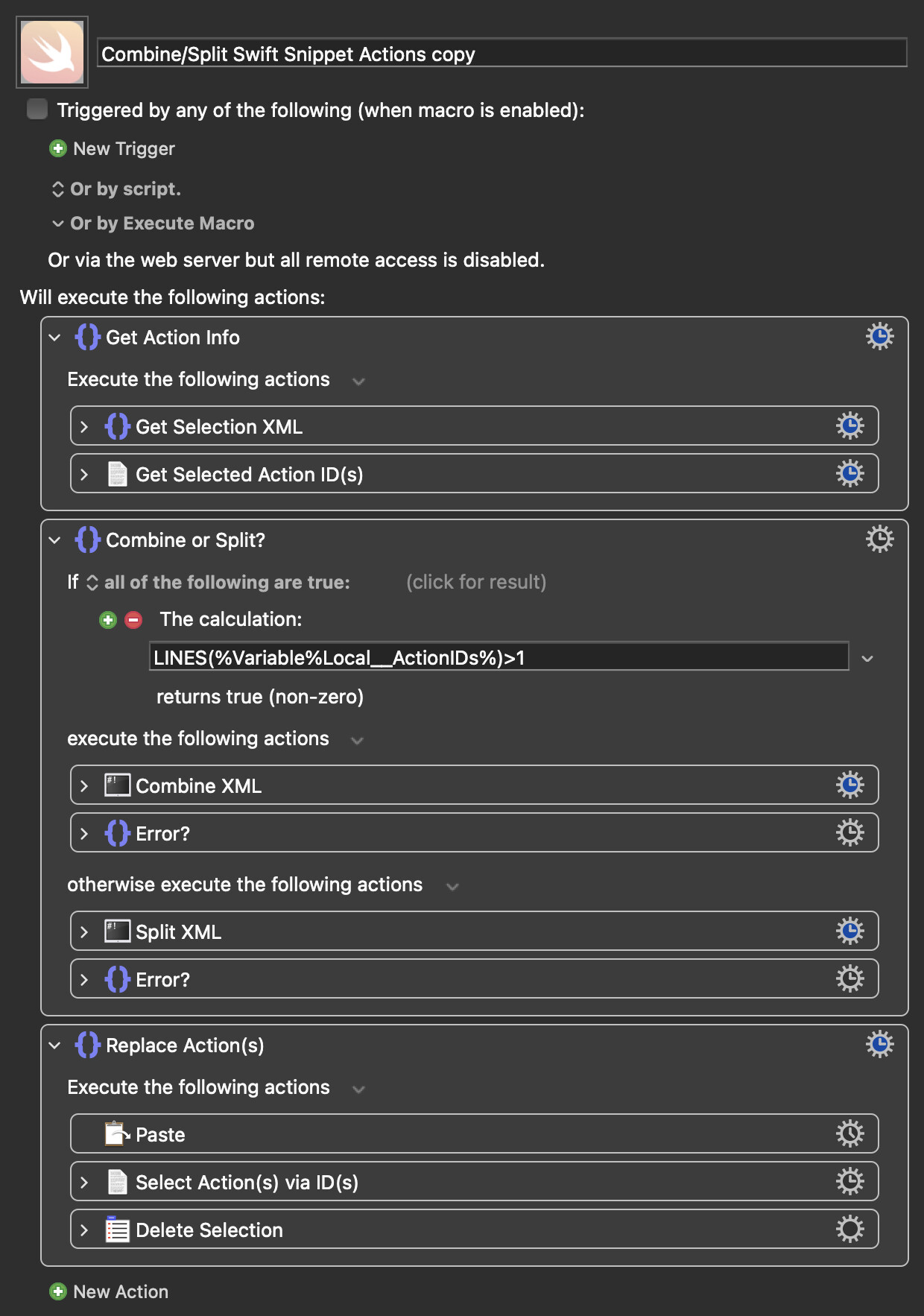
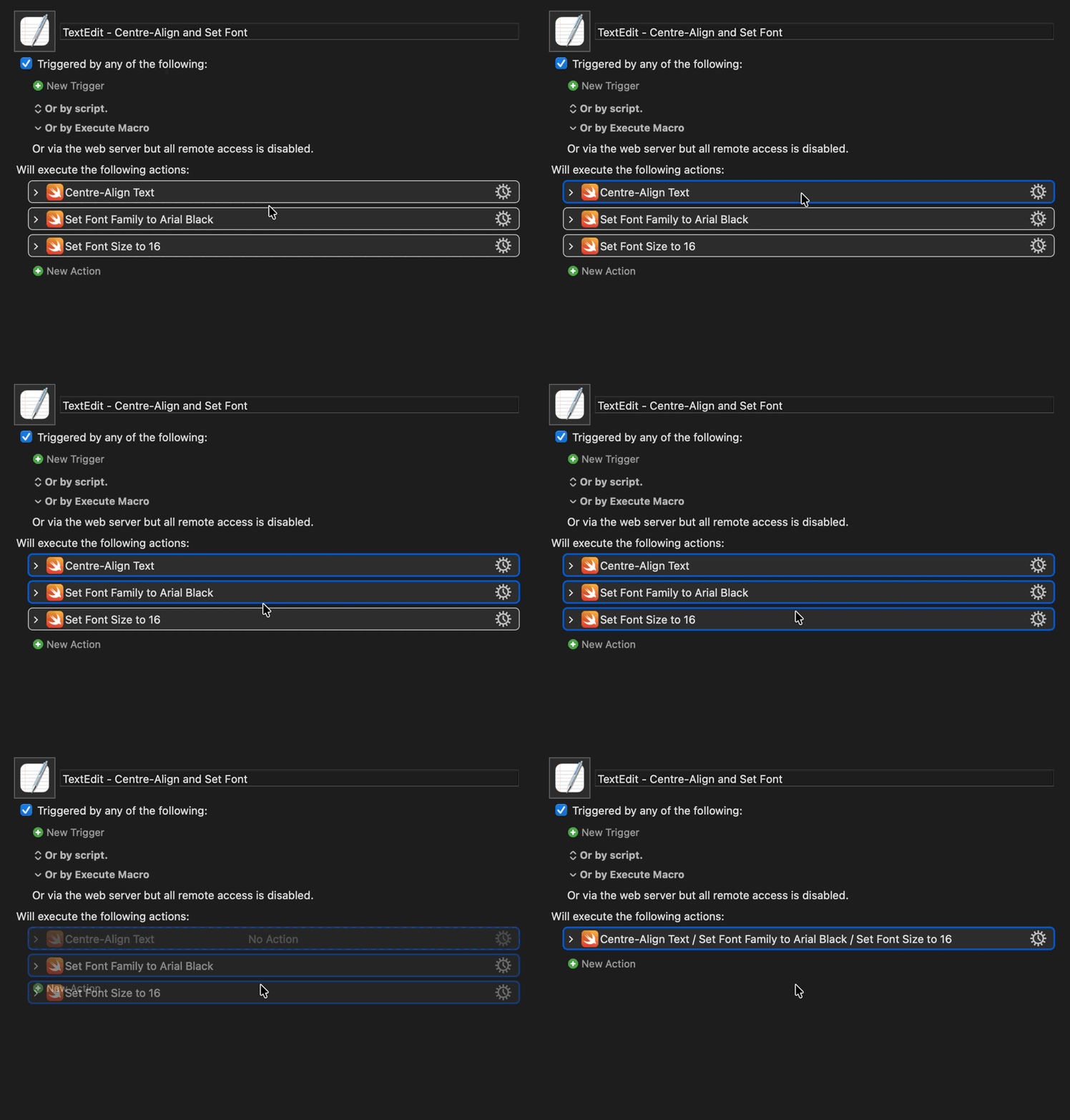
You can chain multiple Run Swift Snippet, one after another if need be. This macro will combine them into a single action. Running it on a previously combined action will split it back into separate actions:
For anyone following along, I've simplified installation and use quite a bit. The precompiled binary is now bundled as part of a dedicated plugin, which negates the need for subroutine to run the generated scripts.
Plug In failed with script error: UI element not found. The interface may have changed. Macro “UI Browser Lite - Swift” cancelled (while executing Run Swift Snippet).
Visually nothing happened but perhaps it changed its state to run a macro and that then changes the return JSON
Maybe I misunderstood the macro usage, I thought I could use it to create macros that make the mouse clicks on some UI elements, but it doesn't work for me. I tried with a tested script that clicked on the share button in the KM application. The test worked but the macro does nothing when triggered
Please post your macro or at least a screenshot of it. If the test worked, it's likely there's something amiss with the macro rather than the tool. If that's the case, I'll try to explain how to use it more clearly in the instructions.
Thanks a lot for your reply. It seems to work now. There was an error caused by my clipboard manager. So I ended up pasting the wrong code.
I use Raycast as my clipboard manager and it seems that whenever I copy the code it ends up as the previous to last entry instead of the very last entry. So, what i was testing in Keyboard Maestro was actually coming from the UI element of another app
Now checks if app is already frontmost before bringing it to the front, and then continues once it is, rather than using a 150ms static sleep. TL;DR: consecutive instances of the plugin run much quicker!
How do I upgrade to the latest version of the plugin? If I try to drag it on the keyboard maestro icon in the dock, keyboard maestro tells me that the action already exist. Do I have to delete the old version first? Of course I'm talking of updating the plugin, updating the macro means just substituting the old version with the new one.
Delete the old version at ~/Library/Application Support/Keyboard Maestro/Keyboard Maestro Actions, and then drag the latest downloaded .zip file to the KM dock icon.