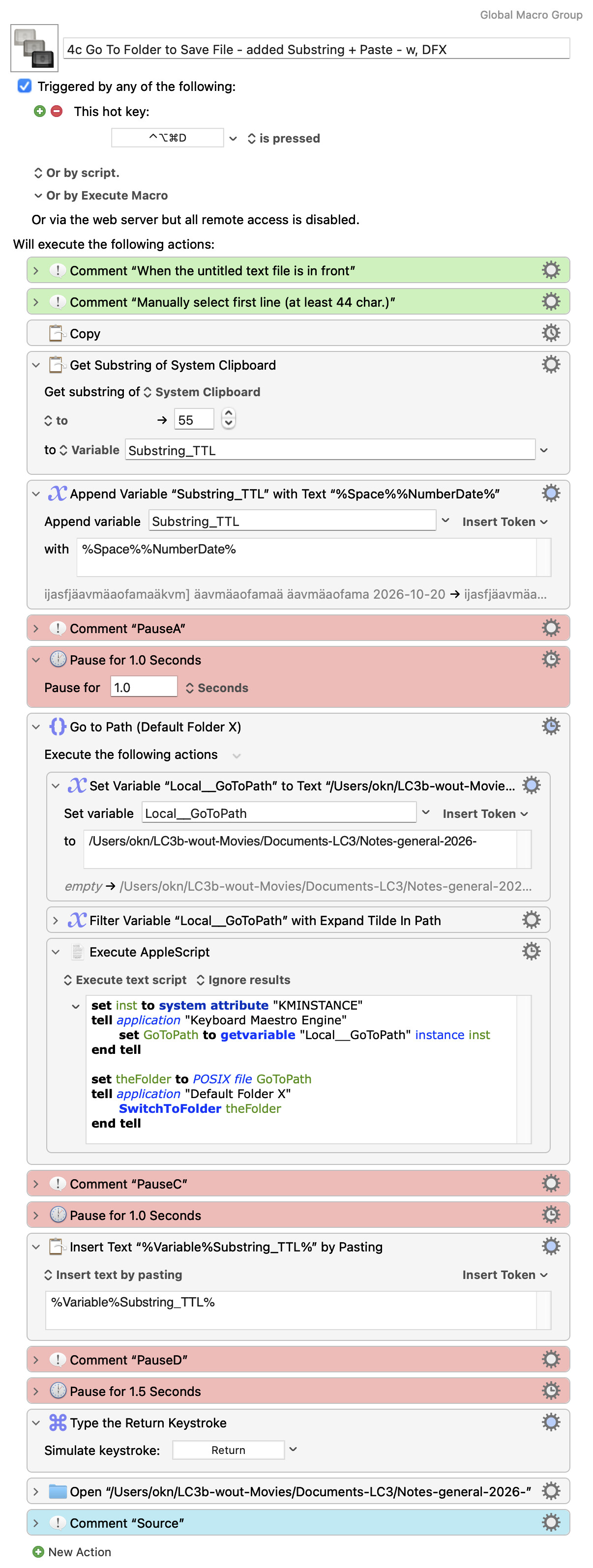
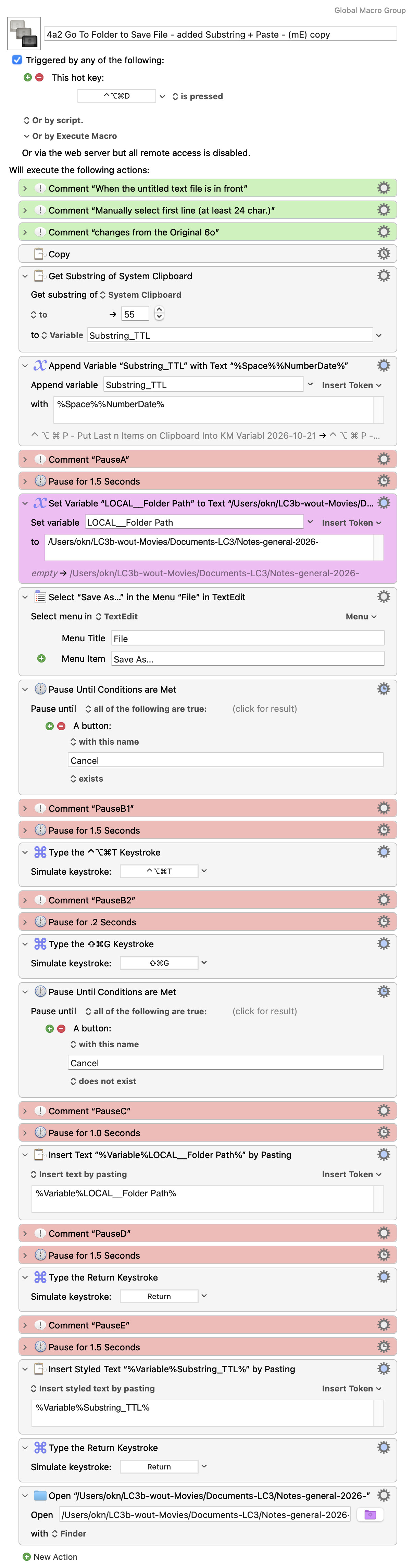
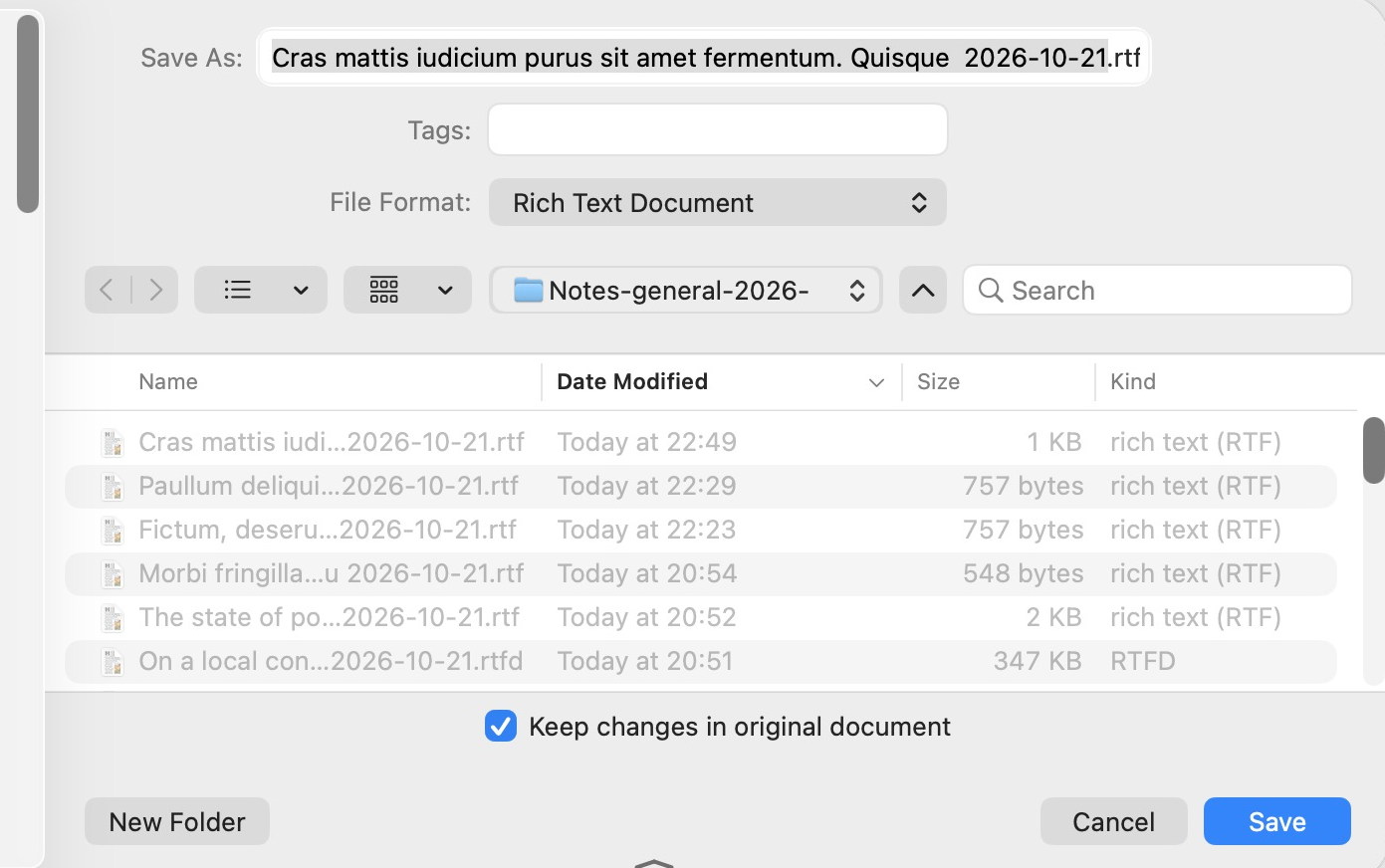
Your macro worked here on KM v11.1.1, Golden Gate.
You are copying a title value to a variable and appending the
current date.
You are also setting a variable to a folder path.
You import the folder path variable in an AppleScript where you set the parameter of the DefaultFolderX SwitchToFolder command to its value.
However, I think DFX's SwitchToFolder command sends a message to the Save dialog that is front.
Is one open and front when the AppleScript runs?
If you need to wait for one to come front you can use the DFX IsDialogOpen command.
set dialogIsOpen to false
--wait up to 2 seconds
tell application id "com.stclairsoft.DefaultFolderX5"
	repeat 10 times
		set dialogIsOpen to IsDialogOpen
		if dialogIsOpen then exit repeat
		delay 0.2
	end repeat
end tell

if dialogIsOpen is false then return "a save as dialog is not front"

-- place your DFX script below
It looks like you're using paste to set the value of the FilenameField textfield.
To ensure that the textfield can receive keyboard input--or paste-DFX has the SelectSaveName command.
Optionally, you can use DFX's SetSaveName "file name" to set the value, so that the file name text field need not have focus.
tell application id "com.stclairsoft.DefaultFolderX5"
        SelectSaveName
	--SetSaveName "a file name"
end tell
The path in your macro doesn't have a tilde to expand, but it's harmless to use Filter action's Expand Tilde in Path.
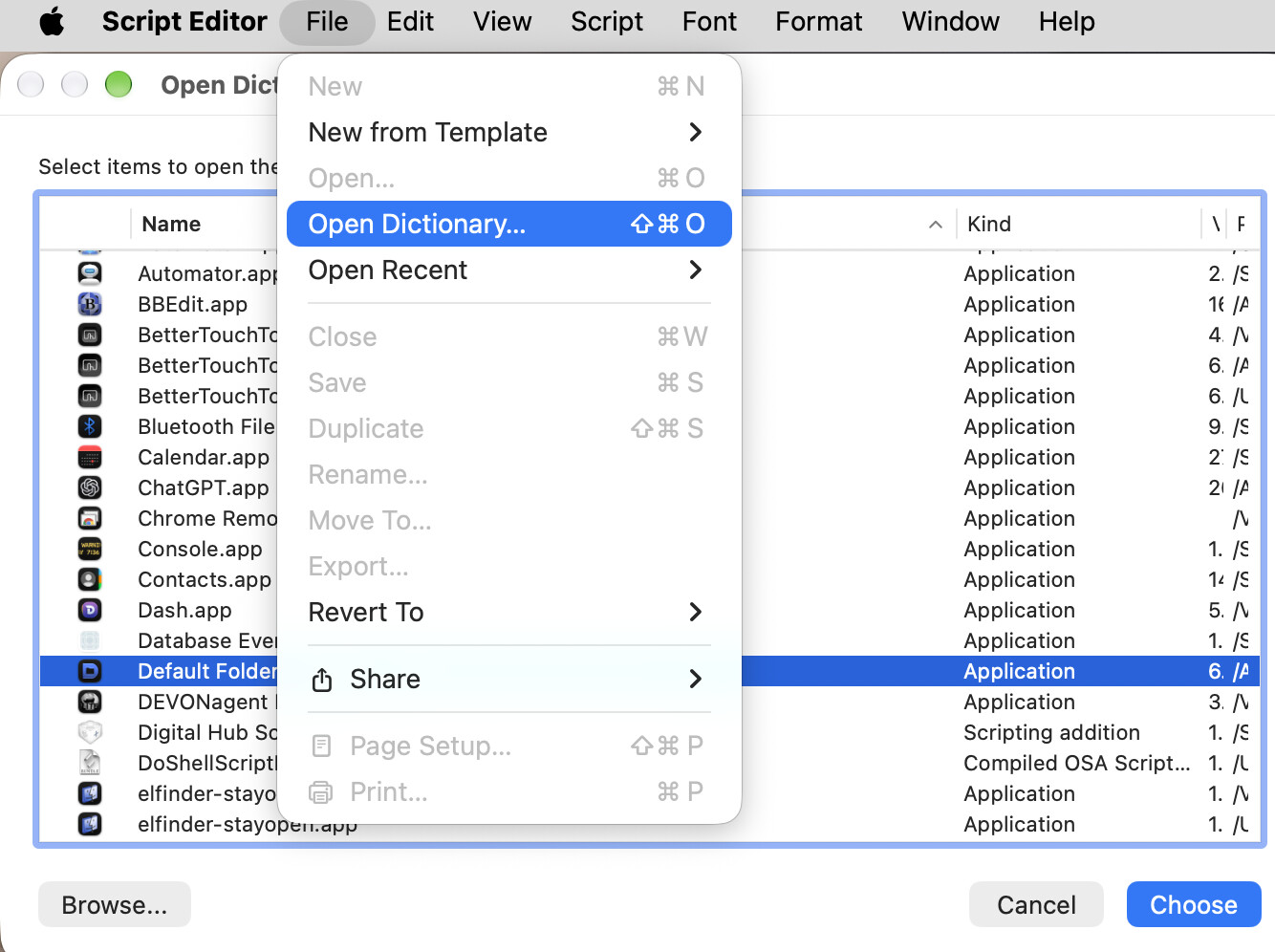
Be sure to browse DefaultFolderX's Scripting Dictionary.
It has lots of commands for automating it.
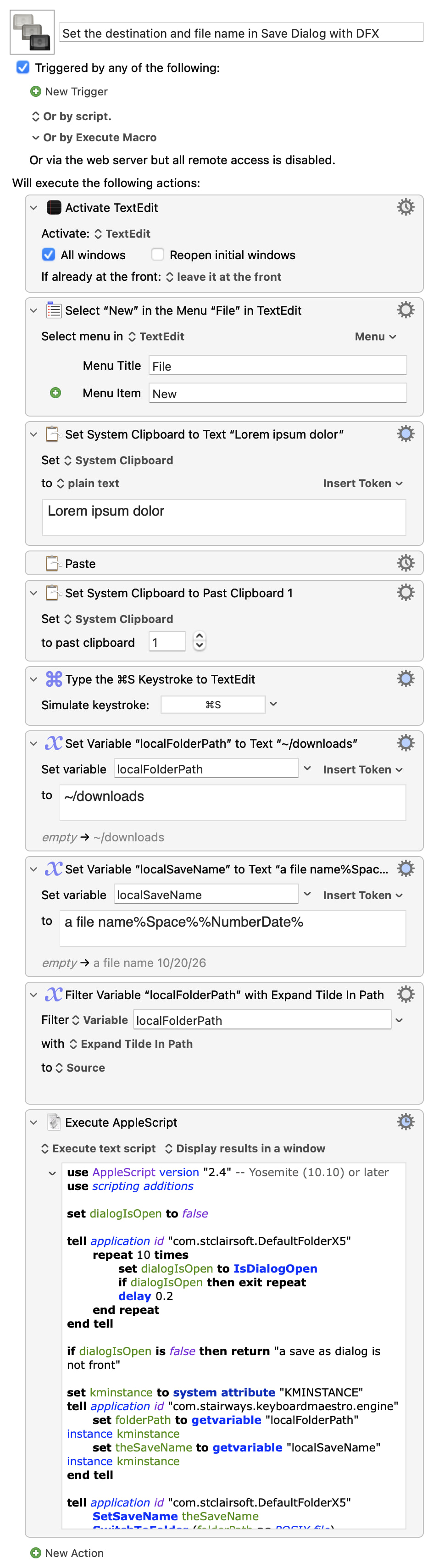
Here's a sample macro that first creates a new TextEdit document, pastes some text, types ⌘ + s to call up the Save dialog.
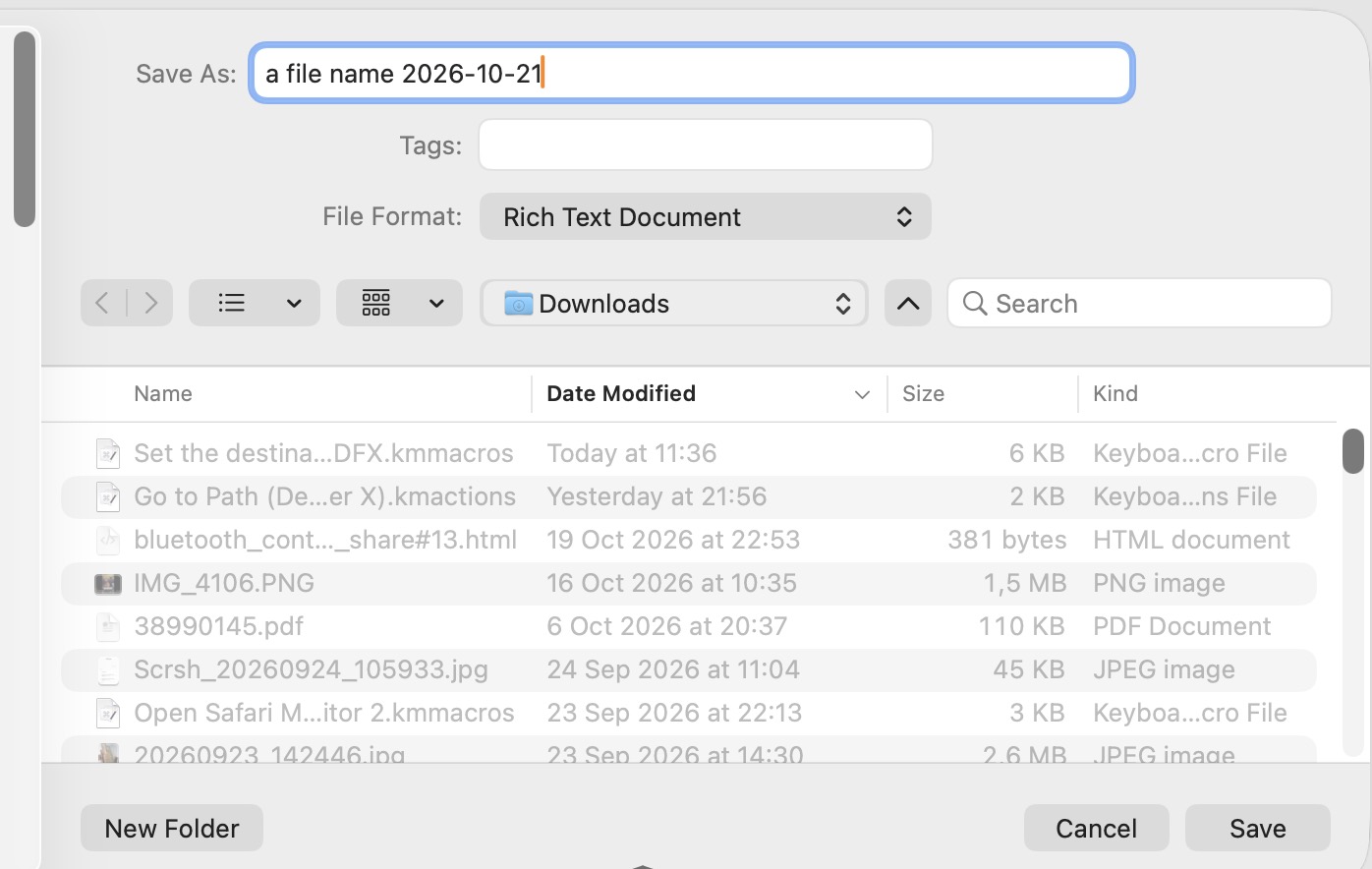
It then uses DFX's commands to wait for the Save dialog, set the file name textfield and the save destination to ~/Downloads using values from KM variables.
Image
Set the destination and file name in Save Dialog with DFX.kmmacros (5.9 KB)