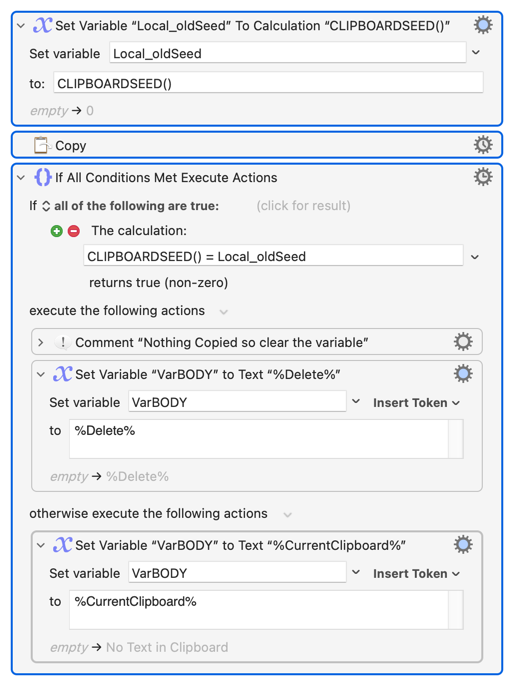
CLIPBOARDSEED() changes when the System Clipboard is changed -- so save the seed, do the copy, compare the current seed to the old one. If it is the same then nothing new was Copied:
Note the "nothing new" bit! If you select some text on your web page and Copy it and then run your macro without changing the selection, the Clipboard won't change so VarBODY will be blank.
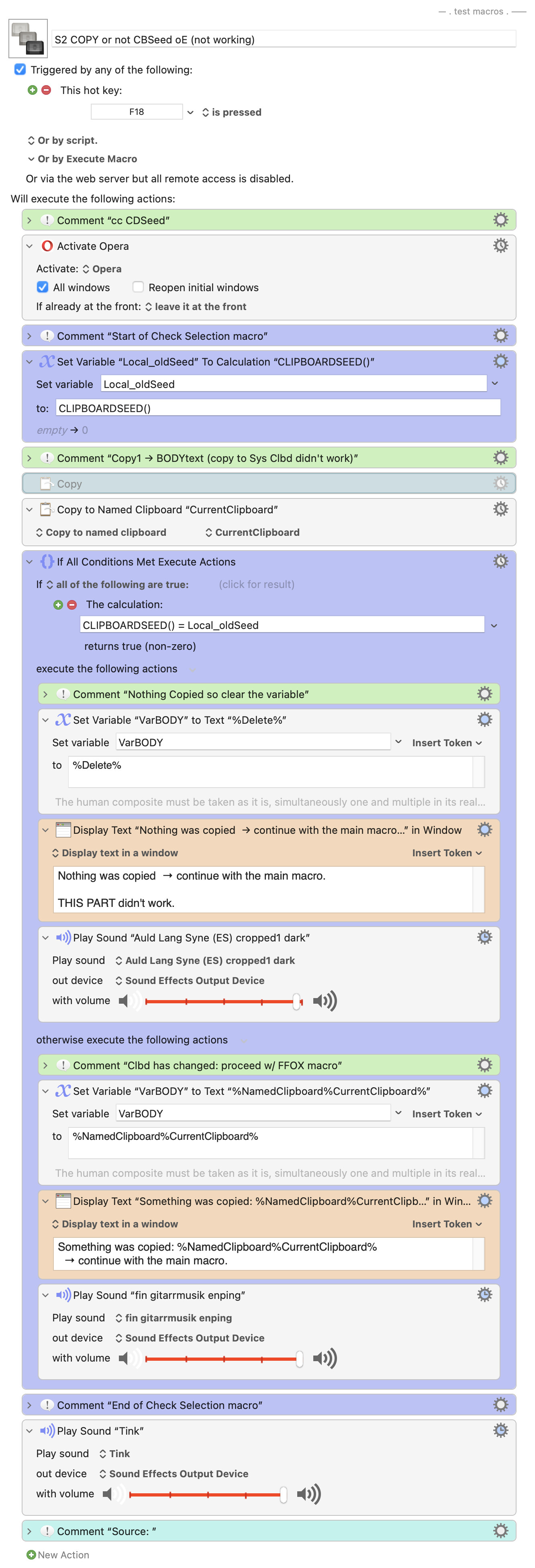
The 1st part is ok, but the second part, when nothing was selected/ copied, isn’t.
I set 2 different sounds after.
(The intention is for the main macro (Get TTL URL BODY) to run either way, if something has been selected or not. The main macro fails when it can’t find a BODY text.)
I’d think it can be tested in Firefox as well as in Opera.
S2 COPY or not CBSeed oE (not working).kmmacros (17 KB)
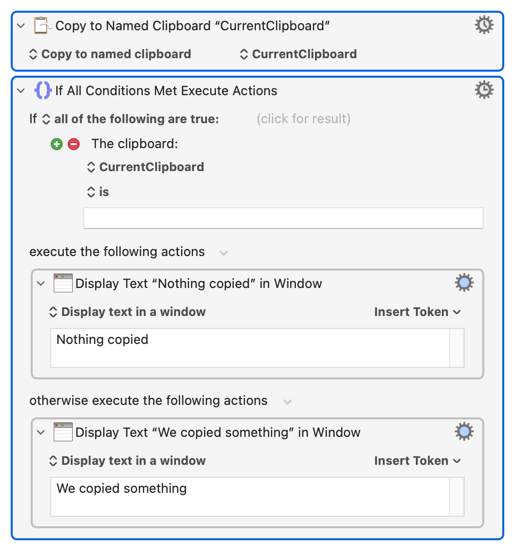
Then something is being copied, even when nothing is selected. If it is like Safari then that could be an empty string -- so use that as your condition rather than CLIPBOARDSEED():
If that's the case you may not need the test at all. If the only difference in your two branches is the insertion or not of the copied web text then don't branch -- just insert the Named Clipboard, which will be either text or an empty string.
You have the tools -- find out what's happening. Use KM's Clipboard History Switcher and/or the Named Clipboard Switcher to see what happens when you Copy from Opera when nothing is selected, then base your tests on that. Remember that you can test multiple Conditions and nest "If" actions, so you can easily do "if the frontmost app is Opera then do this test, if it is Firefox do that test, otherwise do the other test".
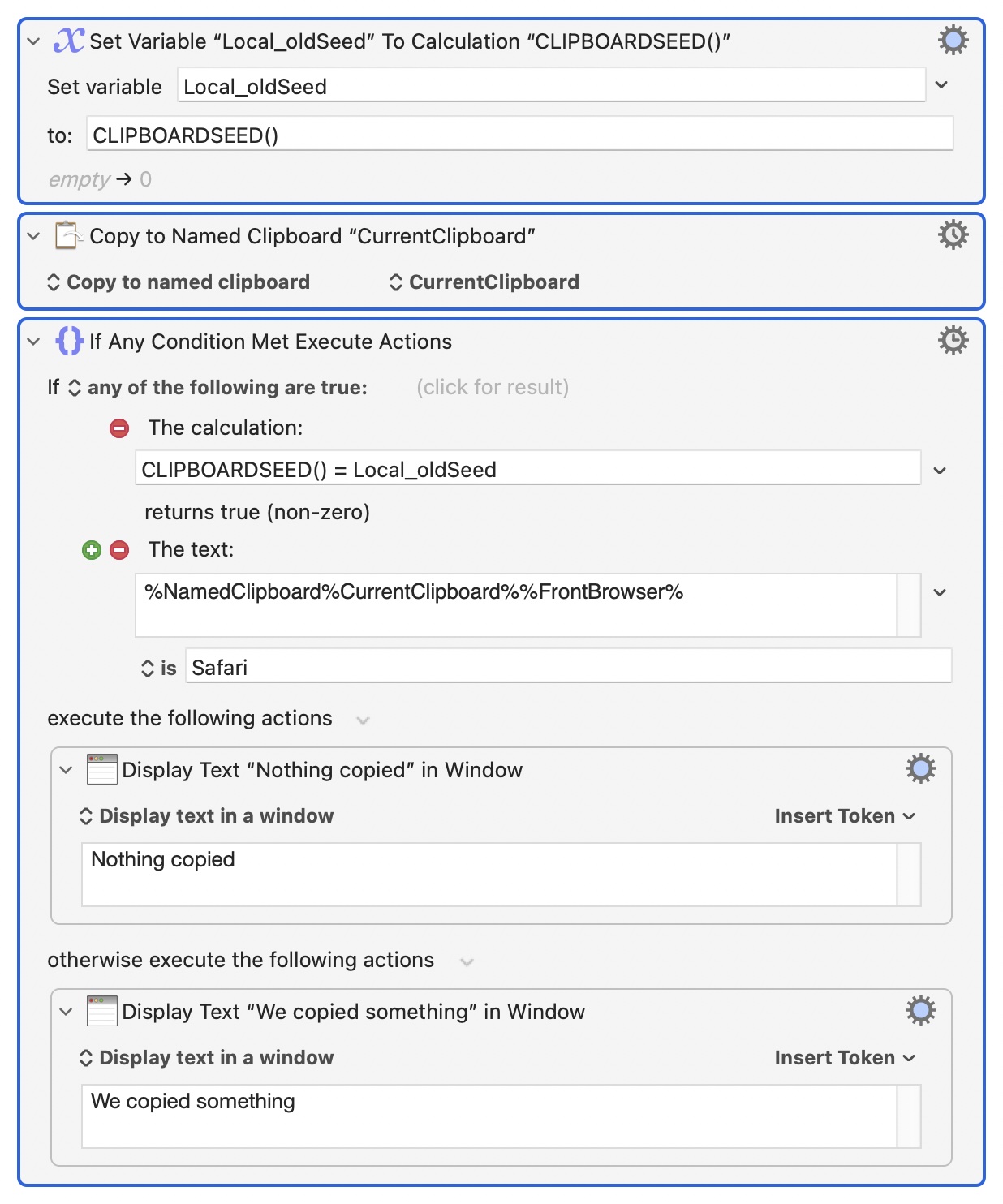
And you have to do this for yourself. Different apps, even different versions of the same app, can behave differently when Copying with nothing selected. So this works for me in Safari, Opera and Firefox:
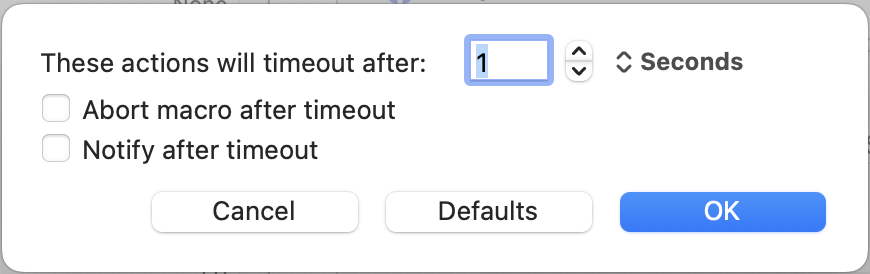
Remember that when there really is "nothing to Copy" then the "Copy" action will fail -- and, by default, that will be after 10 seconds and will abort your macro. So you need to change the action's Options, allowing long enough for a "big" Copy but not so long that it gets annoying: