It is very easy, very simple to use MACRO: Execute Macro by Name (Spotlight) by @DanThomas:
- Trigger this macro (I use ⌘⌃⌥M)
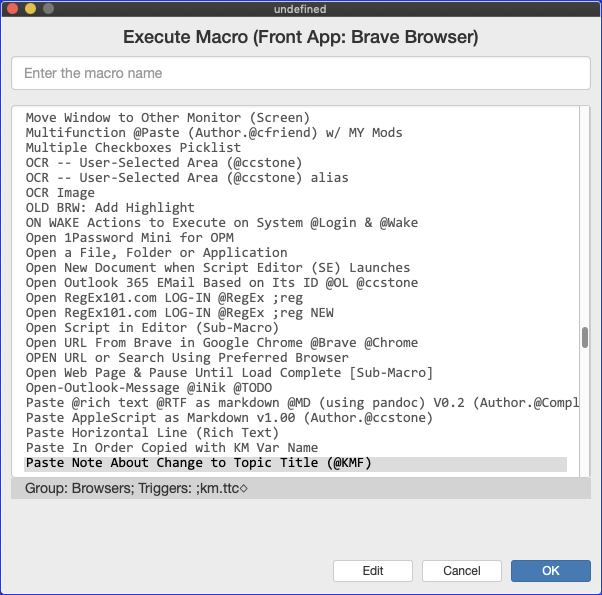
- This popup window appears,
- which filters your macro list to only those that are ACTIVE in the present context (app).
- So this window shows ONLY those macros that can be triggered in Brave Browser.
.
- Simply start typing any characters in the macro name
- You can use a SPACE to search for different words in the macro name
.
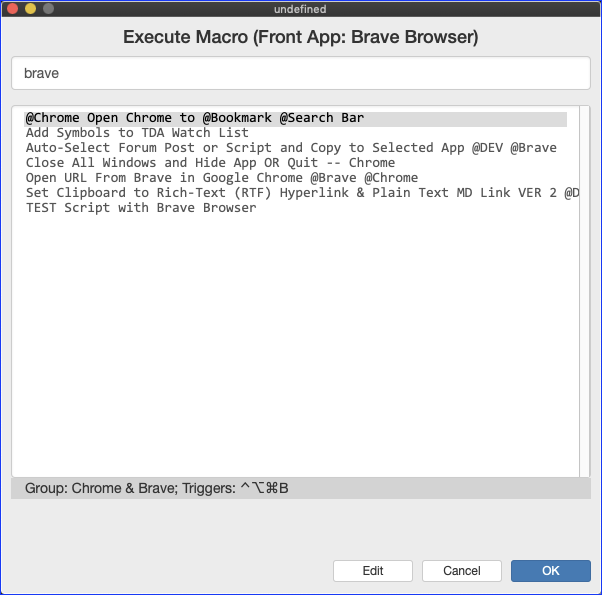
- You can use a SPACE to search for different words in the macro name
- If the macro finds your target macro, just hit RETURN
- Else arrow down or enter more characters to select your target macro; Then hit RETURN
It is very fast and very easy. It is my default way of triggering macros, which I use many times a day.
Make sense?