A few months back, @Peter posted a simple app launcher, which worked well. I saw it and thought "I wonder if I can maybe improve it just a bit, i.e. let me easily add other folders where I store apps."
My first take on it was just Peter's macro with a new method of finding apps, and a setting to let me add more folders without mucking with the shell script. But as is typical of my projects, one thing turned into another, and the complexity grew—especially when I saw @BernSh's addition to the topic (they created a visual switcher with app icons). I liked the visuals, but love using the keyboard, so I wanted the best of both worlds.
So again, the complexity grew, and finally, we have what I'm simply calling App Launcher…
— App Launcher Macros (v11.0.4)
— App Launcher Macros.kmmacros (66 KB)
This is your standard app launcher, in that it presents a list of all apps it can find, in both the usual /Applications folder and any others you specify. It can, however, take on various appearances…
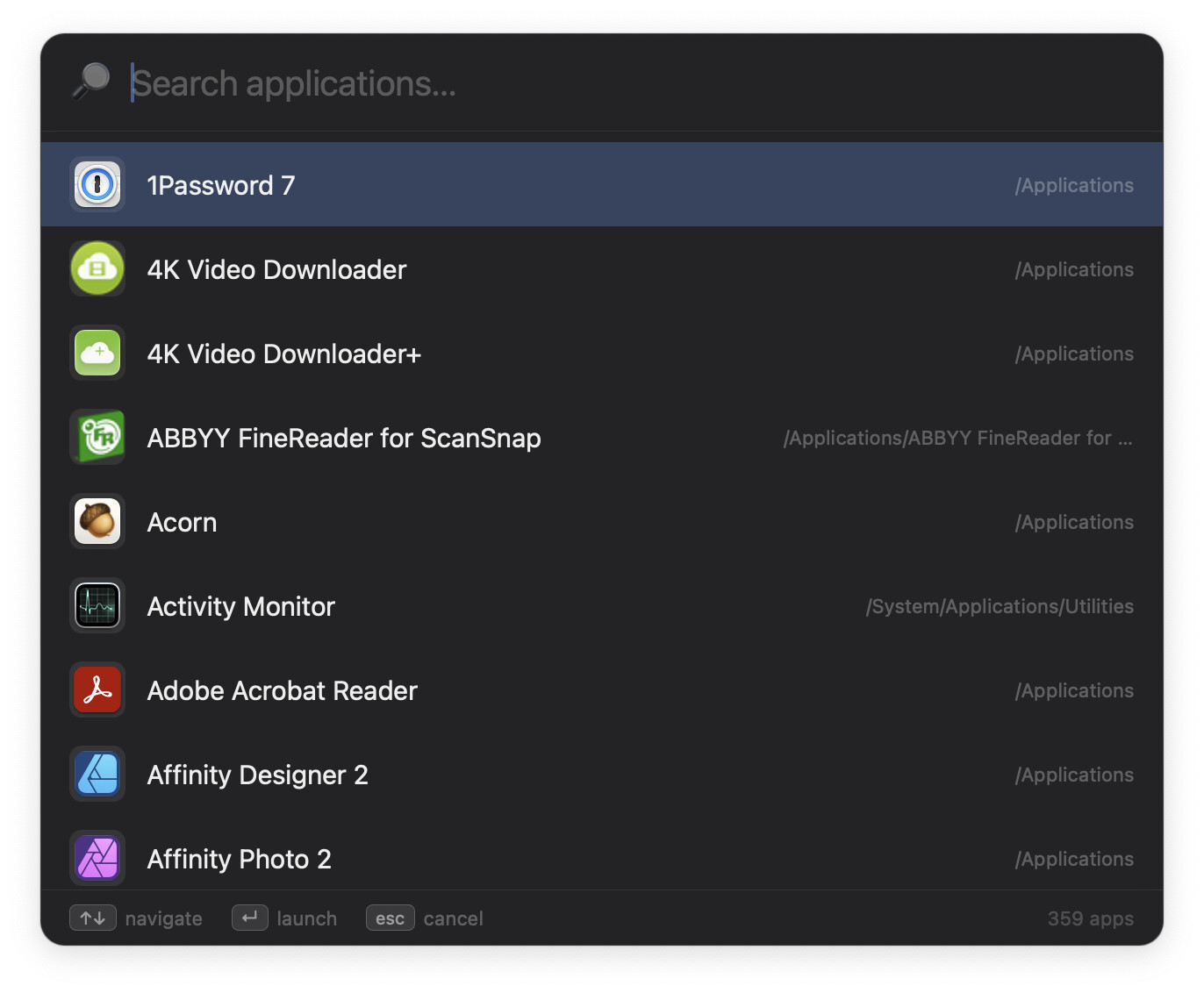
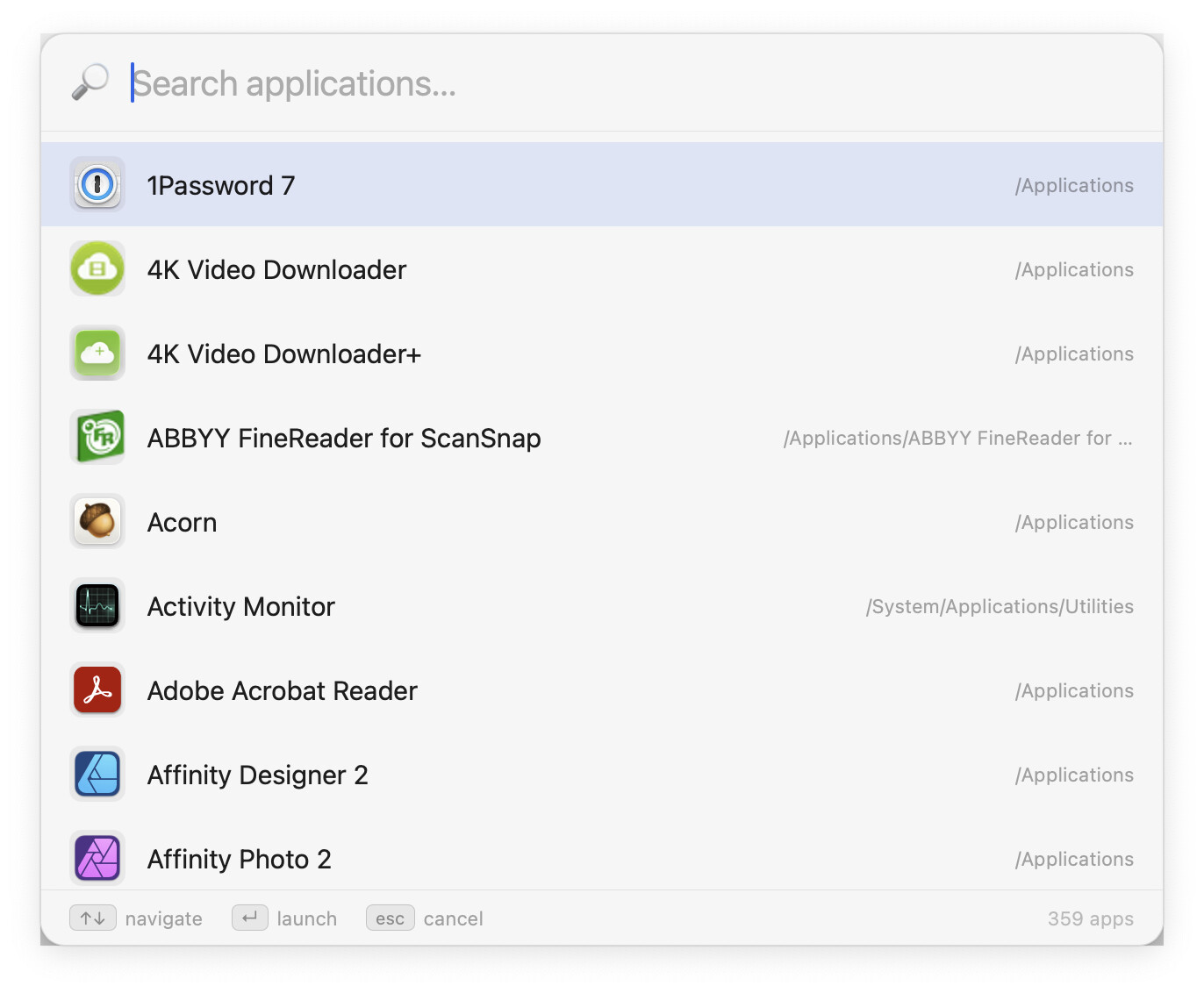
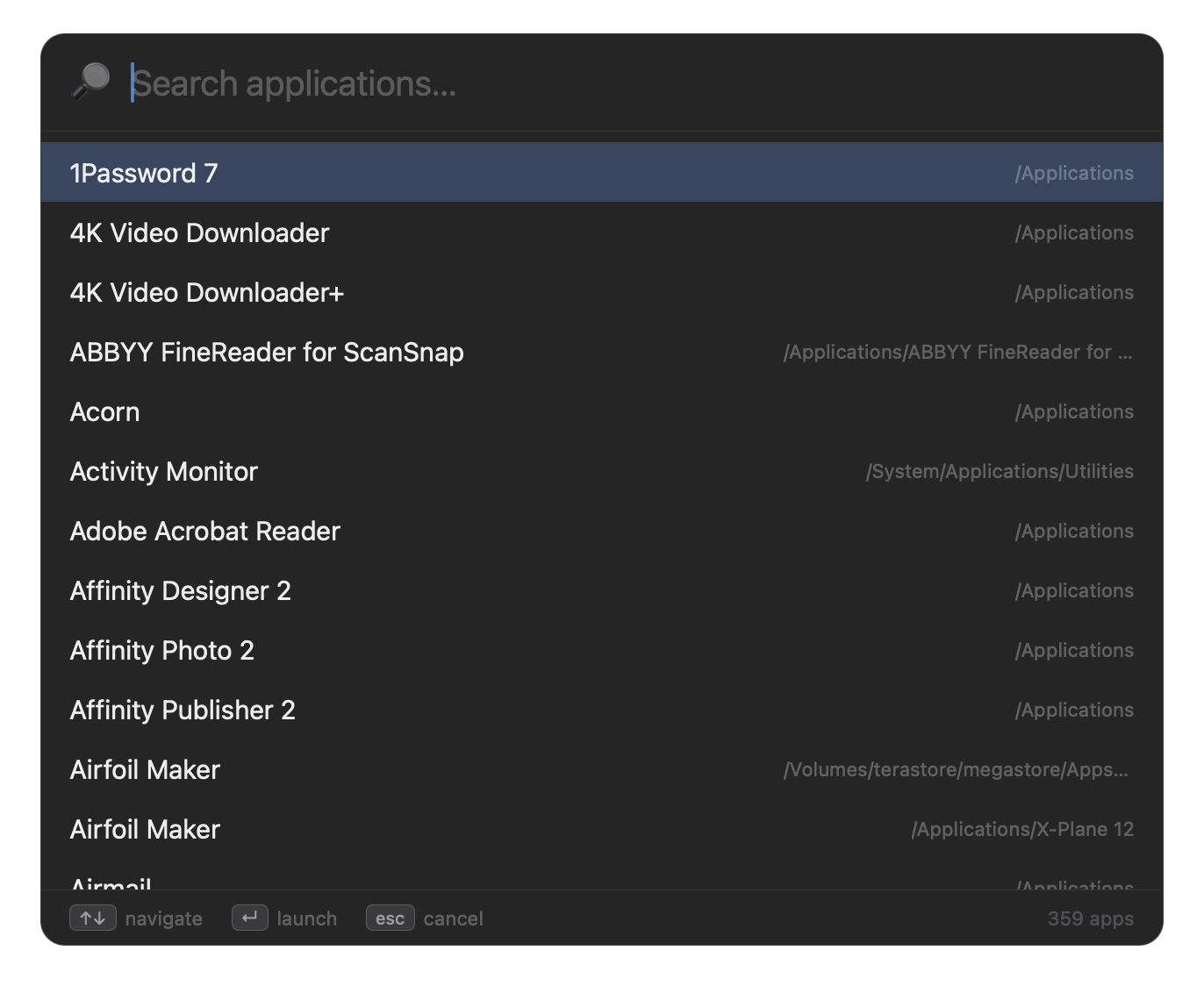
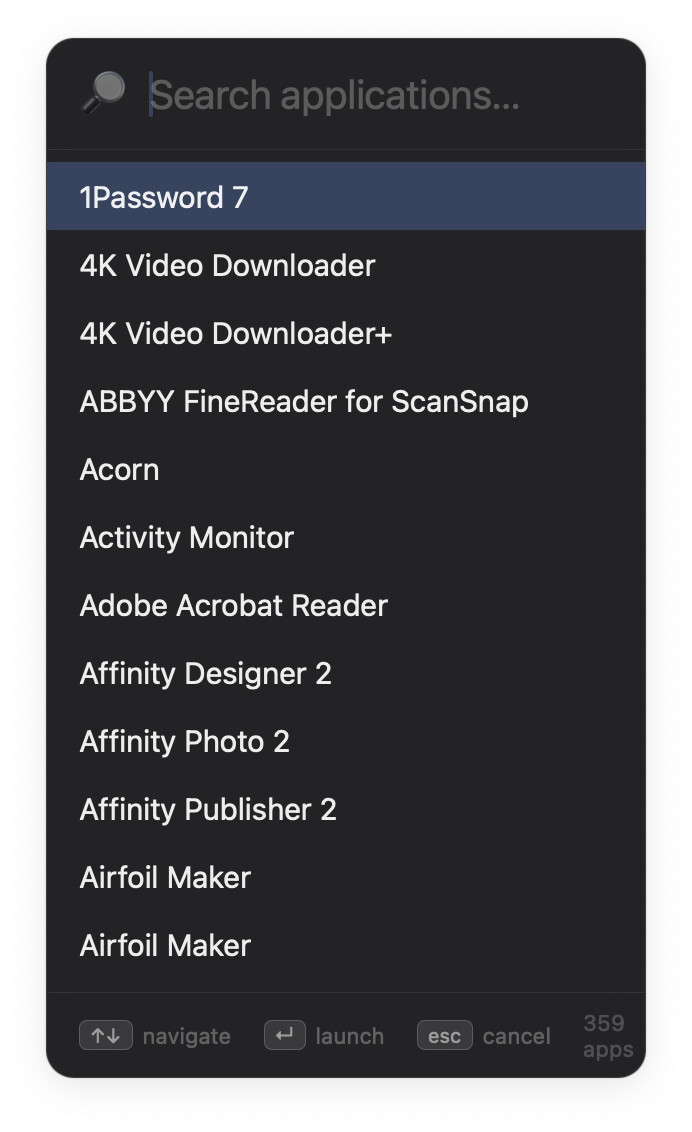
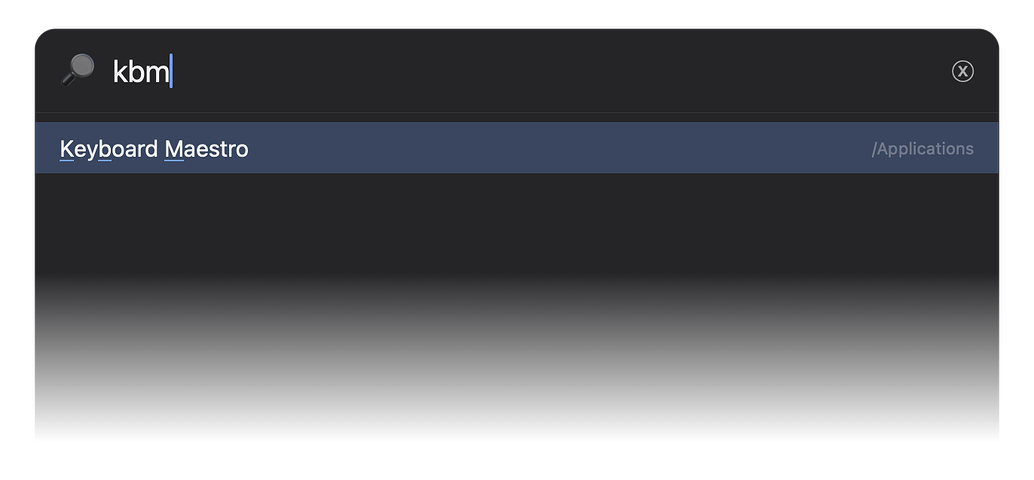
...and includes the option of fuzzy searching, which lets you do things like this:
━━━━━━━━━━━━━━━━━━━━━━━━━━━━━━━━━━━━━━━━━━
Note/Disclaimer: Claude was heavily involved in two aspects of this macro: The Swift code that gets the list of apps and converts their associated icons, and the JavaScript that makes the launcher box interactive and adds all the cool features.
━━━━━━━━━━━━━━━━━━━━━━━━━━━━━━━━━━━━━━━━━━
Other features:
- Add as many app search paths as you wish.
- Exclude apps from the launcher by name and/or regex (i.e.
Safa.*), no path needed. - Show or hide the path display.
- Show or hide app icons.
- Choose light, dark, or auto (match Mac) theme.
- Enable or disable fuzzy searching.
- Set the launcher's window height and width.
- The list is built with Spotlight, as that's the fastest method. You can disable Spotlight support, though, and the only downside is that the occasional rebuilds will be somewhat slower.
- App list rebuilds automatically on an interval you can set, or you can do it manually by invoking with ⌃⌘⌥Space instead of the usual ⌃⌘Space. (You can change the shortcuts, of course, but if you want the manual rebuild available, either include the Option key in one of your triggers, or change the logic that checks for the Option key down to invoke the rebuild.)
The first time you run the macro, it will be somewhat slower than normal, as it has to both compile the Swift script it uses, and then find and save all the app-related data. The data is all saved in one global variable, rg_LaunchApps. When you rebuild the app list, only the list is rebuilt—there's no need to recompile the script.
The fastest mode is when configured as shipped, with icons disabled. In that mode, getting a list of 360 apps on my Mac takes 0.20 seconds on the first run; subsequent runs take only .03 seconds or so.
With icons enabled at 16px, those number increased only slightly on my Mac—0.28 seconds to build, and 0.035 seconds to display. Set to 32px, the values were 0.45 seconds and 0.04 seconds. Here's an example of the speed with icons disabled:
An animated GIF hides within…
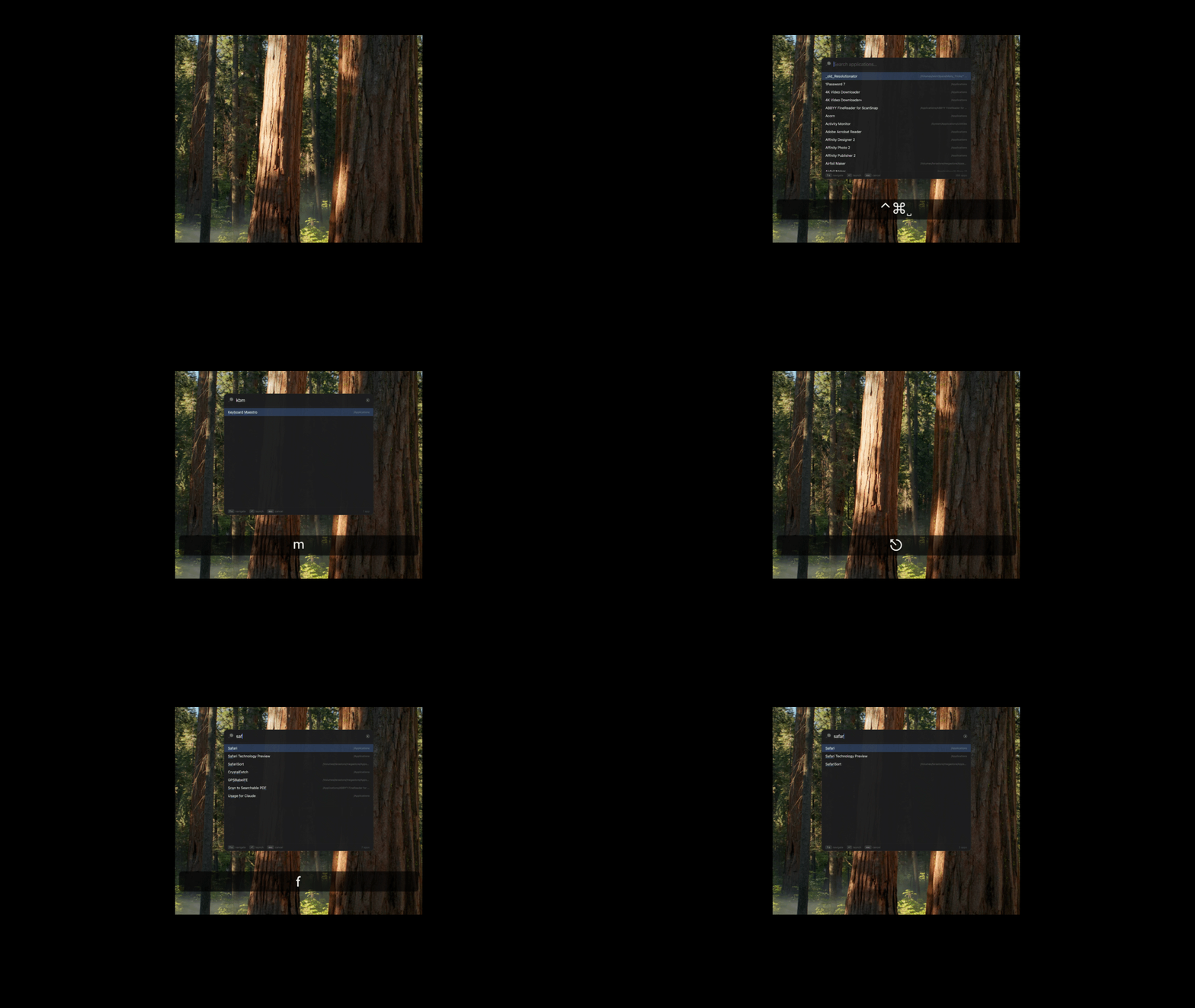
NOTE: Using 32px icons is not advised; on my Mac, it results in a variable that's 2.7MB, large enough that I once saw it excluded from the environment. But using 16px, it's only a 1MB variable, and they look acceptable.
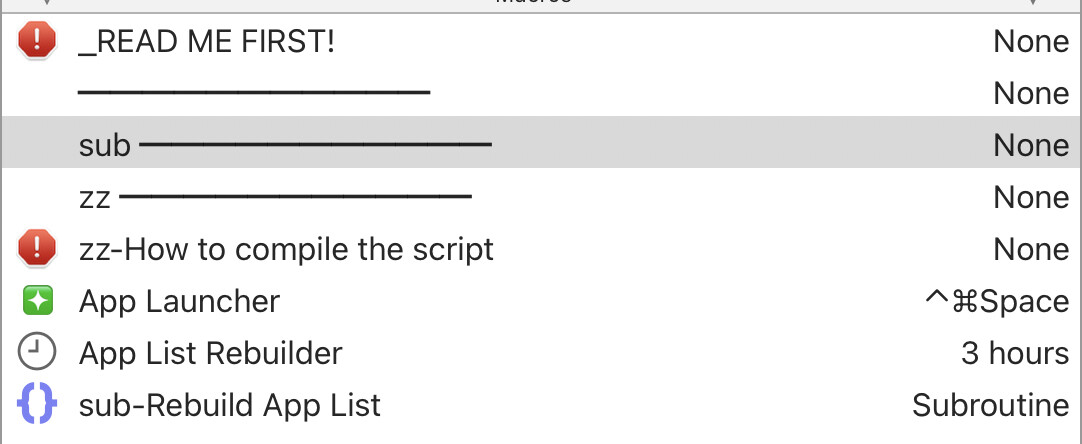
The macro should run as-is out of the box, but please read the Read Me First macro to learn about customizing the various settings. As of now, I haven't included my "check for updated versions of this macro" routines, but if this proves popular, I will. For now, just always check this first post for any newer versions of the macro.
Let me know if you have any questions.
-rob.