DOWNLOAD Latest Version 8.06 2026-08-31
Zabobon's Dynamic Workspaces v8.06 Macros.kmmacros (613.2 KB)
Save and Restore Workspaces (Positions/Sizes of Windows for Finder Folders, Applications and Webpages).
Keyboard Maestro: 11.1.1 macOS: 26.5.1 Tahoe
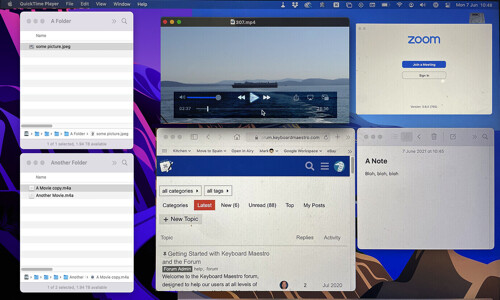
During the last couple of years, I had many online meetings where I arranged several Finder Windows and Apps on my monitors and had certain Webpages open. At the end of the meeting those Windows got moved and closed and I wanted a way to restore my nicely arranged Workspace the next time I had a similar meeting.
(Detailed Instructions and Version Notes are in the ReadMe Comment at the head of the main Macro. And there is a Help! button available when the Macro is running.)
UPGRADE INSTRUCTIONS:
Disable (or Delete) any previous Zabobon's Dynamic Workspaces Macro Group. Probably a good idea to just Disable the old Group at first in case you prefer it to this new version.
NOTE: This new version uses the same underlying data saving method as previous versions by using the same named Variables and Dictionaries. But it limits the maximum number of different Workspaces to 10.
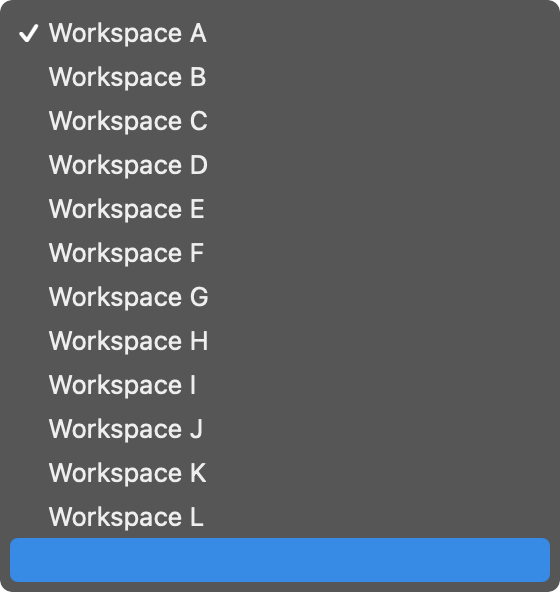
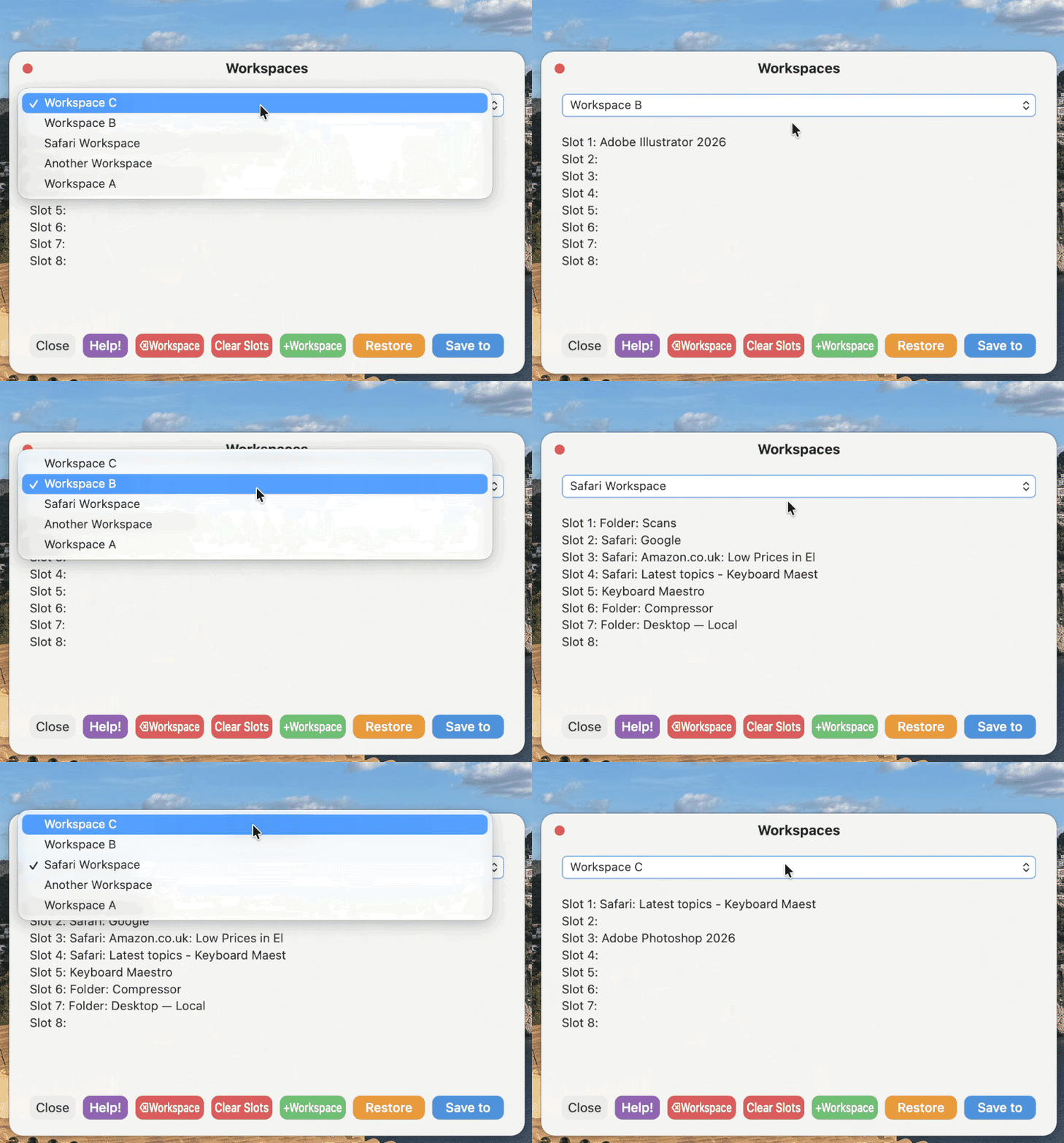
It introduces a simpler interface which live-updates depending on which Workspace is selected from the dropdown menu.
············································································································
SET UP:
The Macro Group will come in disabled so, you will need to enable it to work.
Change the Trigger Shortcut for the Workspaces Macro to what you would like. I have it as:
⌃⌘W
There are several Subroutines in the Group that are called by the main Workspace Macro. All of these Subroutines are needed for the Macro to work and they make it easier for me to control the flow of the Macros and make changes if needed.
The notifications and prompts are all HTML which allowed for custom layouts and actions.
············································································································
HOW TO USE:
Run the main Macro using ⌃⌘W and click on the Help! button for detailed instructions.
Version History, click to expand
Version: 8.03
• Complete rewrite of the interface to use custom HTML dialogs intead of Keyboard Maestro dialogs.
• Maximum number of currently saved Workspaces limited to 10 (Workspaces can be deleted to make way for new Workspaces if the 10 limit is reached).
Version: 6.01
• Bug fixes (Safari and Chrome Windows not saving correctly) and interface change.
Version: 5.02
• Switched over to using Keyboard Maestro 10 Subroutines Actions to make it easier for me to maintian the Macros going foward.
• Removed Option to overwrite Finder Windows if they are in an identical position to a previously saved Finder Window to simplify usage.
• Removed Option to Restore just one Window in a Workspace to simplify usage.
Version: 4.09
• Fix for AppleScript bug in macOS 12.3 which broke Keyboard Maestro's Open with Finder Action.
Version: 4.06
• Corrected typo of "minimized"
• Added Checkbox in the Save Workspace Prompt, to overwrite Finder Windows if they are in an identical position to a previously saved Finder Window in that Workspace.
Version: 4.05
• Interface Changes.
Version: 4.04
• Interface Changes.
Version: 4.03
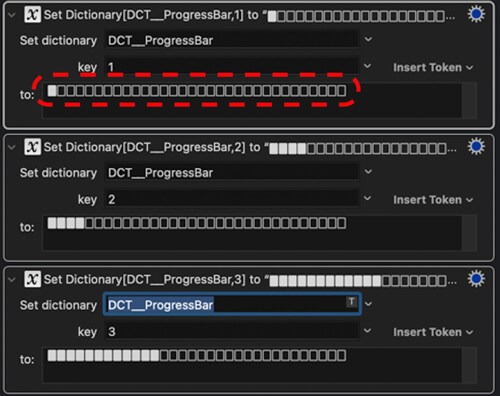
• Replaced my Progress Bar with KM10 inbuilt Progress Bar.
• Added option to restore a single Window from the selected Workspace.
• Added an Option to Minimize other Finder Windows before Restoring Workspace.
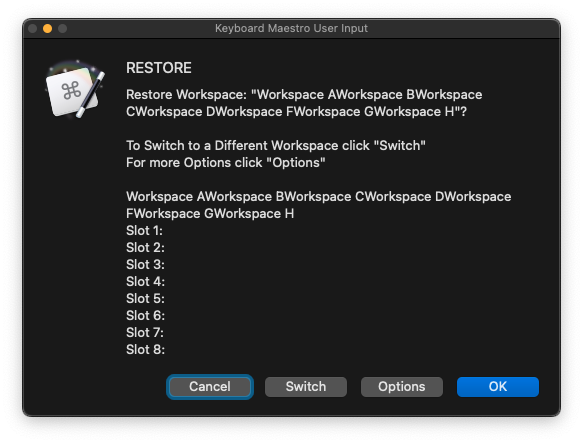
• Interface Change for Previewing of Workspaces.
Version: 3.12 2021-11-02
• Fixed huge bug in previous version that broke Options.
Version: 3.11 2021-10-17
• Interface changes to the User Prompts to clarify when a Workspaces will be Restored and when it will be Previewed.
• Removed Auto-Postioning of User Prompts.
Version: 3.10
• Minor Interface change.
Version: 3.09
• Should work correctly on Mac Systems that are not set up with the language as English. (Before, a few of the pauses waited for certain menu items to appear and if those menu items were not in English, the Macro would pause forever).
Version: 3.08
• Added Help Button with Instructions
Version: 3.06
• Prompts now centre on screen
Version: 3.04
• More work on the Interface and fixed typos
• Added option to put Workspaces into A-Z order
Version: 2.96
• Added option to rename Workspaces
• Bug fixes
• Still more simplification of the Interface...
Version: 2.89
• A few interface changes and a couple of bugs squashed.
Version: 2.83
• Changed to allow an unlimited number of Workspaces.
• Changed to allow saving of multiple Safari or Chrome Webpages in each Workspace.
• Added Macro, "Workspaces Options..."
• Tried to simplify the interface, whilst adding more options.
• Reworked the Progress Bar to stop it vanishing and reappearing in a long Restore.
Version: 2.25 2021-07-26
• Increased number of possible saved Workspaces from 6 to 12
• If a single Workspace Name is edited, it becomes the chosen workspace (in previous versions it had to be selected again from the the dropdown list after editing which was a bit clunky)
Version: 2.23 2021-07-11
•Added shortcut keys to the Dialog Buttons - Cancel (shortcut Esc), Edit (shortcut E), Clear Slots (shortcut C)
Version: 2.22 2021-06-25
• Simplified the Clear Workspaces Macro.
• Bug fix (removed delay at the end of the Progress Bar).
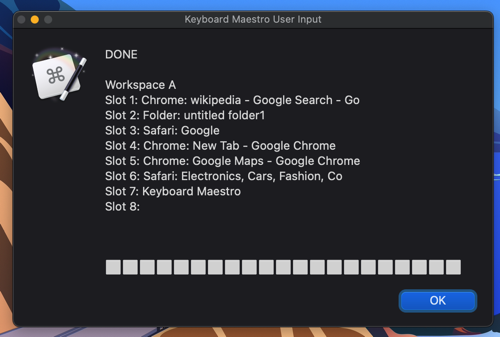
• Tidied up the display of restoring Webpages on the Progress Bar.
Version: 2.21 2021-06-24
• Added a Progress Bar to give live feedback on the Windows being Restored.
• The Progress Bar lists each Window in the Workspace as the Macro Restores and also lists any Webpages that are associated with the Workspace.
Version: 2.191 2021-06-21
• Bug fix
Version: 2.19 2021-06-18
• All saved Data from v2.17 onwards will always remain in Dictionaries so, downloading this new version will not mess up any Workspaces you might have saved.
• Some interface tidying up to make things clearer.
• Reduced timeout on Pause for Applications to open fully from 1 minute to 5 seconds as I was finding Zoom restoring caused the Macro to pause for the full 1 minute every time.
• Removed the separate Macro "Edit Workspaces" and made it a part of the other three Macros.
• Added the option to Clear Slots.
Version: 2.17 21-06-11
• Stable Version allowing Multiple Workspaces to be Saved and Restored.
• Data now mostly Saved in Dictionaries.

 )
)