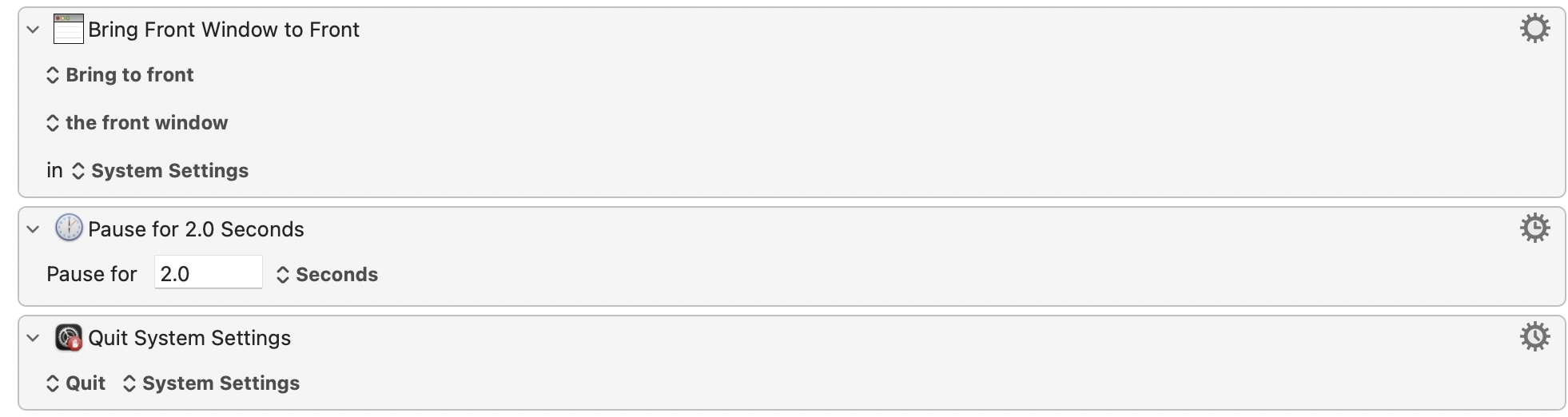
If you can load them manually I'm sure you can find a way for KM to automate that process, whether by script using System Events in a similar fashion to the above or via a sequence of KM "Press a Button" or "Click on Found Image" Actions.
For Teams -- the easiest (Only? I hope not!) way is test if the "Camera in use" icon is showing in the menu bar. This will return 0 if the camera is not in use:
tell application "System Events"
	tell process "Control Centre"
		tell menu bar 1
			return count of (every menu bar item whose description is "Audio and Video Controls")
		end tell
	end tell
end tell
...which is handy, because KM treats 0 as false and anything_else as true. That does assume you're sharing the camera through macOS to Parallels, not somehow bypassing macOS and connecting directly to the VM.
You might be able to do something with the window name, since you are using Coherence. There are only a limited number of Teams windows with only one | character in their name, for example, so if there's a a window with only one | and it's not one of the known set you're probably on a call.
If either of those detection methods work for you, you can turn the screensaver off with
defaults -currentHost write com.apple.screensaver idleTime 0
and turn it back on with
defaults -currentHost write com.apple.screensaver idleTime 300
...where 300 is the idle time in seconds before the screensaver kicks in (so 5 minutes).
Or you may prefer to caffeinate -- especially if you're on a Managed Device and your IT team enforce a screensaver idle time! caffeinate is a built-in utility:
caffeinate -i -t 300
...will set a "not idle" assertion (-i) for the next 300 seconds (-t).
For both, I'm thinking a macro in a Group that's only "available" when Teams is running and with a "Periodic" trigger that fires every couple of minutes -- if you are in a call then it either turns the screensaver off or caffeinates for slightly longer than your trigger interval, if you aren't it runs the screensaver on again or doesn't caffeinate.
Unfortunately Teams test calls are limited to 15 seconds so I can't really test!