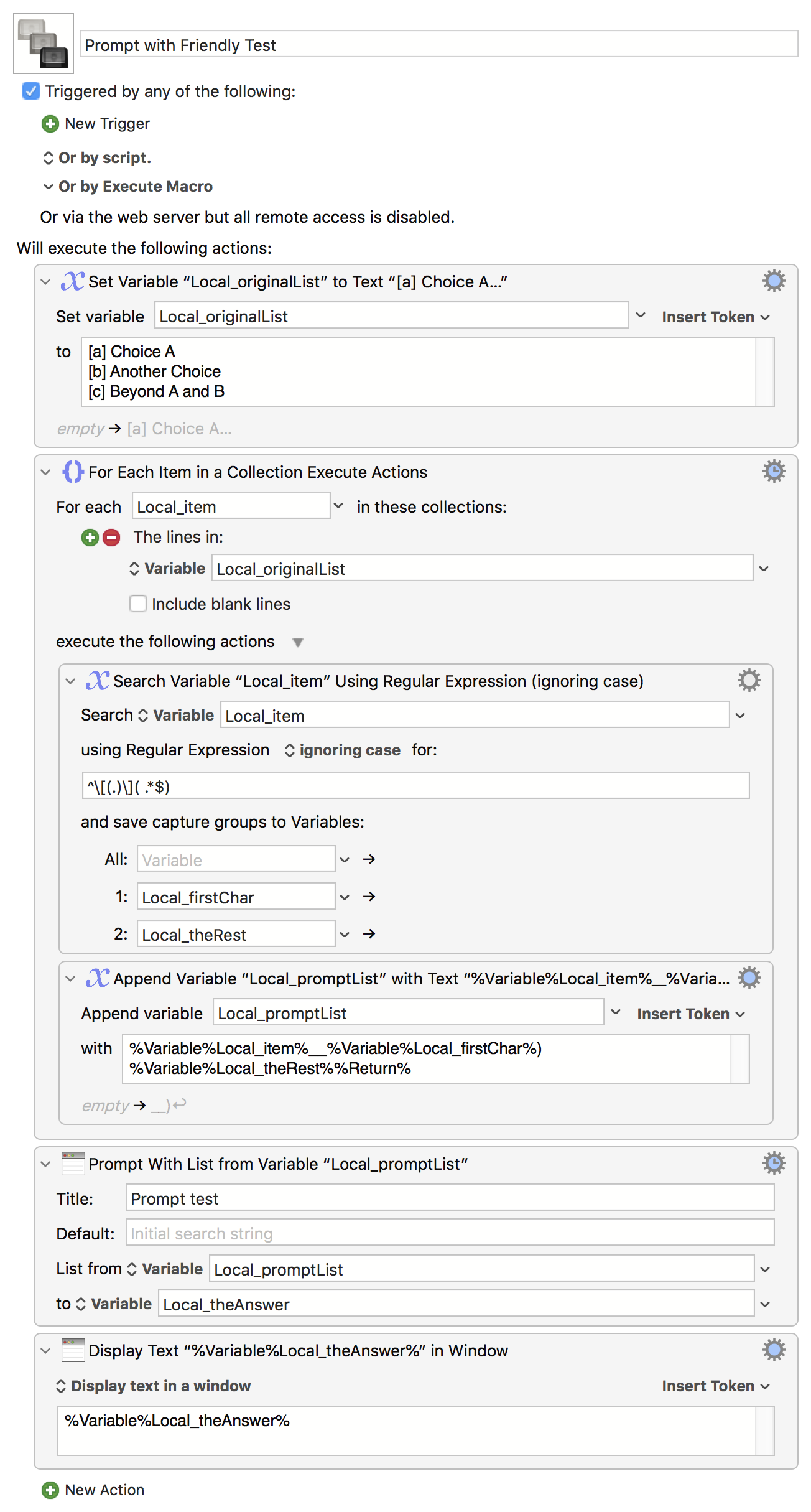
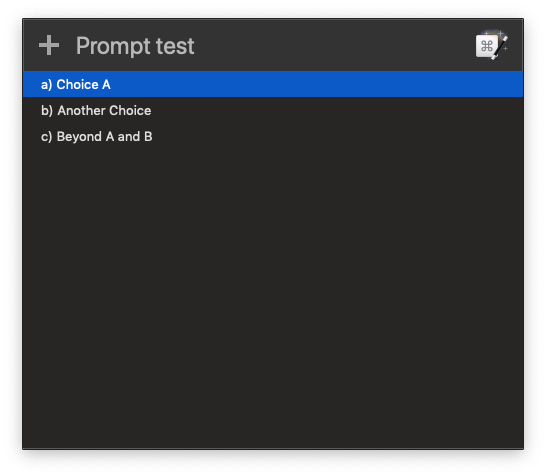
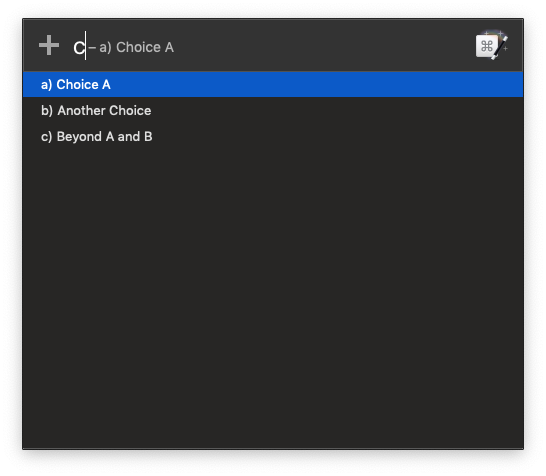
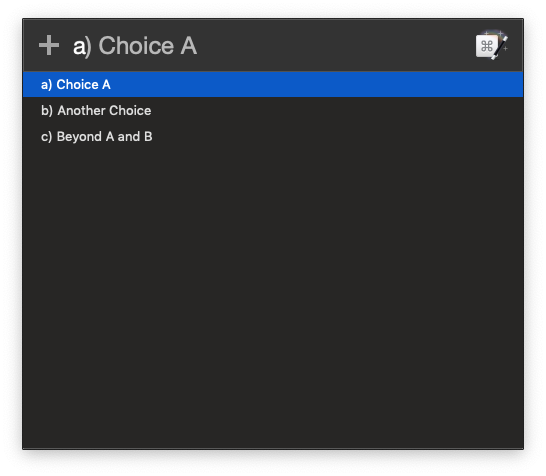
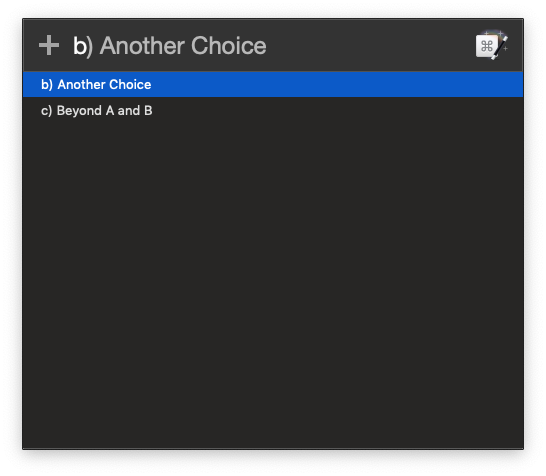
I'm trying a simple Prompt With List test:
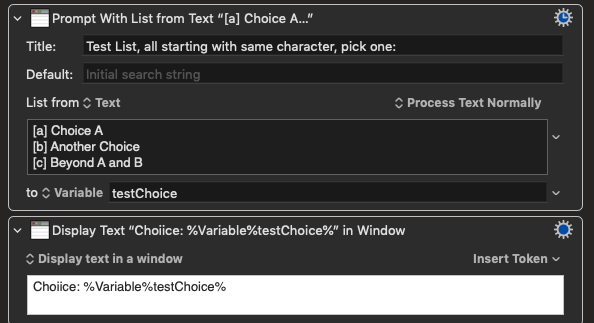
I want to be able to press a [Return] or c [Return] and get the appropriate selection; I'm assuming that the search for a match in the list begins ats the beginning of the strings. (Note: the details of the search/match process are not explained in the manual page, which seems geared toward mouse input rather than keyboard.)
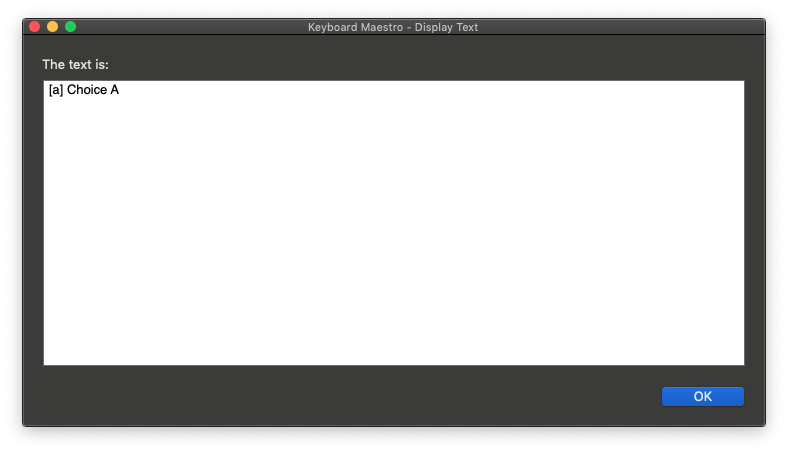
But the above test does not work as I expect it to. When I type a [Return] or b [Return] I get the a and b results, as expected. But not because of the filtering that I expect. When I type a[Return] the list is not filtered, but the a choice is first, so it works. When I type b[Return] the first item is filtered out, leaving b and c, with the b the first choice, and it works. But when I type c[Return] I get the a result because typing c does not exclude anything from the list, all entries are shown, and the [Return] selects the first choice in the list.
What am I not getting about how this works, and how can I make it work the way I expect? I can make variations on the prompts, but I really would like them all to be able to start with a character like "[", if possible. If I put the "[" character in as the default, it's in the search string, but it doesn't stay there when I type a single letter, so the behaviour is as before, unless I start typing with a Right Arrow keystroke.
I can't be the first person to trip over this, but I haven't been able to find anything in the Wiki or Forum so far. If this has been explained elsewhere, please advise!
Thanks.
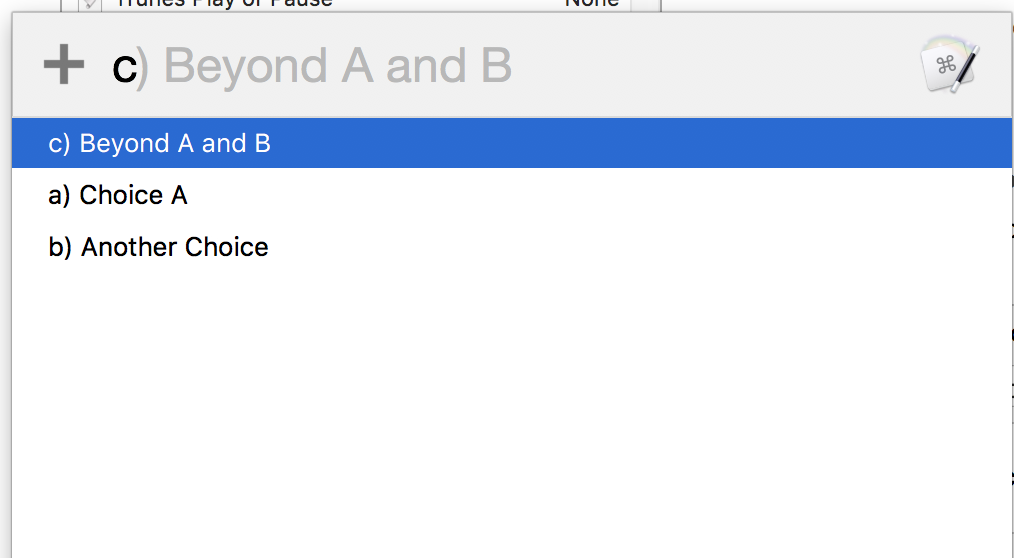
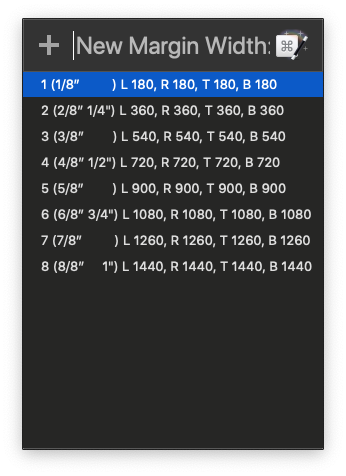
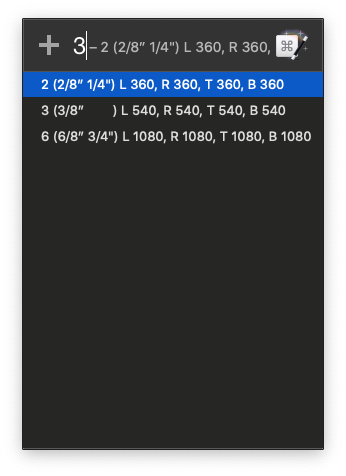
[UPDATE] I marked Peter's explanation in post #18 as the solution, along with his post #20, which confirms my guess at a fix, based on the explanation. His comment in post #18 refers to "the above list" which is not the example list in my original question, he is referring to the example list in post #16.